



Artificial intelligence has become central to automating content creation and design. By 2026, mainstream AI-generated tools will fall into: AI-powered presentation creation tools, traditional slideshow presentations, and interactive platforms.
This blog objectively reviews 10 leading tools, covering aspects such as content generation, speed, customization, price, and integration, aiming to help students, professionals, remote teams, and beginners find high-value solutions.
What Makes a Great Presentation Tool in 2026?
A great presentation tool is not just about appearance, but about balancing automation with control, and speed with quality:
1. High-quality AI generation
2. Customization
3. Integration and export capabilities
4. Reasonable pricing
Only by combining these 4 aspects into a smooth workflow can a tool be considered one of the Best presentation tools.
Top 10 AI Presentation Makers in 2026
Here is a curated list of AI presentation tools to help you find what you need:
1. Smallppt
Smallppt is an all-in-one AI presentation generator that handles text, design, templates, and full presentations. It simplifies slide creation while offering various file conversion tools, making it suitable for both beginners and experienced users.
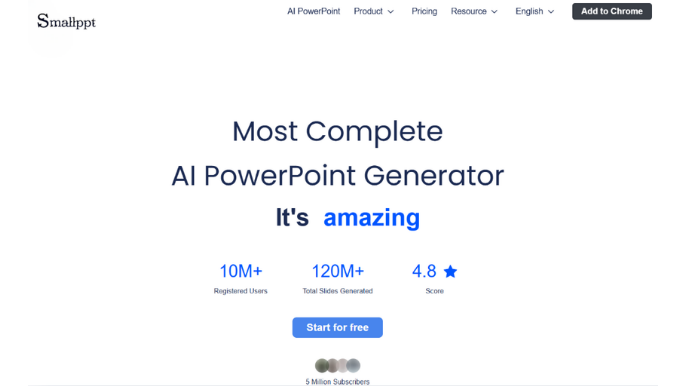
- Pros: Fast generation; easy to use; rich templates; strong auto layout system; versatile features; suitable for individuals and teams.
- Cons: Deep professional content still يحتاج manual refinement; complex data still requires manual handling.
- Price: Smallppt Start for free; $19.99 monthly plan unlocks full features and unlimited templates.
2. Beautiful.ai
Beautiful.ai supports automatic optimization of charts and visuals, adjusting layouts and designs so users can create professional slideshows without any design skills.
- Pros: Easy to use; consistent visuals; smart layout; strong data visualization.
- Cons: Limited customization; relatively simple AI features.
- Price: 14-day free trial, then $12 per month billed annually for the Pro plan.
3. Slidebean
Slidebean is an AI-powered pitch deck tool for startups, ideal for fundraising, business plans, and investor presentations, turning input content into polished slides efficiently.
- Pros: Great for fundraising; professional templates; saves design time.
- Cons: Limited design flexibility; advanced features require payment; not suitable for complex creative design.
- Price: Free version available; paid plans start at about $7 per month billed annually, depending on features.
4. Pitch
Pitch focuses on team collaboration and modern design, with its clean interface, modern templates, and real-time collaboration features making it a powerful tool.
- Pros: Strong collaboration; modern interface; accurate content generation.
- Cons: advanced features require payment; not suitable for complex creative design.
- Price: Free version available; paid plans start at $10 per month for individuals.
5. Canva Magic Design
Canva Magic Design is an AI feature that generates complete designs from text or images, including presentations, posters, and social media content.
- Pros: One-click design generation; easy to use; consistent visuals; fast output.
- Cons: results can feel similar; advanced features require payment.
- Price: Free version available; paid plans start at $165 per year for individuals and $240 per year for business plans.
6. Figma Slides
Figma Slides blends design and collaboration, offering high customization and integrating design workflows into presentation creation.
- Pros: Deep integration with design systems; highly customizable; ideal for product and design teams.
- Cons: Steep learning curve; not suitable for general office users; requires design knowledge.
- Price: Free version available; paid plans range from $5 to $20 per month, depending on features.
7. Prezi AI
Prezi AI creates non-linear presentations with dynamic zooming, using AI to generate structure and visual flow for more engaging storytelling.
- Pros: Dynamic presentation style; strong visual impact.
- Cons: Requires adjustment for traditional users; more complex structure.
- Price: Free version available with a 14-day trial; paid plans range from $7 to $29 per month, billed annually.
8. Google Slides
Google Slides is a cloud-based presentation tool with real-time collaboration and lightweight editing, ideal for teaching, teamwork, and everyday use.
- Pros: Free to use; cloud storage; easy to use.
- Cons: Limited design capabilities; fewer templates; weaker advanced animations.
- Price: Free for personal use; advanced features require a Google Workspace subscription.
9. Mentimeter
Mentimeter is an interactive presentation tool for classrooms, meetings, and training, enabling real-time audience participation through polls, Q&A, and word clouds.
- Pros: Strong interactivity; great for classes and meetings; real-time data visualization.
- Cons: Average design capabilities; advanced features are relatively expensive.
- Price: Free version available; paid plans range from €14 to €28 per month billed annually; enterprise pricing is custom.
10. Visme
Visme specializes in data visualization and multi-format content, supporting presentations, infographics, reports, and social media—ideal for marketing and business use.
- Pros: Strong data visualization; rich templates; good interactivity.
- Cons: Limited free version.
- Price: Free basic version; paid plans start at $12.25 per month, with advanced features at $24.75 per month.
How to Choose the Right Presentation Tool in 2026
The best tool is not the most expensive one. It depends on your needs:
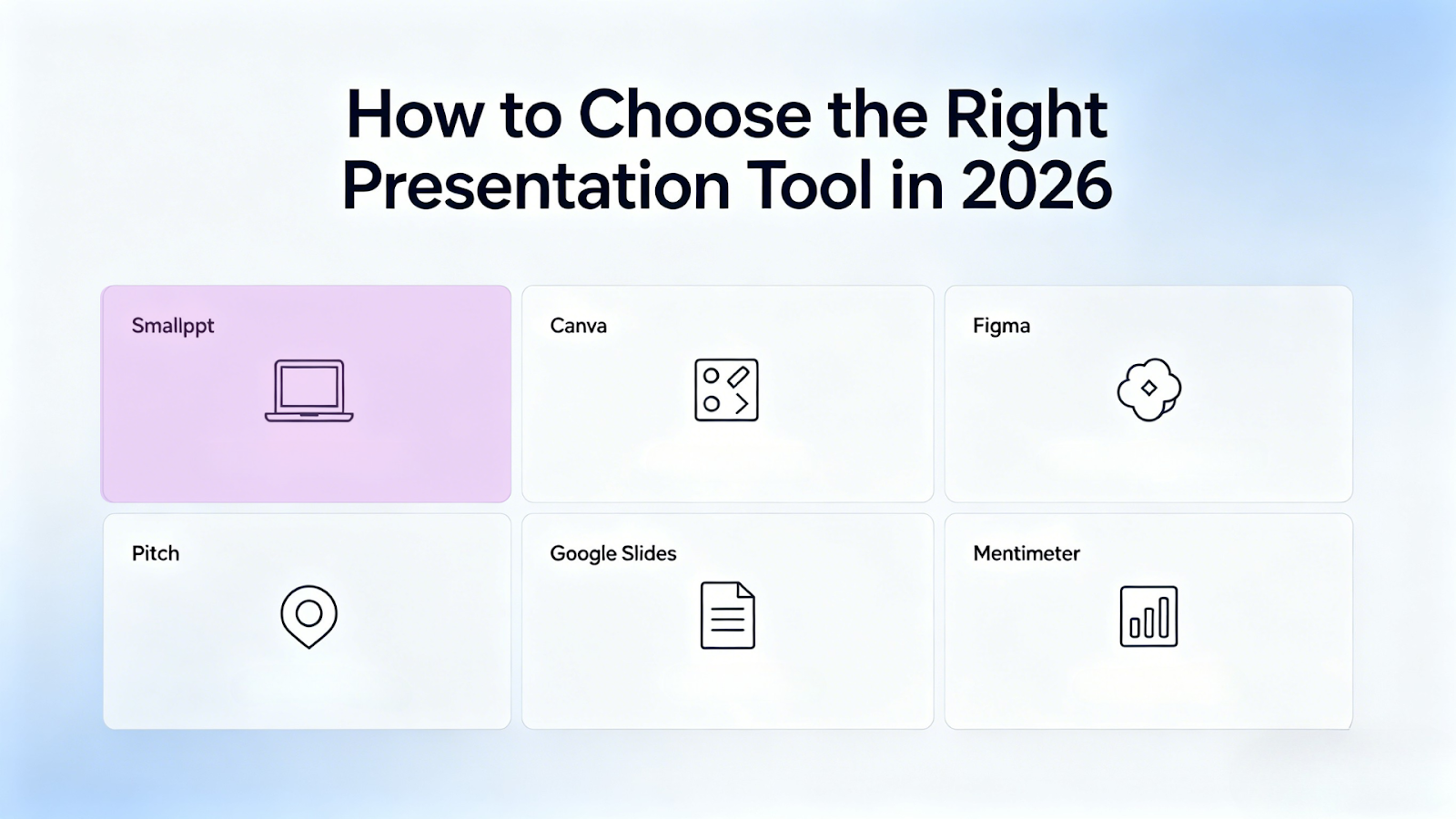
- If you need fast, high-quality AI-generated presentations, Smallppt Start, available for free, is your best choice.
- If you value design flexibility, Canva or Figma is the better option.
- If you need team collaboration, Pitch or Google Slides offer the best solutions.
- If you need interaction, Mentimeter provides the best real-time engagement features.
Each tool has its strengths. The best choice depends on your workflow and goals.
FAQs about Presentation Tool
Q1. Which presentation tool is best for beginners?
Tools like Smallppt and Canva are ideal for beginners because they are easy to use and require no design skills.
Q2. Which tool is best for team collaboration?
Google Slides and Pitch perform best in real-time collaboration. Smallppt also offers team features.
Q3. Can AI tools generate full presentations?
Yes. Many tools can generate complete presentations from prompts, but some manual editing is usually needed.
Conclusion
By 2026, presentation tools will be more powerful and easier to use. People will consider factors like speed, design, collaboration, and interactivity when choosing tools, rather than sticking to a single tool.
Smallppt excels in overall workflow, while Canva, Pitch, and Mentimeter lead in design, collaboration, and interactivity, respectively.
The best tool for you should help you communicate your ideas clearly.


![Download Amazon Music to MP3: Unlock Offline Listening Forever [2026 Guide] Post feature image](https://images.unsplash.com/photo-1730818027473-176ab8a3bb4c?crop=entropy&cs=tinysrgb&fit=max&fm=webp&ixid=M3wxMTc3M3wwfDF8c2VhcmNofDF8fGFtYXpvbiUyMG11c2ljfGVufDB8fHx8MTc3NDg2MDAwNnww&ixlib=rb-4.1.0&q=80&w=1600)

