



For programmers and coders, effective note-taking is a fundamental aspect of staying organized, boosting productivity, and retaining important information.
With the abundance of digital tools available, finding the right note-taking app can significantly enhance your coding workflow.
Whether you're jotting down ideas, documenting snippets of code, or organizing project details, these note-taking apps will empower you to streamline your work, access information effortlessly, and excel in your coding endeavors.
In this article, we will explore seven essential note-taking apps specifically tailored for programmers and coders. These apps offer features designed to meet the unique needs of tech professionals, such as code formatting, syntax highlighting, collaboration capabilities, and seamless integration with development environments.
7 Note-Taking Apps to Boost Productivity
#1 – Notion
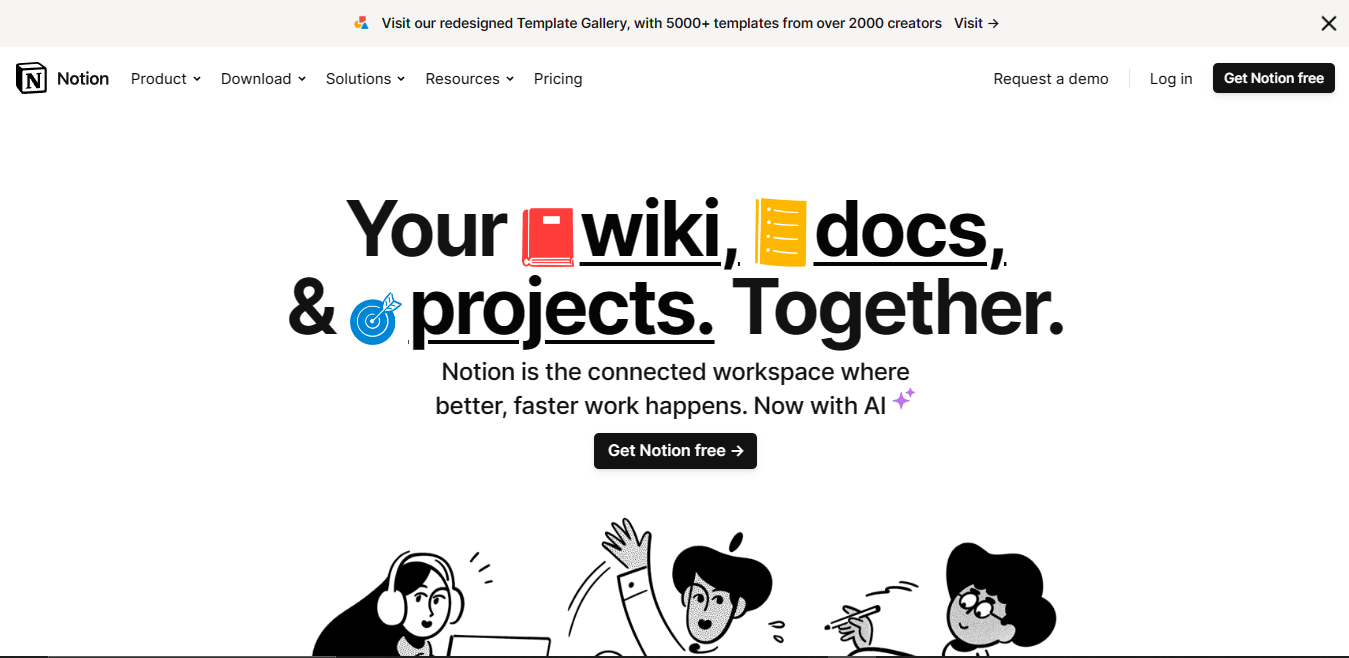
Notion is a powerful all-in-one workspace and note-taking app that provides a flexible platform for organizing and managing various types of information. It allows users to create and customize their own digital workspace, combining elements such as notes, documents, to-do lists, databases, and more. Notion has gained popularity among programmers, creatives, entrepreneurs, and individuals looking for versatile and customizable tool to organize their thoughts, projects, and knowledge.
#2 – Quiver
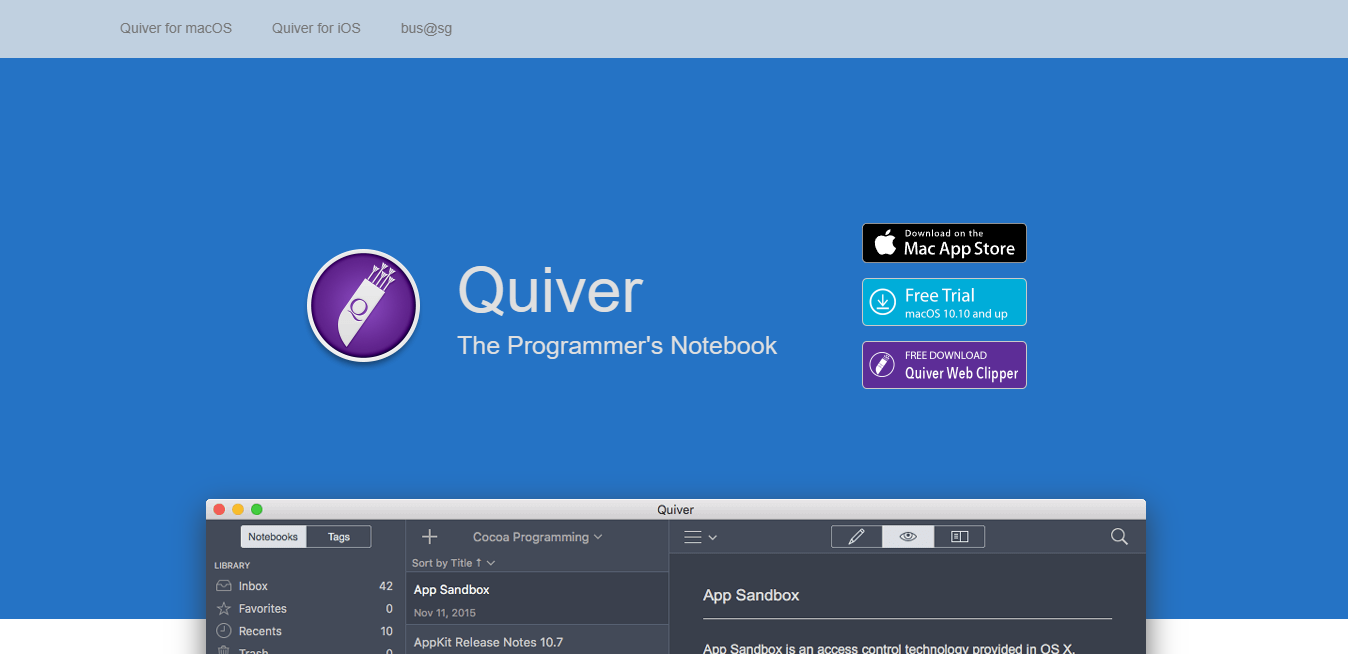
Quiver stands out as an exceptional note-taking application for programmers seeking flexibility. It enables users to seamlessly blend Markdown and LaTeX formats while incorporating embedded code within their notes. Moreover, Quiver boasts a dedicated code editor within the app, surpassing its competitors in terms of cleanliness and responsiveness. This remarkable combination ensures that programmers can effortlessly take notes, significantly enhancing their workflow.
#3 – OneNote

OneNote is a digital note-taking application developed by Microsoft. It is part of the Microsoft Office suite and is available on various platforms, including Windows, macOS, iOS, and Android. OneNote allows users to create, organize, and store notes in a digital format. OneNote also offers features such as searching, tagging, and highlighting to help you find and manage your notes efficiently. It supports collaboration, allowing multiple users to work on the same notebook simultaneously, making it suitable for group projects or team collaboration.
#4 – Boost Note

When it comes to note-taking software for coders, Boost Note is a fan favorite. It has several contemporary note-taking features, such as Markdown formatting and folder-based organization. And, while it lacks some capabilities, such as online clippings or handwritten notes, it does include snippets, a popular tool.
Code blocks can be directly included within standard notes. To collect and arrange numerous code blocks into a single note, you can alternatively construct distinct snippet-type notes. Checkbox-based lists are also supported for task management.
#5 – Cherrytree
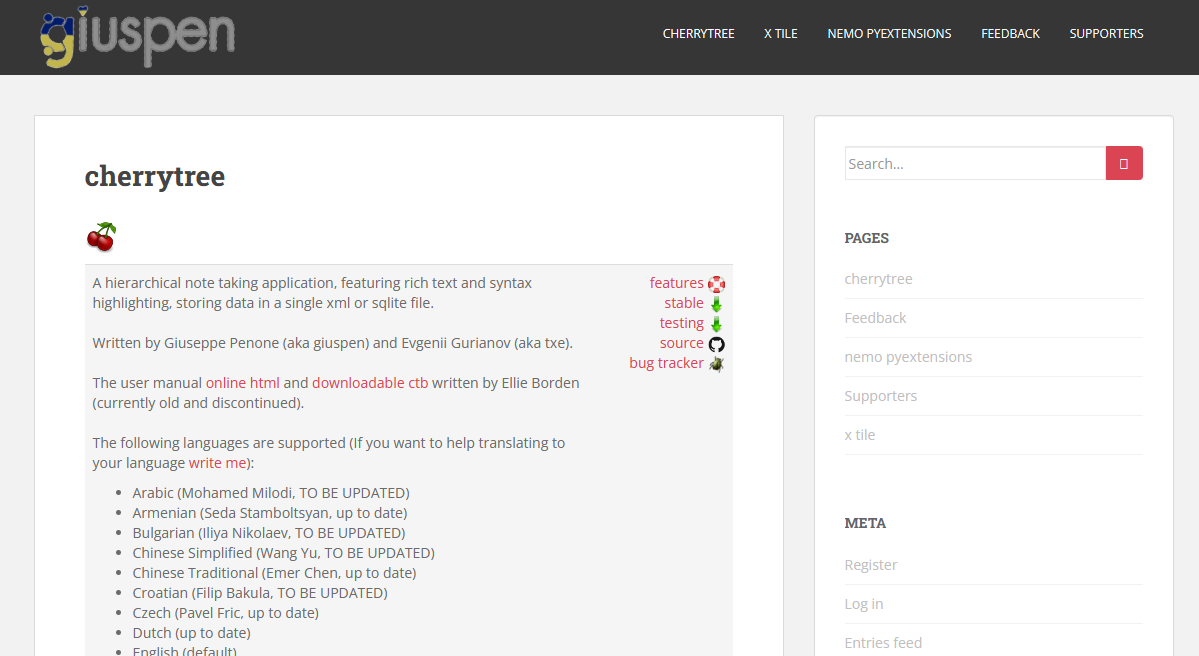
With Cherrytree, you can insert links to any other page anywhere in the notebook, making it more like a personal wiki than the majority of note-taking programs for programmers. There are other programs that are comparable, such as wikidPad and Zim, however Cherrytree allows a unique page type for coding. Regular notes can be used for tasks and ideas, while the code note feature can be used for snippets. Both sorts of pages function in the same way in terms of page hierarchy options.
#6 – Turtl
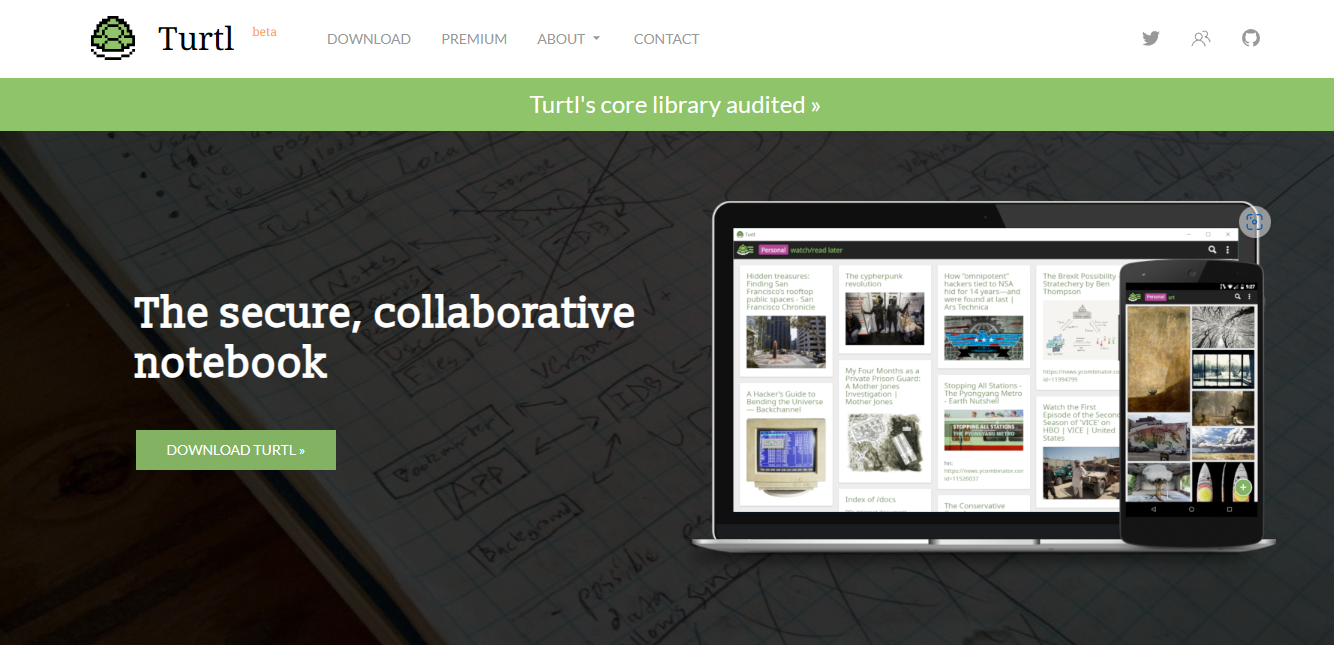
Turtl is a safe and collaborative notepad that enables you to plan your day, safeguard your information, and collaborate with others. It can be used to store files, shopping lists, bookmarks, passwords, and more. Turtl encrypts your data using cutting-edge cryptography so that only you and those you choose may access it.
#7 – CoderNotes.io

Codernotes.io is a platform for your general notes and code snippets. It contains a Google-like search engine that makes it simple to locate snippets later on, even if you can't recall exactly what you named them. Additionally, it provides capabilities like end-to-end encryption, private notes, comments, upvotes, note backups, and team collaboration.
Conclusion
It's not always easy to keep codes in our heads. We can't really rely on our brains to remember codes. It would undoubtedly disappoint, thus the easiest method to obtain knowledge is to write it down somewhere, not just anywhere, but online using specialized software.
This is when note-taking applications come in handy. They assist in highlighting codes that we require, organizing, and making work move more smoothly.
I believe that with this list, you will be able to choose one that will capture your interest and make your work easier.


