



According to Nimble App Genie, approximately 70% of users abandon mobile apps due to slow load times. Users do not wait. If an app takes longer than 3 seconds to load, most will uninstall it before exploring a single feature.
Strong mobile app performance means more than speed. It covers stability under load, memory efficiency, crash rates, and network responsiveness across every device your users own. Businesses that wish to stay competitive must incorporate performance testing into their development cycle from the start. When you hire mobile app developers who understand these tools, performance limitations are identified during development rather than in production.
Here are 7 tools development teams rely on to test, monitor, and improve mobile app performance before issues ever reach their users. And with 50% of teams citing performance monitoring as their top challenge, the right toolset makes all the difference.
Top Tools to Monitor and Improve Mobile App Performance
BrowserStack
BrowserStack is a cloud-based testing platform that enables developers to test applications on thousands of real Android and iOS devices. Unlike emulators, BrowserStack runs tests on actual physical hardware so performance data reflects genuine user conditions.
Key features include:
- Real device testing across 3,500+ Android and iOS configurations.
- Network condition simulation at 2G, 3G, 4G, and 5G speeds.
- Live CPU, memory, and battery usage monitoring during test sessions.
- Detailed reports with logs, screenshots, and debugging data.
BrowserStack is the first choice for teams that require dependable, real-world mobile app performance data before launching.
Android Studio Profiler
Android Studio Profiler is built directly into Android Studio, giving developers real-time visibility into how their app consumes system resources during active development. It adds zero extra setup to the workflow.
Key features include:
- Real-time CPU usage tracking with method-level profiling.
- Memory allocation analysis and automatic leak detection.
- Network activity monitoring for API calls and response times.
- Battery and energy usage profiling across device states.
Catching a memory leak here in development costs hours. Catching it post-launch costs users and ratings.
New Relic Mobile
New Relic Mobile is a production monitoring platform that tracks how an app performs after deployment. It fills the critical gap most teams ignore: what happens to mobile app performance once real users are on it.
Key features include:
- Crash reporting with full stack traces and device context.
- Network request monitoring for latency, errors, and throughput.
- Custom performance dashboards for tracking key metrics over time.
- Real-time alerts triggered by performance drops or error spikes.
For any app with an active user base, New Relic is non-negotiable for continuous mobile app performance visibility.
Apache JMeter
Apache JMeter is the open-source standard for load and stress testing. It simulates concurrent users hitting your backend simultaneously, revealing how your infrastructure handles real traffic before launch day.
Key features include:
- Load and stress testing with configurable user counts and ramp-up patterns.
- Support for HTTP, HTTPS, REST, SOAP, and database protocols.
- Detailed performance reports covering response times and error rates.
- Distributed testing across multiple machines for large-scale simulations.
JMeter catches backend bottlenecks that directly degrade mobile app performance under real traffic load.
BlazeMeter
BlazeMeter extends JMeter into the cloud, removing the need for on-premise load infrastructure. Teams that need to simulate tens of thousands of users use BlazeMeter for scalable, on-demand load testing.
Key features include:
- Cloud-based test execution with on-demand scaling.
- Real-time performance analytics and reporting during test runs.
- Full compatibility with existing JMeter test scripts and plans.
- Geographic traffic distribution to simulate users across regions.
BlazeMeter makes high-scale mobile app performance testing accessible without heavy infrastructure investment.
Appium
Appium is the open-source automation framework for native, hybrid, and mobile web apps on Android and iOS. Test scripts run across both platforms without modification, making it the default choice for CI/CD pipeline integration.
Key features include:
- Cross-platform automation for Android and iOS from a single codebase.
- Support for Java, Python, JavaScript, Ruby, and other languages.
- Seamless CI/CD integration for automated build-level validation.
- Compatible with real devices, emulators, and cloud device platforms.
Embedding Appium into the pipeline means mobile app performance gets validated on every commit, not just before release.
TestFairy
TestFairy captures real user sessions with synchronized video recordings, performance metrics, and crash logs. Where other tools simulate conditions, TestFairy observes what actually happens when users interact with your app.
Key features include:
- Session video recording with synchronized performance data.
- Real-time CPU, memory, and UI metrics during live sessions.
- Crash logs with full device and session context for fast debugging.
- User feedback collection directly within the app during testing.
TestFairy surfaces the mobile app performance issues that only appear under genuine user conditions, not in controlled tests.
Build Performance Into Your App From Day One
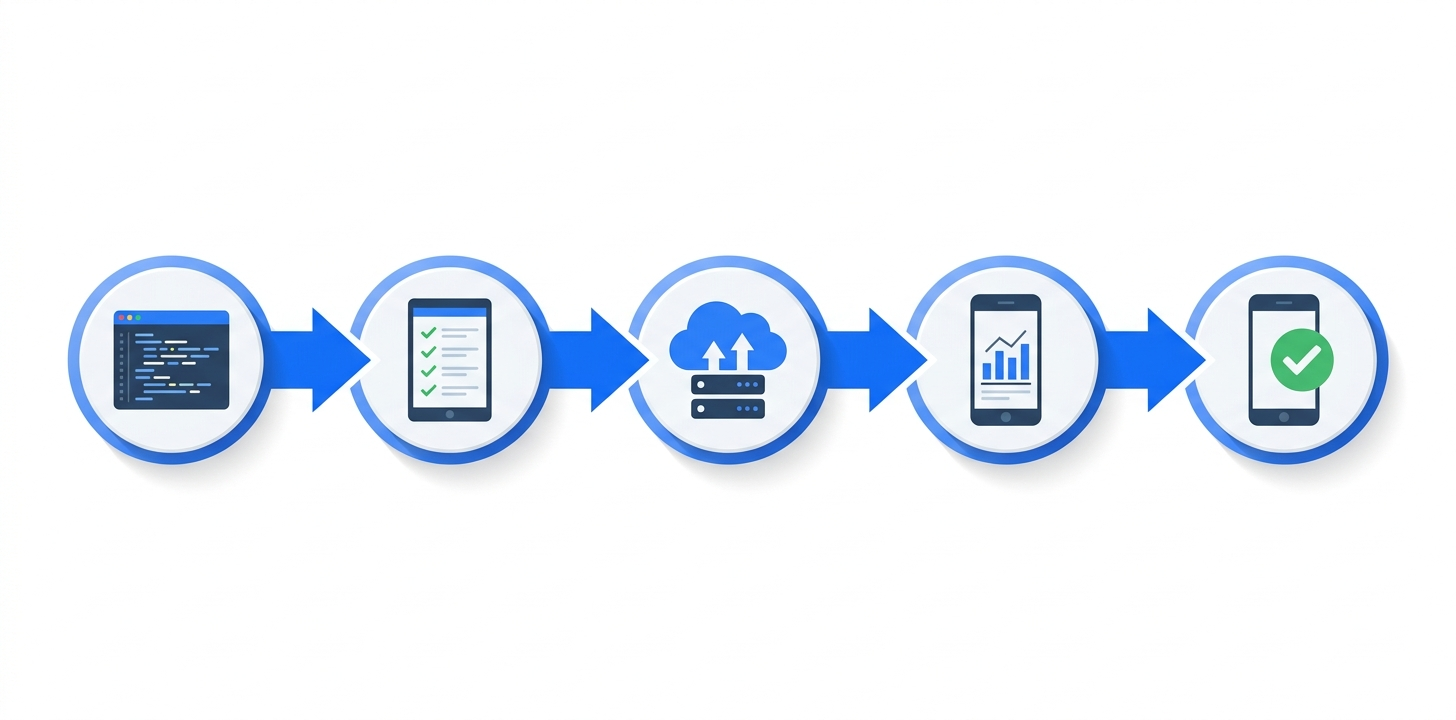
The tools covered here cover every stage of the development lifecycle: pre-launch testing with BrowserStack and JMeter, in-development profiling with Android Studio Profiler, pipeline automation with Appium, and post-launch monitoring with New Relic and TestFairy. The teams that ship high-quality apps treat mobile app performance as a continuous practice, not a pre-release checkbox.
Start with the tools that address your biggest current gap, build from there, and make performance a first-class concern at every stage of development.


