


With the AI boom in flux, some AI apps that have arrived on the App Store have been nothing short of garbage. They promise the world, but once you download them, you’re hit with a $10 weekly subscription just to unlock basic features like removing a background or summarising text.
This list is different. These eight apps are completely free for normal use, have no hidden paywalls for their core utilities, and solve the boring, practical problems you deal with every day—running out of storage, transcribing long meetings, searching for reliable answers, or writing text faster.
No hype. Just AI apps that actually earn a place on your iPhone.
Here are eight of the best free AI apps for the iPhone you’ll actually use everyday:
1. YouCam Perfect (For Photos)
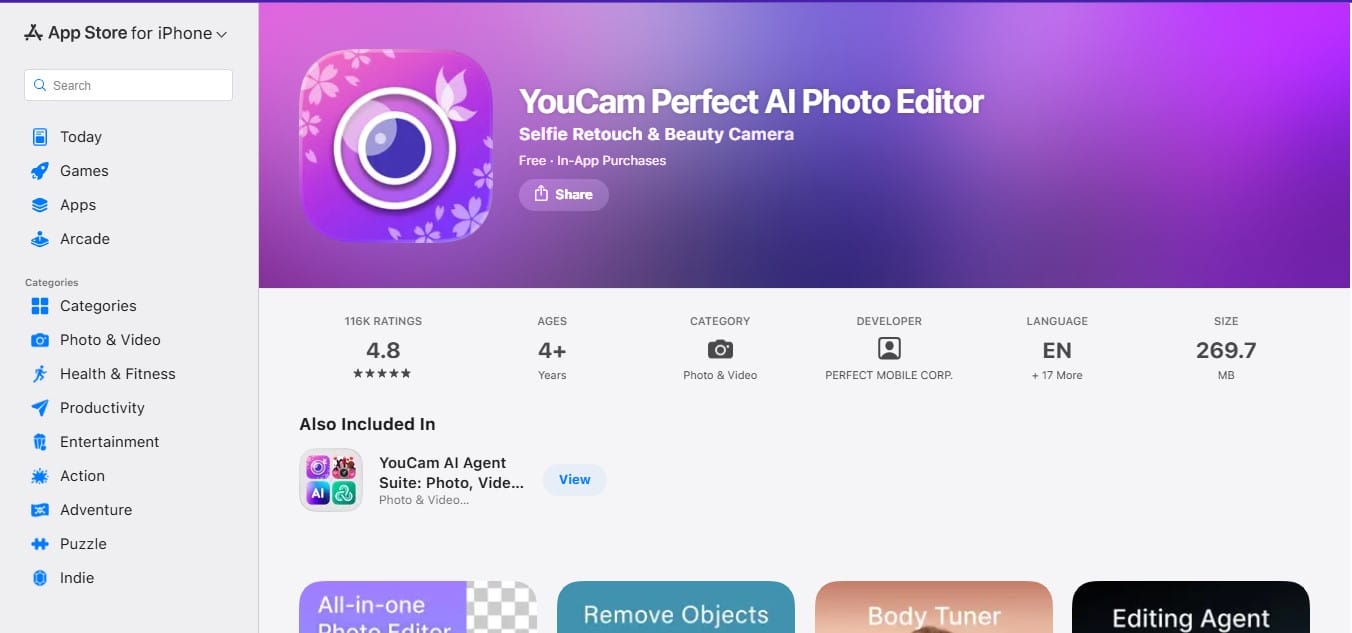
Most photo editors make you work for it. YouCam just fixes it. If you have a great vacation shot ruined by a stranger in the background, the app’s AI Object Removal wipes them out instantly. It handles the subtle stuff too—removing shadows from faces or smoothing out skin texture without giving you that weird, blurry “filter look.”
2. CapCut (For Videos)
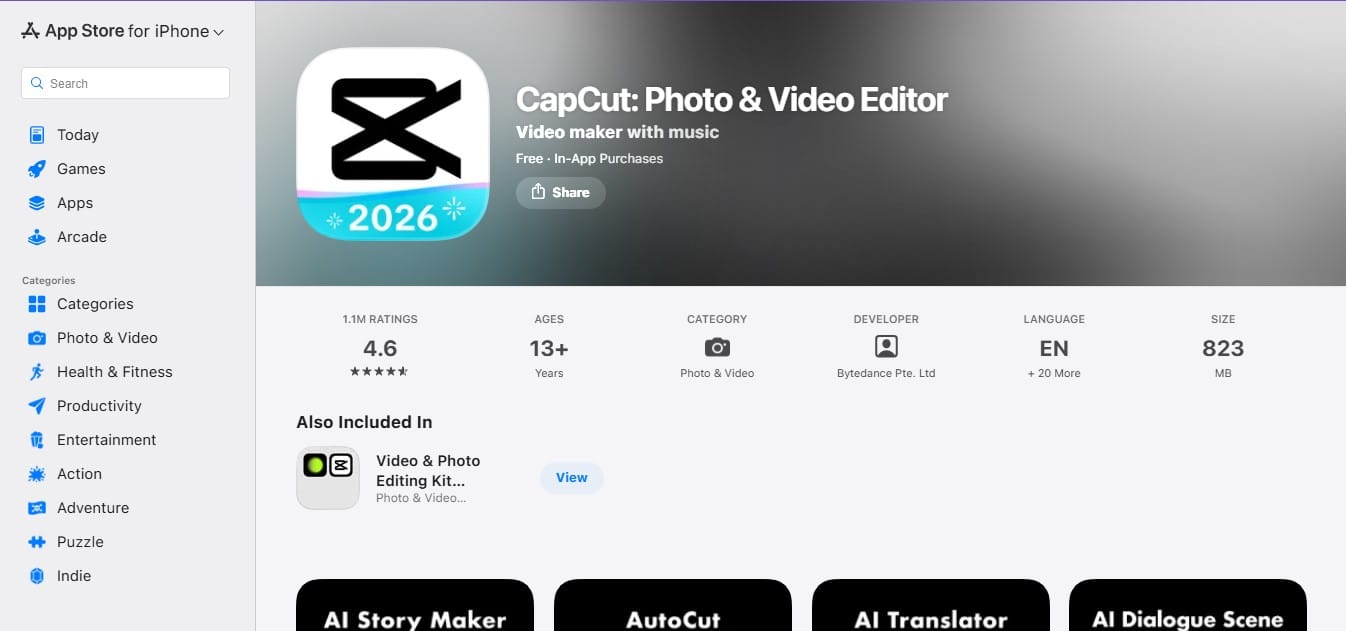
There’s a reason every viral video on TikTok looks the same: they’re most likely using CapCut. It automates the tedious parts of video editing. You feed it a three-minute video of your dog, and the “Auto Cut” feature trims the silence, stitches together the action, and syncs it to music.
3. Perplexity (For Search)
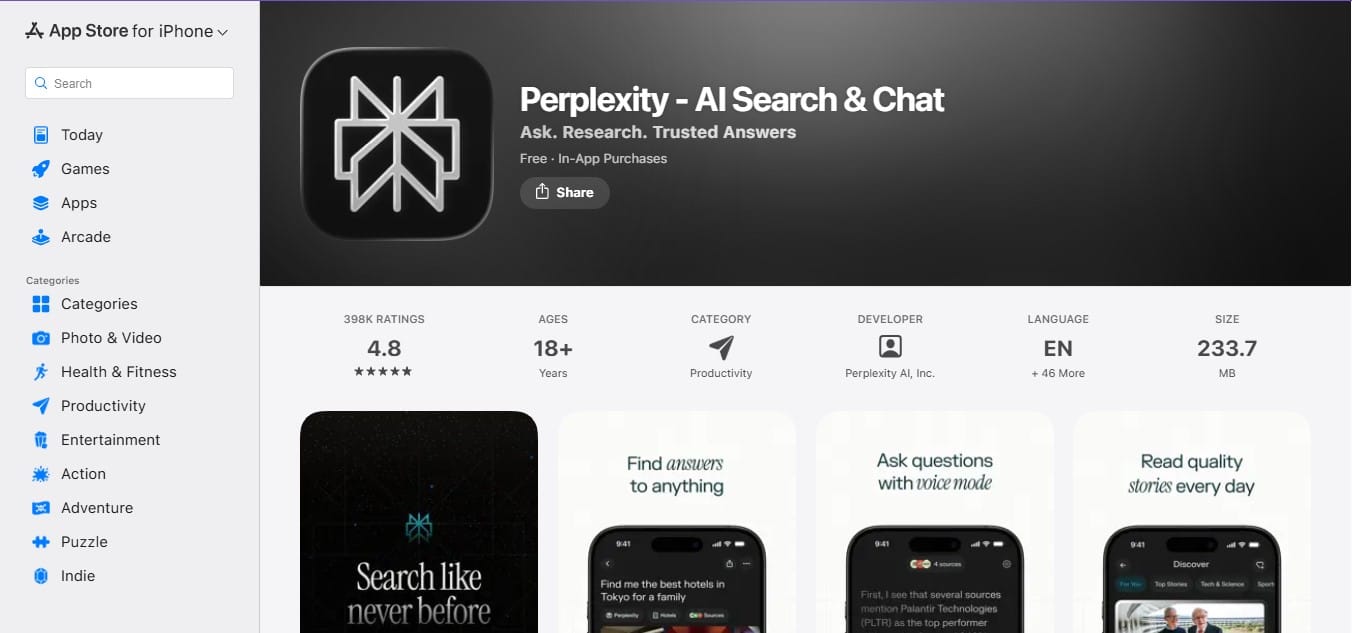
If you’re tired of digging through SEO-stuffed Google results, Perplexity is a better alternative. It works like an answer engine, not a search engine. Ask a question, and it reads multiple sources, summarises the information, and shows you exactly where each claim came from.
4. Otter.ai (For Notes)
Otter is for anyone who’s tired of typing while listening. Having this AI app on your iPhone allows you to record meetings or lectures and transcribes them in real time. It’s not perfect—accents and background noise can affect accuracy—but it reliably captures key points and action items.
5. Clever Cleaner (For Storage)

You probably have over 4,000 photos on your camera roll, and half of them are accidental screenshots or 15 versions of the same selfie. Clever Cleaner scans that mess and groups the duplicates. It suggests the best version to keep and lets you wipe the rest with one tap.
6. ChatGPT (For Text & Ideas)
By now, most people know ChatGPT—but many underuse it. The voice mode is where it really shines. Instead of typing out a long email draft or a question about a dinner recipe, just talk to it. The current free model (GPT-4o mini) is fast and smart enough to handle almost any daily query, from “How do I get red wine out of a rug?” to “Rewrite this text to sound more professional.”
7. Gboard (For Typing)
Apple’s autocorrect has improved, but Google’s Gboard is still faster. It uses AI to predict entire phrases before you finish typing the first word. If you use a mix of languages—say, English and Spanish—it switches between them automatically without making you toggle settings.
8. Google Gemini (For Admin & Assistant Tasks)
If your life lives in Google—Gmail, Drive, Docs—Gemini makes more sense than most standalone assistants. ChatGPT can’t read your emails; Gemini can. You can ask it, “When is my flight?” or “Find the PDF I sent to Dave last week,” and it pulls the actual data from your account.
 Ejiro Onose