



Here’s the thing about running a small business — nobody starts by thinking, “I can’t wait to manage receipts all day”. You start because you’ve got something to offer.
But somewhere between your first sale and your fifth client, you end up staring at spreadsheets at midnight, trying to make sense of a pile of numbers that don’t add up.
It’s not that you hate math. It’s that bookkeeping quietly eats into the time you’d rather spend well, doing literally anything else.
I’ve seen founders lose six or more hours a week just sorting expenses — and then another two chasing invoices. That’s an entire workday gone. Every week. So if you’ve ever sighed, “There’s got to be an easier way,” you’re absolutely right.
And there is.
Why Bookkeeping Feels Harder Than It Should?
Let’s be honest — bookkeeping’s not exactly thrilling. It’s repetitive, fiddly, and one small mistake can snowball fast. Lose one receipt, or put a payment in the wrong category, and suddenly nothing matches your bank records.
The tough part? Small business owners wear about five hats at once. You’re running marketing, handling customers, maybe hiring — sometimes you’re even the delivery person. Sitting down to manually match every expense just doesn’t make the cut.
That’s why the smarter move is automation. Once your bookkeeping runs itself, everything else — taxes, cash flow, decisions — runs more smoothly.
From “Do-It-Yourself” to “Do-It-Smart”
Not too long ago, everyone used spreadsheets. And hey, that worked — until the business started to grow. Then it all became a tangled mess of tabs and formulas.
Now? Cloud-based bookkeeping tools changed the game. You can connect your bank, upload receipts, and check your numbers in real time from your phone.
And no, it’s not about giving up control. It’s about getting it back.
I’ve watched small businesses slash their bookkeeping time by 70% just by switching to automated tools. That’s not just time saved — that’s sanity restored.
Choosing the Right Bookkeeping Tool
Here’s the tricky part — there’s no “perfect” bookkeeping tool. What works for a solo freelancer might be overkill for a five-person agency.
It really depends on how you like to work. If it’s too complicated, you’ll stop using it. The goal isn’t fancy; it’s functional.
So, let’s walk through a few options worth checking out.
1. Envoice – Automate What You Hate
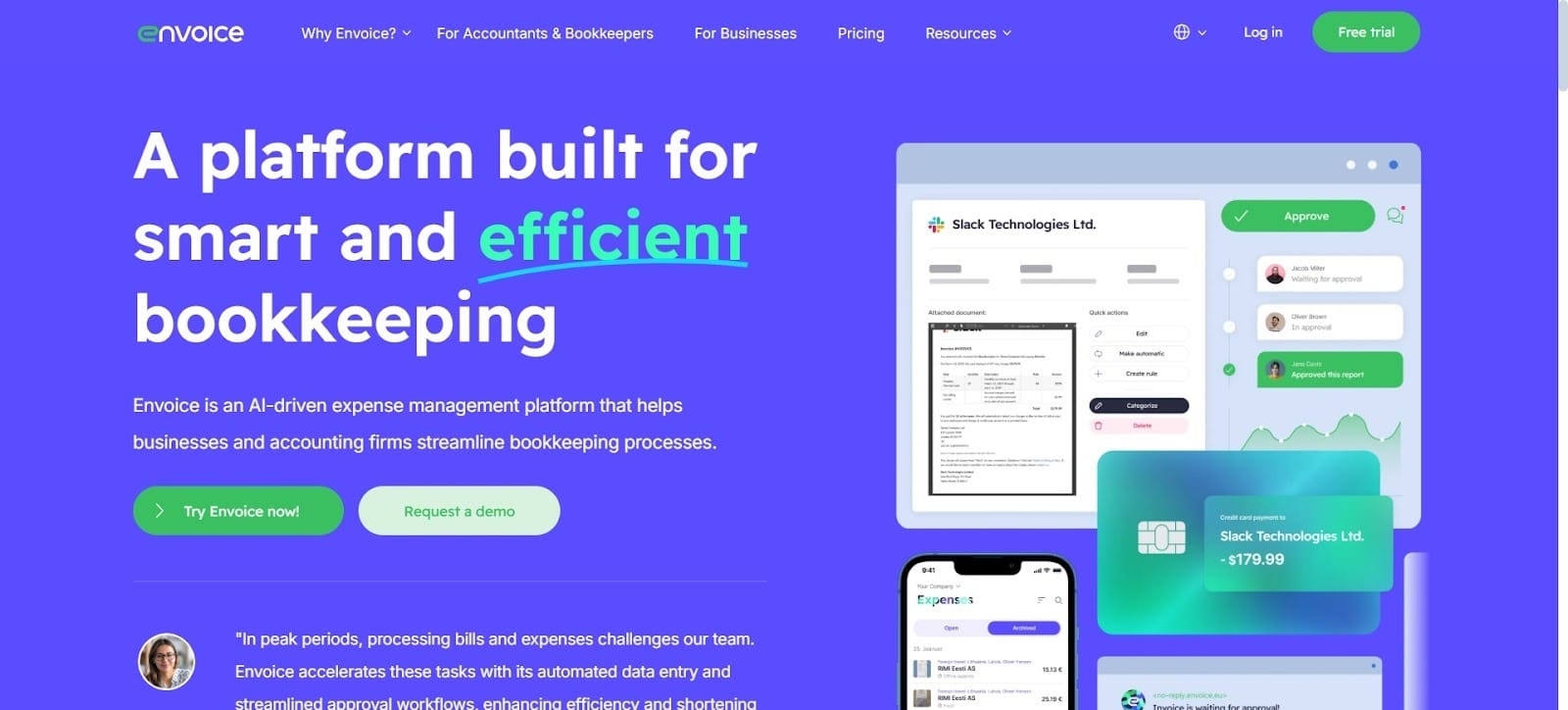
If you’ve been searching for Dext alternatives, Envoice should be the first stop. It’s one of the most practical expense management software for small business owners who want things simple but smart.
Here’s how it works: snap a photo of your receipt, and it pulls out all the details automatically — no typing, no double-checking. It syncs seamlessly with QuickBooks, Xero, and Microsoft Dynamics. Everything’s stored safely in the cloud, ready when you need it.
What makes it stand out, though, is the automation. You can set approval workflows, recurring invoices, or rules for expense categories once, and it quietly keeps running.
2. Dext – The Reliable Classic
Dext (you might know it as Receipt Bank) has been around for ages. It’s solid, fast, and great at turning piles of paper into clean, digital data.
If your accountant’s been doing this a while, chances are they already use it. Its integrations are top-notch, and the mobile app is easy enough for anyone to figure out.
The catch? Once your business grows, Dext can get pricey — and that’s exactly why tools like Envoice have become popular Dext alternatives. Still, if your accountant’s already hooked in, Dext keeps things smooth.
3. QuickBooks Online – The Familiar Favorite
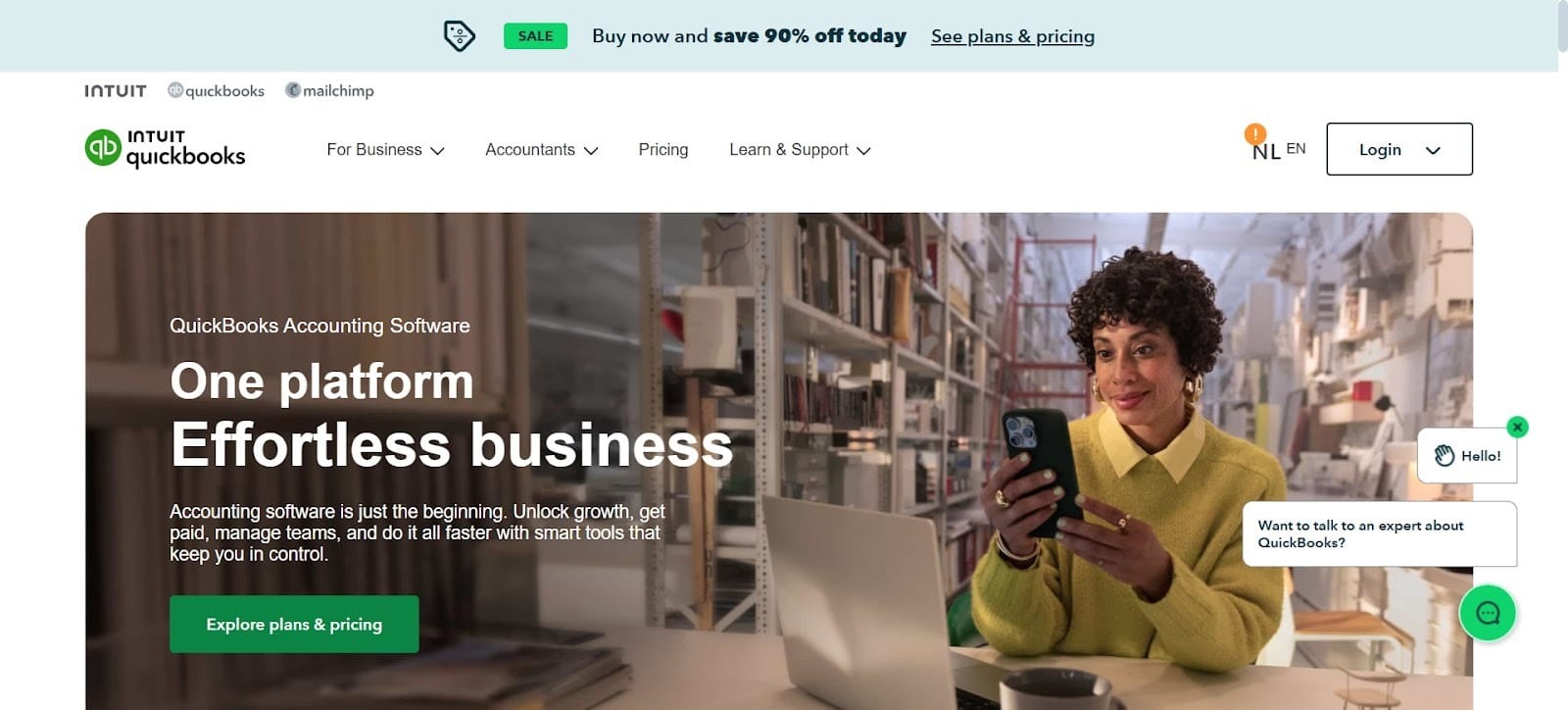
You’ve probably heard of QuickBooks — honestly, who hasn’t? It’s been around forever, and there’s a reason so many small businesses still swear by it. It pretty much does everything: invoicing, payroll, reporting, taxes, and all those little back-office details you’d rather not think about.
If you’re out there comparing different expense management software for small business, QuickBooks Online still deserves a serious look. It’s the kind of tool that grows with you — the more you learn your way around it, the more powerful it becomes.
4. Wave – The Free (and Surprisingly Capable) PickWave is one of those tools that makes you pause and say, “Wait, it’s free?” It’s perfect for freelancers and solo operators who don’t need complex reports or payroll.
You can handle invoices, scan receipts, and track expenses — all at no cost. Sure, advanced features cost extra, but most small businesses won’t even need them at the start.
For anyone easing into bookkeeping tools, Wave’s a no-risk entry point.
5. Xero – The Modern Accountant’s FriendIf QuickBooks feels old-school, Xero is the modern cousin. It’s clean, intuitive, and designed with collaboration in mind.
Accountants love the real-time data. Business owners love that it doesn’t make finances feel intimidating. You can connect it to payment processors, inventory systems, and just about anything else.
It’s not the cheapest option, but for growing teams that want a clean interface and strong support, it’s worth it.
Why Automation Isn’t Just About Speed?
Here’s something people rarely mention: automation doesn’t just save you time — it saves your sanity.
When you stop worrying about missing transactions or forgetting to log receipts, you can finally trust your numbers. That confidence changes everything — budgeting gets easier, taxes stop being terrifying, and decisions feel less like guesswork.
The Bottom Line
At the end of the day, good bookkeeping isn’t about the flashiest app. It’s about finding something that fits how you already work.
Start simple. Pick one tool that clicks with you. As your business grows, you’ll naturally add more features or tools when you actually need them.
Because honestly, the best bookkeeping software doesn’t just organize your money — it gives you the mental space to focus on why you started your business in the first place.


