



Microsoft’s Copilot is getting a major upgrade, one that lets it see everything on your screen.
The new "Vision Desktop Share" feature, now rolling out to Windows Insiders, allows the AI to analyze your entire desktop or any specific app window. That way it can provide voice-guided help, suggestions, and answers based on what it sees.
If, for example, you need feedback on a resume, tips for a creative project, or walkthroughs for a tricky game level, Copilot should now be able to look at your screen and talk you through it.
This isn’t Microsoft’s first experiment with visual AI as Copilot Vision already worked in Edge and could interpret smartphone camera input. But now, the company is bringing and expanding that capability in desktop.
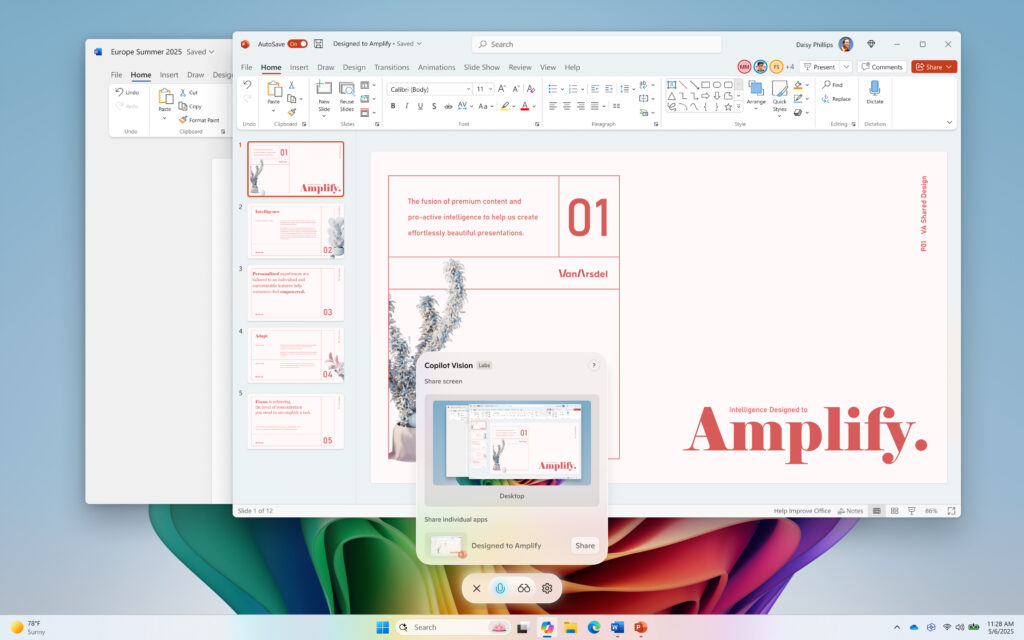
Unlike the iRecall feature, which automatically snapped screenshots in the background, Visual AI requires explicit consent. You activate it by clicking the glasses icon in Copilot, selecting what to share, and you can shut it off at any time. There’s even a voice chat option and mid-conversation you can toggle screen sharing to give Copilot visual context without typing a word.
Of course, the idea of an AI watching your every click raises obvious privacy questions.
Microsoft insists this isn’t Recall 2.0, so there's no silent recording, no stored snapshots, but security experts are still wary. Even with opt-in controls, letting an AI scan everything on your screen means sensitive data could slip through: personal documents, private messages, or even just your desktop wallpaper.
 Louis Eriakha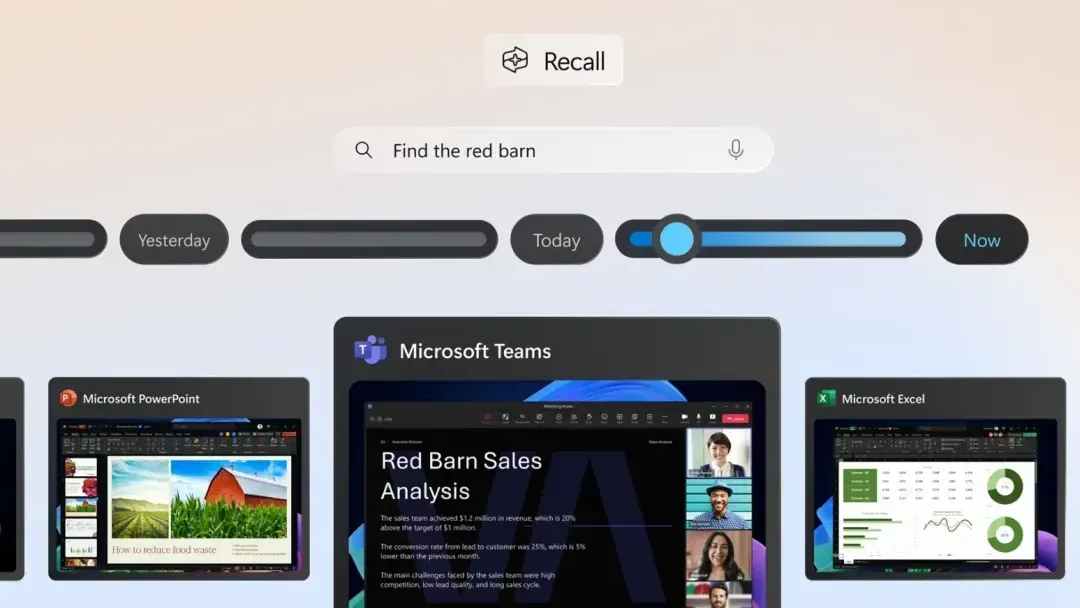
Microsoft hasn’t detailed how it processes or retains this visual data, which will likely fuel skepticism, especially after the backlash over Recall’s potential as spyware.
At the same time, this update puts Microsoft at an obvious advantage, especially as Google and Apple have been walking on toes with on-device AI vision. Google’s Gemini can analyze images you upload, but it doesn’t actively monitor screens, while Apple’s AI focuses on contextual awareness within apps, not full desktop access.
Notwithstanding the fears, Microsoft’s move bets that the productivity perks will outweigh the concerns. For now, the feature’s in limited testing, rolling out gradually to Insiders in select regions. Microsoft is framing it as a helper, not a watchdog, but whether people want an AI that sees all is an open question.


