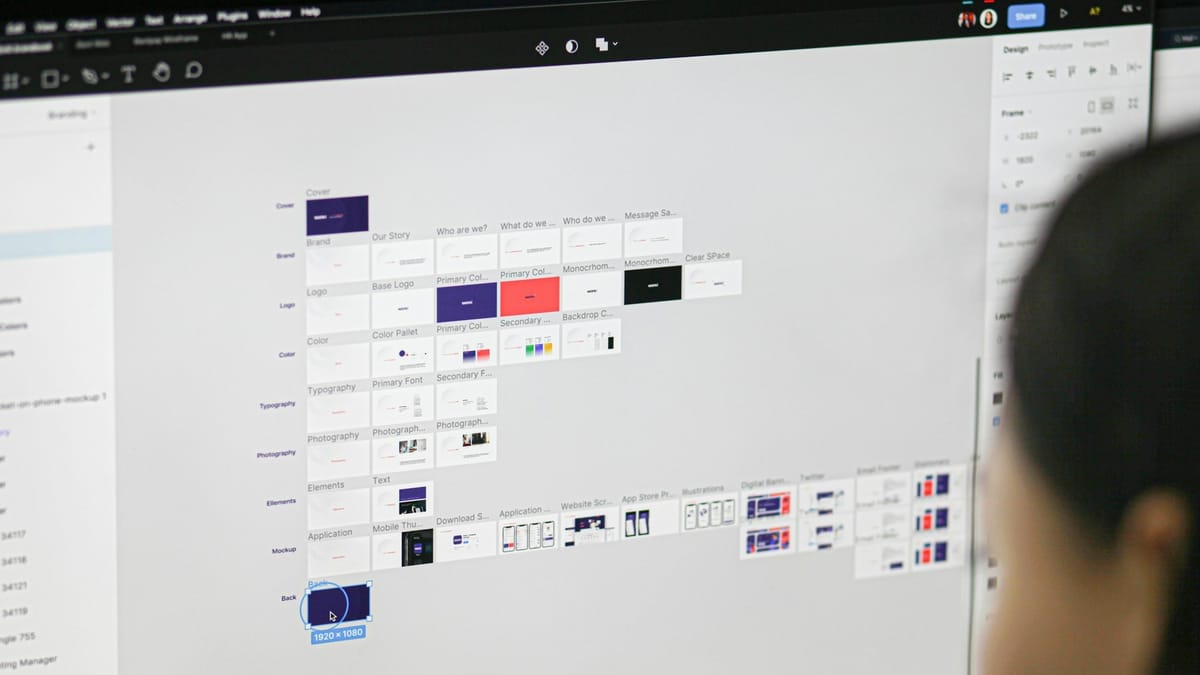
Figma just rolled out a set of new AI-powered image editing tools, and the real story isn't that it added AI. It's that Figma finally addressed the everyday frustrations that force designers to jump between apps for simple fixes. These updates focus on removing friction, not reinventing design from scratch.
The biggest changes give designers more direct control inside the canvas. You can now remove objects from an image, isolate them, or extend an image without leaving Figma. For anyone who has ever exported a file to Photoshop just to clean up a background or widen a banner, this is the exact kind of time sink Figma is trying to eliminate.
An upgraded lasso tool plays a major role here. It's more precise, so when you select something, Figma keeps everything around it stable. Colours, lighting and textures hold together even after edits. The result feels more natural and avoids the distorted, AI-stretched look that can creep into automated tools.

Figma also introduced image expansion, a feature that fills in the edges of an image when you need a wider layout or a different aspect ratio. Designers who work across web headers, mobile screens or social formats will likely use this constantly. Instead of rearranging an entire composition, Figma can now extend the image for you.
All of these tools sit inside a new central editing toolbar that makes background removal, annotations, text overlays and colour tweaks easier to reach. Background removal now has its own prominent spot because it remains one of the most used features across Figma’s user base.
These updates do highlight one thing. Figma is late compared with Canva and Adobe, which have offered similar tools for years. But catching up now matters, especially as Adobe announced new AI features inside ChatGPT today. With Figma already integrated into ChatGPT, designers are waiting to see whether these new editing tools will show up there as well.
For now, the updates are available in Figma Design and Figma Draw, with more tools expected to get the same treatment next year.
The takeaway
Figma’s new AI tools aren’t flashy “type a prompt, get an image” features, they’re practical upgrades that solve everyday design headaches. By focusing on object removal, isolation, and image expansion, Figma is targeting the boring but essential tasks that slow designers down. It’s also a clear signal that the platform doesn’t want users hopping out to Photoshop or Canva for quick fixes anymore. Whether these tools show up inside ChatGPT next will determine how tightly Figma wants to tie itself to the AI ecosystem, but for now, designers get a smoother, more self-contained workflow finally.
 Louis Eriakha