



Google seems to finally be shaking up its long-standing software update rhythm, and honestly, it’s about time. For years, Android users have been stuck with the traditional annual release cycle, while Pixel owners enjoyed new features months before everyone else. But with Google now shifting toward a more frequent, biannual rollout structure, updates are arriving earlier and more consistently. It’s a welcome change, especially for Pixel users, who continue to benefit from faster access to new features while the rest of the Android ecosystem slowly catches up.
That new approach is exactly what sets the stage for Android 16 QPR2, the latest mid-cycle update that started rolling out on December 2. While not as dramatic as the first Android 16 release back in June, QPR2 still packs a surprising number of upgrades that make the Pixel experience feel fresher.
 Louis Eriakha
The update brings smarter notifications powered by AI summaries, upgraded lock screen widgets, cleaner icon customisation options, and improvements to dark theme behaviour, even promising better battery efficiency for some devices.
Google is also pushing quality-of-life features like Chrome tab pinning, new split-screen layouts, and expanded accessibility tools, including expressive captions and better hearing-aid support.
If that sounds like Google borrowing from Apple’s playbook a little, you’re not wrong. The new notification tools and accessibility tweaks echo features we’ve seen in Apple Intelligence. But this time, Google’s implementation feels more flexible, and the addition of AI scam detection via Circle to Search gives Android users something Apple doesn’t quite match yet. It’s a subtle bit of competitive catch-up, but the improvements blend smoothly into the broader Android ecosystem.
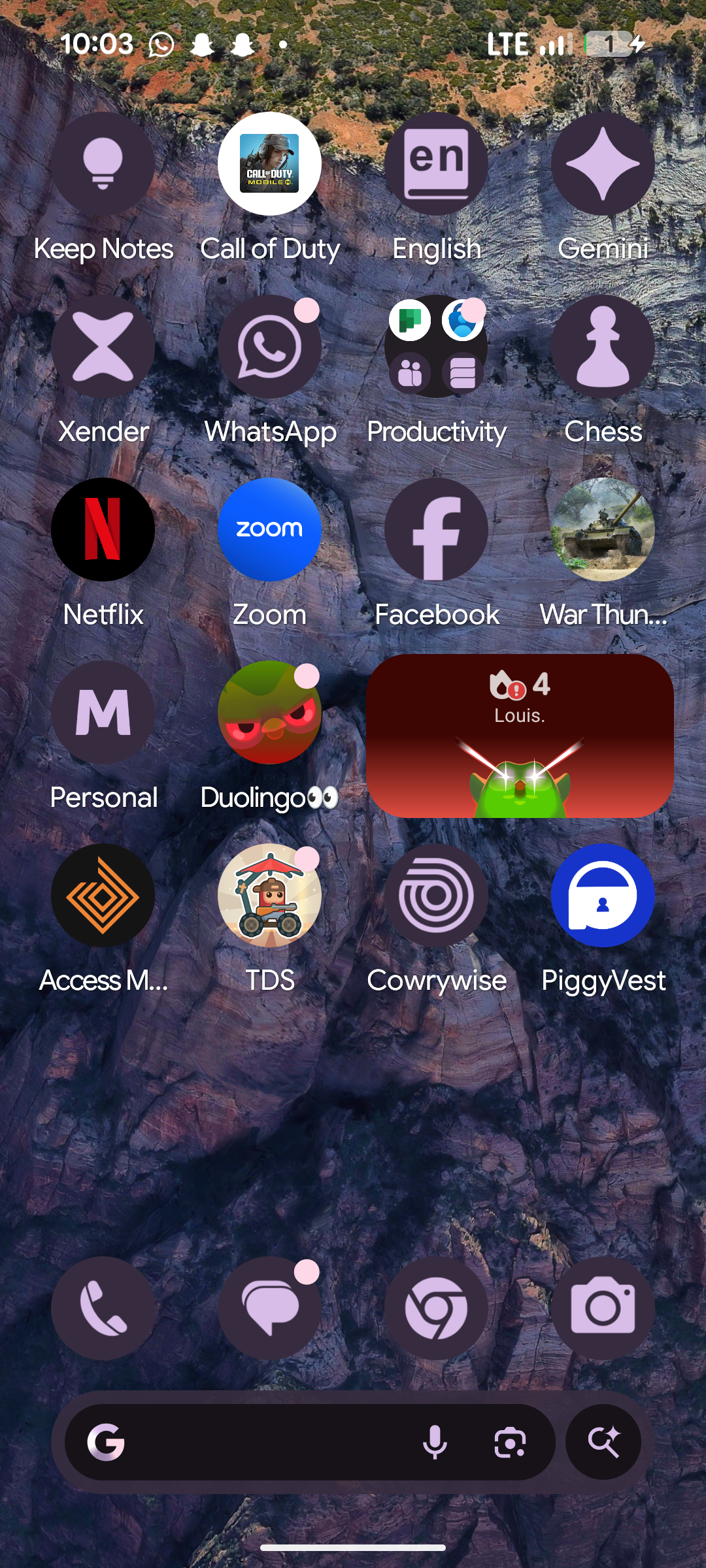
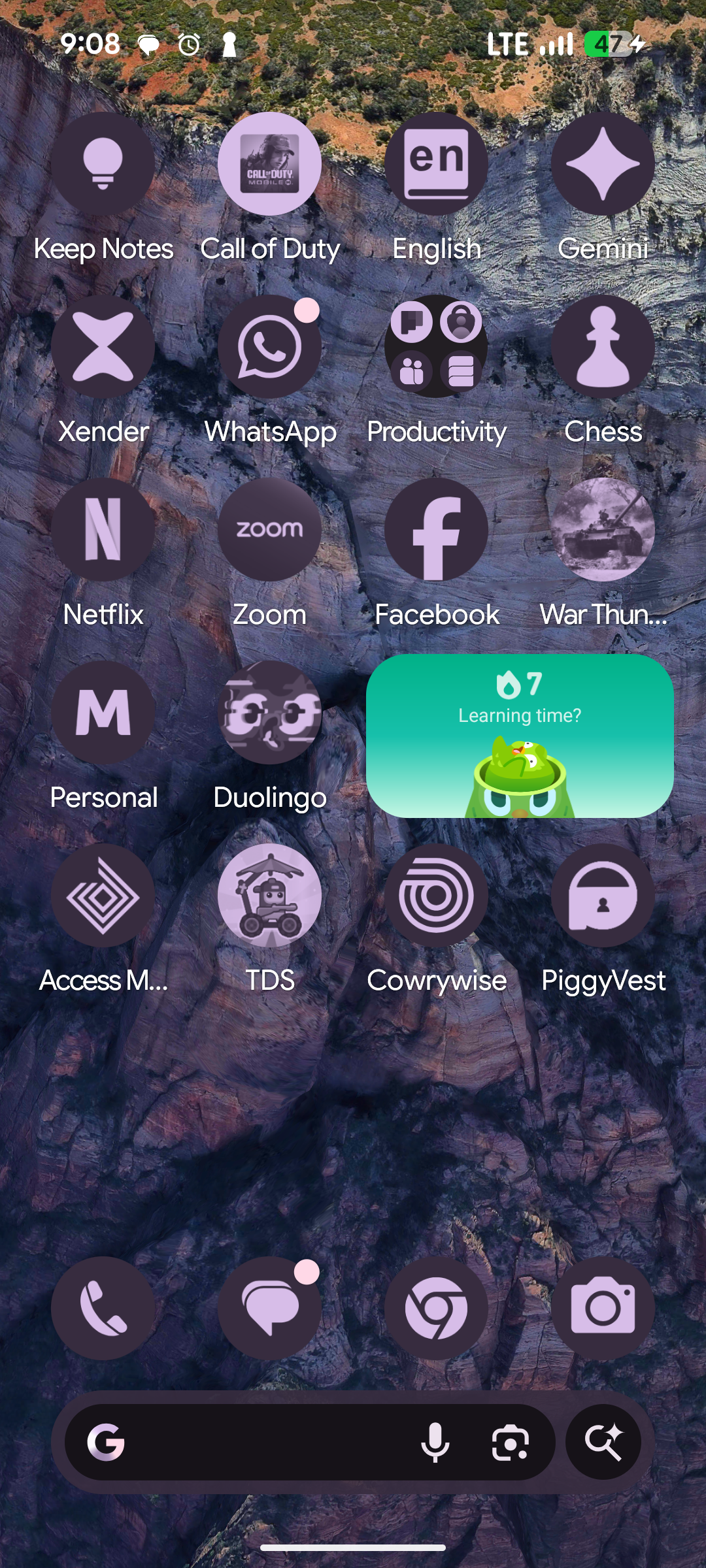
More apps now support customization theme packs
Which Pixel Devices Get the Android 16 QPR2 Update?
Of course, the big question is whether your phone gets the update, and the good news is that most recent Pixel models do. Android 16 QPR2 is available for every Pixel starting from the Pixel 6 series all the way to the latest Pixel 10 lineup, including foldables like the Pixel Fold and Pixel 9 Pro Fold, plus the Pixel Tablet. That’s a healthy list, and it shows Google isn’t dropping support for older devices unexpectedly.
How To Get the Update
Downloading the update is quite straightforward.
Step 1: Open up settings and tap on 'System'
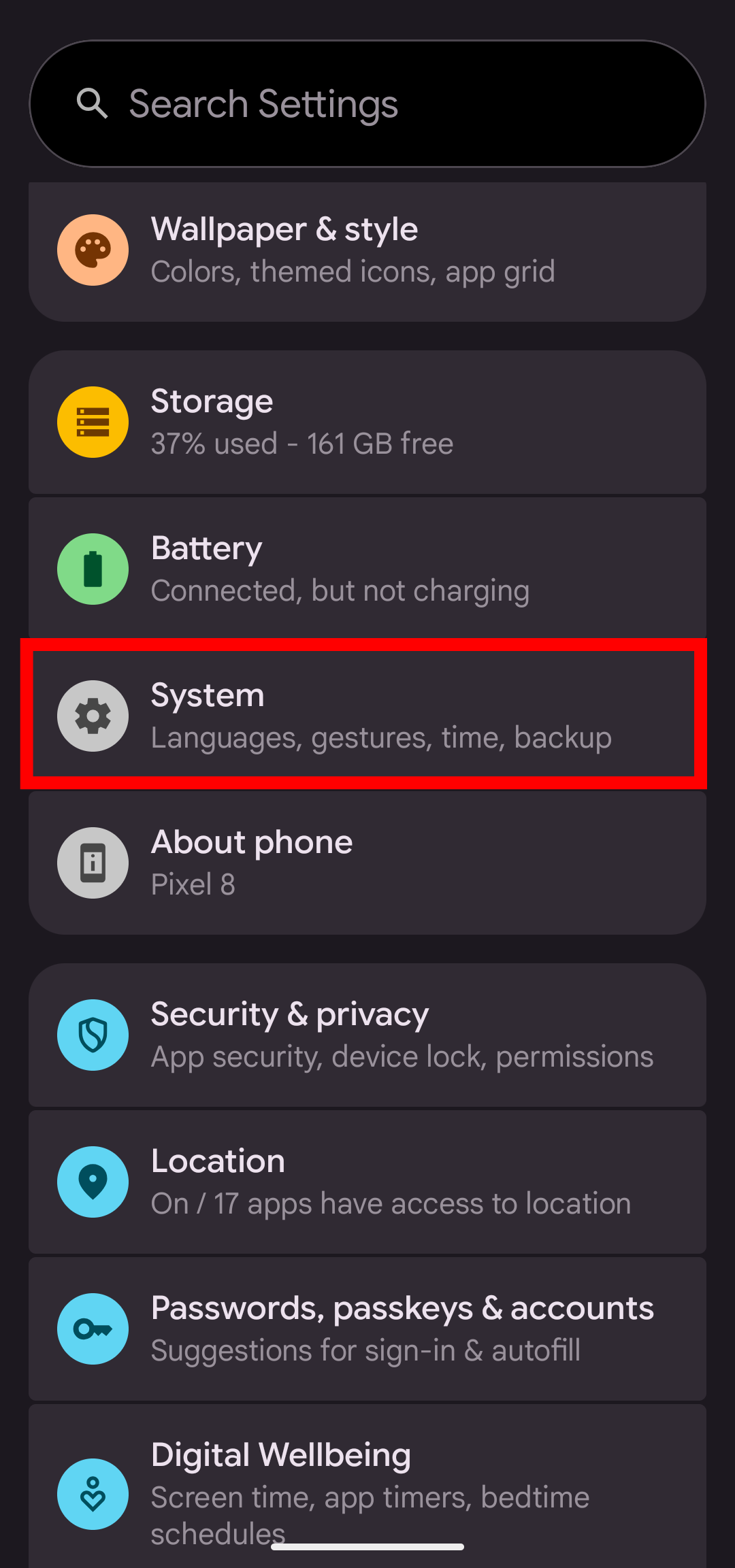
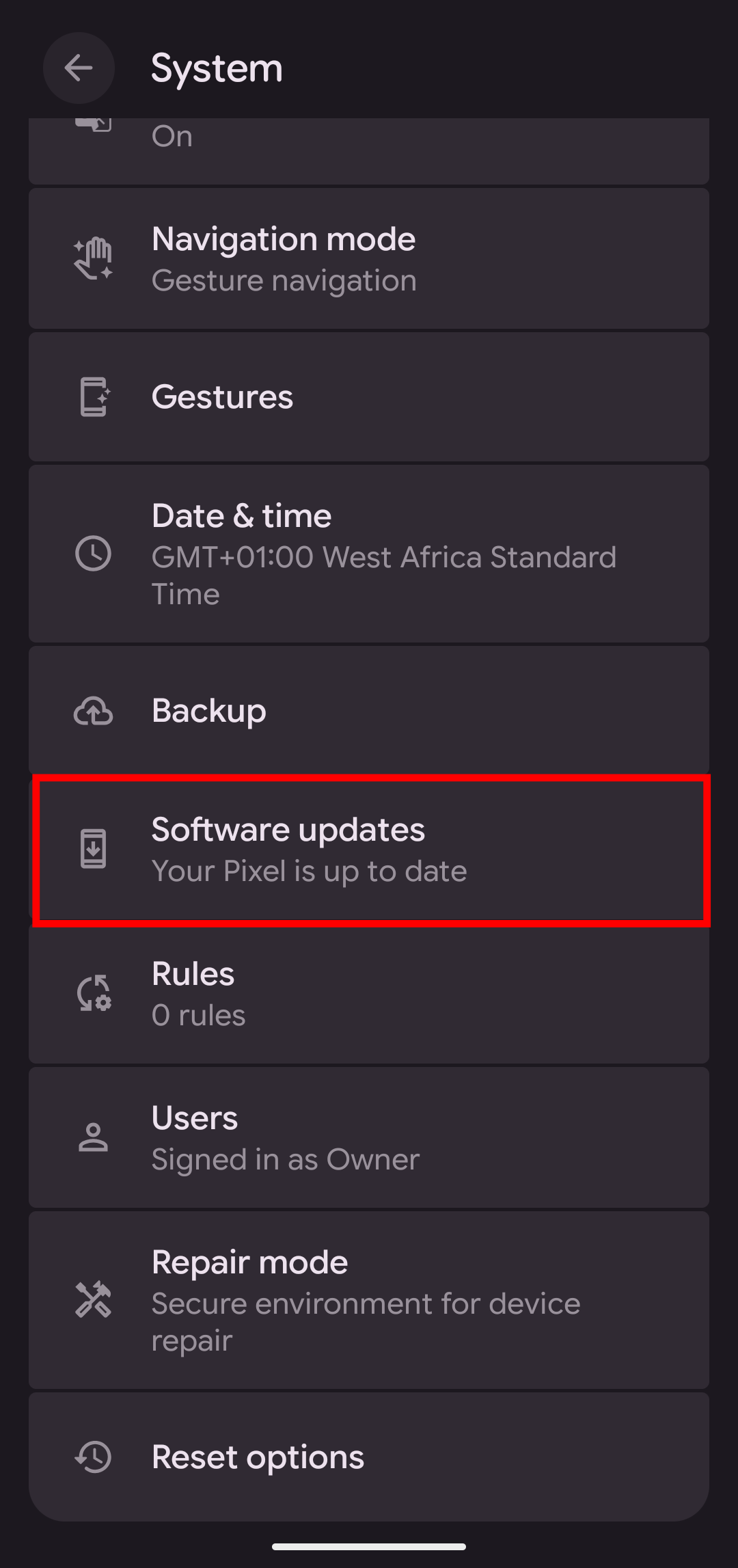
Step 2: Scroll and tap on 'Software updates'
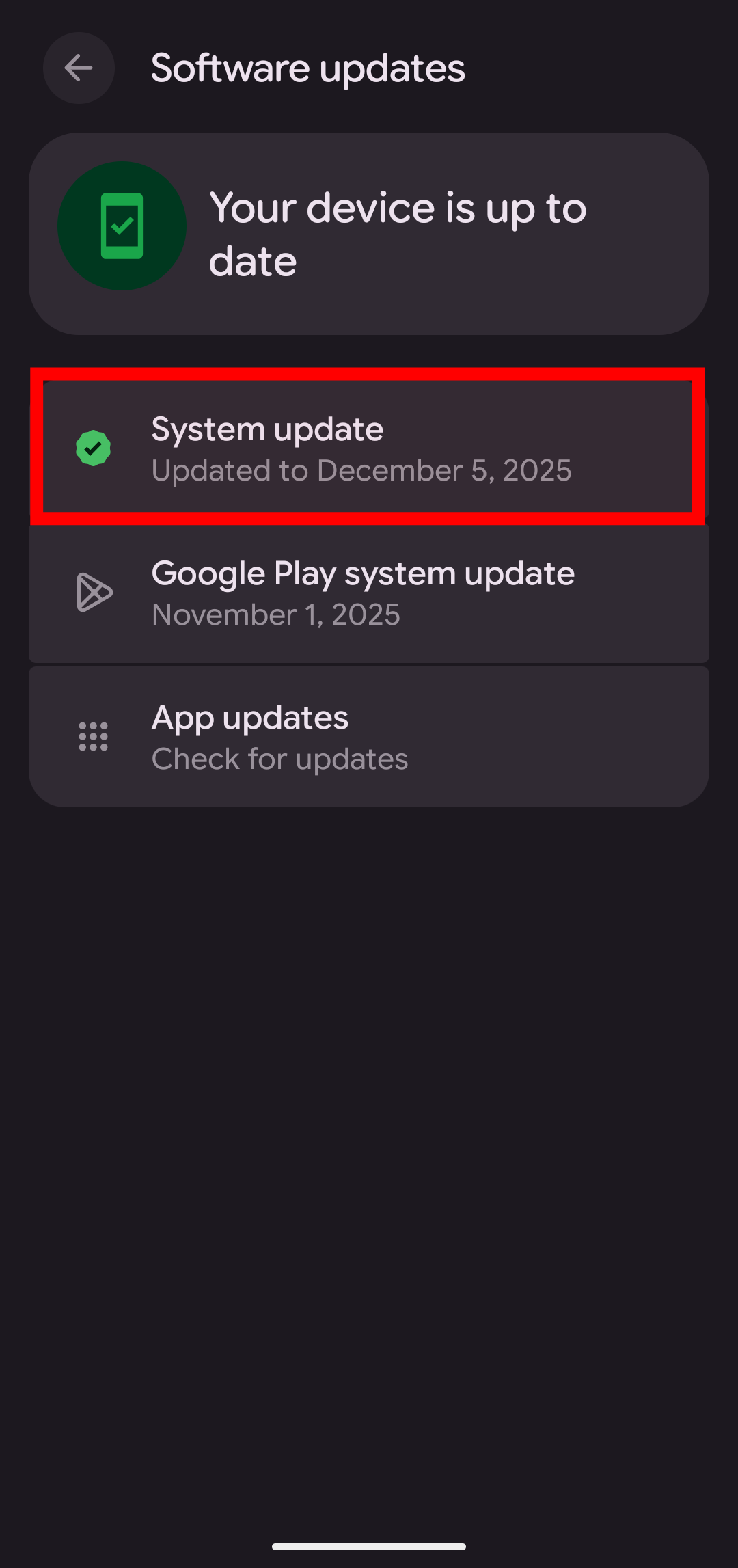
Step 3: Then, you would want to tap on 'System update'
Step 4: Next would be to tap on 'Check for update', where you would be prompted to download the new update if you haven't already.
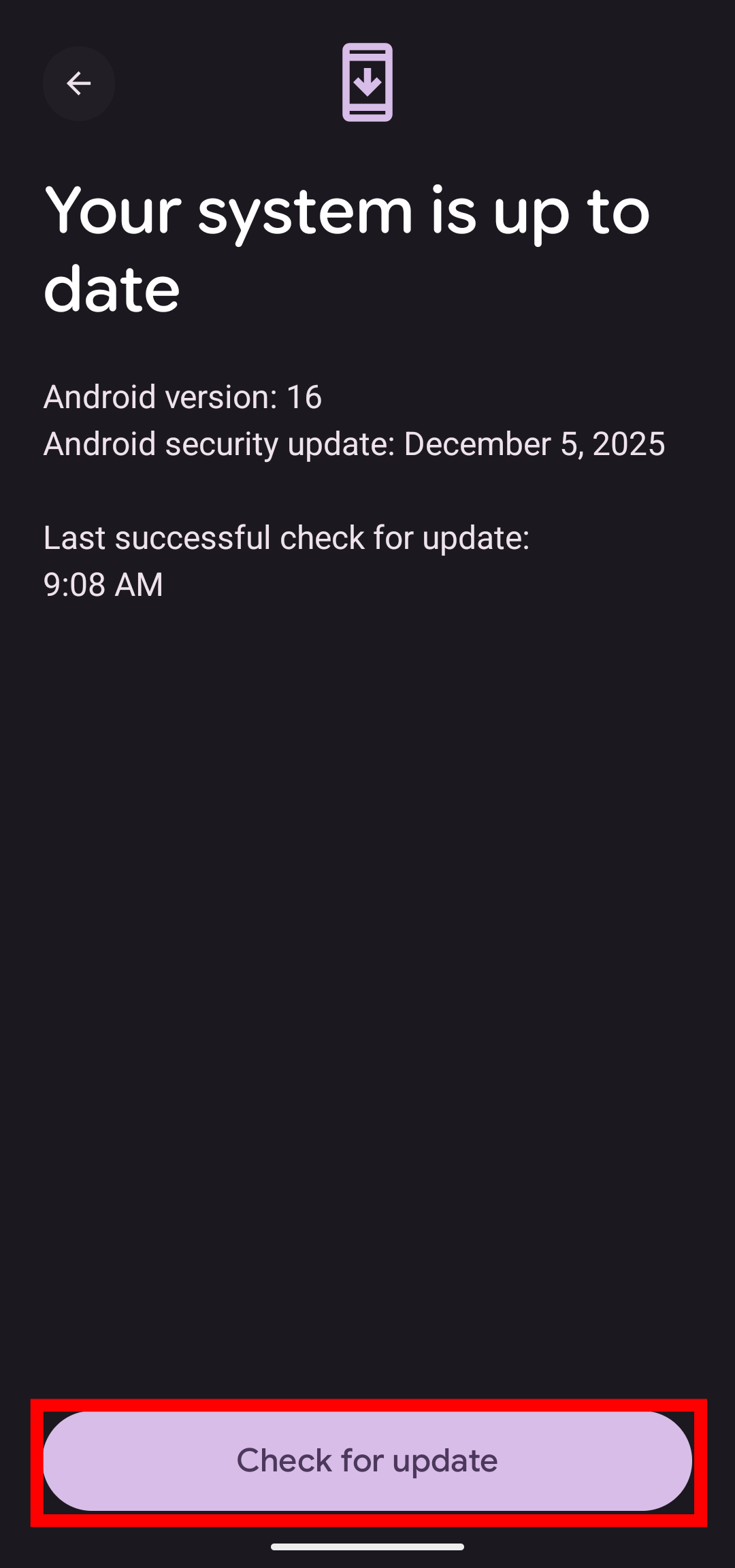
If the update hasn't hit your phone yet, no need to worry; it's still rolling out and probably hasn't gotten to you yet. The update size is around 744MB, so you'll probably want to use Wi-Fi when it's time to update.
Conclusion
For now, Android 16 QPR2 may not be a headline-stealing update, but it’s interesting to see Google trying new release schedules. If anything, third-party Android phones also get a major benefit from this, as it means they'll also be getting new updates earlier.
Image Credit: Louis Eriakha/Techloy.com


