Google Labs announced a complete redesign of Stitch on March 18, 2026. All five upgrades rolled out on the same day. Product Manager Rustin Banks introduced what the company calls an AI-native software design canvas. Anyone can now build professional UI designs by typing what they want in plain English.
Josh Woodward, VP of Google Labs, said AI works as "a creativity multiplier, helping people explore many ideas quickly." The redesign serves two groups equally well. Professional designers can test dozens of layout variations. Founders with zero design background can build their first app interface.
Here are the major highlights from the redesign of Stick by Google:
1. AI-Native Infinite Canvas
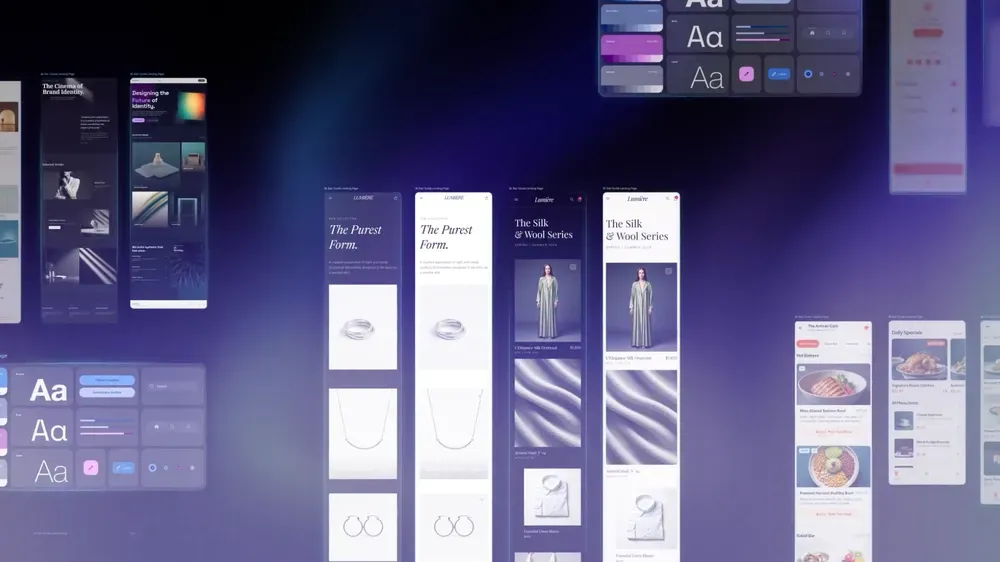
The interface got rebuilt from the ground up. Stitch replaced fixed artboards with unlimited workspace. You can start a design using images, code snippets, or text descriptions on the same screen.
Drop a screenshot from a competitor's website, paste some code you found, and write what you want in plain text. Stitch accepts all three as valid inputs for creating designs. The new Agent Manager tracks every design task and variation you're testing. Click any task, and it jumps straight to those screens.
Testing five different homepage ideas becomes manageable. Everything stays organised in one workspace instead of being scattered across multiple files or tabs. The update also added light mode. Designers working on dark interfaces now get better contrast in their editing environment.
2. Smarter Design Agent That Sees Everything
The agent now processes your full canvas instead of isolated screens. Tell it to swap the logo with an image you just uploaded, and it updates every screen. Ask it to write a product brief from your existing designs, and it creates one based on what you built. Request mobile versions of your desktop layouts, and it makes them while keeping both formats on the same canvas.
The agent responds conversationally. Ask it to interview you about your brand, and it'll design a landing page from your answers. When you say "these screens" or "that button," it knows exactly what you mean because it sees everything at once. The contextual understanding extends to design critiques, too. Point to any element and ask for feedback, the agent analyses it within the context of your complete project.
3. Voice Design in Preview Mode
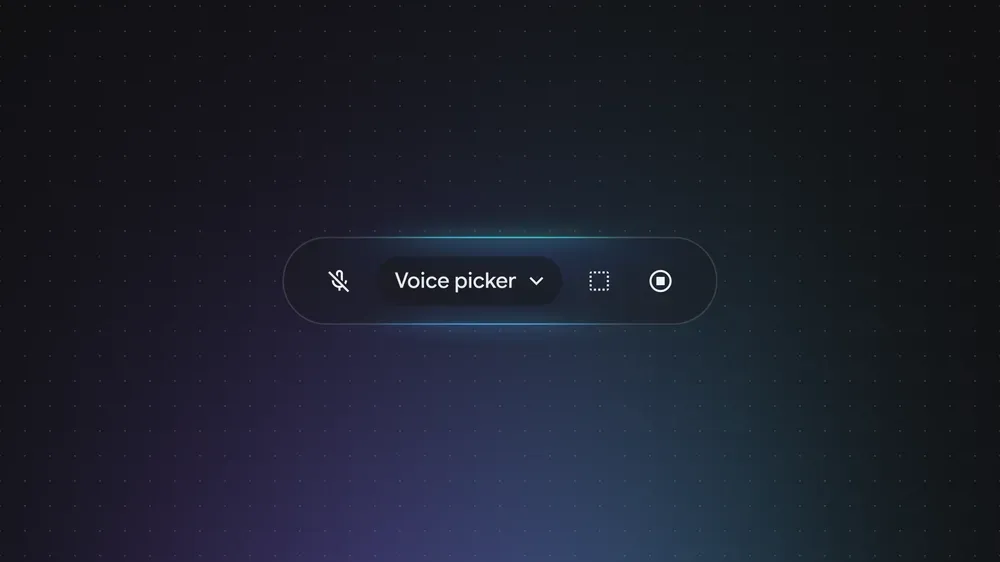
Voice control arrived in Stitch. The feature sees your canvas and knows which screens you selected. Say "change this screen to a darker look, make three different menus, and show me the dashboard," and Stitch works on everything at the same time. The feature knows which screen you're looking at because it sees what you clicked.
Google released this as a preview feature with fast improvements coming in the next few weeks. You can talk to Stitch while sketching ideas or presenting to your team. Ask for design feedback, and it analyses what's visible. Tell it to move to specific screens, and it takes you there with no mouse or keyboard needed. The voice system processes multiple requests concurrently, so you can layer commands without waiting for each one to finish.
4. Instant Prototypes With Smart User Flows
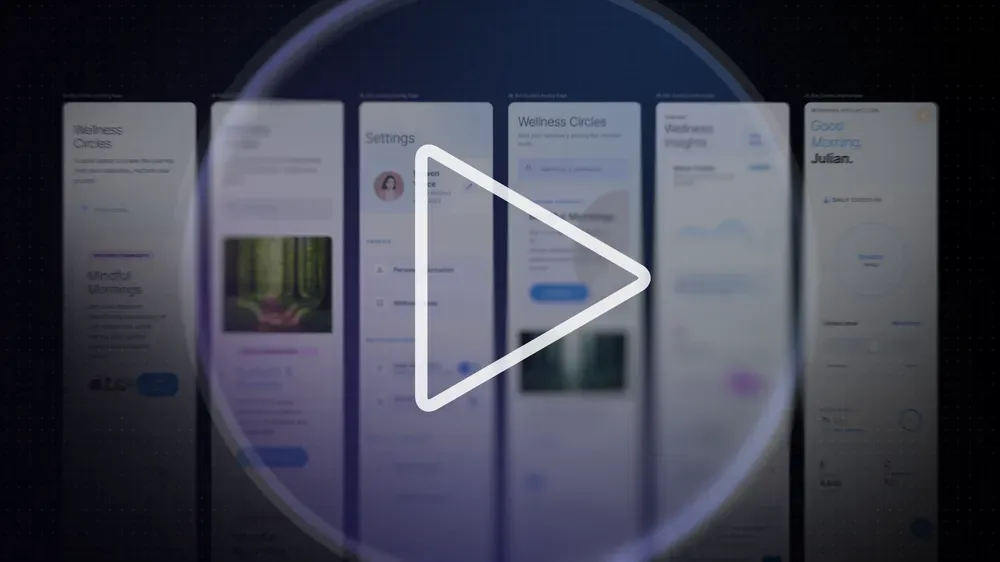
The play button turns static screens into interactive prototypes instantly. Click anywhere on a screen during prototype mode, and Stitch generates the next screen based on where you clicked. Testing a signup process? Click the "Create Account" button, and Stitch builds the confirmation screen. Click a product image, and it creates the detail page.
Stitch creates complete user journeys with no manual linking work. Founders pitching investors or designers showing clients can preview working apps in seconds instead of hours. The system automatically generates different states, including logged-in views, logged-out views, empty states, and error messages. You get shareable links and mobile QR codes immediately. Transition and interaction design features launch soon.
5. Design Systems and DESIGN.md Files
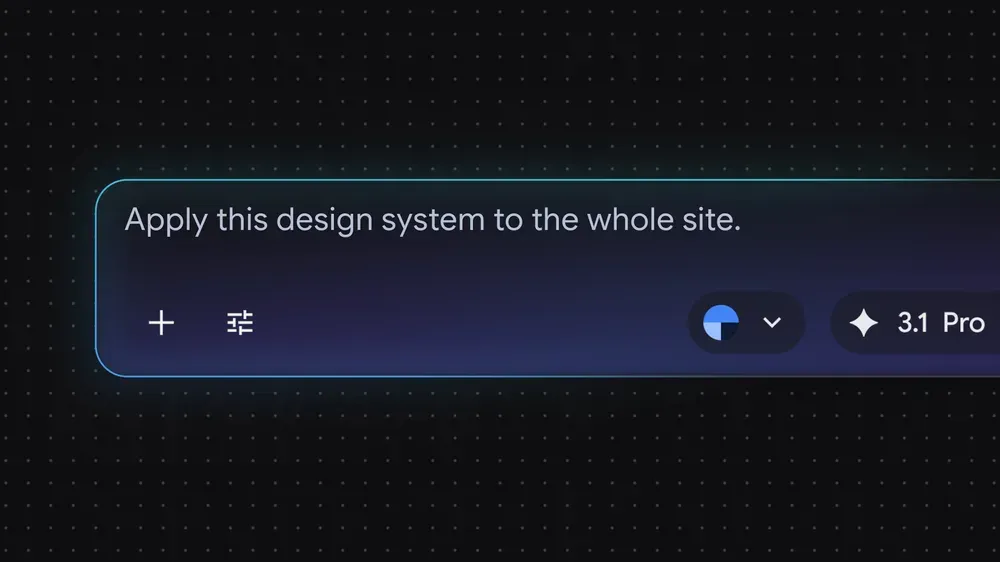
Every new Stitch project starts with an automatic design system. Edit the system once, and every connected screen updates together. You can pull design systems from any website or use the new DESIGN.md file format.
DESIGN.md is a markdown file that moves design rules between tools. You can design in Stitch and export your DESIGN.md file to AI Studio or Antigravity for development. You can also pull design rules from existing code into a new Stitch project. Your design rules stay consistent across every project.
When you move to a new Stitch project or hand off to developers, your fonts, spacing, colours, and component styles move with the DESIGN.md file. This solves the consistency problem teams face when juggling multiple projects or transitioning from design to code.
 Louis Eriakha