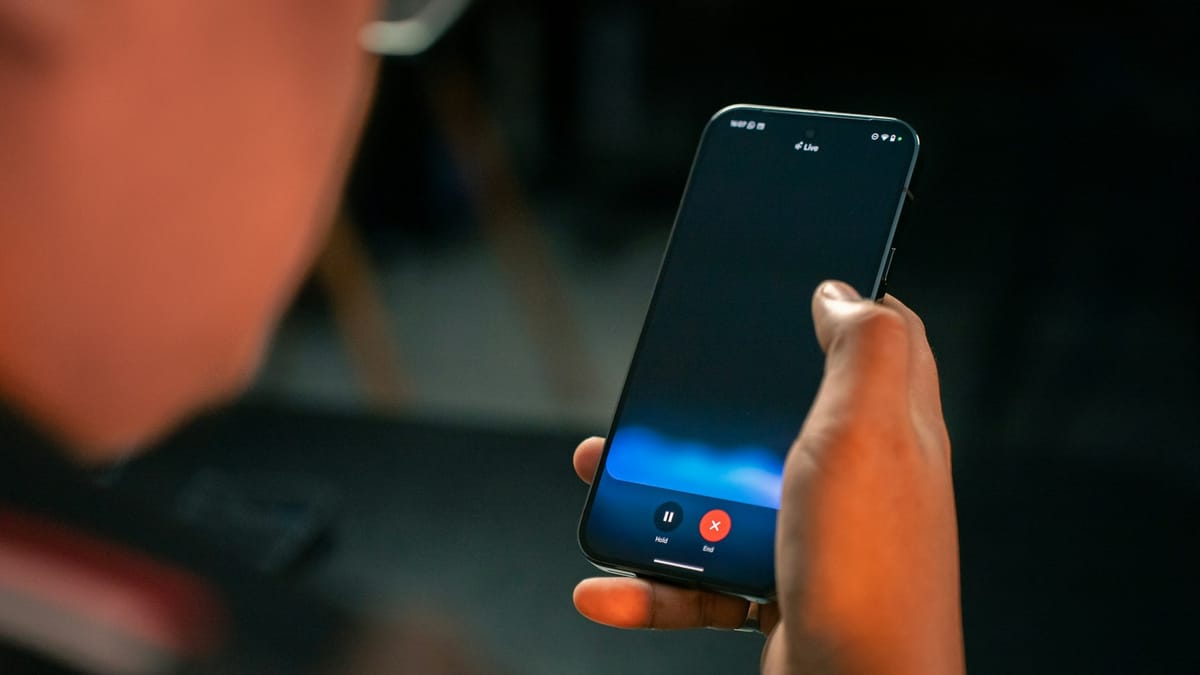
Google Assistant has been a dependable part of Android phones for years, quietly helping with alarms, texts, and quick questions. But as AI, like ChatGPT and Gemini, gets smarter and more conversational, users are starting to expect more than simple commands.
That push for a more capable, interactive assistant is what’s behind Google’s plan to replace Assistant with Gemini.
 Damilare Odedina
From voice commands to real conversations
Google has confirmed that Gemini will fully replace Google Assistant on phones in 2026. The change won't happen all at once, but the direction is now clear. Google wants to move away from a system that mainly responds to short commands and toward an AI that can hold conversations, understand context, and help with more complex tasks across apps.
This plan first became public earlier this year, when Google said Gemini would eventually take over from Assistant on Android. At the time, the company hinted at a faster transition. But according to updated support pages and statements, Google has now clarified that the full switch will stretch into 2026. That gives the company more time to make sure Gemini works smoothly before Assistant is retired for good.
Google Assistant was built in a different era. It's good at simple tasks, but it struggles with deeper reasoning or long, back-and-forth conversations. Gemini, on the other hand, is built on Google’s latest generative AI models. It can answer complex questions, summarize information, help with writing, and pull context from previous messages.
 Ogbonda Chivumnovu
Google sees Gemini as more than a helper you talk to for quick actions. It wants it to act as a central AI layer on your phone, something that understands what you are doing and helps across apps. This is similar to how people already use ChatGPT or Gemini on the web, but baked directly into the phone experience.
For now, nothing is being taken away suddenly. Google Assistant will continue to work on Android phones through 2025. Users who want to try Gemini can already download the Gemini app and use it alongside Assistant. Over time, Gemini will slowly take over common tasks like calls, reminders, and searches, while also offering more advanced features.
Google has already started bringing Gemini to other places, including Wear OS watches and Android Auto, but those rollouts are also happening gradually.
The delay to 2026 shows that Google is choosing stability over speed. Instead of forcing a quick change, it is giving itself room to refine Gemini so it can handle both simple daily tasks and more advanced AI work without breaking the experience people rely on. By the time Google Assistant finally disappears, Google wants users to feel like they are not losing something familiar, but gaining something far more capable.
 Louis Eriakha