



Roblox is one of the largest platforms for children around the world to play games. However, this is just some of what the game can offer. Roblox Studio is a free software tool that gives kids the opportunity to gain new skills, apply logical and creative thought, and even have a chance to develop entrepreneurial skills at a young age. Let's explore how Roblox Studio will engage kids in programming and game design, and channel their creative talents through gaming!
If you want to buy cheap Robux from reliable sources for yourself or as a gift, check out U7BUY — a trusted platform for top-ups, accounts, items, and more.
What is Roblox Studio?
Roblox Studio is a free but highly competent platform for users to create and publish their games. It provides a hands-on environment and is a great place for kids to begin programming, offering a fun and engaging way to get into coding by making games.
Learning Programming Basics with Lua
Roblox Studio uses Luau (based on Lua). It’s beginner-friendly and even powers famous games like Angry Birds and Don’t Starve, making it a great first step into coding.
Take a Roblox Obby (obstacle course): Luau can track progress, respawn players at checkpoints, and handle events like falling off the map. Such scripts teach kids loops, conditions, and events while they design fun games.
Learning Game Design with Roblox Studio
Roblox Studio is also perfect for learning game design. Its simple drag-and-drop interface, tutorials, and rich assets let kids build characters, maps, sounds, and rules. This builds creativity, UX sense, and logical thinking.
In the Obby example, children design maps, obstacles, and traps, add sound effects, and write rules — strengthening problem-solving while having fun.
What Kids Learn with Roblox Studio
In addition to Game Design and Programming, children will acquire many other life skills through Roblox Studio.
Soft Skills: Teamwork, collaboration, and communication are skills children will develop. Kids will collaborate with others with similar interests, divide tasks, and understand the importance of communication to collaborate successfully.
Creativity and Logic: Children can develop their creativity through designs and develop logical thinking through the game rules.
Problem-Solving: Troubleshooting and fixing bugs will help children understand how to solve problems effectively.
Entrepreneurial Skills: When they make the game profitable, children will learn simple entrepreneurial skills, which include managing money, understanding player preferences, and understanding how the market works.
Here's how those skills turn into real-world and career opportunities.
Turning Roblox Studio Skills into Career Opportunities
When kids start using Roblox Studio, they can explore many different paths.
As they gain experience learning Lua programming, children may choose to become programmers or software engineers.
Thanks to game design skills, kids can go into the design field, especially if they have a strong knack for creativity.
Kids can also choose game development. Roblox Studio gives them an early start, which can help if they want to work in game development later.
Another path is entrepreneurship. Learning about in-game money, what people like to buy, and how to share digital items teaches basic business skills that can help them chase bigger goals.
Finally, if kids love creating games, they can continue making Roblox games. Some creators have turned their games into successful projects and earned life-changing income.
Having any kind of experience in creating games or projects will also give a huge boost to their portfolio.
Why Kids Should Learn with Roblox Studio
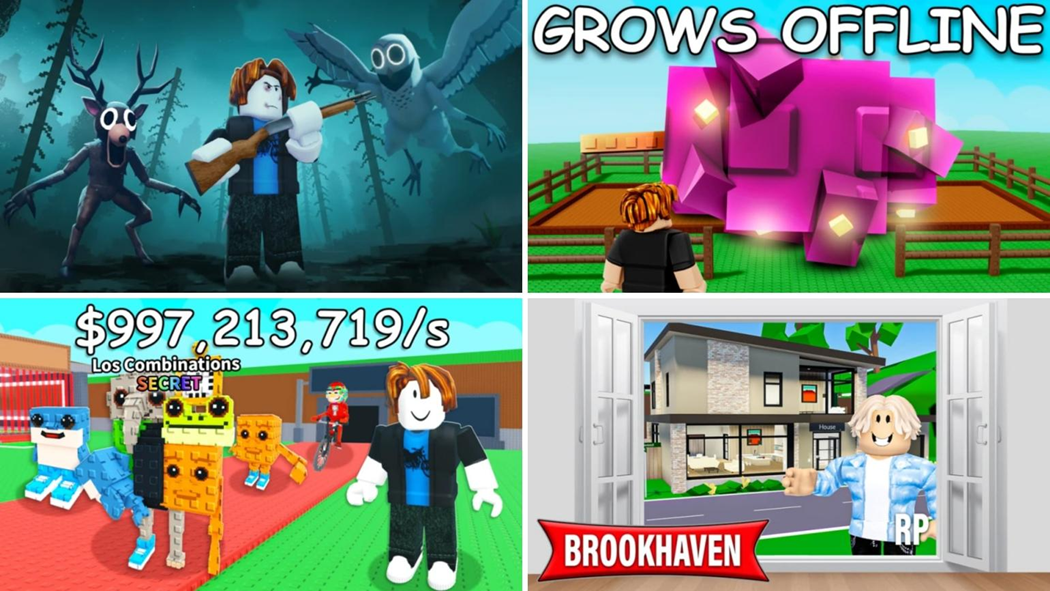
If you're wondering why to choose Roblox Studio for kids over other platforms, here's why:
No Cost and Easy Access: Roblox Studio is free of charge and compatible with most PCs. You do not need an expensive gaming PC to play games on Roblox or to use Roblox Studio. It is a cost-effective option.
Child Safety: Roblox uses strong moderation and parental controls. Parents can control screen time, connections, limits to spending, notifications, chat experience, and more.
Community Support: There is a significant number of developers using Roblox Studio, and as a result, there are tens of thousands of tutorials/information on the internet.
Creative Freedom: Roblox is currently one of the biggest platforms for games. Kids can create a game as simple as exploring a world, or something complex like 99 Nights in the Forest. Anything is possible with Roblox Studio.
How to Get Started with Roblox Studio
If you downloaded Roblox on your PC, you will also get Roblox Studio with it. Simply open the tool and wait for the download to finish.
Log in with your account and go through the tour/tutorial carefully. This will teach you the basics of Roblox Studio.
Once you've completed the tour, you can try all the things in the tool and see what works and what does not.
Next, find a tutorial on YouTube. There are literally hundreds of tutorials that will walk you through making your first game in a matter of minutes.
Complete the tutorial and create your first game, but it's important that you understand the logic of how the game works rather than just following the steps. After you've successfully created the tutorial game, try creating a project on your own.
Use what you've learned, integrate your ideas, and construct the game in your style. Well done! You've now created your first original game in Roblox Studio.
Then you can move on and learn Lua more thoroughly, with new tutorials and new game experiences. Just keep going and get better. This wraps up the article, wishing you success in your Roblox Studio journey.


