You may want to change your Android notification sound for various reasons. Customizing your Android phone's notification sounds can help you distinguish your notifications and add a personal touch to your device.
Whether you want to assign specific tones to different apps or change the default sound entirely, Android offers a range of options.
In this article, you will learn how to change your notification sounds and make your phone feel a lot more like you.
How to Change Your Phone Default Sound
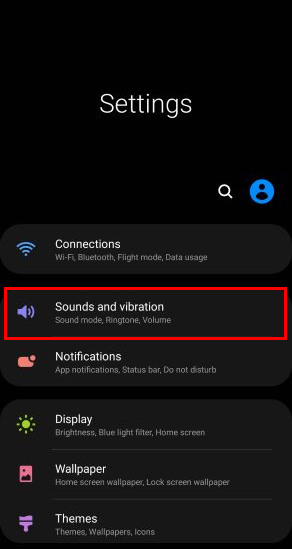
- Go to Settings and select Sound & vibration. (If you use a different Android device, try Settings > Apps & notifications > Notifications > Advanced.)