



We’ve all been there, dozens of Safari tabs taking up your screen, making it hard to find what you need. Whether you’re clearing distractions, freeing up memory, or just starting fresh, closing all tabs at once can be a huge time-saver. Instead of swiping away each tab one by one, Safari offers a quick shortcut to wipe the slate clean in just a few taps.
In this guide, we will show you how to close all your tabs at once using Safari's built-in method, keeping your browsing session organized. And whether you’re on an iPhone or iPad, this trick works effectively for both.
 Ogbonda Chivumnovu
How to Close All the Tabs in Safari at Once
Step 1: Open your Safari browser.
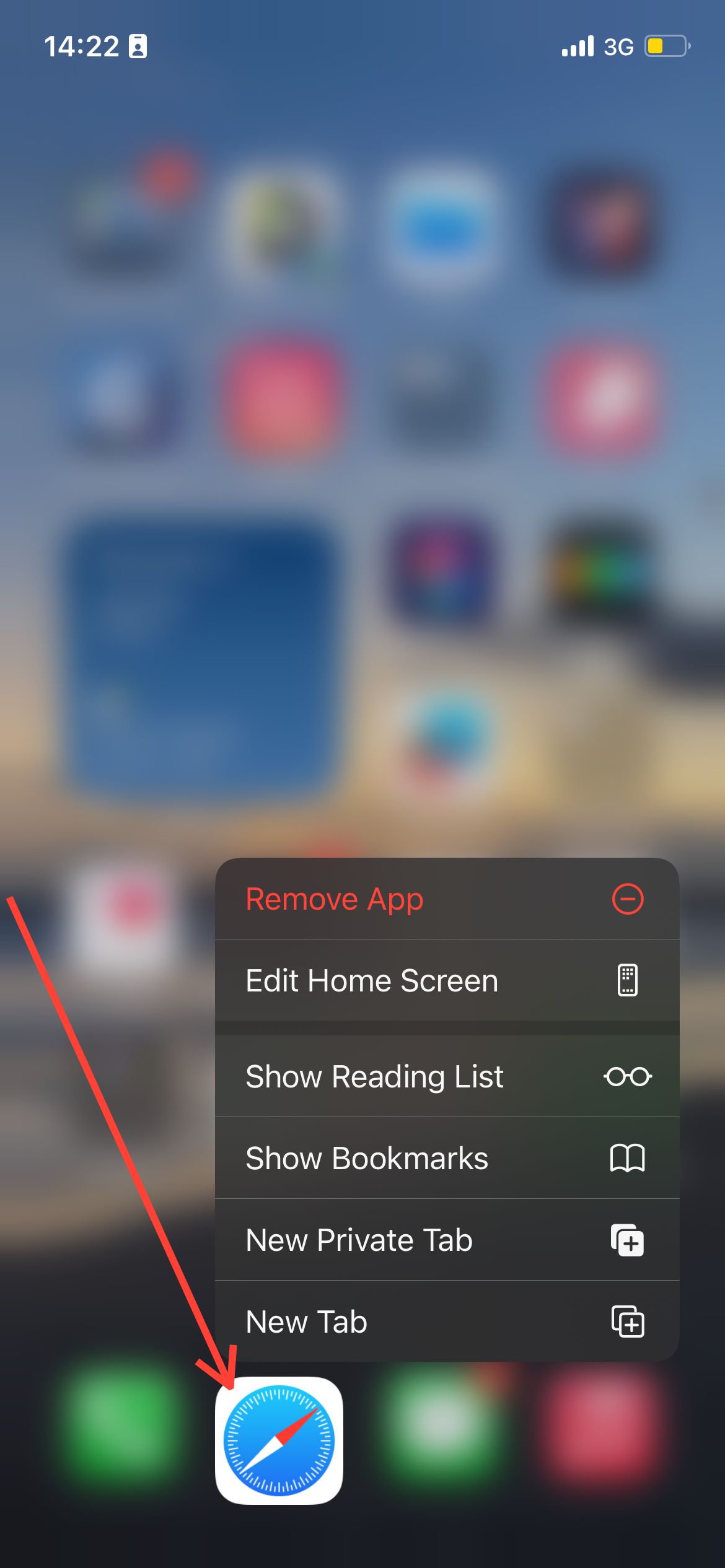
Step 2: Click on one of your open tabs on Safari.

Step 3: On the bottom right side, click and hold the tab icon, then select "Close All [X] tabs."

Step 4: Confirm the action.

 Kelechi Edeh
Conclusion
Having too many open tabs can slow down your browsing experience and make it harder to focus. Thankfully, Safari’s built-in feature allows you to close all tabs at once with just a few taps, no more tedious swiping or losing track of important pages.
Whether you’re wrapping up a research session or simply clearing your browser, this shortcut is a game-changer for efficiency. So, next time your Safari tabs feel overwhelming, remember this quick trick.
Image credit: Oyinebiladou Omemu/Techloy.com


