



Imagine scrolling through your feed or tapping apps without ever touching your screen. Apple’s new eye-tracking feature in iOS 18 makes that possible as it opens up a more accessible way to use your iPhone.
Originally introduced on the Apple Vision Pro, this technology was designed to make immersive spatial computing feel seamless. Now, it’s making its way to everyday devices, starting with the iPhone, and it’s opening powerful new doors for accessibility.
The feature is designed primarily for users with physical disabilities or motor impairments, allowing them to navigate apps, menus, and screens using only their eyes. A subtle on-screen pointer follows your gaze, letting you move through your phone with surprising accuracy. It’s a meaningful breakthrough in assistive tech.
Whether you’re looking for assistive support or simply curious about hands-free interaction, eye tracking lets you navigate your phone with precision and ease, using only your line of sight. Here's how to enable the feature on your iPhone.
 Kelechi Edeh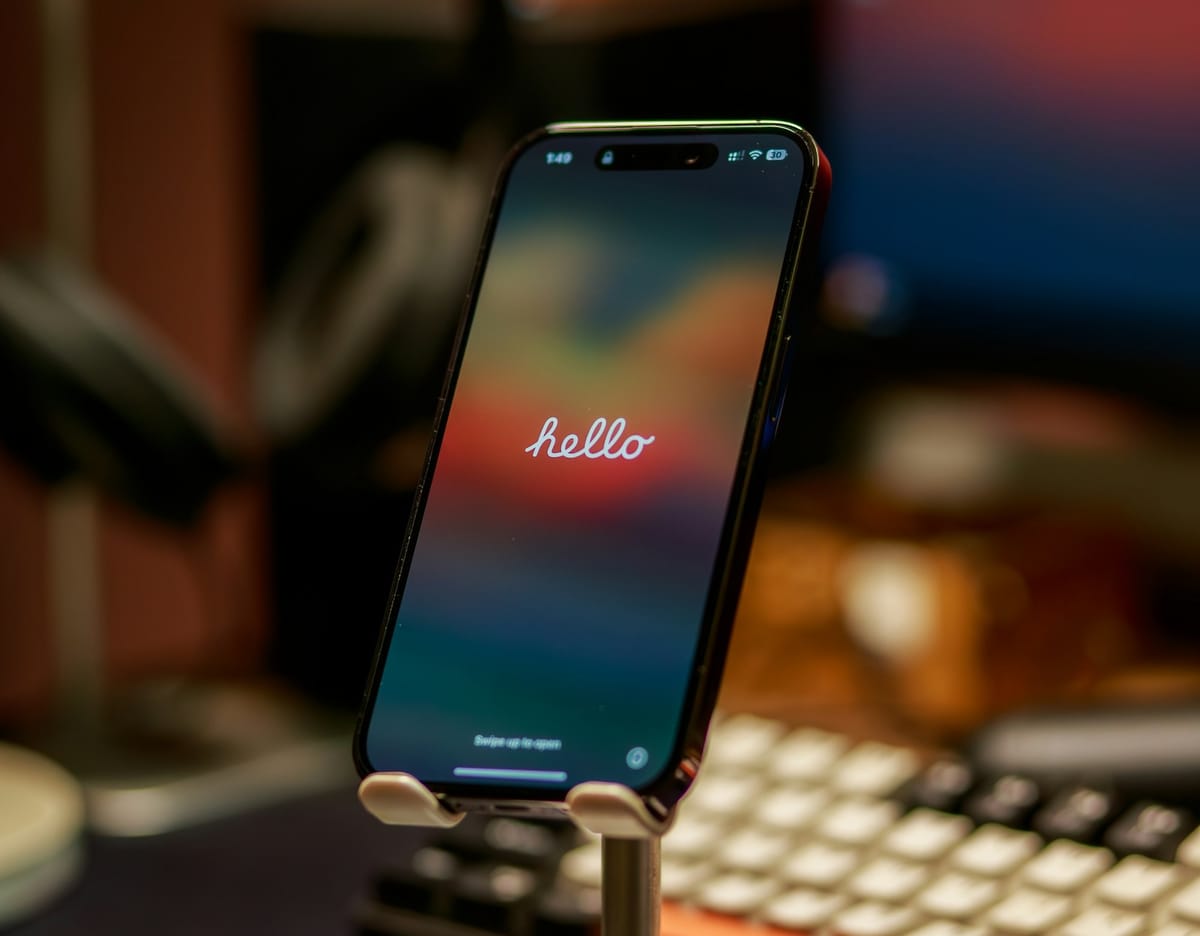
Steps to Enable Eye-Tracking on iPhone
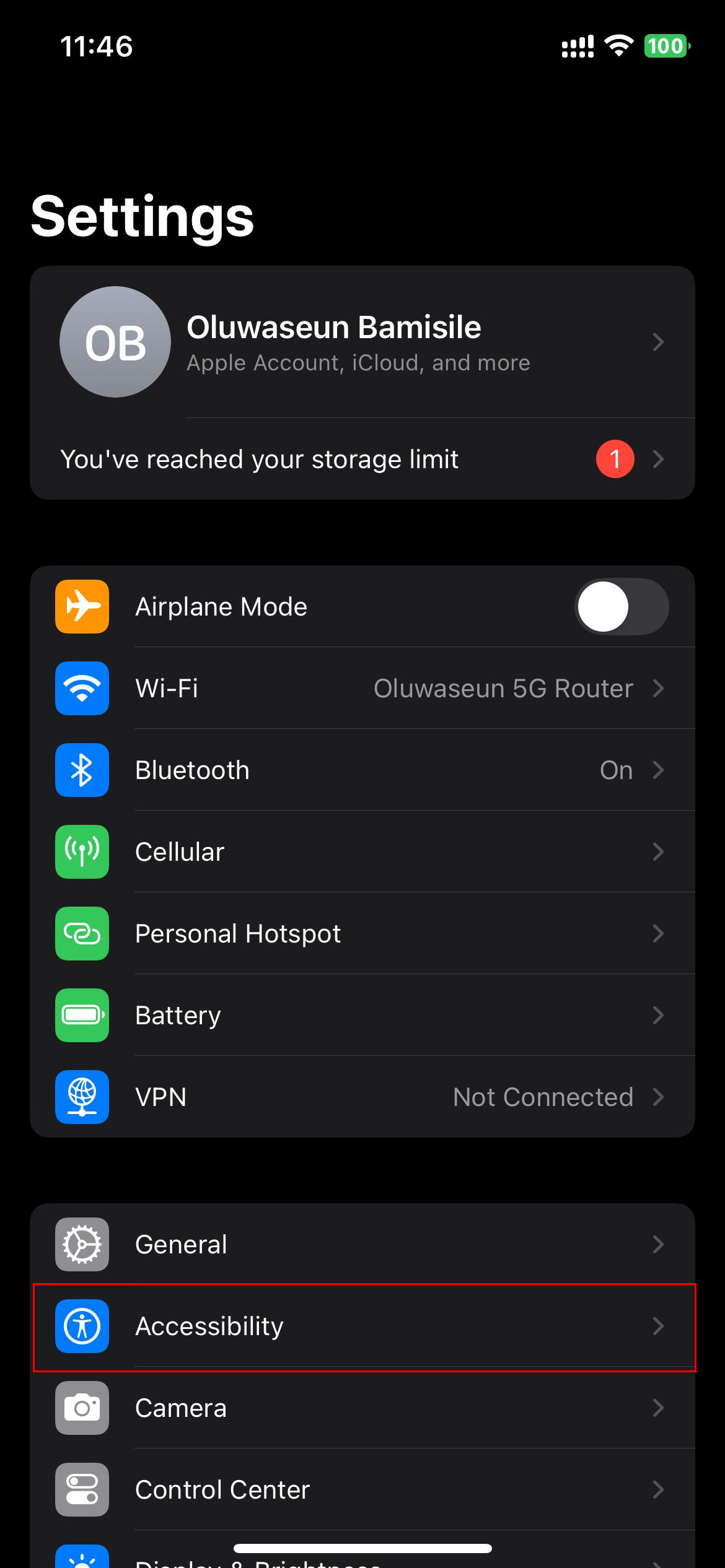
Step 1: Open the Settings app and select "Accessibility"
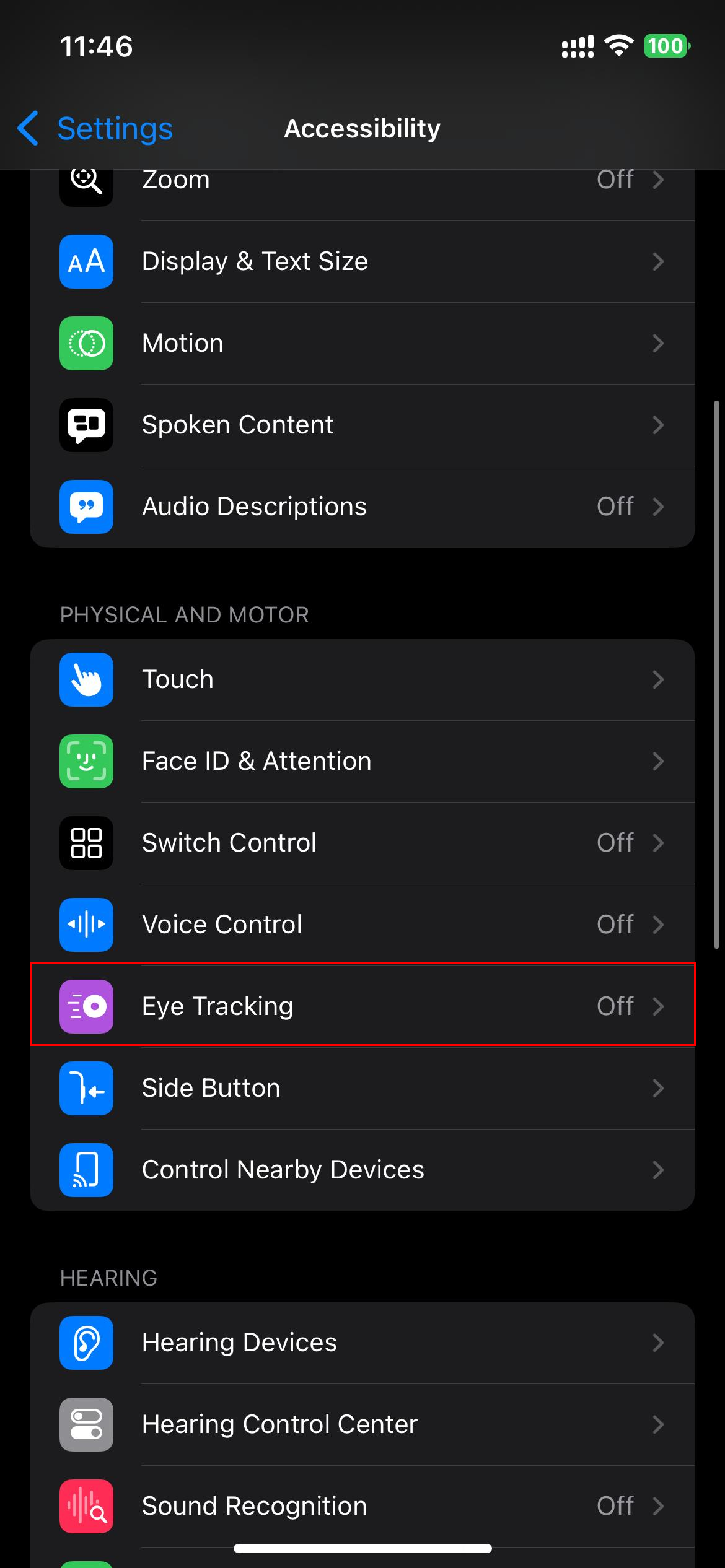
Step 2: Click "Eye Tracking"
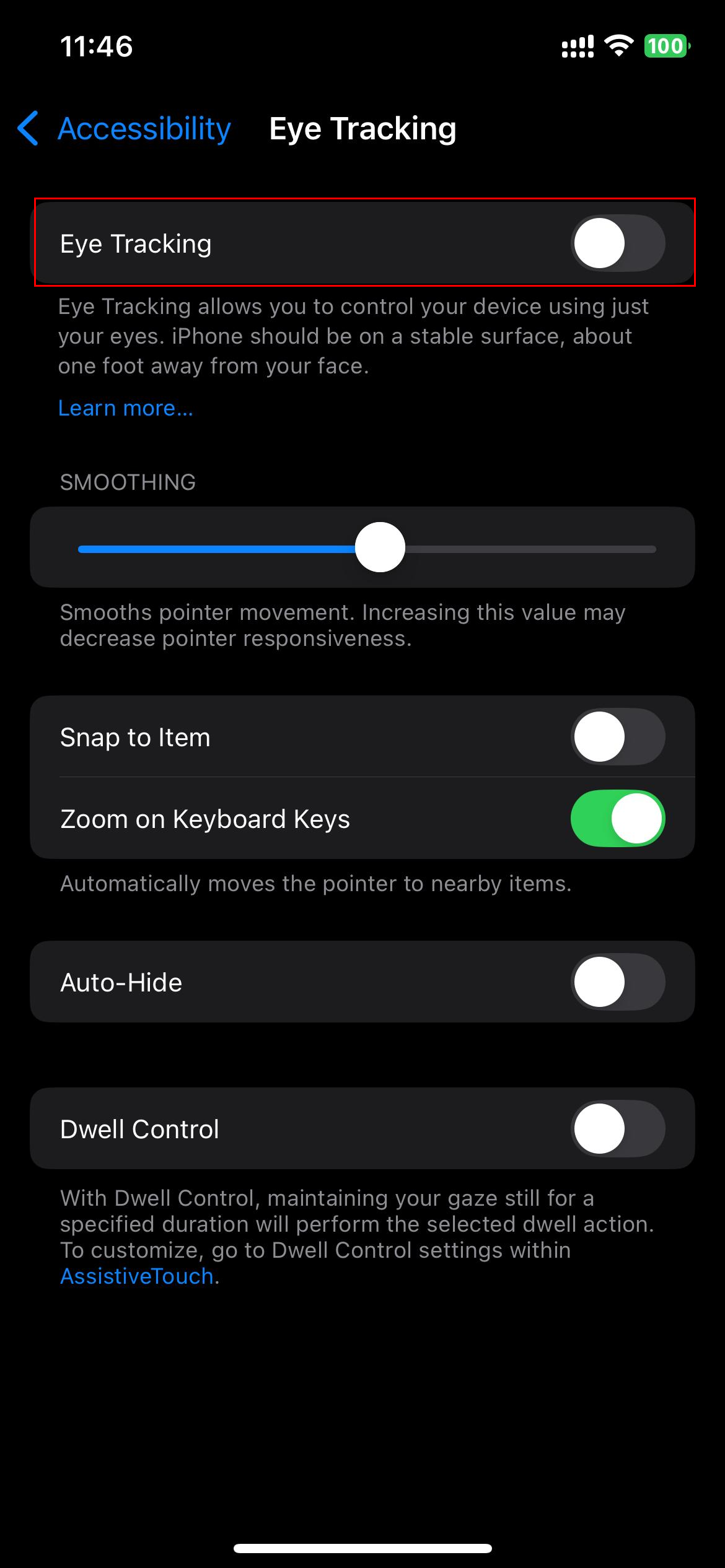
Step 3: Toggle on the feature
Step 4: Follow the calibration instructions on-screen by looking at a series of dots that appear. Keep your face clearly visible and your phone steady

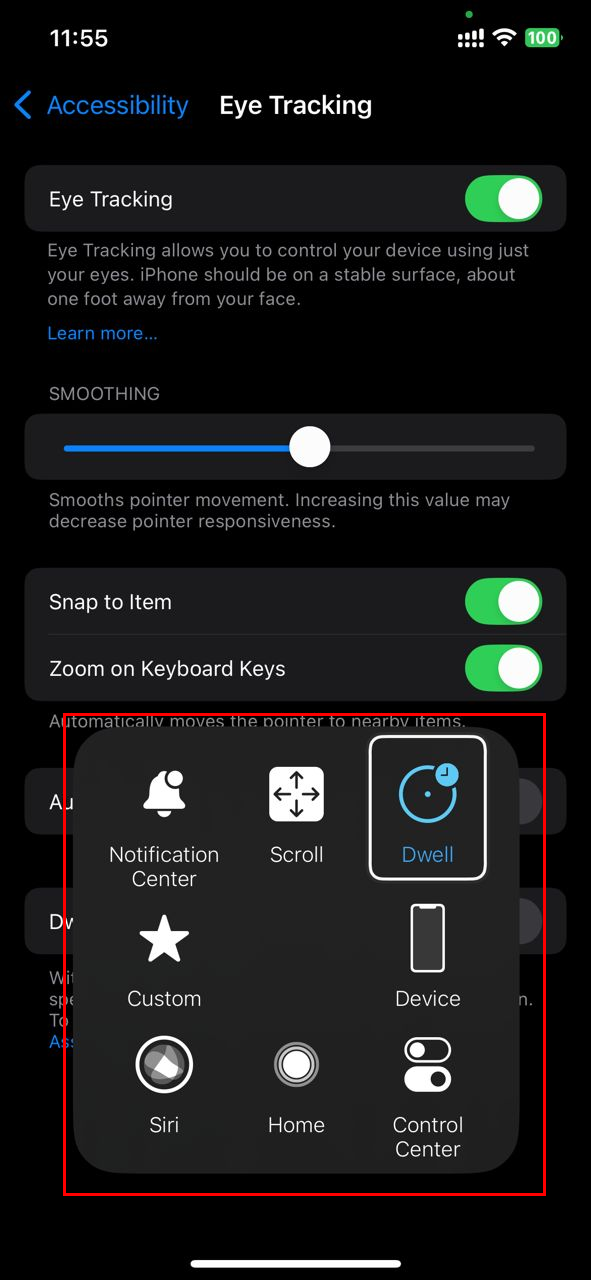
Step 5: Once the feature is enabled, the AssistiveTouch panel will be on the side of the screen. Also, a pointer will appear and follow your eye movement. Staring at an item for a moment will trigger a selection
 David Adubiina
Conclusion
Eye tracking on the iPhone is a powerful accessibility tool that brings more control to people who need it most. With just a glance, users can move across the screen, open apps, select text, and interact with their device in a way that once required external equipment or caregiver assistance.
Even beyond accessibility, it represents an evolution in how we interact with our devices. It brings convenience, hands-free options, and new potential for how people of all abilities engage with their iPhones.
Image credit: Oluwaseun Bamisile/Techloy.com


