



Finding verified LinkedIn email addresses can be the difference between cold outreach success and hours of wasted effort. Whether you’re in sales, recruitment, or marketing, connecting with the right person depends on accurate contact data.
So, how do professionals get someone’s email from LinkedIn without crossing compliance lines? The answer lies in using smart, tested tools that work within LinkedIn’s environment, ensuring accuracy, speed, and safety. Below, we review the five best LinkedIn email finder tools, all tested for performance, accuracy, and usability.
How We Selected These Tools
We focused on tools that offer a Chrome extension or LinkedIn-friendly workflow for instant email discovery.
1. Snov.io
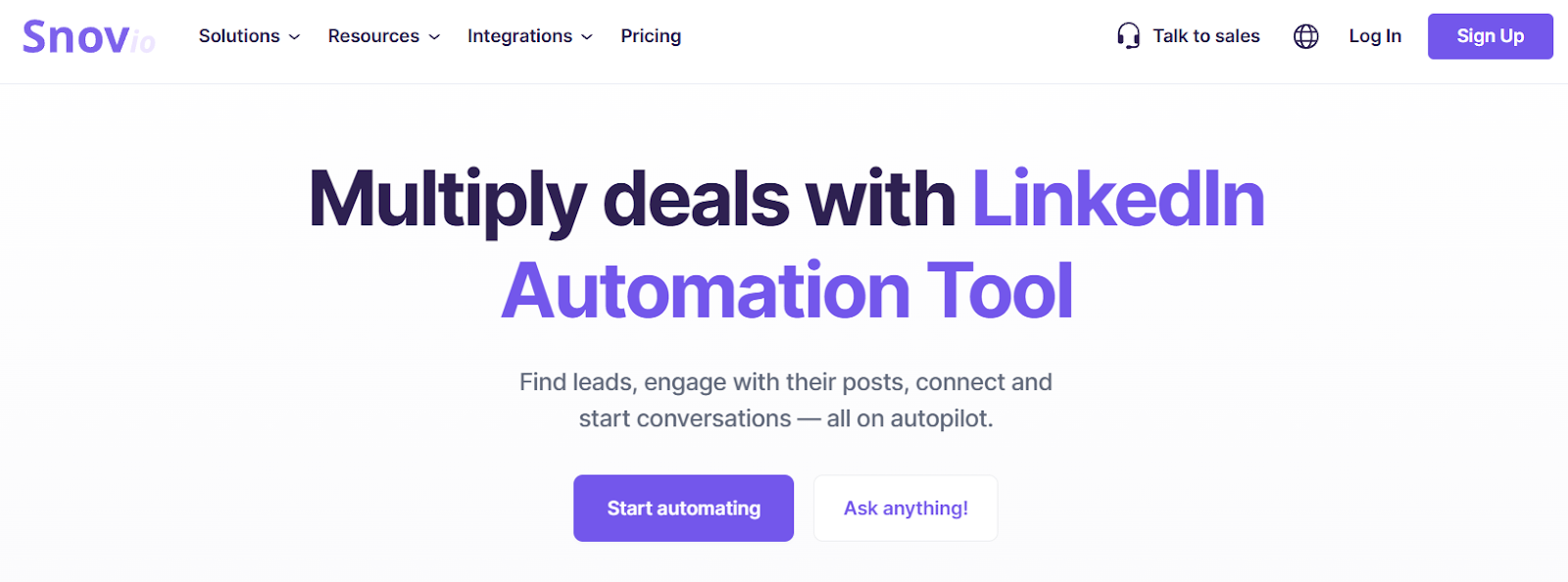
G2 Review: ~4.6/5⭐Best for: Professionals who want a unified workflow — from LinkedIn email finding to campaign outreach.
The Snov.io LinkedIn automation tool makes it easy to extract verified emails directly from LinkedIn profiles using its Chrome extension. It doesn’t just stop there — you can instantly verify the addresses, add them to a list, and launch personalized email campaigns. Its integration with over 5,000 CRMs and outreach platforms allows for seamless workflow automation. Additionally, Snov.io includes features like bulk email finding, domain search, and automated drip campaigns, making it ideal for lead generation teams.
What I liked (testing):
- While browsing LinkedIn profiles, clicking the extension instantly revealed a professional email + verification status.
- Exported clean lists directly into campaign workflows.
- Accuracy in my sample test: found ~95 valid emails out of 100 prospects.
2. Apollo.io
G2 Review: ~4.7/5⭐Best for: Teams needing more than just email — intent data, enrichment, and deep prospect insights.
Apollo.io isn’t just a LinkedIn email finder — it’s a complete B2B intelligence platform. The Chrome extension works seamlessly on LinkedIn, providing verified emails, phone numbers, and company data directly from profile pages. What sets Apollo apart is its advanced enrichment and intent data, helping you identify when prospects are most likely to buy. The platform integrates with Salesforce, HubSpot, and Outreach, making it a powerhouse for sales professionals. Additionally, Apollo’s AI-assisted lead scoring and customizable filters refine your targeting even further.
What I liked:
- On a sample profile, I saw not just an email but also a “lead score” based on buying intent — very helpful.
- Useful for recruiting and outreach — spotted candidates or prospects showing “hiring openness”.
3. Lusha
G2 Review: ~4.3/5⭐Best for: Users who simply need reliable B2B email/phone discovery with flexible credit-based pricing.
Lusha is one of the most popular tools for getting emails from LinkedIn. Its Chrome extension provides instant access to verified business emails and phone numbers on LinkedIn profiles, company pages, and even websites. The interface is minimalistic — click the extension, and it reveals verified contact details within seconds.
What I liked:
- The extension popped up on LinkedIn and offered a simple “reveal” mechanism with a score (e.g., A or A+) for verification status.
- Works on multiple platforms (LinkedIn, websites) — good for diversification.
4. Skrapp.io
G2 Review: ~4.2/5⭐Best for: Teams who use LinkedIn Sales Navigator/Recruiter and need bulk email finding in a simple workflow.
Skrapp.io focuses on simplicity and bulk efficiency. Its Chrome extension allows you to extract emails from LinkedIn and Sales Navigator profiles, then instantly verify and export them into CSV or CRM systems. It includes domain-based search, team collaboration, and email pattern recognition features.
What I liked:
- Very simple interface: click, extract email, see verification status.
- Bulk export functionality is helpful when building large lists quickly.
5. Kaspr
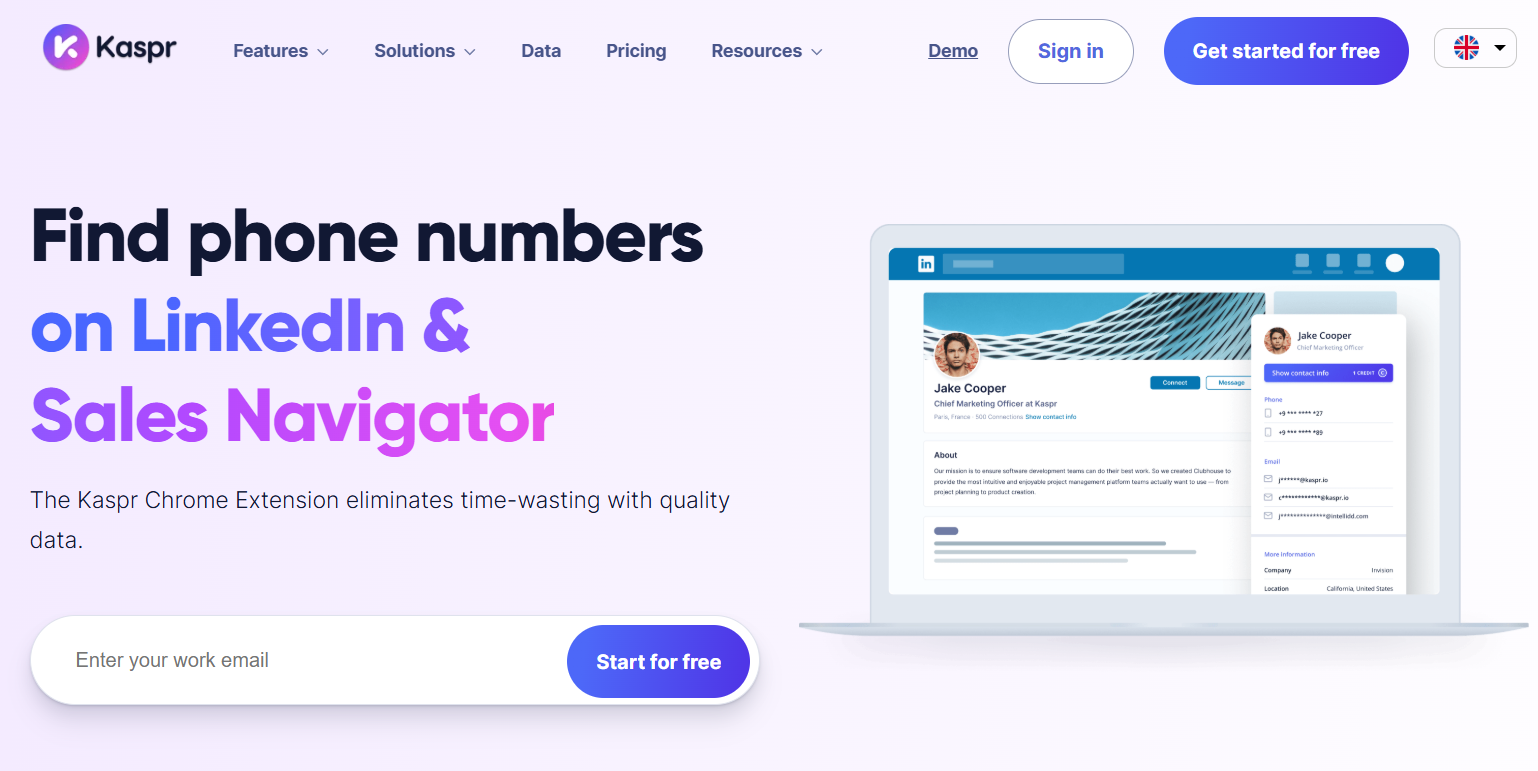
G2 Review: ~4.4/5⭐Best for: Sales/recruitment teams who want to stay inside LinkedIn workflow and enrich contacts without switching tabs.
Kaspr brings email and phone discovery directly inside LinkedIn, Sales Navigator, and Recruiter Lite. With its side-panel interface, you can reveal verified contact details, export them to CRM, and even automate follow-ups.
What I liked:
- While browsing LinkedIn, the tool popped a sidebar with contact details and option to export to CSV/CRM — very intuitive.
- The “bulk enrichment” especially stands out: you can upload partial data (name/company) and let the tool fill missing fields.
How to Choose the Right One
Choosing the right LinkedIn email finder depends on your specific needs, goals, and workflow. Each tool offers different strengths that fit particular use cases.
Full Funnel Outreach
If you want an all-in-one solution for discovering, verifying, and launching campaigns, Snov.io is the top choice. It lets you find verified emails directly from LinkedIn, manage contact lists, and send automated outreach — all within the same platform.
Deep Prospect Insights
For professionals who need more than just email addresses, Apollo.io stands out. Its deep enrichment data, buying intent insights, and AI-driven lead scoring help identify and prioritize the right prospects for outreach.
Bulk Lead Building
If your focus is on building large, targeted lists from LinkedIn or Sales Navigator, Skrapp.io is a strong contender. It simplifies the process of extracting, verifying, and exporting verified emails in bulk, streamlining list creation and CRM import.
Seamless LinkedIn Workflow
For recruiters and sales teams who work mainly within LinkedIn, Kaspr provides a natural, integrated experience. Its in-app sidebar allows you to reveal verified contact details, enrich data, and export leads without switching tabs or disrupting your workflow.
Final Considerations
Before selecting a tool, evaluate each one based on accuracy, pricing or credit system, CRM integrations, ease of use, and compliance with regulations like GDPR and CCPA. The right choice will depend on how you balance automation, verification accuracy, and integration with your existing outreach stack.
Conclusion
Finding someone’s email on LinkedIn doesn’t have to be complicated. With the right tools, you can automate the process, maintain data accuracy, and stay compliant with global privacy standards. Whether you’re using Snov.io LinkedIn automation tool or one of the other tested platforms, you’ll gain more control, efficiency, and success in your outreach.


