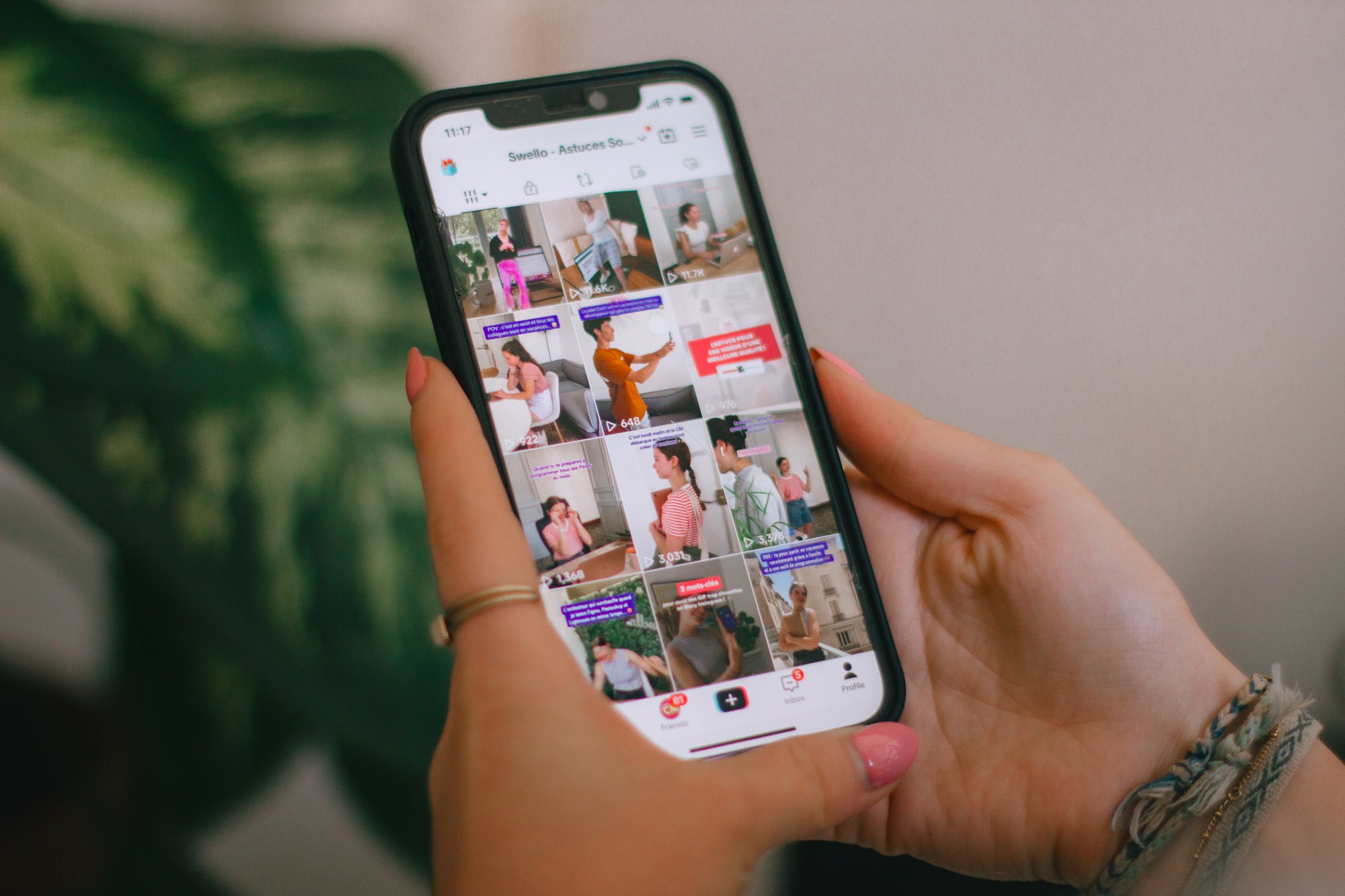
TikTok’s newest digital well-being tool doesn’t live inside the app. Instead, it’s a physical planner designed to help families plan their week and talk about screen time together.
The “For You Calendar” is a paper-based weekly planner created in partnership with stationery creator Linda Tong (@lindatongplanners). It’s aimed at families raising teens in a social-media-first world.
Here’s how to get it and how to set it up at home.
Step 1: Get the planner
The “For You Calendar” is not sold in stores and isn’t available through TikTok itself.
To get it:
- Visit Linda Tong’s official website
- Order the planner for free, while supplies last
- Availability is limited, suggesting a test run rather than a permanent rollout
TikTok has not confirmed whether more batches will be released.
 Emmanuel Umahi
Step 2: Understand what you’re working with
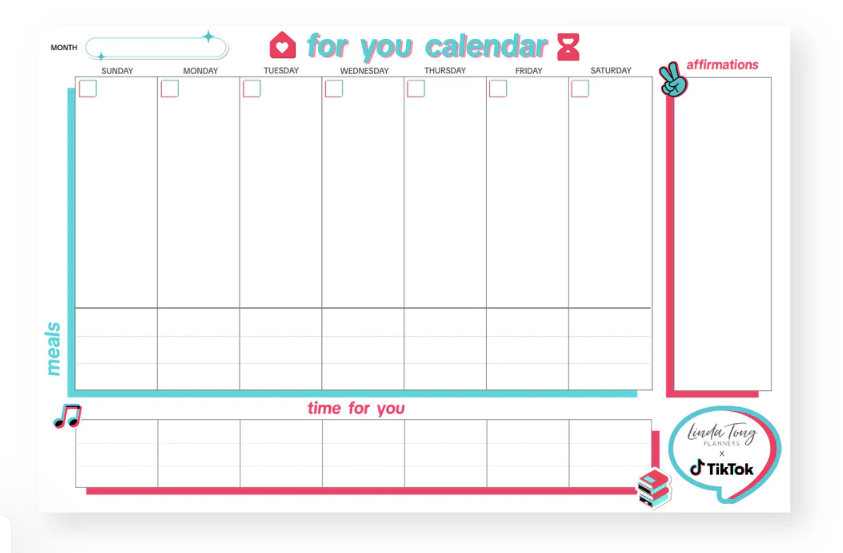
This is a weekly planner, not a long-term diary or screen-time tracker.
Inside, you’ll find:
- A full weekly layout
- Sections for school, activities, and downtime
- Space to plan intentional offline moments
- Prompts designed to spark conversation, not enforce rules
There are no timers, limits, or compliance checks.
Step 3: Sit down and plan together
TikTok’s approach only works if the planner is filled out collaboratively.
How to do it:
- Set aside 15–20 minutes
- Parents and teens should be present
- Start with fixed commitments: school, classes, sports, chores
This makes the planner feel shared, not imposed.

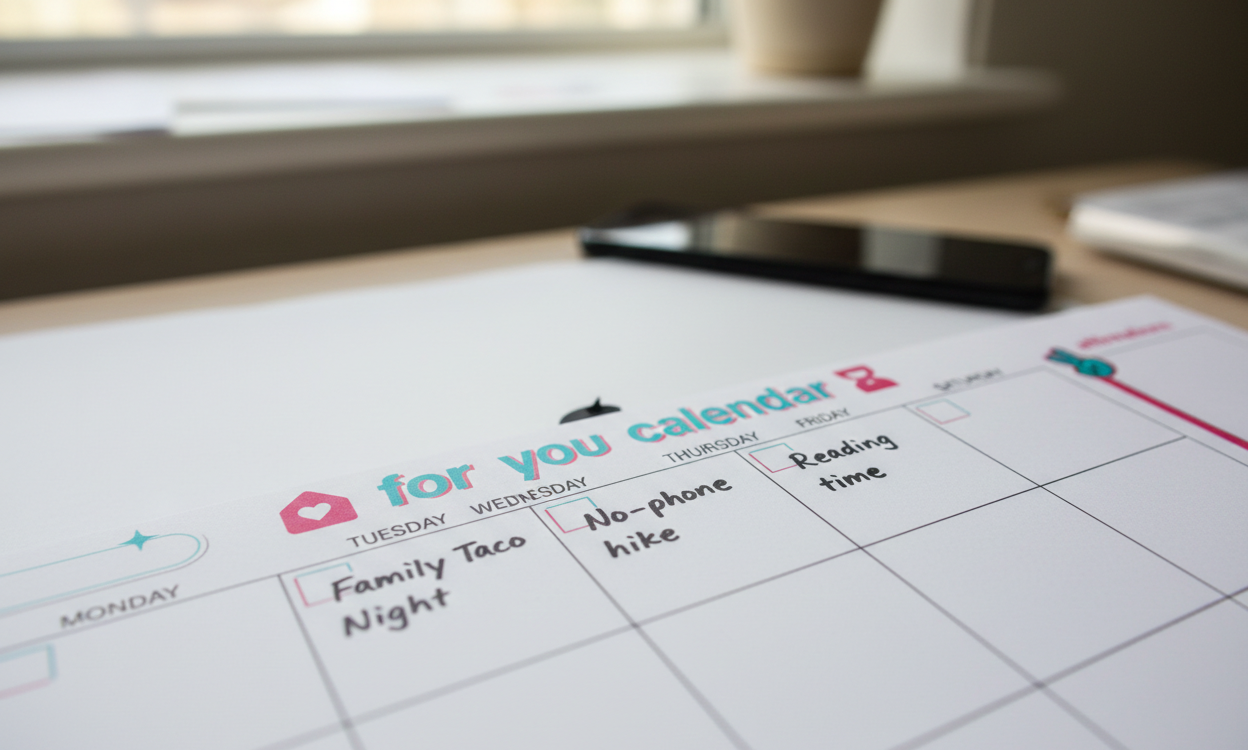
Step 4: Schedule offline time — not just restrictions
Instead of writing “no phone,” TikTok encourages families to plan what replaces screen time.
Examples:
- Family meals
- Study blocks
- Rest or personal time
- Social activities outside the phone
This shifts the focus from control to balance.
Step 5: Use it as a weekly check-in, not a rulebook
The calendar isn’t meant to be monitored daily.
Best practice:
- Revisit it once a week
- Talk about what worked and what didn’t
- Adjust plans without treating missed goals as failure
Flexibility is part of the design.
 Emmanuel Umahi