Hiding your caller ID has its pros and cons, which can be surprisingly useful depending on your situation. Say you're trying to protect your personal number from strangers, avoid calls from telemarketers, or you just want to keep things private for a while.
Activating this feature means that when you call someone, instead of seeing your phone number, they’ll see “Private Number” or “Unknown Caller.” It’s a handy privacy feature, but it comes with trade-offs. People may not pick up your call if they can’t identify you, especially if you work in sales, customer service, or any role where trust matters.
On the other hand, keeping your number visible helps with open communication. People are more likely to answer when they recognize who’s calling, but this also exposes you to unsolicited calls or even potential scams.
Now, unlike tweaking random settings on your phone, this guide shows you a much quicker way to activate or deactivate your private number in seconds.
 David Adubiina
Steps to Activate Private Number (Hide Your Number)
If you want to hide your phone number so it appears as “Private Number” when you call:
Step 1. Open your phone’s call app.
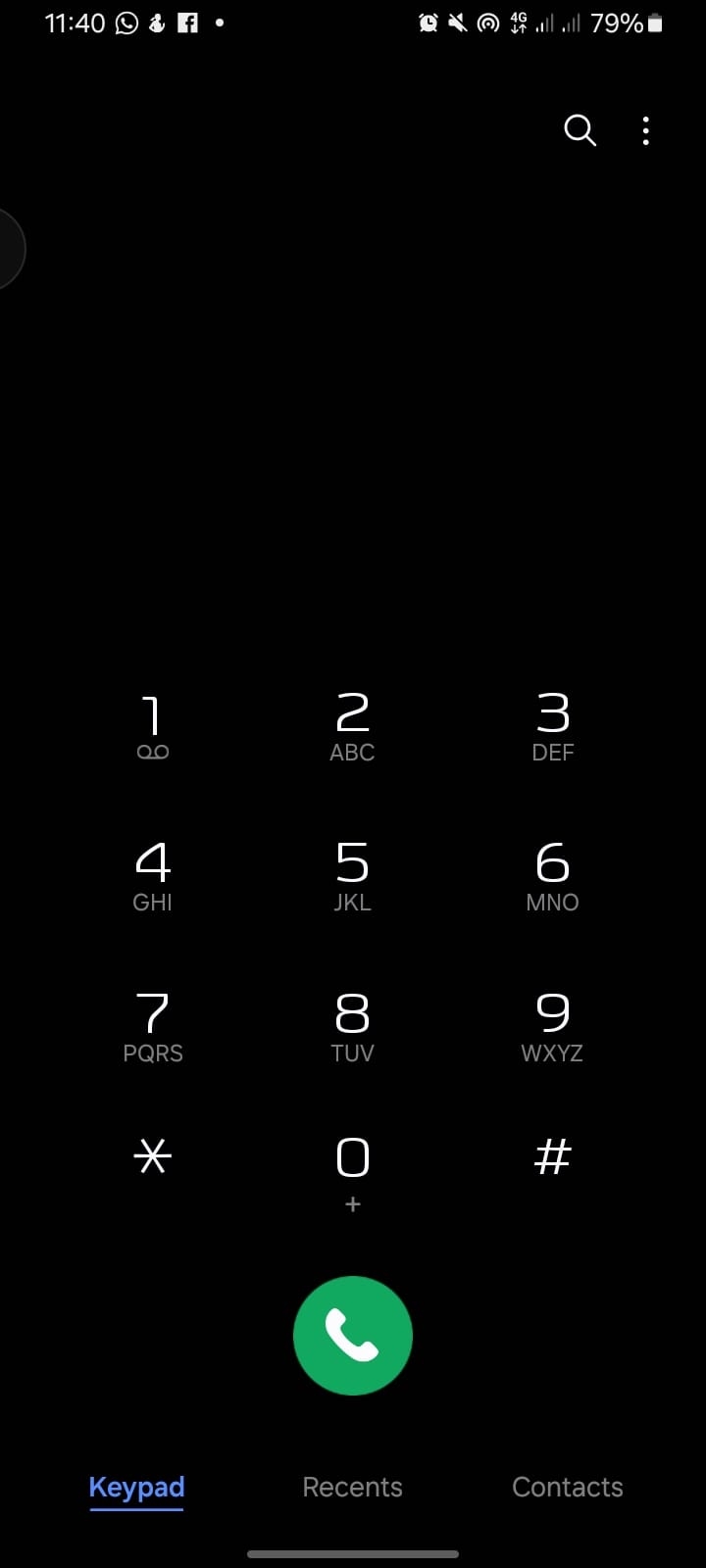
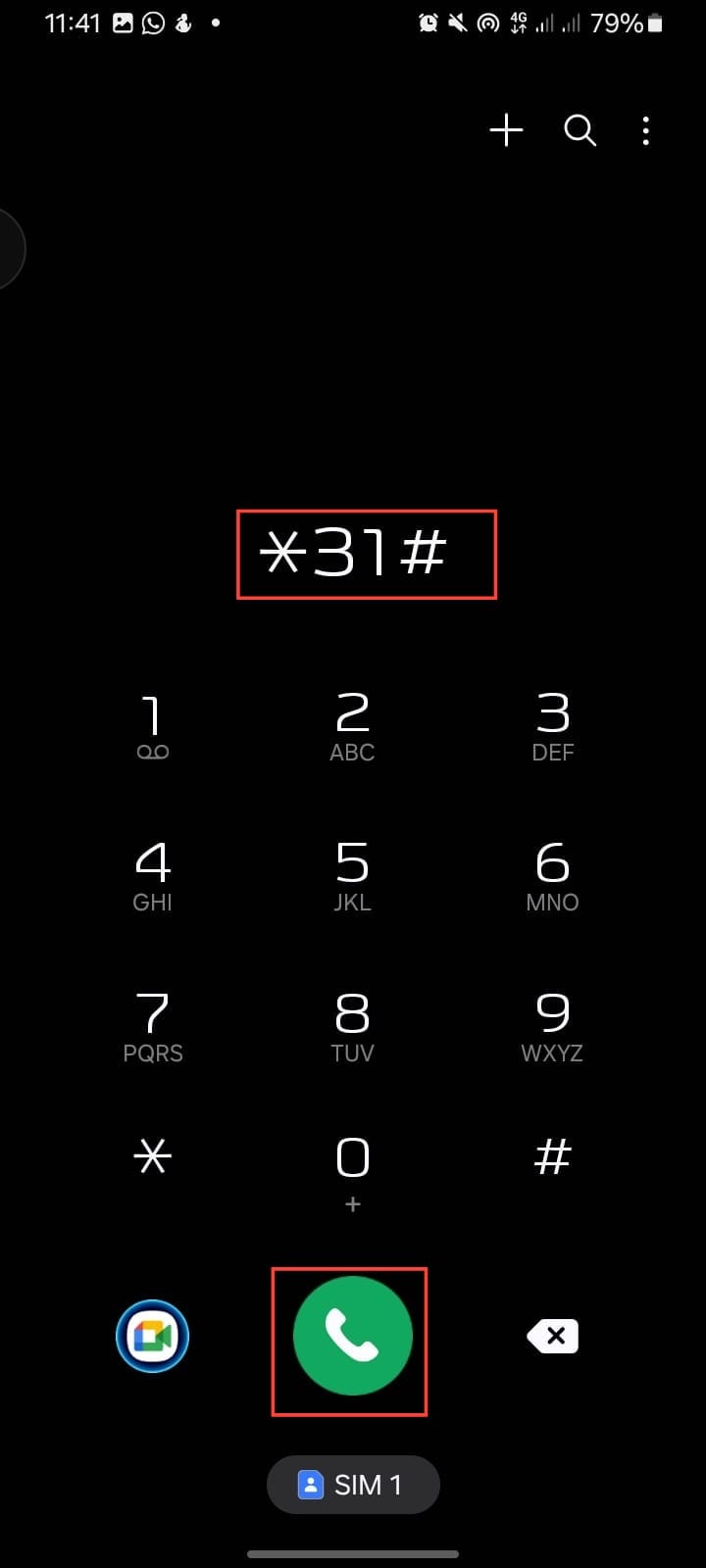
Step 2. Dial "*31#."
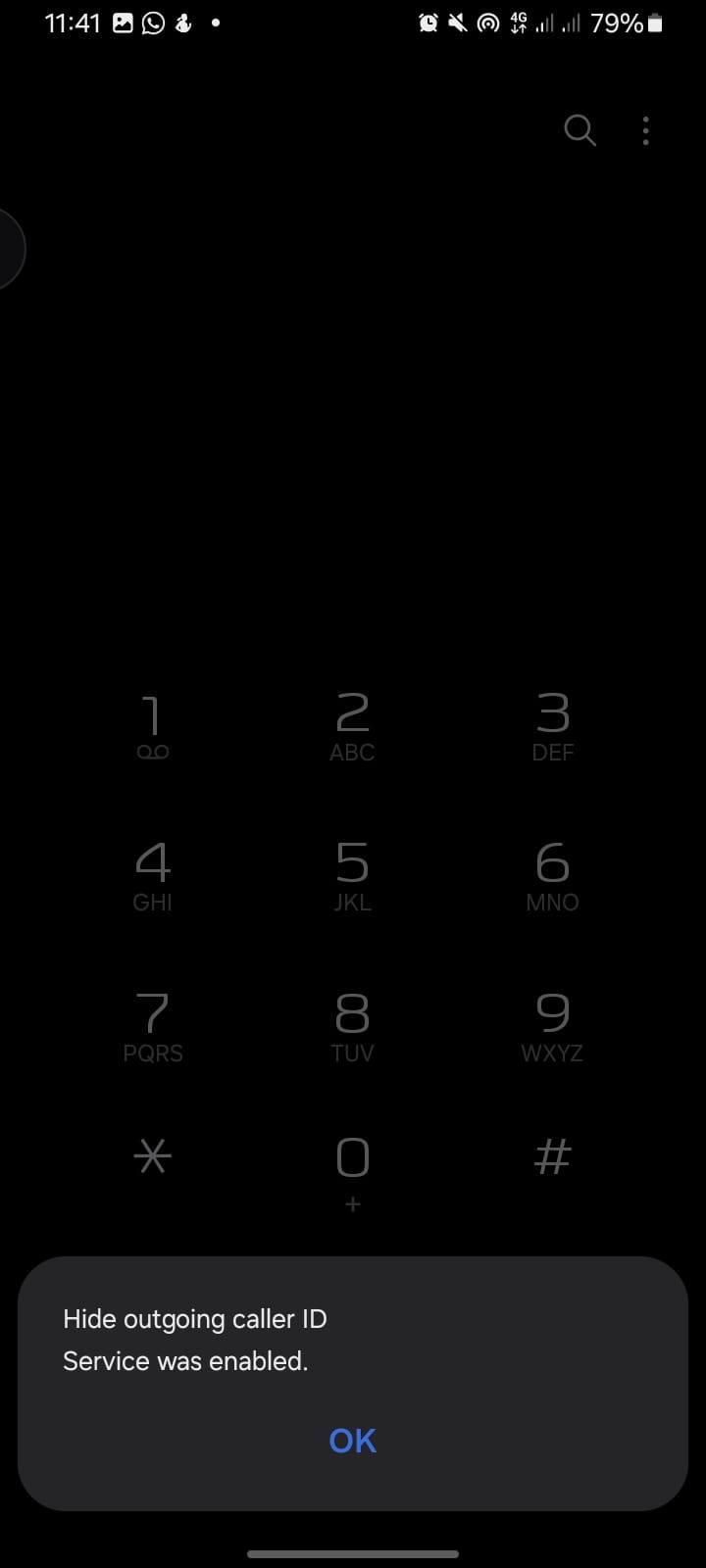
Step 3. You will see a notification saying, "Hide Outgoing Caller ID" is enabled.
- Once activated, your number will be hidden automatically when you make calls.
Steps to Deactivate Private Number (Show Your Number Again)
If you don’t want your number hidden anymore:
Step 1. Open your call app.
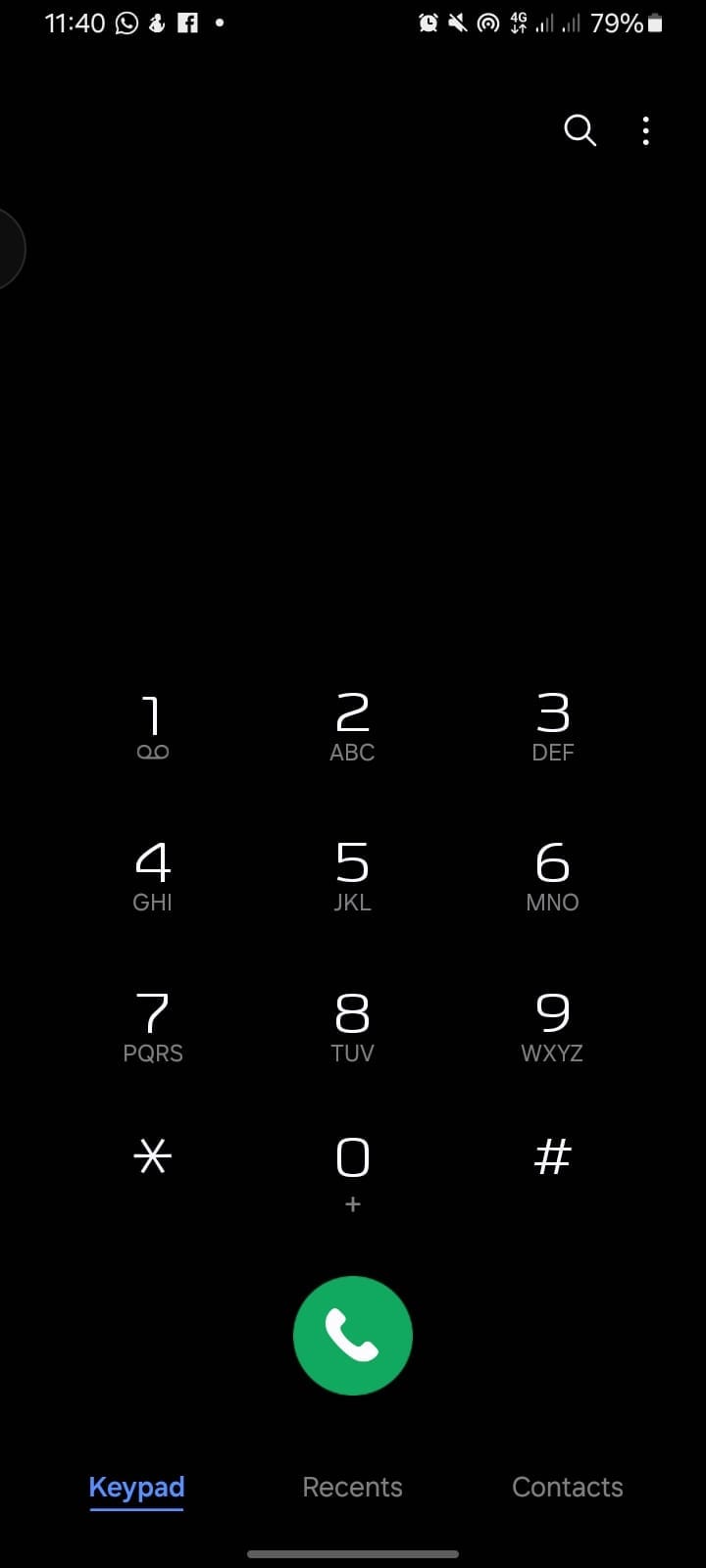
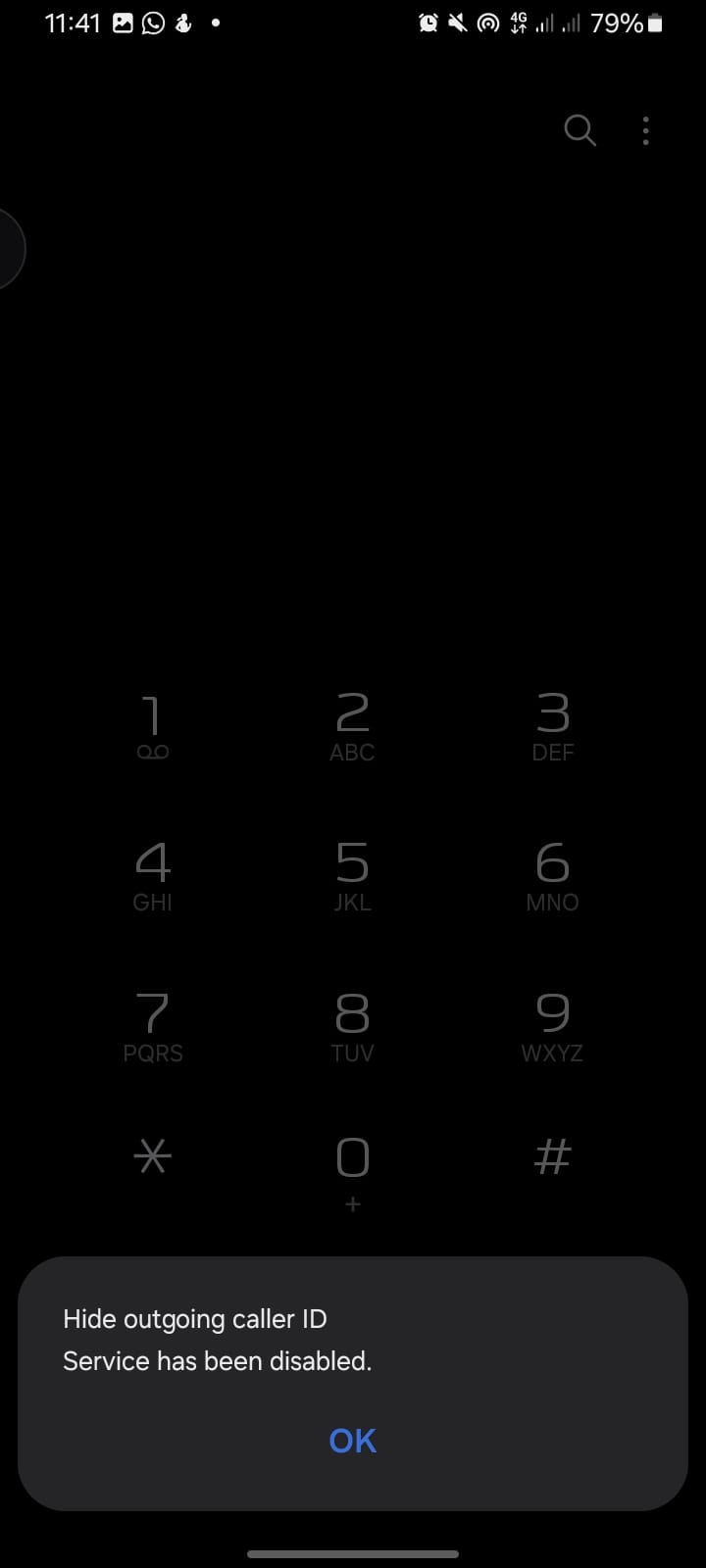
Step 2. Dial "#31#".
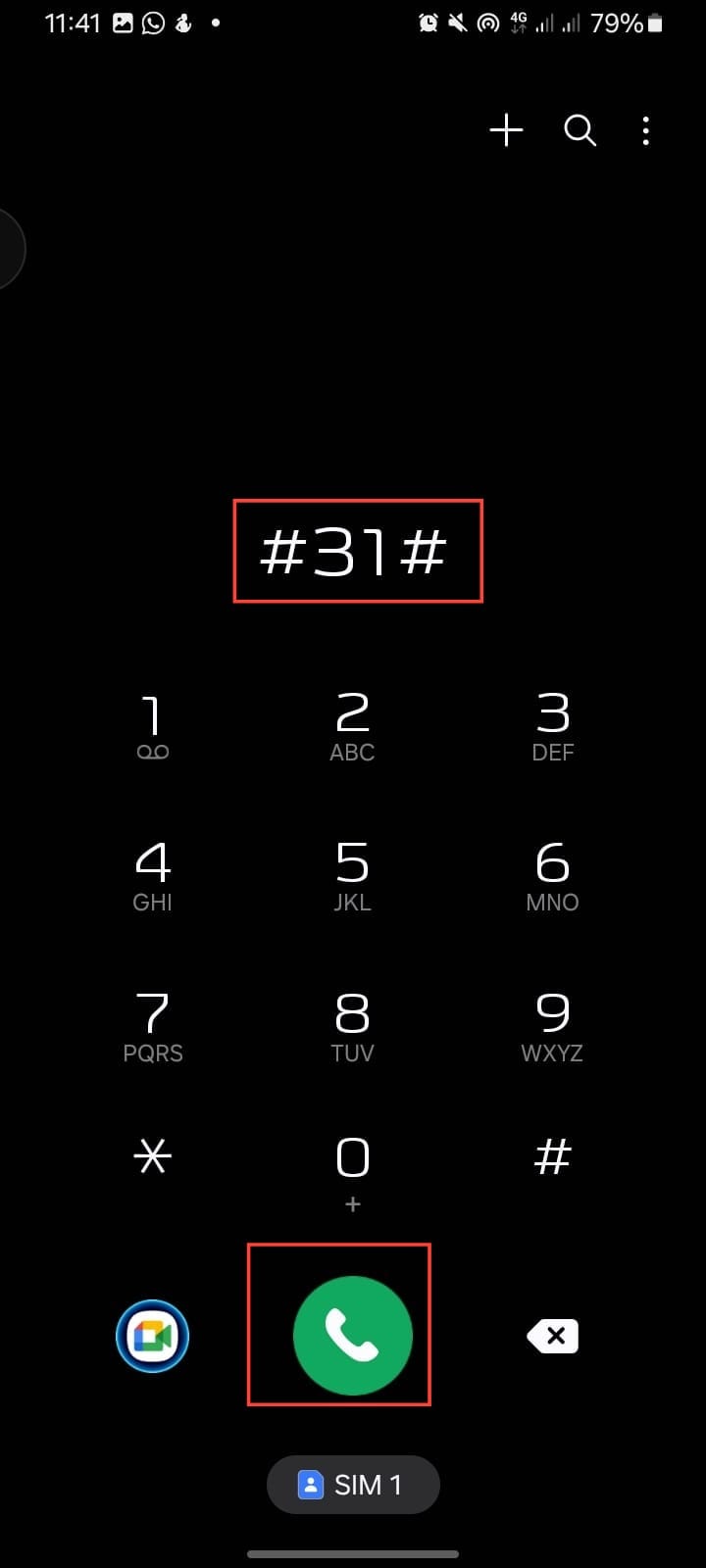
Step 3. You will see a notification saying, "Hide Outgoing Caller ID" is disabled.
- Now, your number will show normally when you call people.
Conclusion
Keeping your number visible if you’re constantly calling clients or people who might ignore a private number makes things easier and helps avoid missed calls. But when you need privacy or want to block random telemarketers, hiding your number does the job.
Switching back and forth is quick without stress. Just dial the code when you need to hide your caller ID, and reverse it when you’re ready to show your number again.
Image credit: David Adubiina/Techloy.com
 David Adubiina