Have you ever woken up to a dead phone battery, only to realize you left a YouTube video playing all night? Or perhaps you’re tired of being disturbed by calls and notifications during your sleep.
Scheduling power on/off can be a simple yet effective way to improve your sleep quality, save battery life, and reduce midnight disturbances. In this guide, we’ll show you how to easily set up scheduled power on/off and restart your device.
How to schedule power on, off or restart
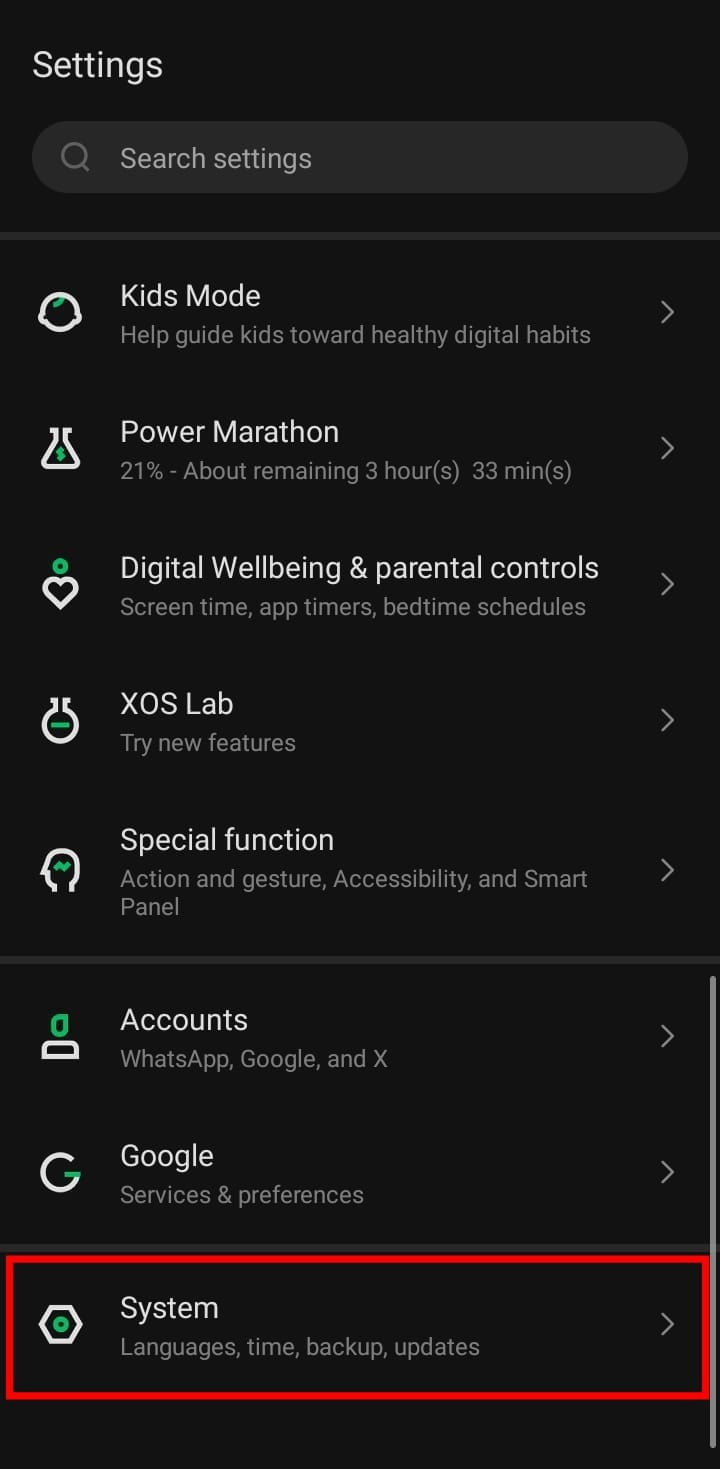
- Open your device's settings app and select "System"