Sometimes you wish you could send a message that vanishes like a whisper in the wind? While iMessage doesn’t offer the conventional disappearing message like Signal, WhatsApp, or Snapchat, where messages automatically delete after a specific time, it does have a clever trick up its sleeve.
With the Invisible Ink feature, you can add a layer of mystery to your messages, hiding them until the recipient swipes to reveal what you wrote. It's not true message expiry, but it adds a disappearing effect that keeps things subtle, surprising, or even secretive.
How to Send Disappearing Messages in iMessage
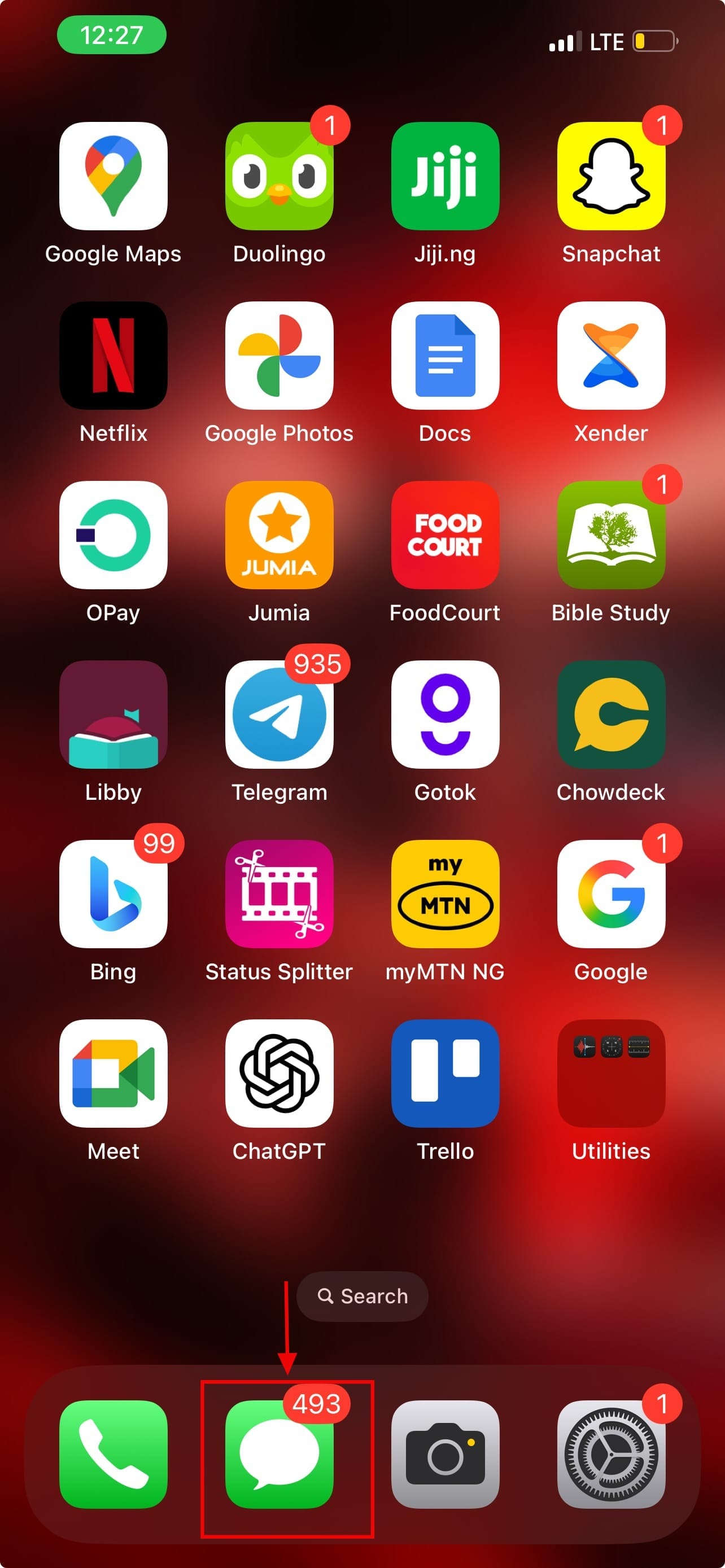
Step 1: Open iMessage on your device
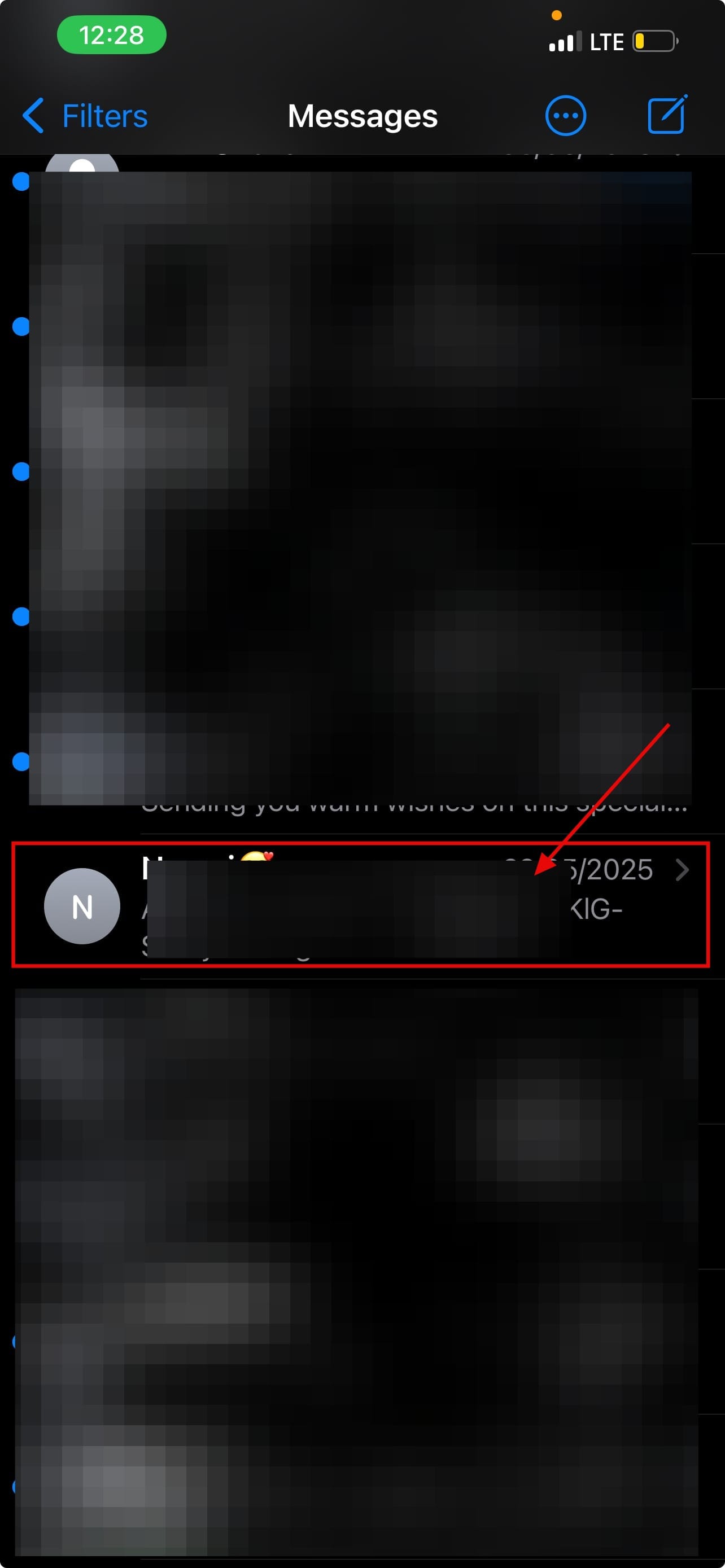
Step 2: Open a conversation and type the message you want to send
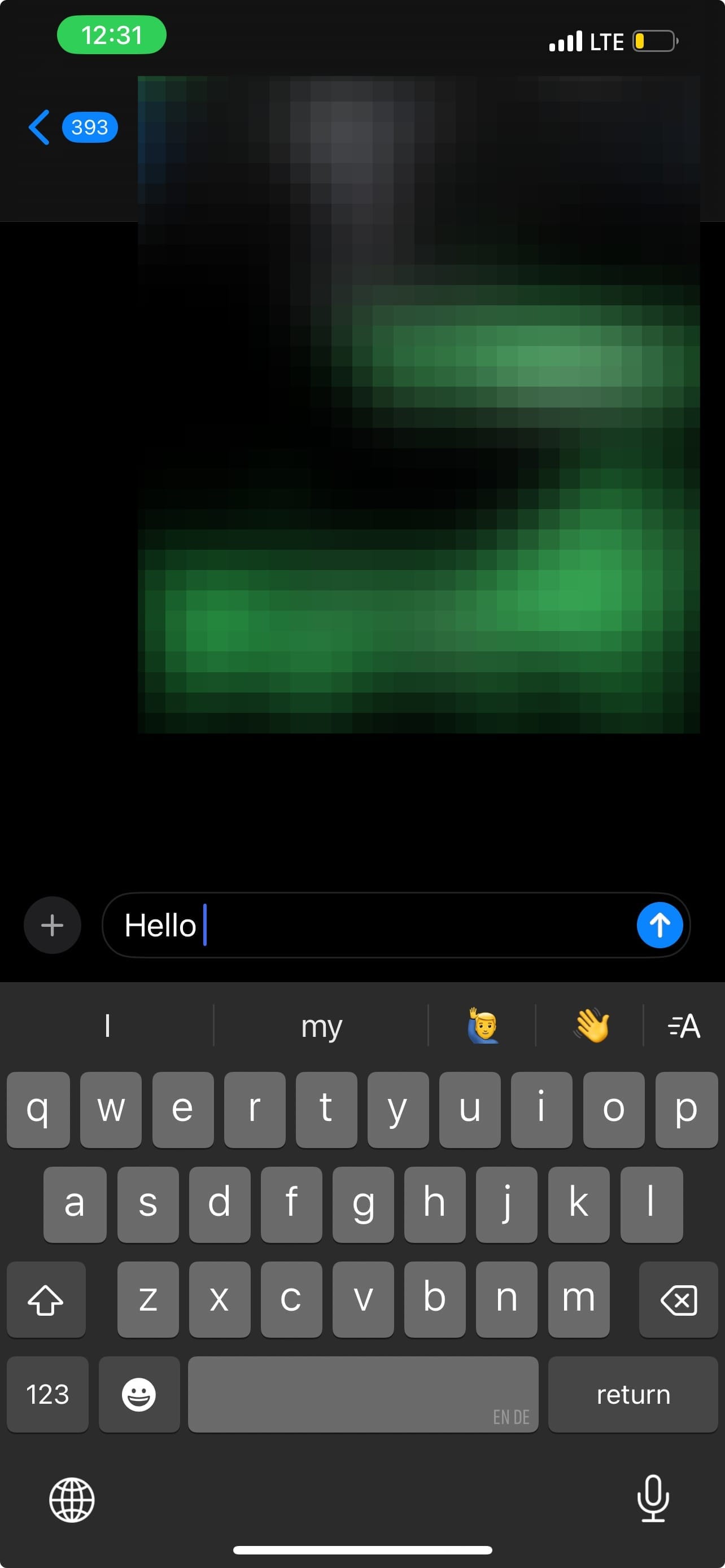
Step 3: Hold the send button
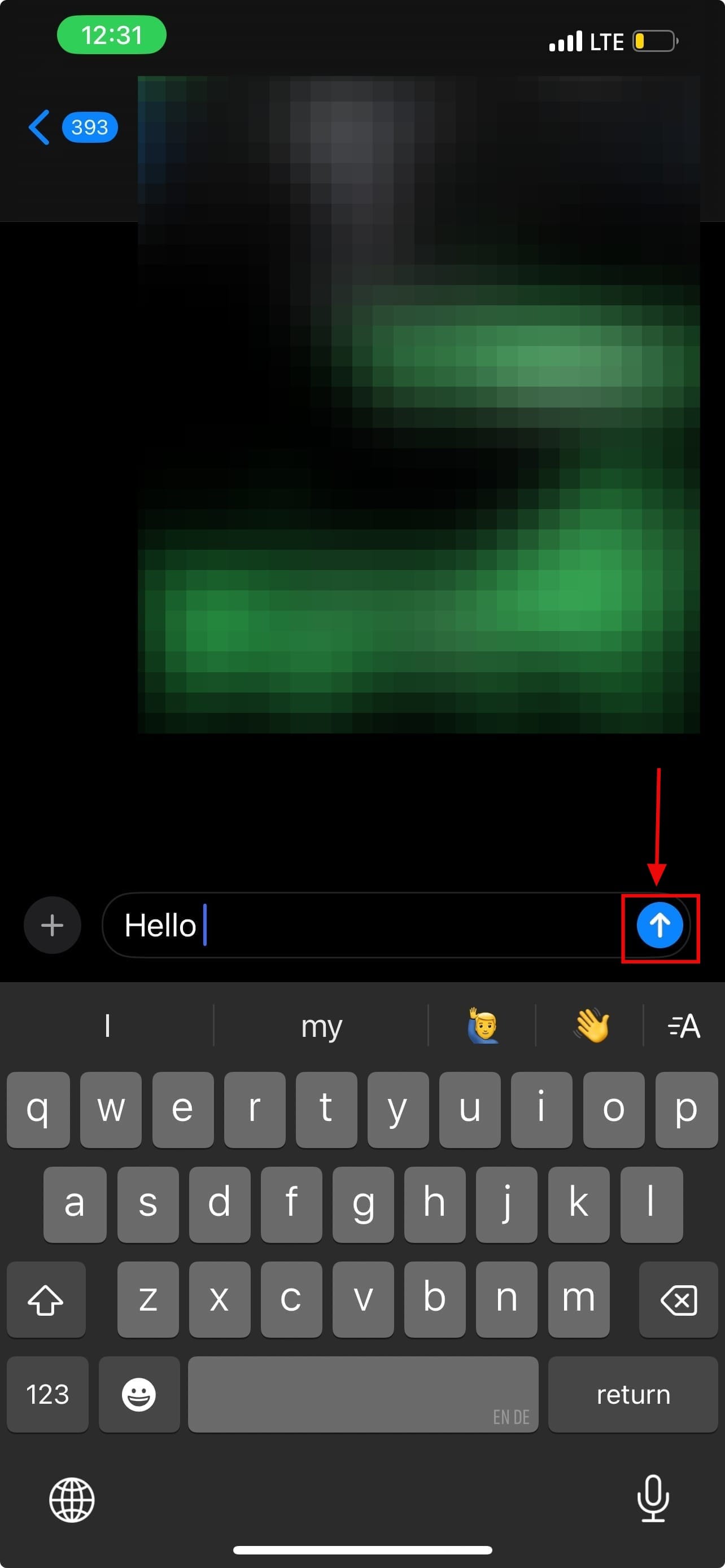
Step 4: A menu will appear. Select Invisible Ink
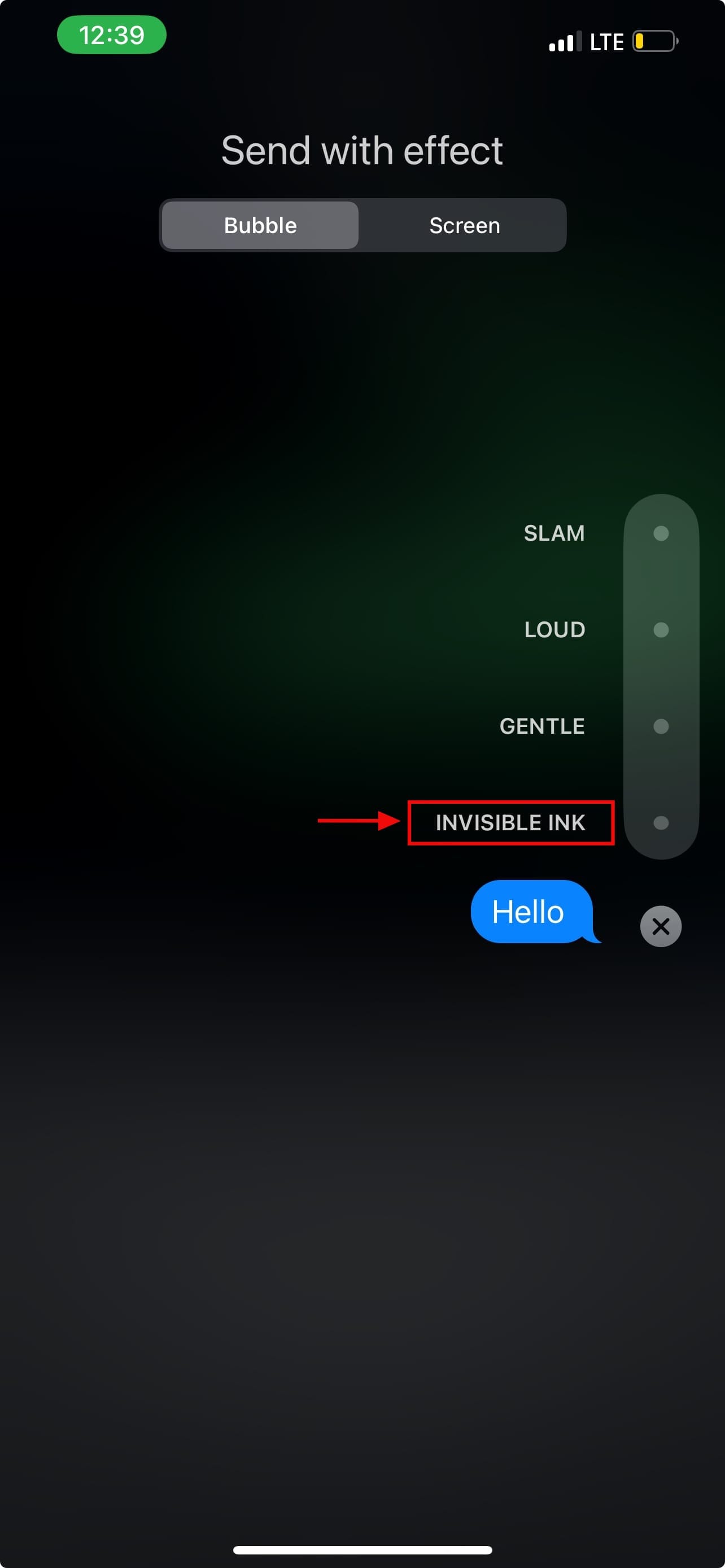
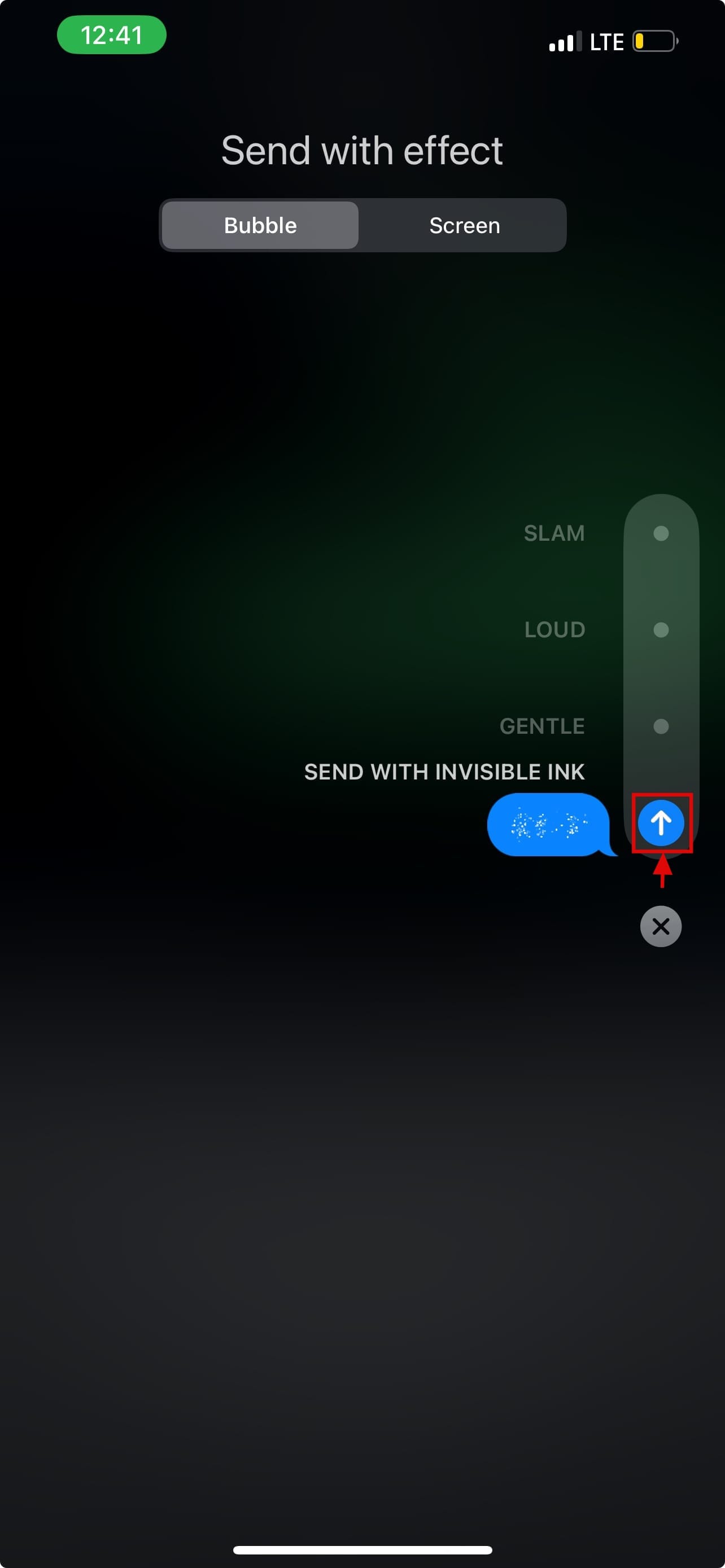
Step 5: Tap the send button (now with the Invisible Ink effect). The recipient of the message will see a blurred-out message. They need to tap on it to reveal the text.

Conclusion
While it’s not the same as setting a self-delete message, Invisible Ink adds a layer of privacy and fun to your iMessage chats. Whether you’re sending something personal or playful, it’s a great way to keep your messages from being instantly readable and leave a little to the imagination.
 David Adubiina