Have you ever thought about what someone could access if they got their hands on your iPhone? Your photos, messages, emails, and even payment information are just a swipe away. If your phone isn’t protected with a passcode, all that personal data could be at risk.
While Face ID and Touch ID are convenient, they rely on having a passcode as a backup. Whether you skipped setting one up initially or it’s time to update your existing passcode, taking a few minutes to do this now can save you a lot of headaches later.
How to Set Up a Passcode
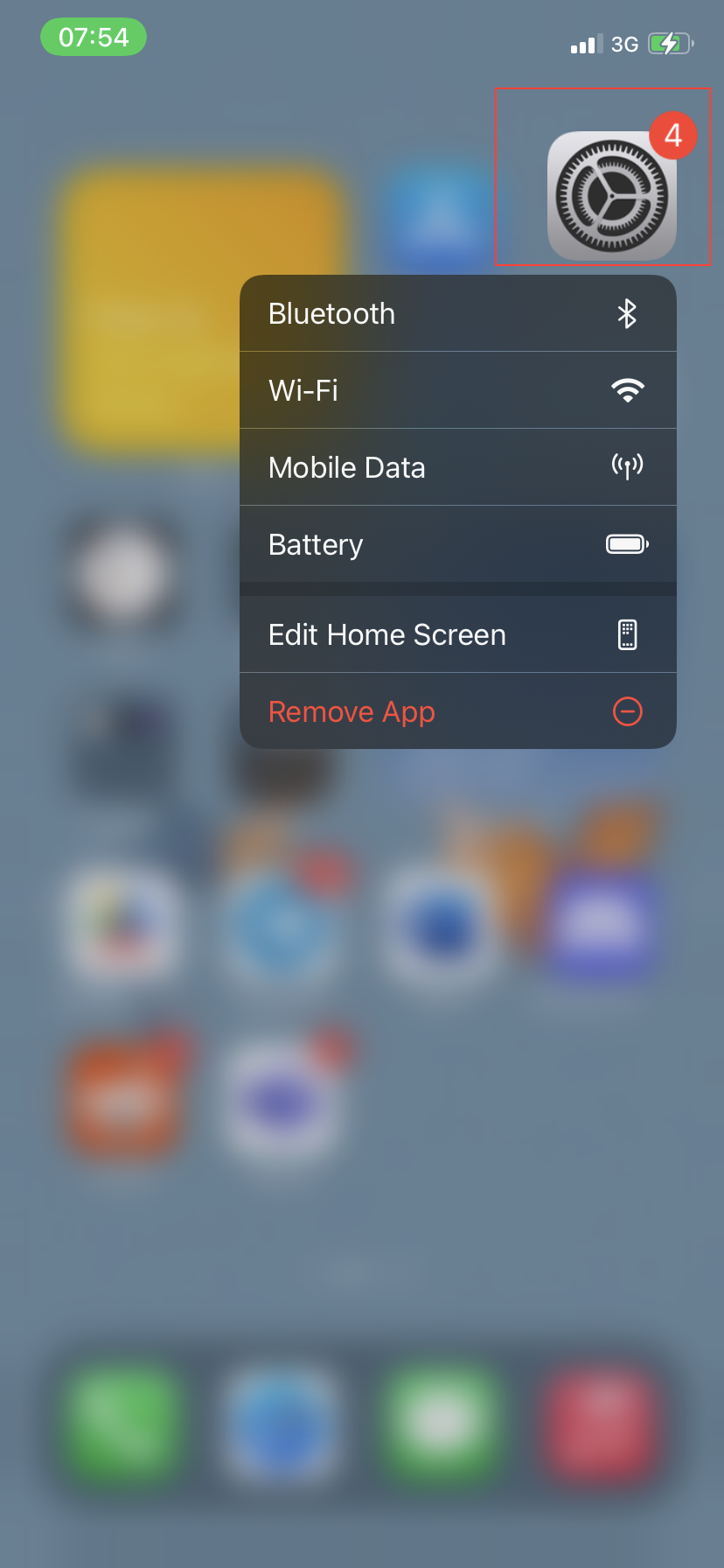
- Start by locating the Settings app on your iPhone and tapping it.