



It’s easy to feel overwhelmed by the sheer volume of subscription emails cluttering your inbox, even when you try unsubscribing from some. Daily deal alerts that are basically spam, weekly newsletters from blogs you no longer read, promotional emails from stores you haven’t shopped at in years, they pile up fast, and the list goes on. Normally, you’d have to open each email, scroll down, and hit unsubscribe one by one. It’s boring, time-consuming, and honestly, who wants to go through that hassle? Now, Gmail’s new “Manage Subscriptions” tool, launched in early July, is rolling out on the web, Android, and iOS in select countries. With this feature, you can view all your subscription emails in one place and quickly unsubscribe from the ones you no longer want.
If you are wondering how you can do this on your Gmail, here’s a quick breakdown:
 Ogbonda Chivumnovu
Steps To Manage Your Gmail Subscriptions
Step 1. Open your Gmail account.
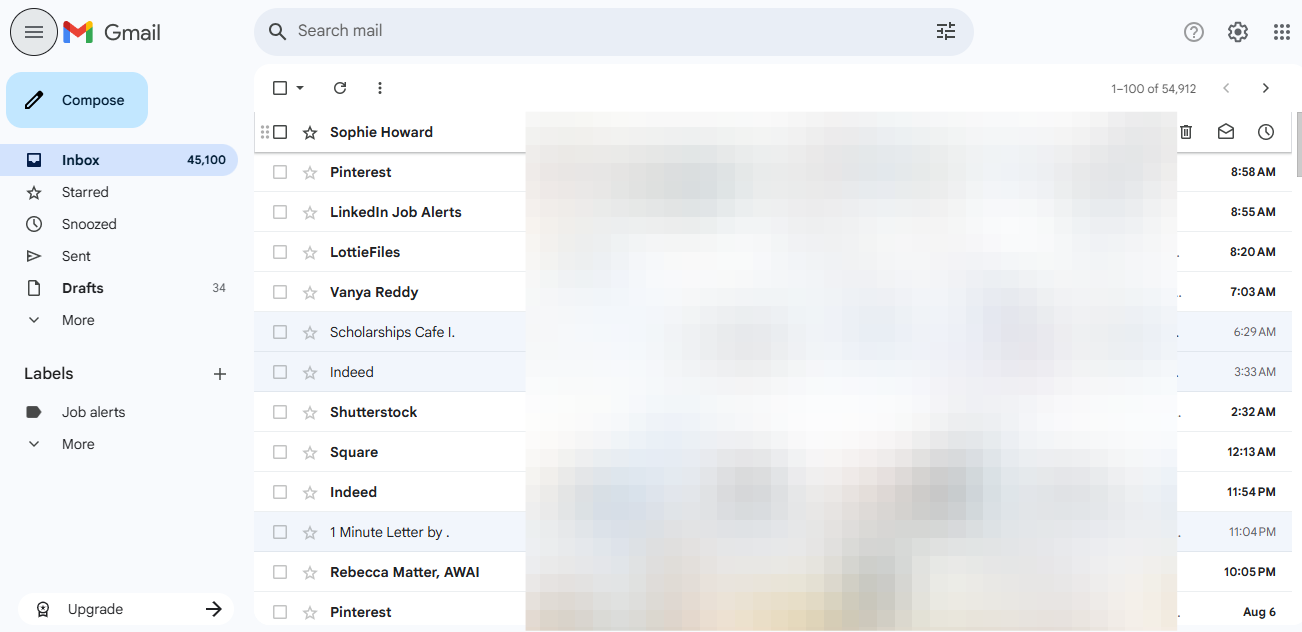
Step 2. On the left-hand side, click on “More.” This will expand the list of available options.
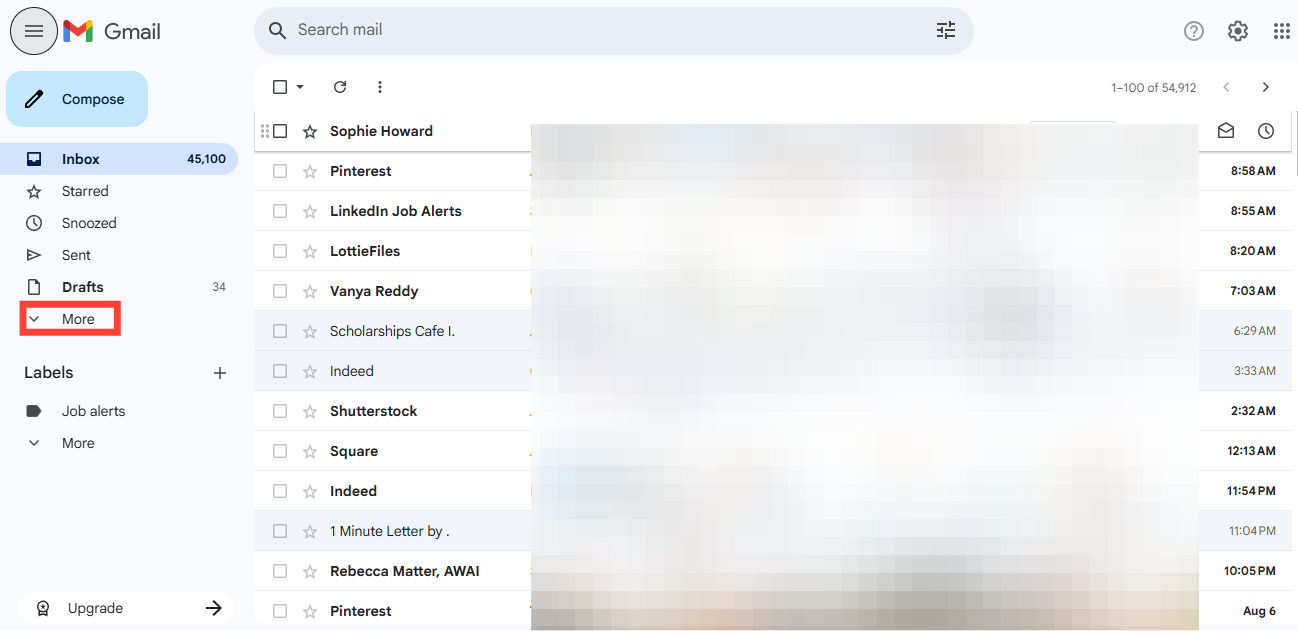
Step 3. Select “Manage Subscriptions” from the list.
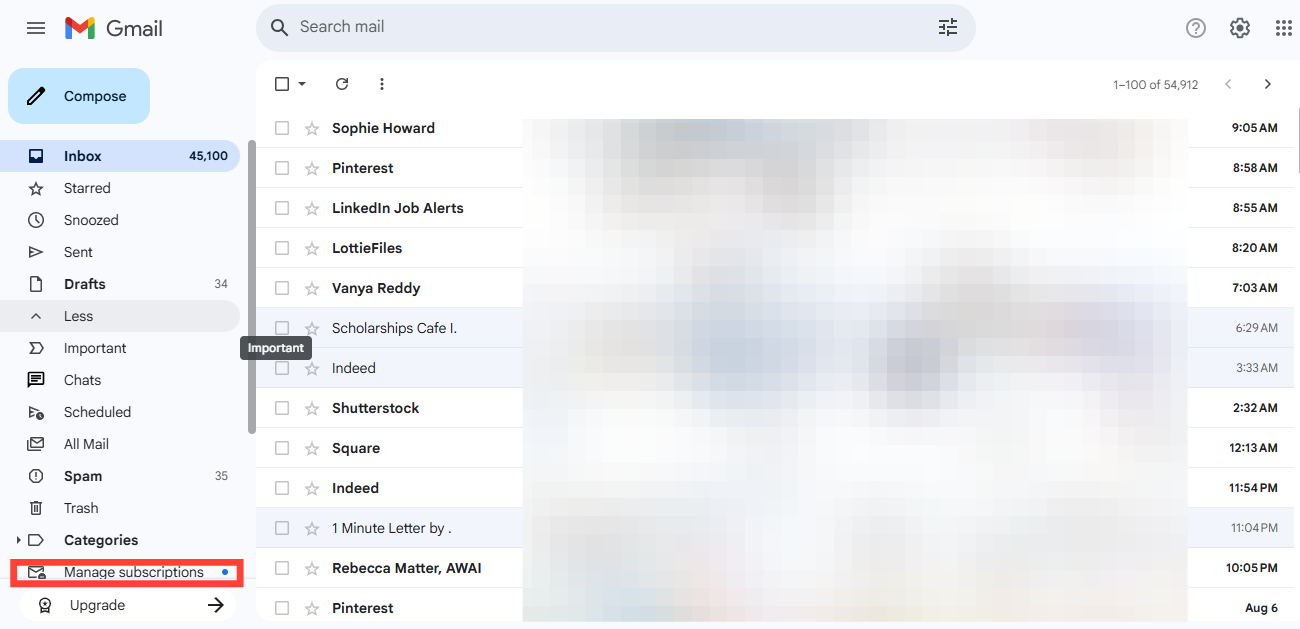
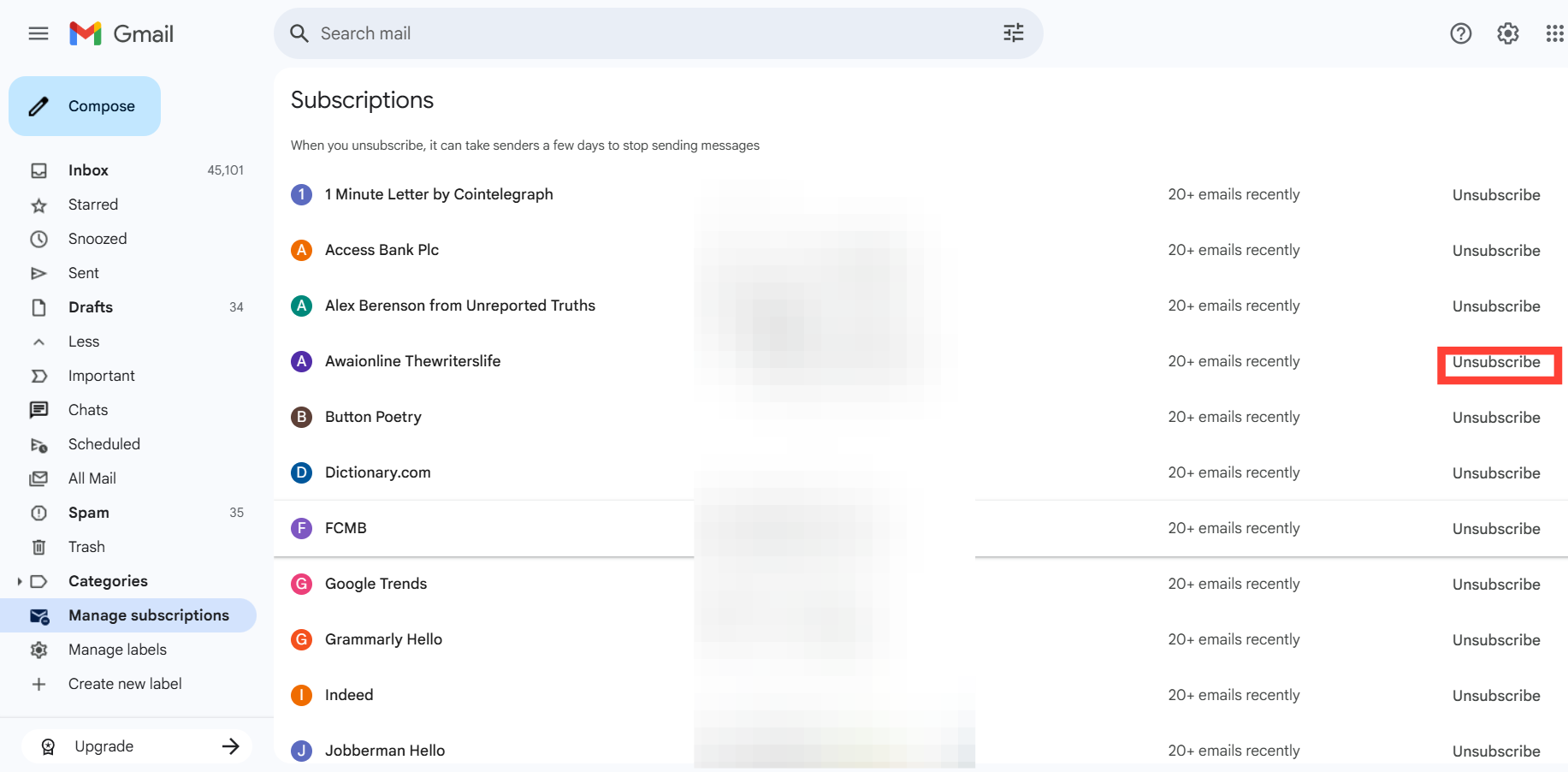
Step 4. Once you click it, you’ll see a list of all your active email subscriptions. From there, you can scroll through and tap "unsubscribe" to unsubscribe from any sender you no longer want to hear from.
 Oyinebiladou Omemu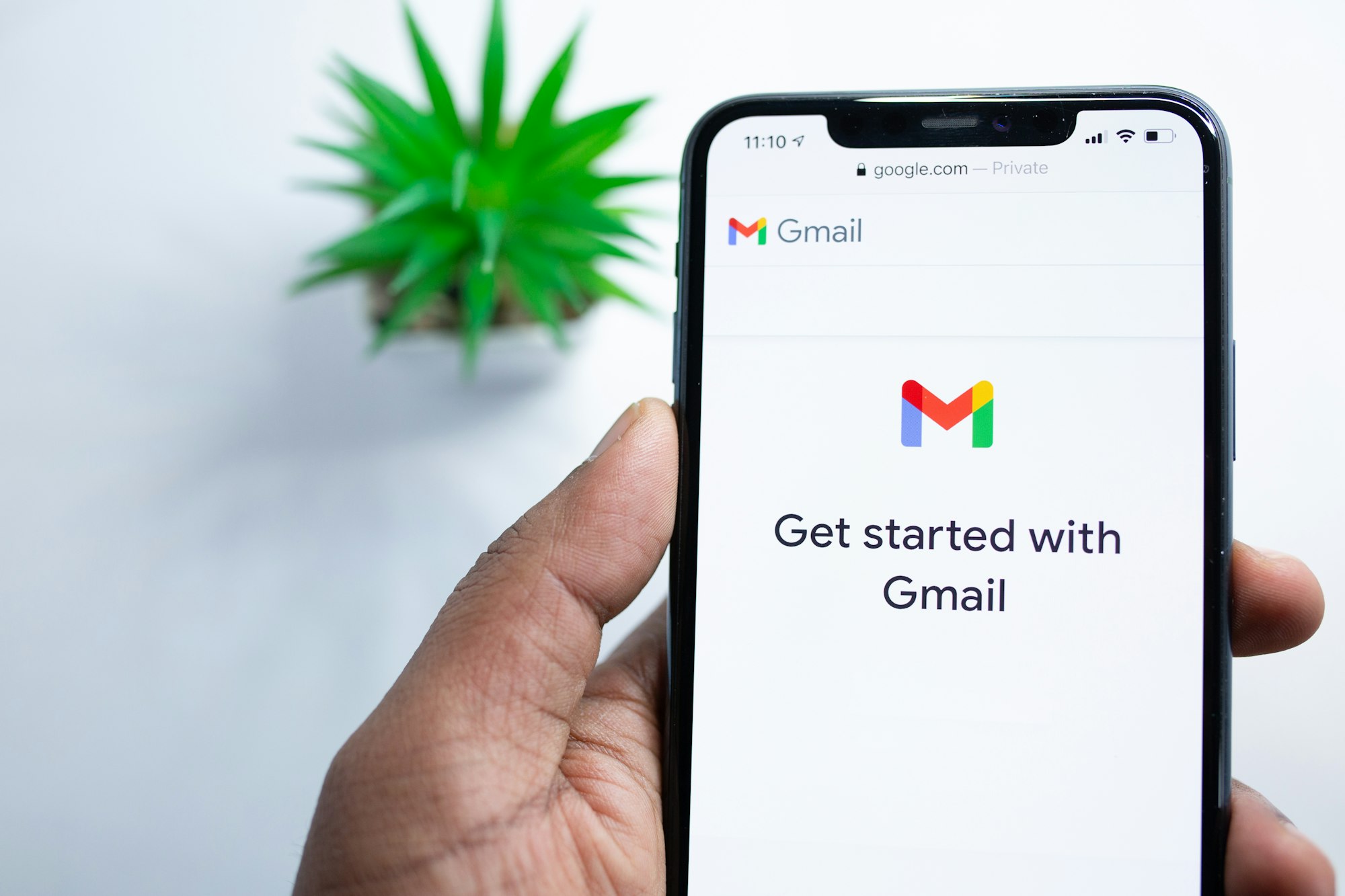
Conclusion
While the official rollout only just began, the feature isn’t exactly a surprise; some users already spotted it as far back as April. “Manage Subscriptions” now joins Gmail’s growing list of inbox decluttering tools, like the one-click unsubscribe option introduced last year. Together, they make it easier for you to take control of your inbox and cut out unnecessary emails.
Image credit: David Adubiina/Techloy.com


