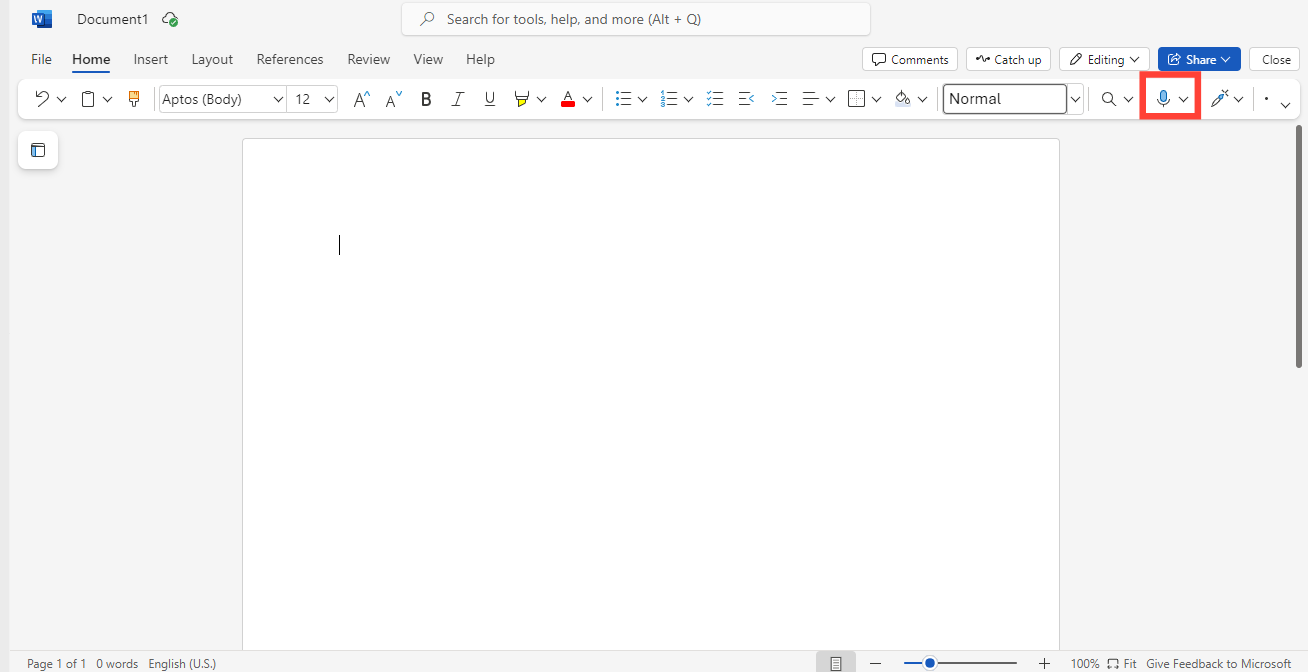
In case you have been wondering how you could voice type in Word to enhance your productivity and ease of use like Google Docs, you are in for a treat!
Microsoft Word offers a voice dictation feature that allows you to dictate your content instead of typing manually. This feature is great for those who want to work hands-free, speed up their writing process, or find typing tiring.
So if you want to write a report, create a blog post, or jot down ideas using voice dictation in Word, here in this Techloy guide we will show you how.
Step 1: Open an existing Word document or a new document.
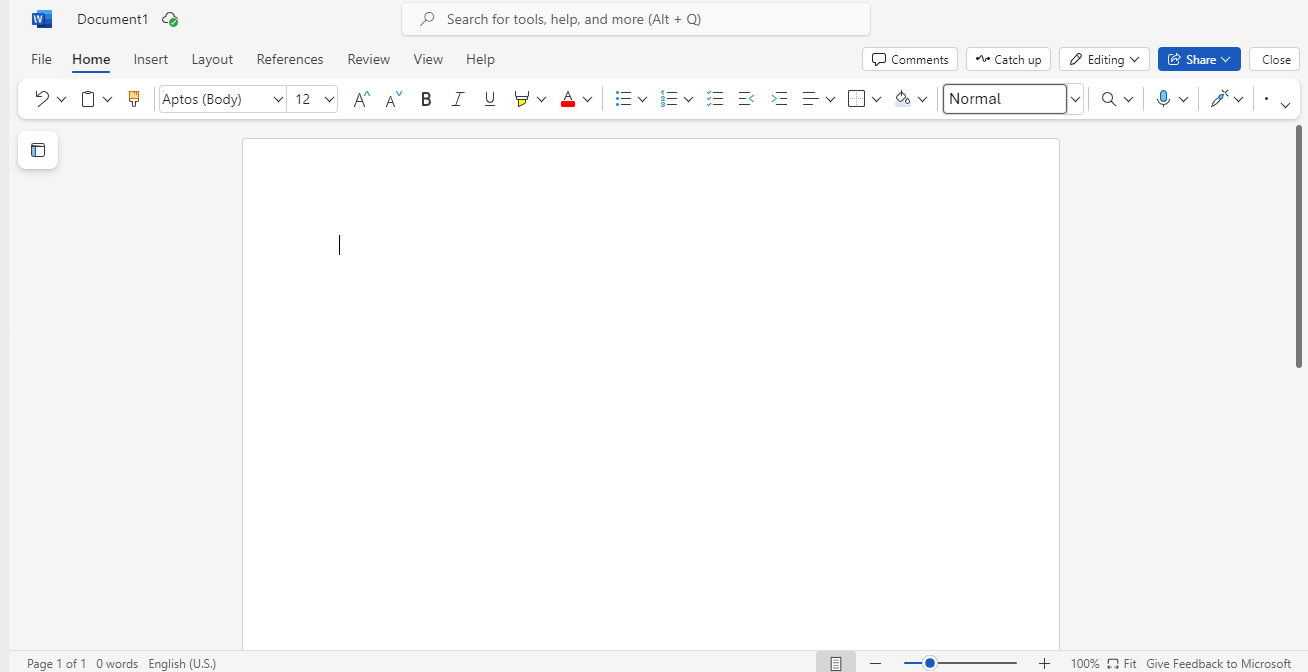
Step 2: On the top menu, navigate to the Home tab and look for the Dictate button, usually represented by a microphone icon.