If you’ve ever tried to open a .json file on your Mac and were met with a sea of curly braces, brackets, and quotes, you’re not alone. JSON files can look confusing at first, but they’re actually a simple, readable way to store structured data.
JSON stands for JavaScript Object Notation, and it’s used to store and exchange data—most commonly between web applications and servers. You’ll find them everywhere: in APIs, app settings, configuration files, and even in exported data from various platforms. Think of it as a lightweight format that stores data as key-value pairs, kind of like a digital version of filling out a form.
But unlike a regular text file, JSON is designed for machines to read easily, which can make it look messy to the human eye without the right tools.
Whether you're a developer, a curious explorer, or someone just trying to read exported app data, there are a few simple ways to open and make sense of JSON files on your Mac.
How to View JSON Files on macOS
Opening JSON File Using TextEdit
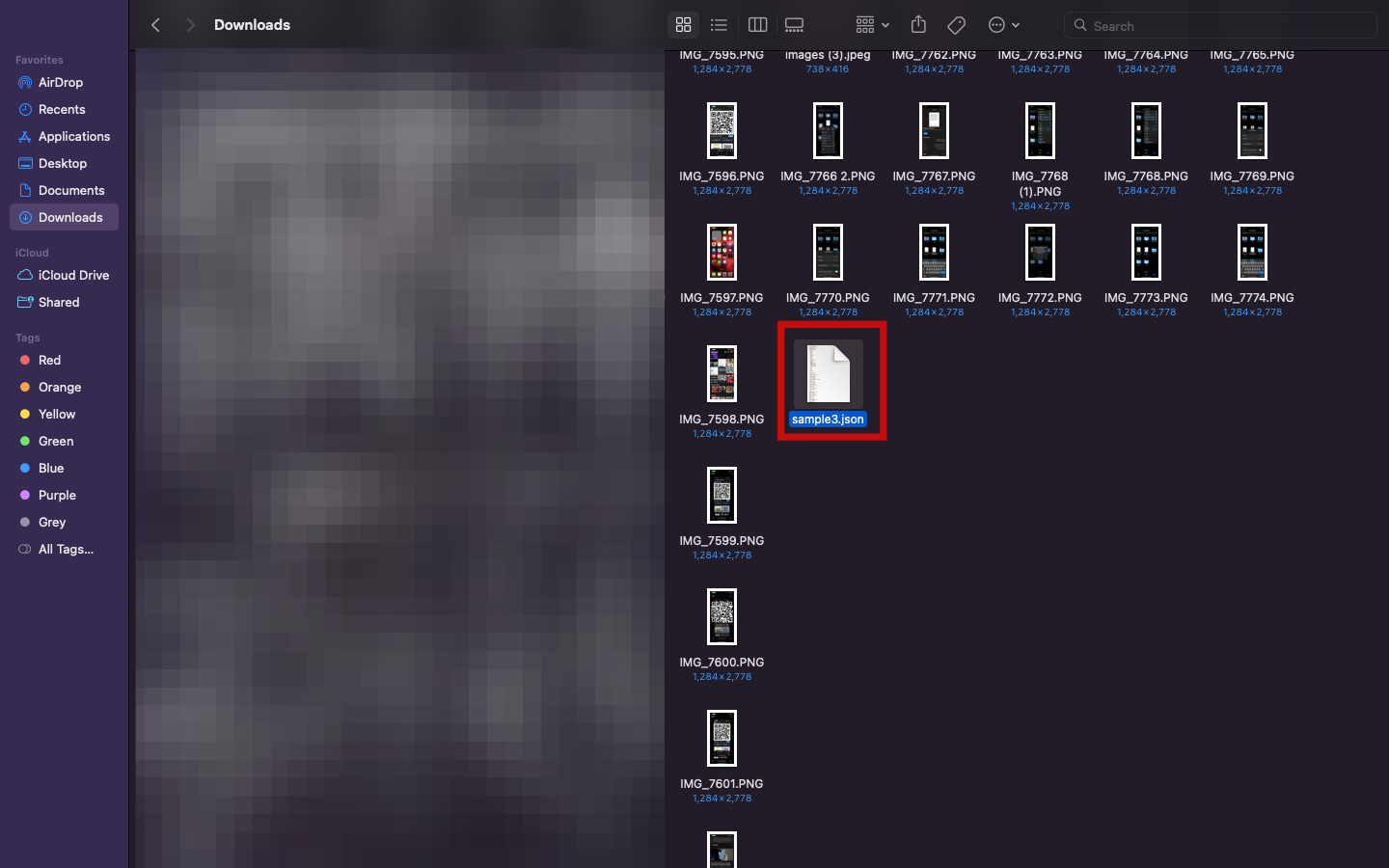
Step 1: Go to the folder containing the JSON file on your Mac
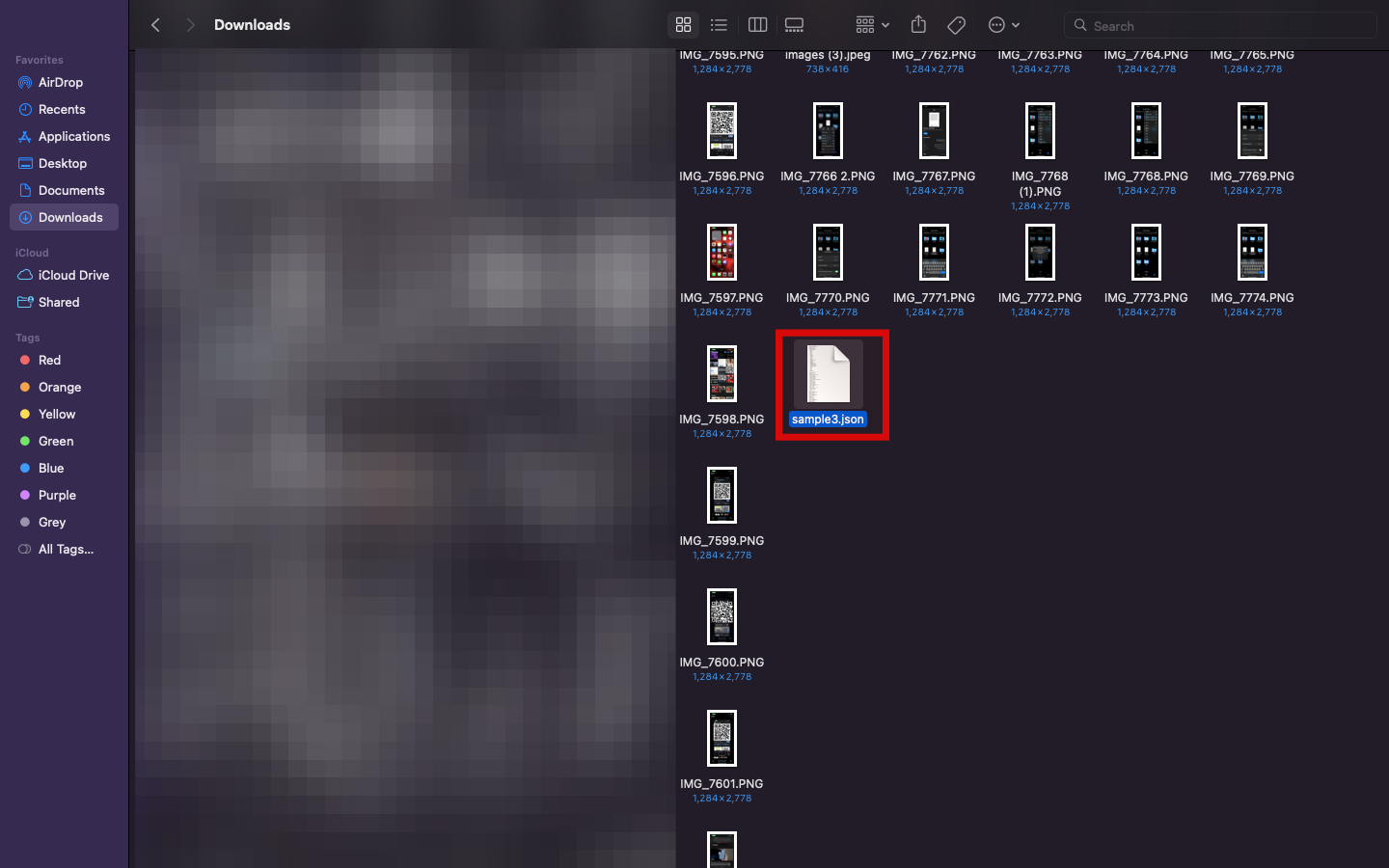
Step 2: Right-click the file and choose Open With > TextEdit
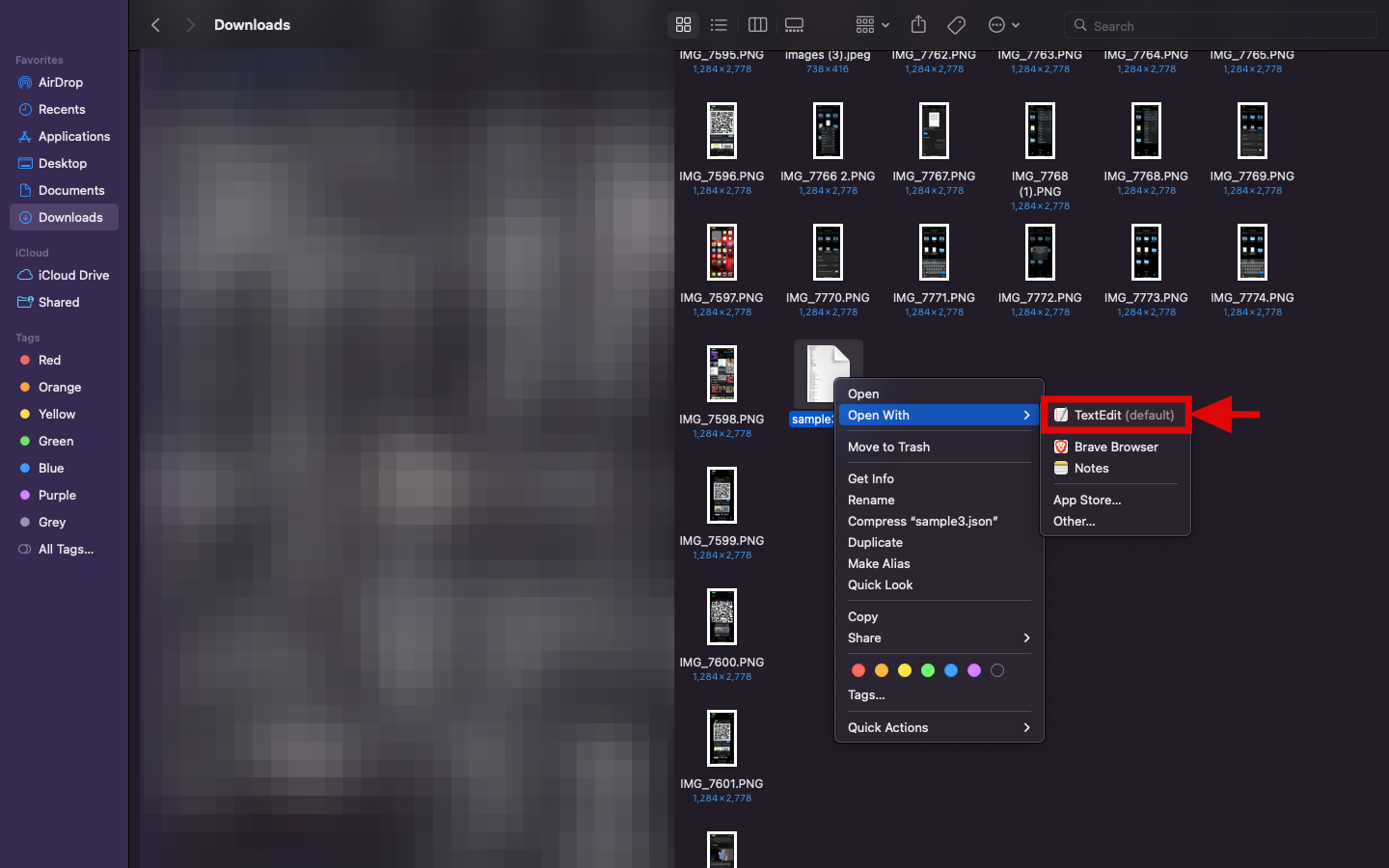
Step 3: The JSON file will open in TextEdit on your Mac

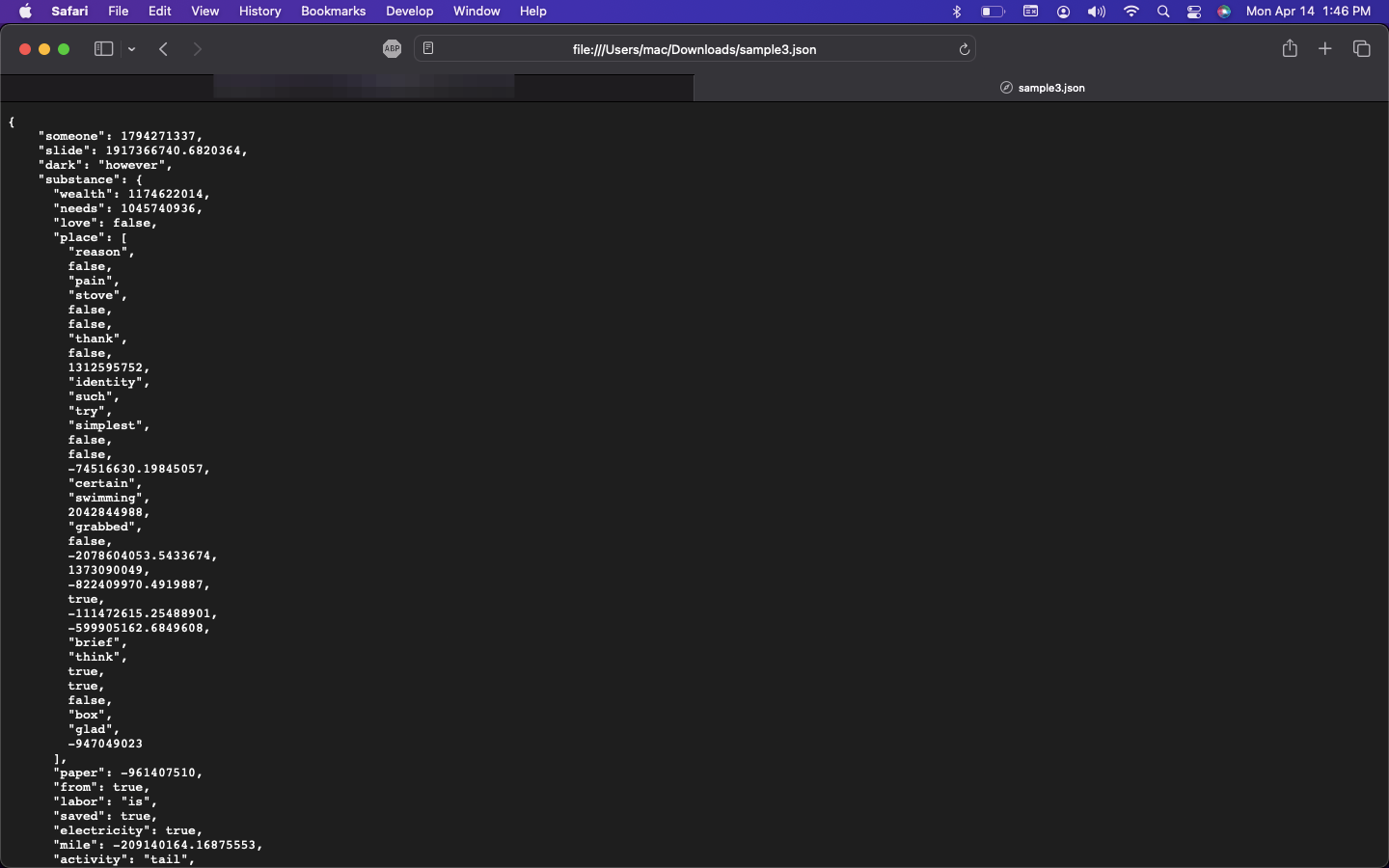
Opening JSON Files in Safari
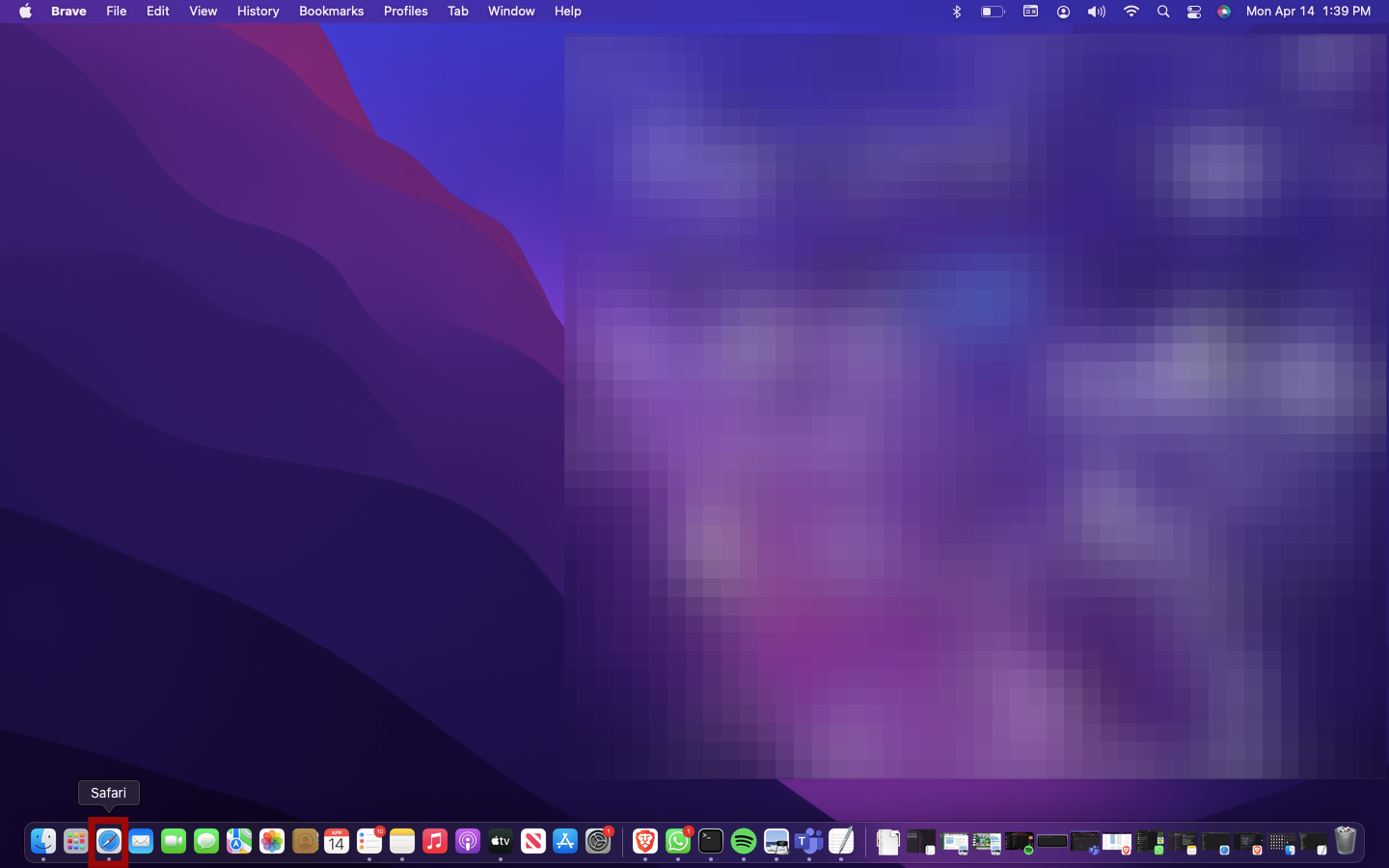
Step 1: Open Safari from your docks
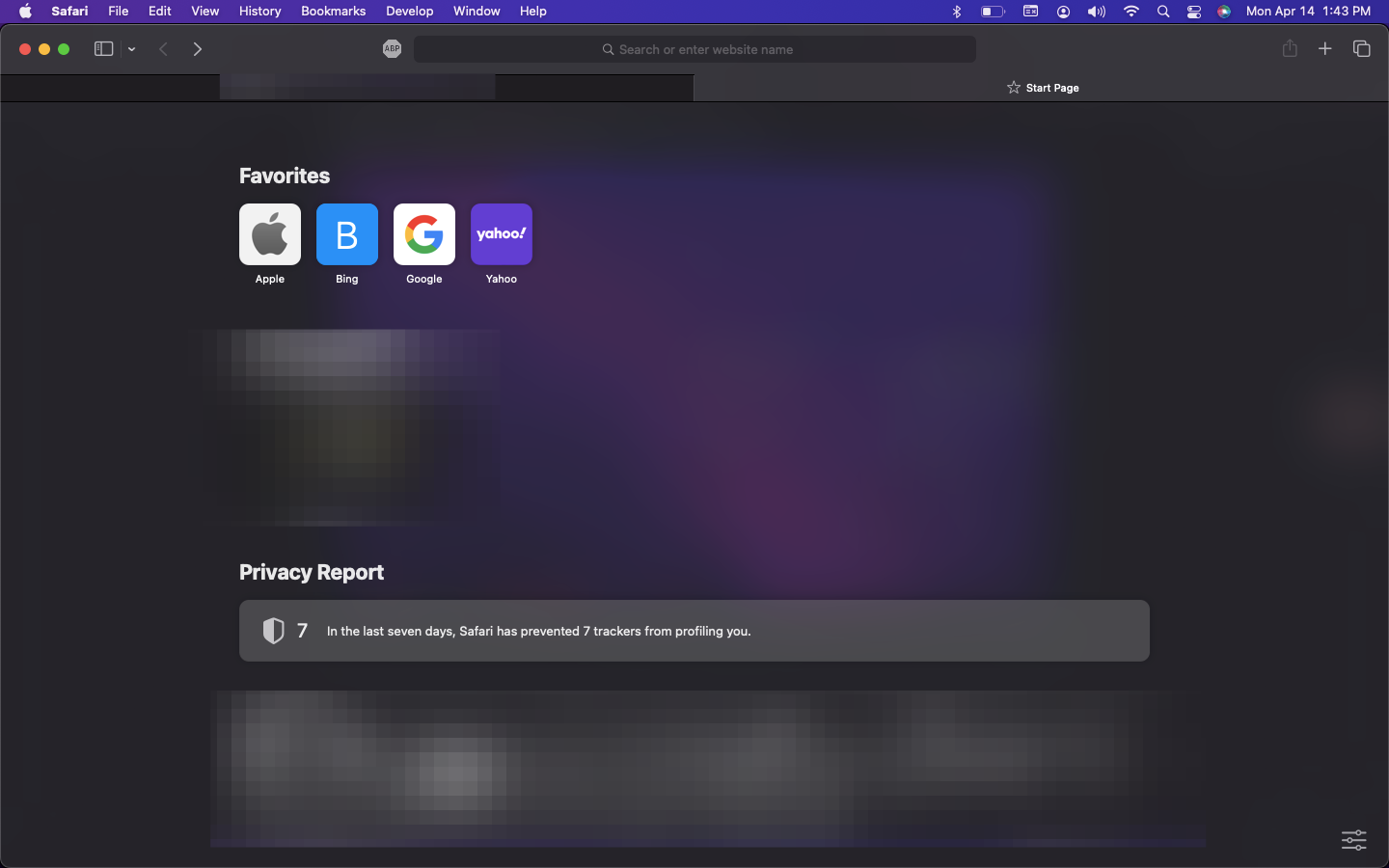
Step 2: Drag and drop the JSON file onto the browser window
Conclusion
Viewing JSON files on macOS doesn’t have to be complicated. Whether you prefer built-in tools like TextEdit or Safari, there’s a method that fits your workflow. Once you find the right tool, navigating JSON becomes a lot less intimidating—and a lot more useful.
 David Adubiina