



Mobile apps used to compete against each other based on their features. In recent years, however, they have been competing based on how well they understand the end user and how they adapt to them. Streaming platforms seem to know what kind of content you're looking for, bank and accounting apps showcase the exact data you were looking for, and this is no accident.
Apps no longer have a generic design; they use AI to customize them so they fit users' needs. The technology needed to do so has improved greatly in the last couple of years, and app design has truly embraced adaptive UX.
In this article, we'll discuss the change in depth. We'll showcase the difference between basic personalization and true hyper-personalization, and examine the techniques already in use. We'll also discuss how the trend will continue in the years to come and what's up ahead for the mobile app design industry.
Understanding the Concepts
Personalization vs. Hyper-Personalization
Personalization was always a key part of app design. However, before the introduction of AI, personalization relied on user research and static user agreements. This meant the app could recommend products based on previous purchases or greet the user by name.
When AI was introduced, personalization became more prominent. It uses AI and real-time data to tailor experiences at the individual level, continuously learning from each interaction. The results are therefore more precise and meaningful, since they can adapt to the user's needs at the moment.
What Is Adaptive UX?

Adaptive UX refers to the user interface that changes in real time based on how users interact with it. This means navigation menus may change so that the option you use most is the most accessible. Content density can also be adjusted to prevent novice users from being overwhelmed.
The goal is for the app to become personalized not only in its content, but in its interface and functionality. This makes users feel that their needs are considered and acknowledged by the developers. It also makes it much easier for the end user to choose the app in the first place and start using it.
The Role of AI in Mobile Personalization
Artificial intelligence is the driving force behind moves toward greater personalization. Machine learning models analyze large volumes of behavioral and contextual data. Based on that data, the AI predicts what the user wants and needs with much greater accuracy than any human could.
As AI improves and expands, the industries it's used in will change, and app design will be one of them. There's also a change in how the apps are used. According to experts at Webopedia, it's common for crypto traders to trade only on their phones. As mobile apps are used for more important and sophisticated tasks, the interface will have to change to reflect that.
How AI Enables Hyper-Personalization
Data Collection and Behavioral Analytics
AI-driven personalization relies on collecting user data and adapting the app accordingly. Mobile apps collect a vast amount of data, ranging from session duration and feature usage to scroll depth, location, device type, and the time spent interacting with an app.
When combined, this data forms a behavioral map that shows how the user interacts with the app. Such maps are then used to modify the app's interface in real time, making it suitable for individual users' needs.
Machine Learning and Predictive Models
Machine learning and predictive models analyze player behavior to predict intent and preferences. These models have been around for a few years, and they've improved continuously as more data has been entered and the algorithms have become more powerful. From a user's perspective, the interface seems to anticipate their needs in advance, providing a faster, smoother experience.
Context-Aware Personalization
Context provides another layer to the AI. Factors such as time of day, location, network conditions, and even whether the device is in motion can help the AI better understand how the user interacts with the app and how its interface can adapt to their needs. For instance, an app could "know" on its own if it's used for a quick morning workout or marathon training. That way, the app can provide the features the context requires.
Dynamic User Profiles
AI is used to build dynamic user profiles. The profiles, therefore, change with every user interaction. Preferences are inferred, refined, and sometimes discarded based on how the user behaves in the app. The app can also recognize if there's more than one user and change based on which user is currently holding the device, without them having to change profiles or provide IDs.
AI-Driven Adaptive UX Techniques
Adaptive User Interfaces
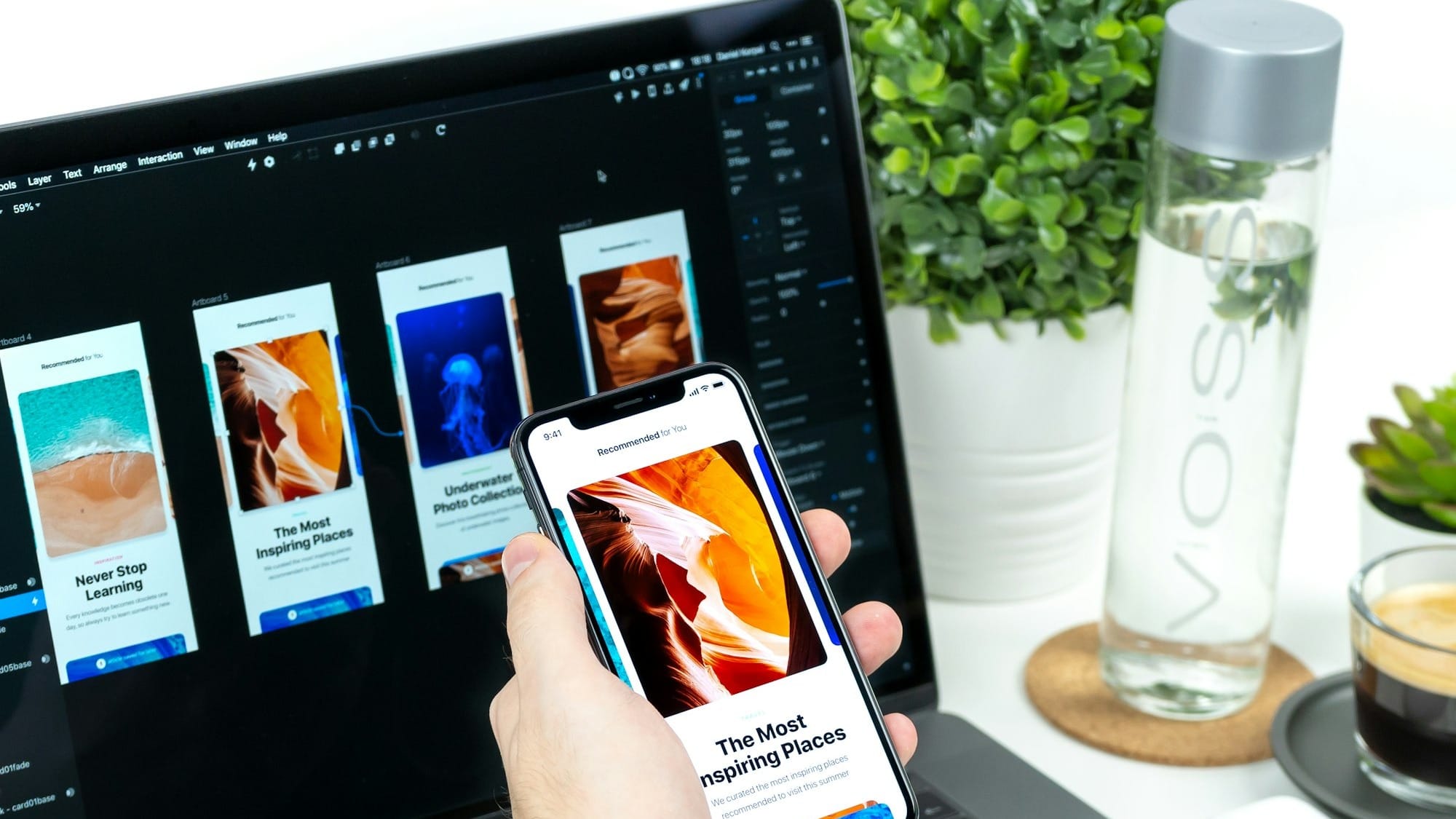
Adaptive UIs change layout and structure based on usage patterns. This makes the apps easier and more comfortable to use. The most used features are the most accessible and most straightforward to find. Over time, the interface becomes more efficient as the menus are form-fitted to the data collected from users.
Those who need more advanced features still have secondary menus to browse and find what they need, so the app doesn't lose any of its sophistication while becoming more manageable.
Intelligent Recommendation Systems
Users are used to apps recommending content to them. This is the case with social media and video streaming apps. The algorithm used to recommend content is among the most sophisticated out there and is often the streaming service's prized possession. A similar feature is now expected from user AI, with apps suggesting features, menus, and options based on how users may want to use them. AI can also suggest actions, shortcuts, and workflows, thus adapting not only the interface but also user behavior.
Dynamic Navigation and Menu Prioritization
Users spend most of their time navigating menus and looking for the feature they actually bought the app for. Dynamic navigation and menu prioritization use AI to simplify and adapt the process to each user. In recent years, AI has also begun adapting menus to promote accessibility and reduce any health risks associated with repetitive motion.
Context-Aware Interfaces
Context-aware interface changes and adapts based on context clues. For instance, if a device isn't connected to the internet, the interface will change to highlight the options available offline. In some apps, dark mode can activate based on the time of day or location. Apps can also be aware if the user is traveling and adapt their interface to include translation.
Personalized Notifications and Timing
Notifications are one of the most widely used app features, but also one that is often seen as the most annoying and not always useful. An adaptive interface allows users to personalize their notification settings further. The app can decide on its own which notifications to amplify and which to hide based on how users interact with them, and which they open and respond to.
Real-World Examples of Hyper-Personalization
Some of the best-known and most widely used apps in the world have already implemented these principles and introduced them to their users. We'll go over some examples.
Duolingo: Skill-Aware Learning Paths
Duolingo uses AI to model the user's strengths, weaknesses, and retention patterns. Therefore, there's no fixed structure that each user has to work with. Instead, the app itself adjusts the lessons so that they are repetitive enough and become increasingly difficult, but never too punishing for the user.
The app is optimized, but not only in terms of content. It's also optimized for learning efficiency. The user interface changes subtly but noticeably, so the user doesn't get frustrated by failure, which is part of the learning process.
Google Maps: Context-Driven Interface Simplification

Google Maps adapts its interface based on user intent and motion state. For instance, if a user is using the map while walking, the interface will focus on landmarks and simplified visuals. On the other hand, if you're driving, it will provide turn-by-turn instructions and minimize other options. The adaptive UX uses information such as speed, location, and time of day alongside the inputs provided by the drivers themselves.
TikTok: Interaction-Based Content Pacing
TikTok personalizes the content it suggests to its users via the feed. This is common in short-form video applications. However, unlike competitors, the app also optimizes its user interface. The app adapts video pacing, content density, and topic sequencing. This is done based on how long a viewer stays with the video, when and how they scroll, and if they pause or skip parts.
Revolut: Financial-Behavior-Responsive Dashboards
Revolut personalizes the banking experience so that the interface surfaces the tools and features the user is looking for based on their behavior. For instance, users who travel abroad may see their bank balance in different currencies, and a saving-focused user gets alerts about their budget and overspending. The app dynamically adjusts dashboard widgets, notification tones, and feature visibility. This approach makes decision-making that much easier, without the user having to fiddle with the settings.
Business Impact and Performance Metrics
Personalization has had a huge impact on business metrics and performance, and those who have implemented it have seen real benefits from the advantages it provides users.
Increased Engagement
Personalization affects how users interact with the app on a day-to-day basis. By making the app easier to navigate and providing relevant content and features that are accessible to the user right away, engagement grows and becomes easier. It's now widely recognized that users spend more time using the app when it's designed with this approach in mind.
Higher Retention and Loyalty
Retention and loyalty also improve with hyper-personalized interface apps. It creates continuity between sessions, so users feel the app is growing with them. The learning curve is easier for users if the app has an adaptive interface, and for many users, this is the reason to stick with an app, especially if it's used for complicated and important tasks.
Improved Conversion and Revenue
Apps used to sell services and products also benefit from a personalized interface. Instead of using generic calls to action, these apps personalize the experience and provide better offers, suite upgrades, and prompts when users are ready to make a purchase. When all of these features are combined, they lead to better conversion rates and more revenue in the long run. The apps also have a better understanding of users' needs, as they collect much more meaningful data than before.
Product and Design Insights
The same data powering personalization also generates deep product intelligence. The design and development teams now have a much better understanding of the users and their needs. By understanding what users value, these teams can improve the product and provide the AI with better input on how the app should look and what it should do.
What the Future Holds

The trend toward app interface customization will likely continue, with the ultimate goal of real-time adaptation. The apps will collect and use all the data we mentioned, but the interface will change and adapt right away. We're not there yet, but AI has improved so fast that we may not be far off.
Many also feel that the UX will continue to focus on voice-activated commands. Research shows that users are moving away from text-based interfaces, especially younger users. Efforts are already underway in this regard, and many apps support both touch-based and voice-based commands.
Conclusion
Mobile app interface design is becoming more personalized. This is due to the use of artificial intelligence to collect data on how users interact with the app. Based on that data, the interface is changed to suit the needs and preferences of individual users.
These apps are better for end users and businesses behind them, since users find them easier to navigate, remain loyal to the product longer, and offer more insights for developers to use. As AI improves, so will these features of app interface design.


