While many tech companies are working to deepen platform integration and offer smoother native experiences, especially for widely used systems like Windows 11, Meta seems to be heading in the opposite direction.
In a surprising move, the company is rolling back WhatsApp’s native Windows app in favour of a web-based wrapper. It’s the kind of change that sounds harmless on paper, but for long-time desktop users, it’s hard not to see it as a downgrade.
 Oluwaseun Bamisile
The update, now live in beta, replaces the native WinUI version with a Chromium-based version using Microsoft’s Edge WebView2 technology. That essentially means WhatsApp for Windows is now just a glorified version of web.whatsapp.com, running inside a desktop shell. Meta says this change helps streamline development by letting the company maintain a single codebase across platforms. And to be fair, it likely does. Releasing new features becomes faster, and support across Windows, macOS, and the web is more uniform.
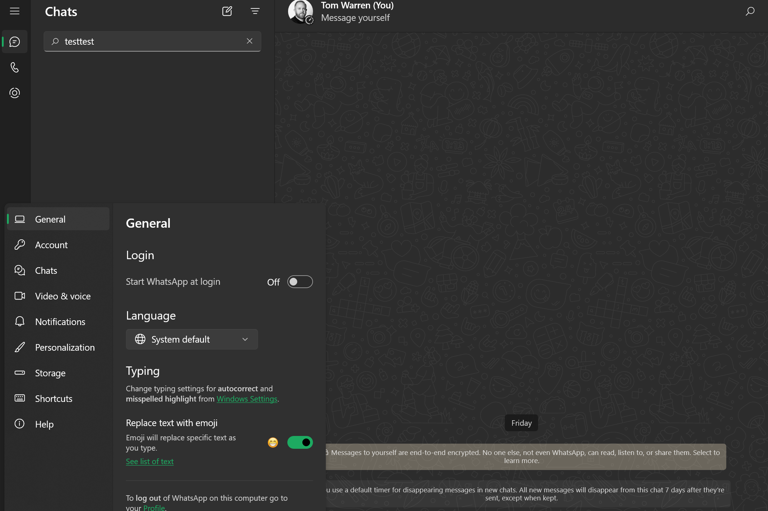
But let’s be honest: convenience for Meta doesn’t always translate to a better experience for users. Native apps usually perform better, feel more integrated, and take advantage of features unique to each platform. WhatsApp’s Windows app used to do exactly that. It was light, responsive, and neatly plugged into Windows 11’s ecosystem with native notifications, jump lists, taskbar integration, and quicker startup times. All of that? Gone with the new version. And what’s worse, it reportedly uses about 30% more RAM thanks to its multiple WebView helper processes.
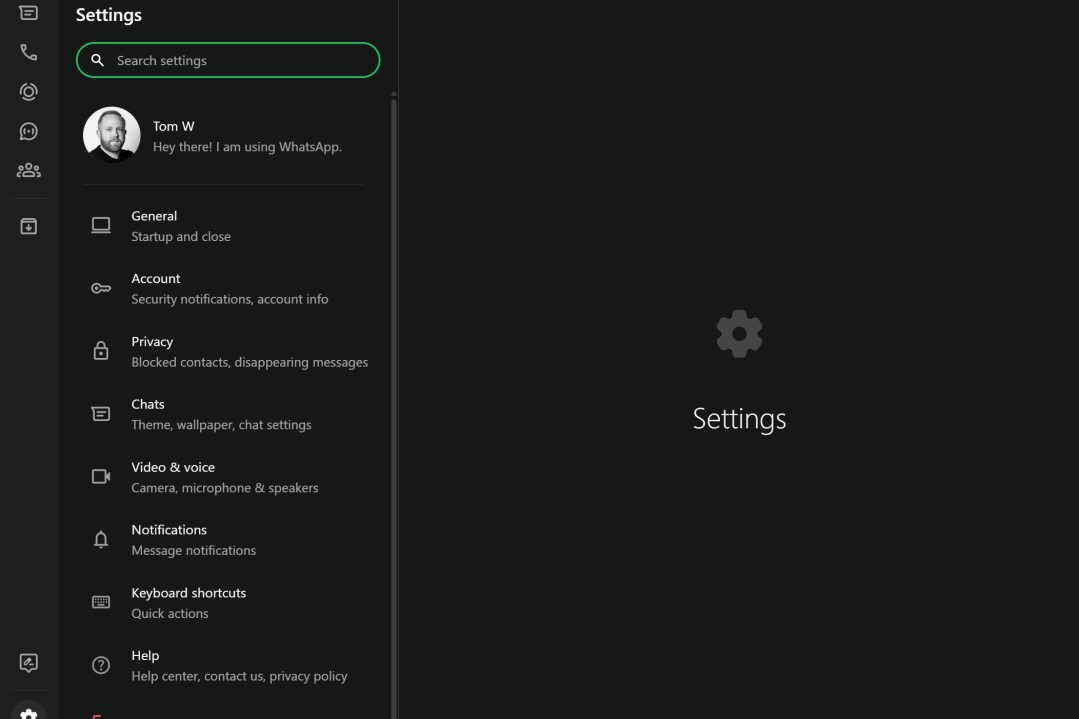
Sure, the new beta includes some functional improvements, like support for WhatsApp Channels and better tools for Communities and Status updates. But for everyday users who liked the tight OS integration, these additions don’t quite make up for what’s been stripped away.
The move is even more puzzling considering Meta recently launched a native WhatsApp app for iPads, a long-awaited upgrade that finally brought tablet users the full experience. That’s what makes this Windows reversal feel like a step backwards.
For now, the transition is still in beta, but signs point to a full rollout soon. And unless Meta changes course, WhatsApp on Windows might never feel quite at home again.
 Ogbonda Chivumnovu