Nothing users have spent the past few months doing the same thing many Android users know too well: waiting. Checking settings, refreshing forums, wondering when the next update will finally appear. This time, that wait has an actual date. After running an open beta since late October, the company says the public rollout of Nothing OS 4.0 starts today on Friday, 21 November.
There’s a quiet irony in how this update is being framed. Every phone maker seems to be chasing some version of “smoothness” this year. Apple introduced “Liquid Glass.” Vivo brought its “fluid experience” with OriginOS 6. Nothing has gone with “Flow,” a theme meant to suggest less friction and more calm on the screen. But underneath the branding, the aim is simple: make the phone feel natural and easy to use.
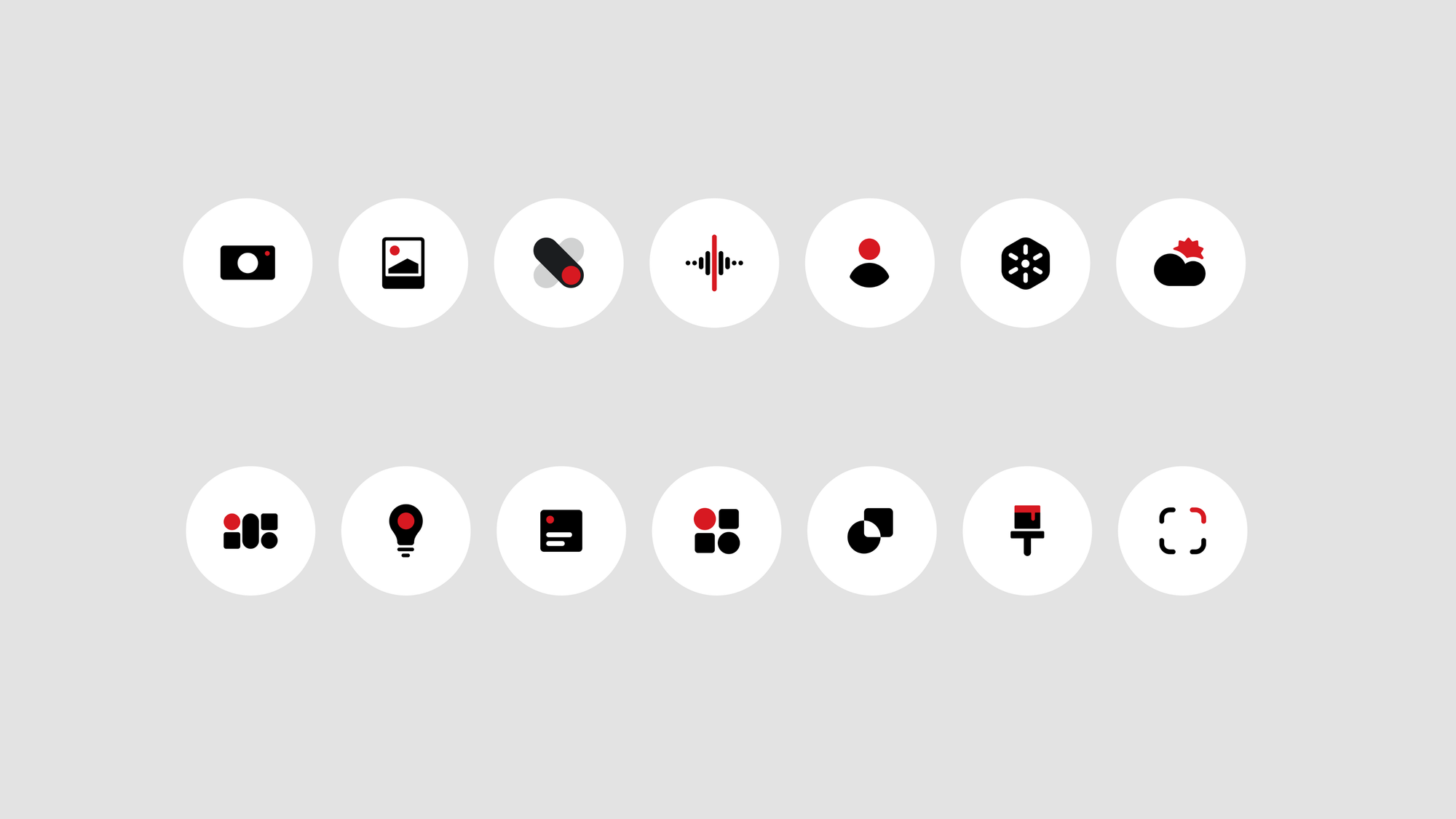
Nothing OS 4.0 keeps the minimalist identity but introduces a wide set of refinements. First-party icons now carry a cleaner, more minimal look, the status bar has been redesigned with clearer Wi-Fi, battery, and network indicators, and the lock screen gains refreshed clock styles with two new faces that lean into the brand’s futuristic aesthetic.
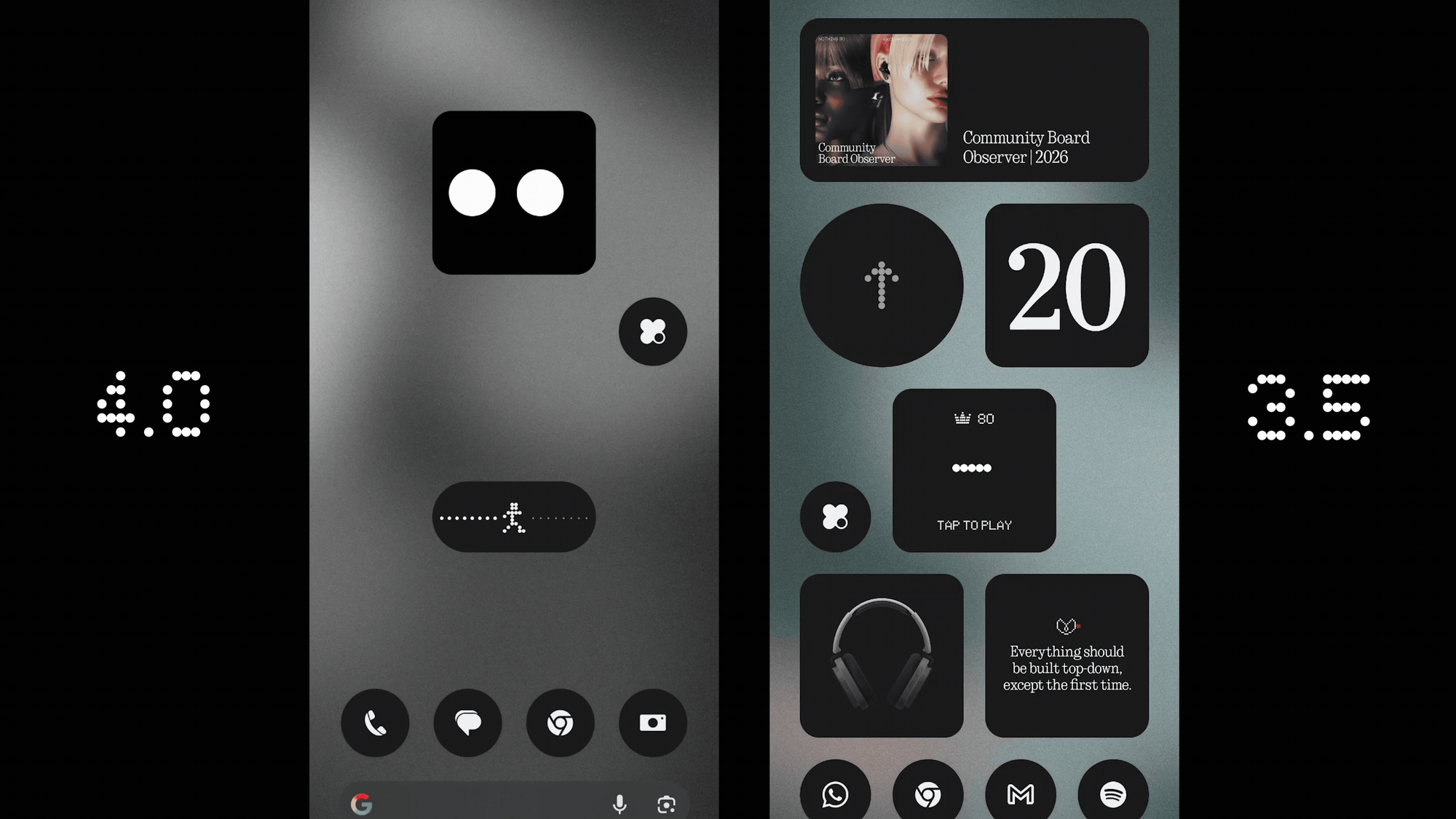
Animations across the system have been tightened; the notification shade, gestures, transitions, and motion physics now react with sharper tactility and more natural momentum. Even the small things have been refined, like subtle haptic feedback when volume hits its maximum or minimum level.
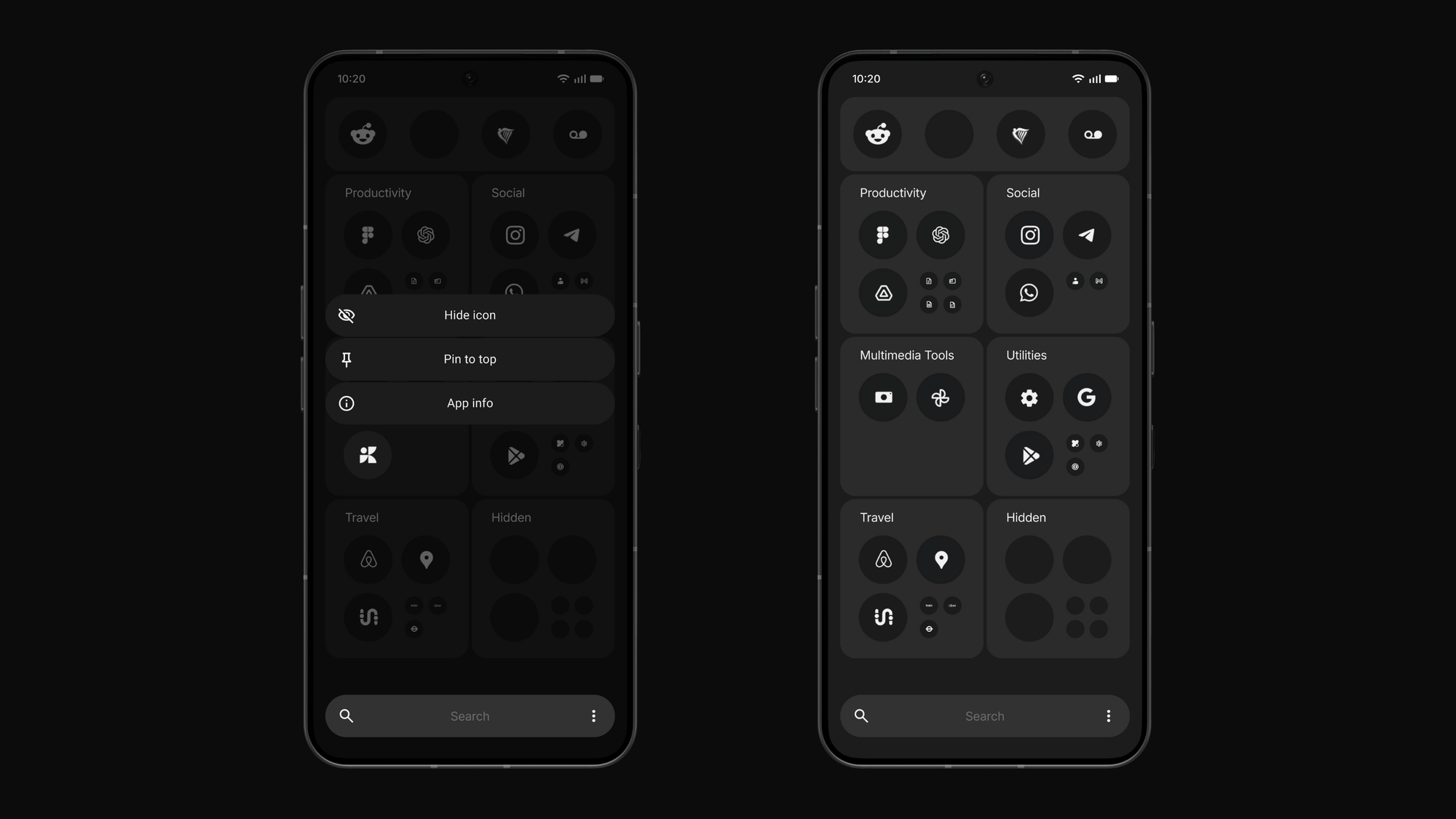
Extra Dark Mode has been extended deeper into the system to improve comfort in low light while reducing visual noise. Multitasking also gets attention. Pop-Up View supports running two floating windows at once, and users can now add new 1×1 and 2×1 widget sizes or hide apps from the drawer to keep layouts tidy. Quick Settings adopts a new 2×2 tile layout aimed at faster navigation.
The update expands the glanceable information Nothing has been testing through the beta. Live Updates now show rides, deliveries, and timers directly on the lock screen and through the Glyph Interface, with broader app compatibility thanks to Android 16.
A redesigned System and Apps Dashboard also helps monitor background processes and maintain performance. Universal Search now includes more precise filtering. Other adjustments include smoother brightness transitions, improved stability for the Always-On Display, and more consistent Wi-Fi and Bluetooth performance.
Playground, the successor to Essential Apps, appears as the big creative addition. It lets users build shareable mini-widgets without heavy downloads, supported by a new Widget Drawer that organises both built and collected tools.
On the privacy side, Nothing introduces AI Status Hints and a Usage Dashboard, giving users clearer visibility into when system intelligence or LLM features are active.
For Phone 3 users, there are additional exclusives: improved Flip to Glyph controls, a smarter Pocket Mode that disables back LEDs when the device is covered, two new Glyph Toys, and the ability to capture reflective selfies using the Glyph Interface.
The rollout itself is shaping up the way the open beta hinted. Testing has already been underway on the Phone 3 family, the Phone 2 and 2a lines, and the CMF Phone 2 Pro. These are expected to be first in line. The newer 3a Lite and several CMF models should slot in soon after, depending on their remaining update promises.
Support cycles are becoming more defined. The oldest device receiving Nothing OS 4.0 is Phone 2, marking its final major update, while Phone 1 has already reached the end of its upgrade path. Phone 2a models are expected to continue through Android 17, and the 3a series, along with CMF Phone 2 Pro, have two major versions remaining. The flagship Phone 3 offers the longest support, with five years of OS updates and an additional two years of security patches.
If Flow lives up to its name, this might be the moment Nothing shifts from being the quirky startup brand to one that quietly nails the basics, timely updates, practical tweaks, and a UI that stays out of the way.
 Kelechi Edeh