During the recent Google Pixel event, Google made it clear that it's trying to appeal to the iPhone demographic a bit more with the introduction of Pixel Snap and the fact that it literally called out iPhone users. So it should come as no surprise that Google may or may not have decided to lean into that a bit more as it announces the Google app for Windows experiment in Labs.
The app, available through Google Labs, is essentially a universal search bar for Windows PCs. Once installed, you can summon it instantly with the Alt + Space shortcut, pulling up a clean, pill-shaped search bar that floats above your desktop. From there, you can look up almost anything: files stored locally on your machine, installed apps, Google Drive content, and, of course, the web. It’s designed to reduce friction by letting you find what you need without opening a browser or digging through folders.
 Louis Eriakha
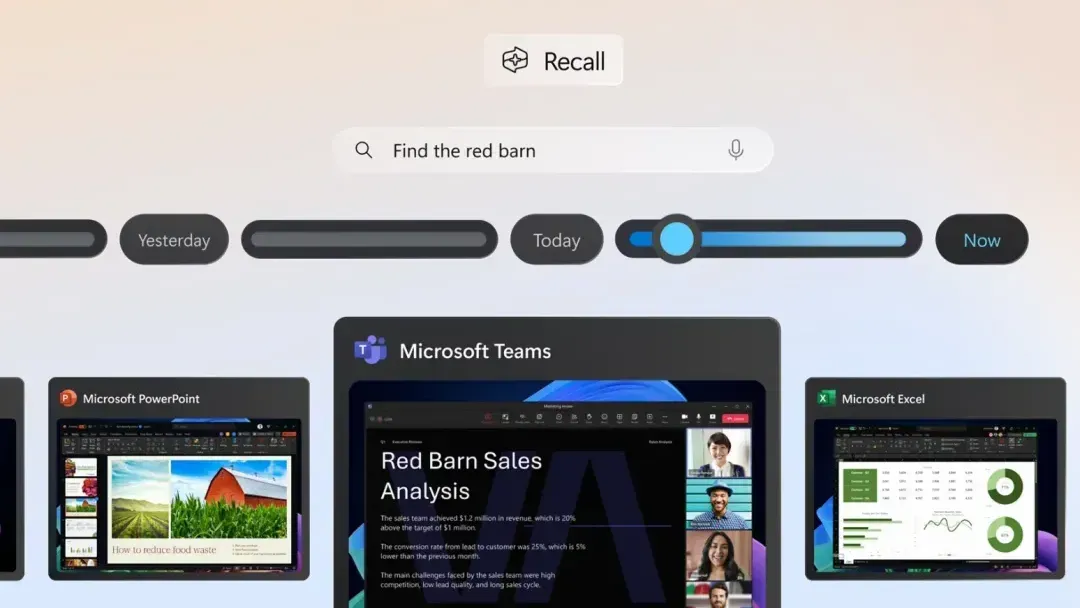
At first glance, it sounds a lot like something Windows already offers. Microsoft has long baked search into the OS, and its newer Copilot Plus PCs take things even further by layering in AI-powered context. But Google’s version differentiates itself with a couple of smart additions. Chief among them is the integration of Google Lens, which lets you highlight anything on your screen—an image, a line of text, even a math problem—and instantly get translations, context, or solutions. It’s the kind of functionality that pushes beyond simple search and leans into being a productivity tool.
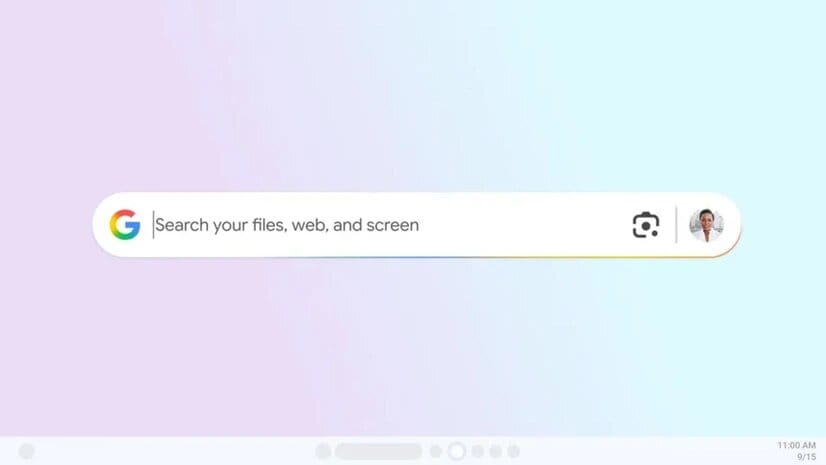
Another highlight is AI Mode, which goes beyond standard search results to deliver conversational, context-rich responses. Ask it a multi-part question, and you’ll get more than just a list of links—you’ll see explanations, summaries, and suggested follow-ups. Users can also toggle between result categories like “All,” “Images,” “Shopping,” and “Videos,” with the option to switch to dark mode or even adjust shortcut keys in the settings.
That said, the app is still very much in the experimental stage. Right now, it’s limited to personal Google accounts, only works in English, and is available exclusively to U.S. users running Windows 10 or newer. No support exists yet for Google Workspace accounts, and Google hasn’t shared when or if it plans to expand the rollout. For now, anyone curious enough to try it will need to grab it via Search Labs—if they can secure a spot in the limited testing program.
In many ways, this feels like a smart extension of Google’s ecosystem into a space it hasn’t traditionally owned: the Windows desktop. By blending local file search, cloud storage, and AI-powered insights, Google is hinting at a bigger ambition: to become a productivity layer that sits right on top of your operating system. If the experiment proves popular, Windows users might just find themselves with a new, all-in-one search tool that challenges Microsoft on its own turf.
 Louis Eriakha