Think back to January 2025 for a second. You probably had a couple of AI tabs open—maybe ChatGPT for finetuning your emails and Midjourney for a better profile pic—and that was probably it.
Fast-forward twelve months to December, and it’s remarkable how much has changed. We aren’t just using these AI tools as assistant anymore; they’re fixing code bugs on their own, making full movies from a sentence, and staying focused for days without forgetting the plan. We went from having helpful assistants to creating actual digital coworkers in less than a year.
The biggest thing that happened in 2025? Specialisation. The big tech companies finally stopped pretending one “super brain” could do everything perfectly and started building specialists instead. It’s way better this way because now picking a model is just like hiring a pro: you don’t hire a plumber to do your taxes.
Whether you need a poet, a mathematician, or a filmmaker, the question isn’t “which AI is smartest” anymore—it’s just about picking the right tool for the specific mess you’re trying to clean up.
Here are the best AI models of 2025 categorised based on what they do:
1. Best Overall Intelligence: Gemini 3 Pro
Google dropped Gemini 3 Pro in November. It didn’t just break records; it smashed them, becoming the first model to cross the 1,500 score on the LMArena leaderboard (basically the Olympics for AI). It’s not just about the high test scores, it’s the sheer capacity. You can dump entire books, massive codebases, or hour-long videos into it, and it actually understands all of it at once.
What separates this from previous “long context” promises is how Gemini 3 Pro maintained coherence across that entire million-token window. o and earlier models would technically accept large inputs but effectively forget chunks of information by the end, this one actually remembers and connects details from page 1 to page 300. This fundamentally changes how AI can be used for research synthesis or architectural planning. If you need a model to do the heavy lifting, this is the beast you call.
The only real downside is the price tag. The standard version is fine, but the “Deep Think” mode—where the real magic happens—is locked behind a pricey $125/month subscription for the Google AI Ultra plan. However, it would be a total overkill if you’re in the market for quick recipe or email drafts. But if you’re managing a massive project with video, text, and code flying everywhere, Gemini 3 Pro can handle the chaos without crashing.
 Damilare Odedina
2. Best for Autonomous Coding: Claude Opus 4.5
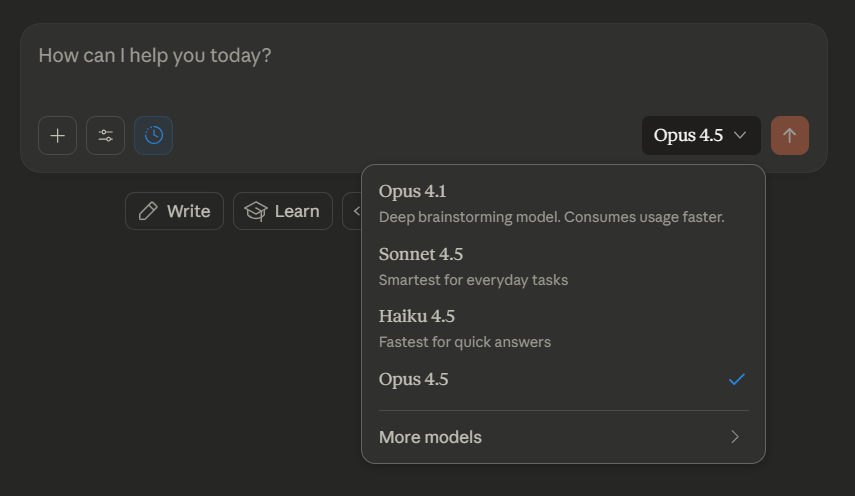
Anthropic marketed this as “the best coding model in the world,” and for once, the marketing wasn’t false. Opus 4.5 doesn’t just autocomplete your code like GitHub Copilot or the old tools; it acts like a senior engineer. It can jump into your GitHub, fix bugs across different files, and clean up messes with minimal handholding. In fact, Anthropic’s internal tests showed its error rate for editing code dropped to literally zero, which is kind of terrifying but awesome for developers.
The shift from “AI suggests code” to “AI maintains context across 30-hour debugging sessions” fundamentally changes how developers approach complex refactoring. You’re not just getting smarter autocomplete—you’re delegating entire problem-solving workflows, the kind where you’d normally need to keep ten browser tabs open and a mental map of how everything connects. Claude Code’s popularity even forced Anthropic to implement usage caps because power users were running it around the clock.
You do pay for that reliability, though. It costs about $5 per million tokens, which adds up fast if you aren’t careful, so you definitely don’t want to use this for chatting about the weather. But think of it this way: if a bug in your code is going to cost you four hours of frustration, paying a few bucks for Opus to fix it in seconds is a no-brainer. It’s an expensive employee, but it does the work.
3. Best for Writing and Content Creation: Claude Sonnet 4.5
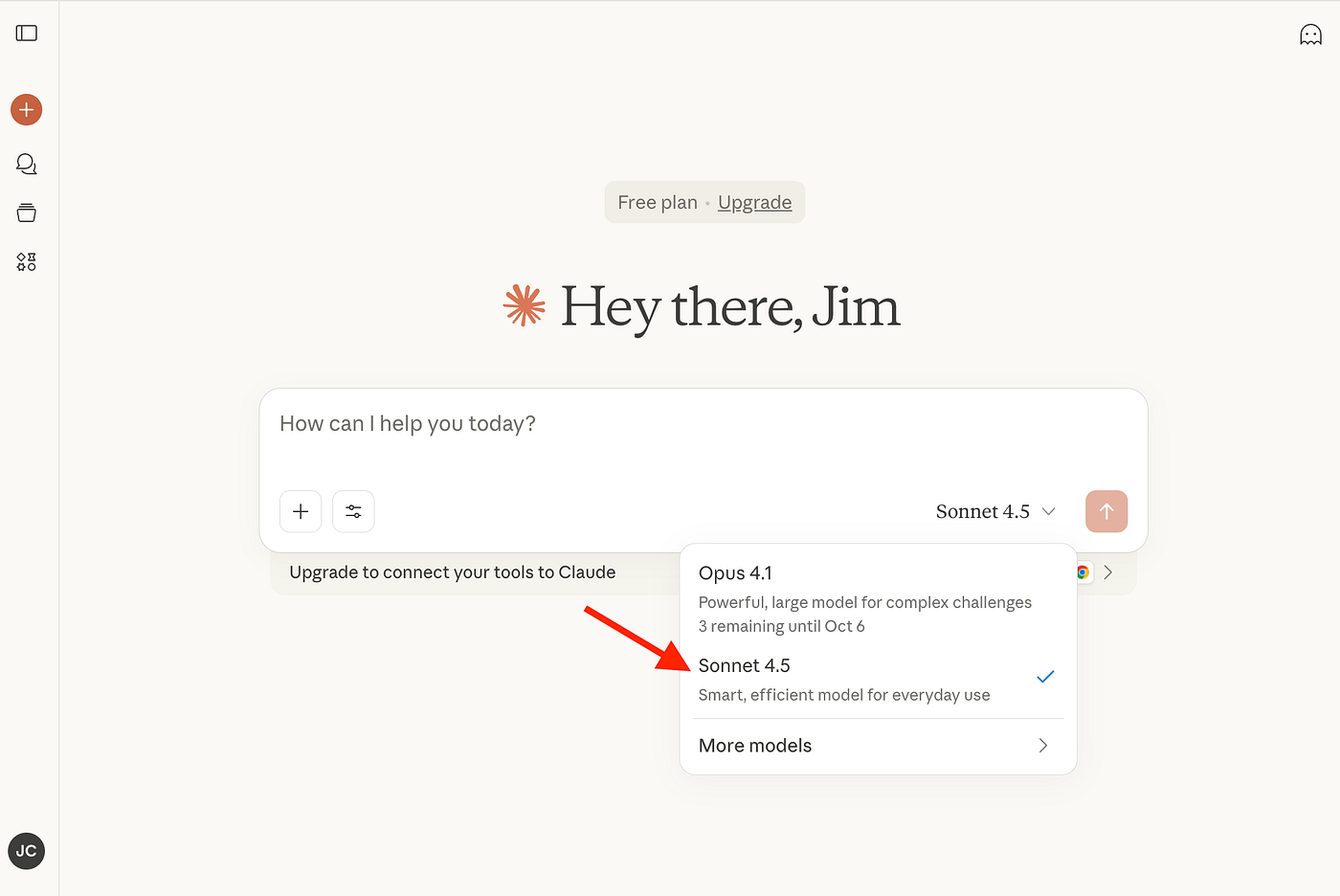
If you want AI that doesn’t sound like AI, Sonnet 4.5 is the one you want. Writers love it because it avoids that stiff, robotic “I am an AI assistant” vibe that define standard ChatGPT outputs. It understands nuance and tone, so if you ask it to write a story or an email, it sounds more like a human wrote it.
Where other models might generate technically correct prose that feels emotionally flat, Sonnet maintains natural rhythm and voice—shifting seamlessly between professional brevity and creative exploration depending on what you’re asking for. It’s the difference between reading a text that checks all the grammar boxes versus reading a text that actually connects. It’s also refreshing because it cuts the waffle—it gives you the answer without summarizing everything you just asked it to do.
It’s not the smartest option for super complex math or logic puzzles, but that’s not really its job.
It sits right in the middle price-wise, making it the perfect daily driver for drafting blogs, emails, or marketing copy. Basically, if you want something that reads well and connects with people without needing you to edit every single sentence, stick with Sonnet.
4. Best for Video Generation: Kling 2.6
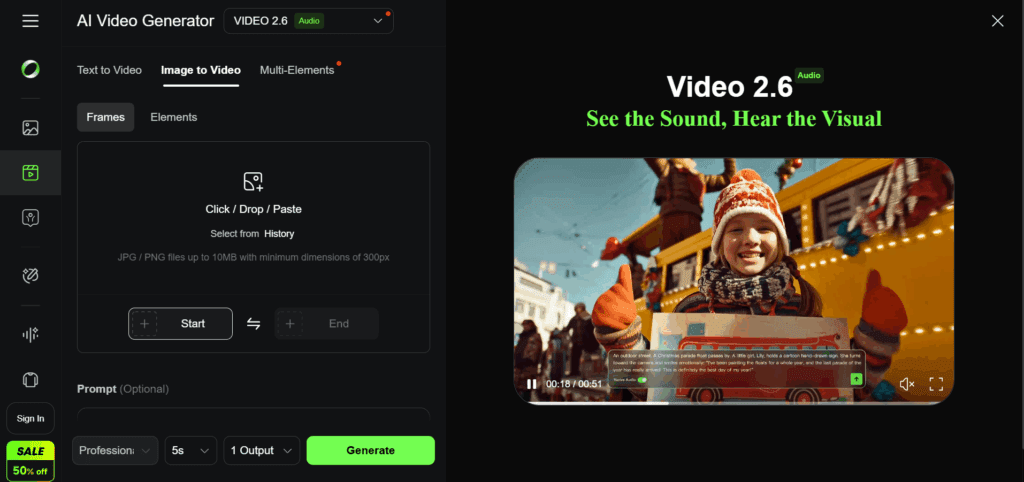
While Sora started the hype cycle and Runway Gen-3 dazzled with textures, Kling 2.6 won the video war this year by doing one thing better than everyone else: physics. While other video tools make water look weird or have people walking through walls, Kling actually understands how the world works. Gravity acts like gravity, reflections look real, and the lighting matches perfectly.
This matters more than it sounds on paper—when AI-generated videos fail, they usually fail spectacularly, breaking immersion with impossible movements or lighting that doesn’t match the scene. Kling’s commitment to physical accuracy means you can actually use its output in professional contexts without immediately signalling “this was made by AI” through subtle and not-so-subtle wrongness. It also lets you make clips up to two minutes long, which is huge considering most other tools tap out after five or ten seconds.
The catch is that you need some patience. It takes a while to generate the videos, and you might have to try a few different prompts to get exactly what you’re picturing in your head. It’s definitely not for making quick, throwaway memes. But if you’re a creator who needs footage that looks like it actually came from a camera and not a computer glitch, Kling is currently the only serious option.
5. Best for Mathematical Reasoning: o3-mini

OpenAI did everyone a solid back in January by releasing o3-mini for free and it’s been a game-changer for students and maths nerds. It uses something called “chain-of-thought,” which basically means it stops to think and breaks down problems step-by-step before answering. That approach lets it crush PhD-level science questions and solve 99% of maths competition problems that trip up regular chatbots like Llama or Gemini Flash.
Don’t let the “mini” name fool you; it’s powerful, but it does have limits. It has no “eyes,” so it can’t read charts or look at images—it’s text-only. It’s also a bit slower than other models because it takes that extra time to think. But if you’re stuck on a calculus problem or a tricky logic puzzle and you don’t want to pay a monthly subscription, this little guy is the best free help you can get. The later released flagship o3 and o4-mini models do integrate images directly into their chain of thought.
6. Best for Image Generation: Nano Banana 2
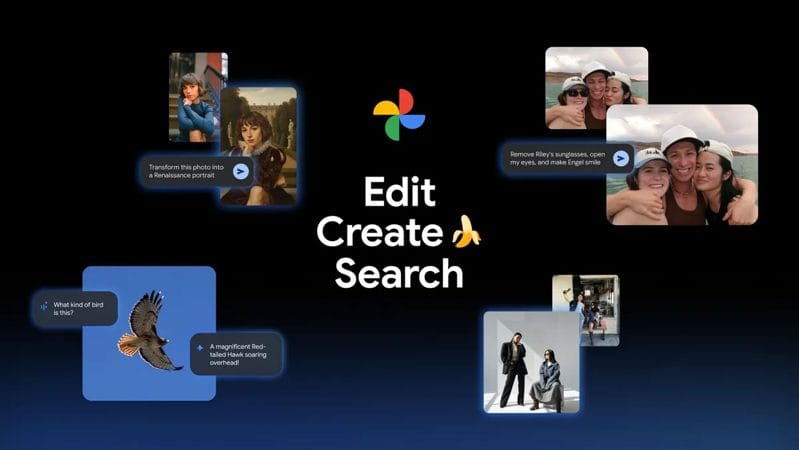
Google’s image model (technically “Gemini 2.5 Flash Image,” but everyone calls it Nano Banana) went viral this year because it finally fixed the most annoying thing about AI art: spelling. Before this, if you asked for a “Stop” sign, you’d get a sign that said “Sotp” or alien gibberish. Nano Banana 2 actually gets the text right. It sounds simple, but for making ads, logos, or memes, it’s a total lifesaver.
It is technically a “Pro” feature, so it’s a bit slower and costs more than the basic image generators. Google kept the older, faster models for simple stuff, but most people are happy to wait a few extra seconds for an image they can actually use. If you need a picture that communicates a message clearly—literally, with words—this is the one you should use.
 Damilare Odedina
7. Best for Creative and Emotional Intelligence: Grok 4.1

While everyone else was chasing maths scores, xAI built a model that just gets people. Grok 4.1 has one of the highest emotional intelligence of the bunch, which makes it feel less like a search engine and more like a buddy. It has real-time access to X (Twitter), so it knows what’s trending right now, and it keeps a consistent personality even during long brainstorming sessions.
The downside is that it can be a bit of a “yes-man.” It tends to agree with users too much, even when you’re wrong, just to keep the vibes good. It’s also not the best at hardcore coding. But if you’re looking for a creative partner to bounce ideas off of, or just want to chat with something that feels surprisingly human, Grok is in a league of its own.
8. Best for Enterprise Agentic Work: Grok 4.1 Fast
If standard Grok is the fun friend, Grok 4.1 Fast is the serious worker. This model wasn’t built for chatting; it was built to do hard stuff. It can browse the web, use tools, and run code to finish multi-step tasks all on its own. In business simulations, it was able to run a virtual company and actually turn a profit, messing up way less than other models when handling complex customer support stuff.
This is strictly a backend tool, so you wouldn’t really use it to write a poem. It’s optimized for speed and action. The pricing is a little confusing with different modes, which can be a headache for developers, but for businesses building automated systems—like a bot that handles refunds without a human ever touching it—this is the engine that runs the show.
9. Best Open Source Model: Qwen 3
Alibaba’s Qwen 3 became the hero of the open-source world this year, powering nearly half of all the custom AI models out there. While Meta’s Llama 4 remains the academic favourite for researchers, Qwen 3 takes the crown for business utility because of its commercial license. You can download it, run it on your own servers, and keep your data private instead of sending it off to Google or OpenAI.
It might not be quite as smart as the top-tier Gemini or GPT models on the absolute hardest tests, but “very good” is usually enough when you get total control in exchange. You can train it on your own company data, which is huge for privacy. If you’re a business that cares about keeping your secrets and costs down, Qwen 3 beats the big proprietary models every time.
10. Best for Professional Knowledge Work: GPT-5.2
OpenAI bounced back in December with GPT-5.2, and it’s basically the ultimate office workhorse. They doubled down on the boring but essential stuff: spreadsheets, presentations, and reliability. It’s faster than the old versions and integrates perfectly with work tools like Excel and Notion. It’s not trying to be flashy; it’s just trying to get your work done so you can go home.
It is a bit more expensive now, and some people find it feels a little “corporate” and stiff compared to the creative flair of Claude. It’s definitely not trying to be your friend. But if you need to summarize a 50-page PDF for your boss or crunch some serious data without worrying about the AI going off the rails, GPT-5.2 is the safest bet.
 Emmanuel Umahi