Have you surfed the web lately and accidentally closed the web page you were working on? To reopen, you had to use your mouse to find ways to navigate your way.
In this guide, learn the simple steps to recover the closed page on a Windows device, a MacBook, and via web history, saving you time.
How to recover closed tabs via keyboard shortcut (on Windows)
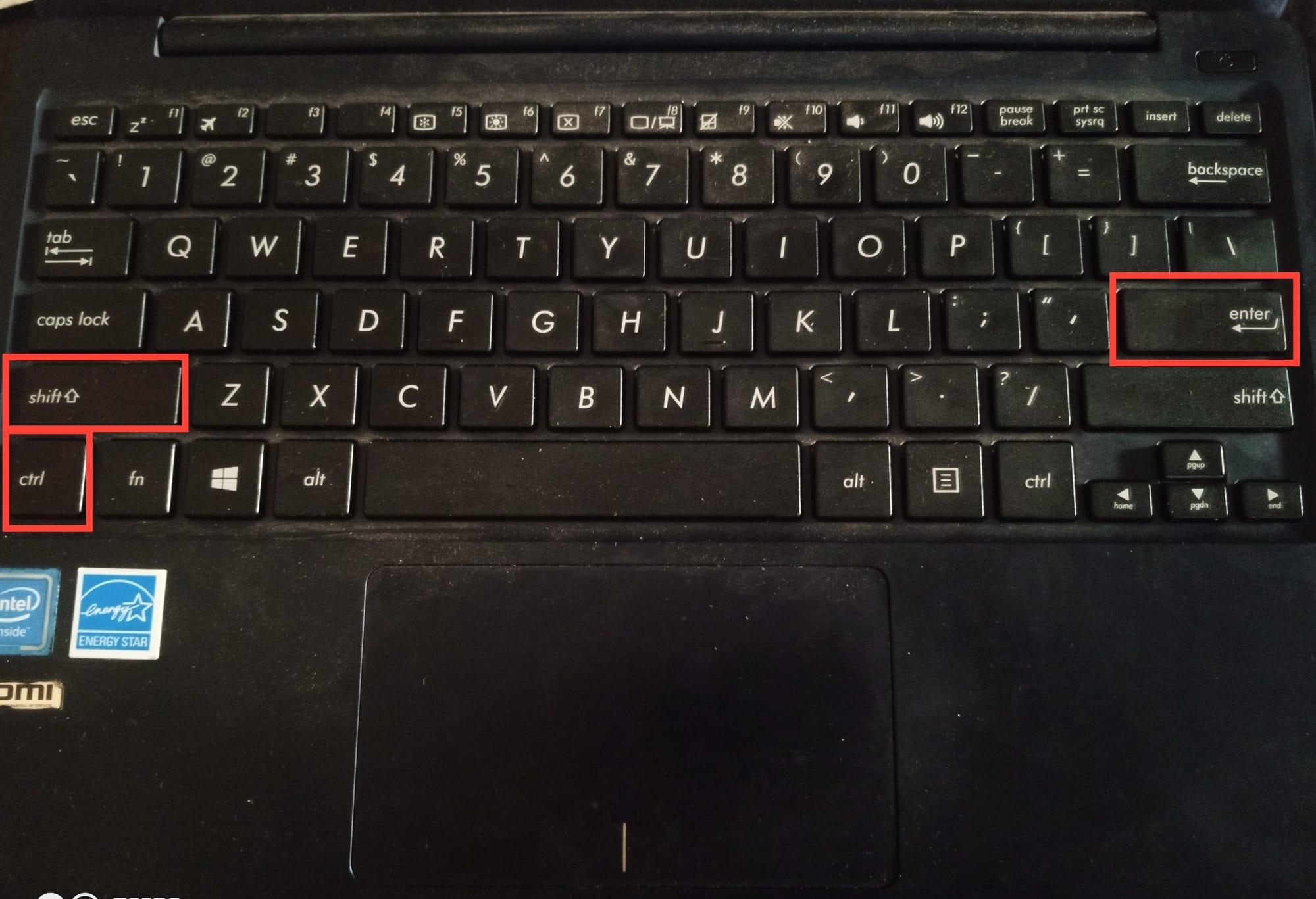
Hold down the Control key, the Shift key, and the T key simultaneously.
- Tap on Ctrl + Shift + T