



Notifications are supposed to keep you informed. But when you get dozens of alerts every day, many of them are unimportant, they become noise. With Google’s Android 16 QPR2 update, your device now tries to do some of the work for you: sorting and silencing what doesn’t matter, showing what might, and giving you a quicker way to catch up.
Currently rolling out on Pixel devices, the update is expected on Samsung, OnePlus, and other Android phones soon, likely through platform-specific updates.
 Louis Eriakha
Smart summaries, auto‑sorting, and less clutter
Google is leaning on AI to make notifications feel less stressful. The biggest change is the way Android now handles long chats. Instead of showing every single message one after another, the system reads the conversation and gives you a short summary of what happened while you were away.
The update also changes how your alerts are organised. The system considers the type of notification and decides which deserve attention and which can wait. That means personal messages and important emails appear clearly at the top of your screen, while less urgent alerts, like app promos or news updates, quietly move to a grouped section.


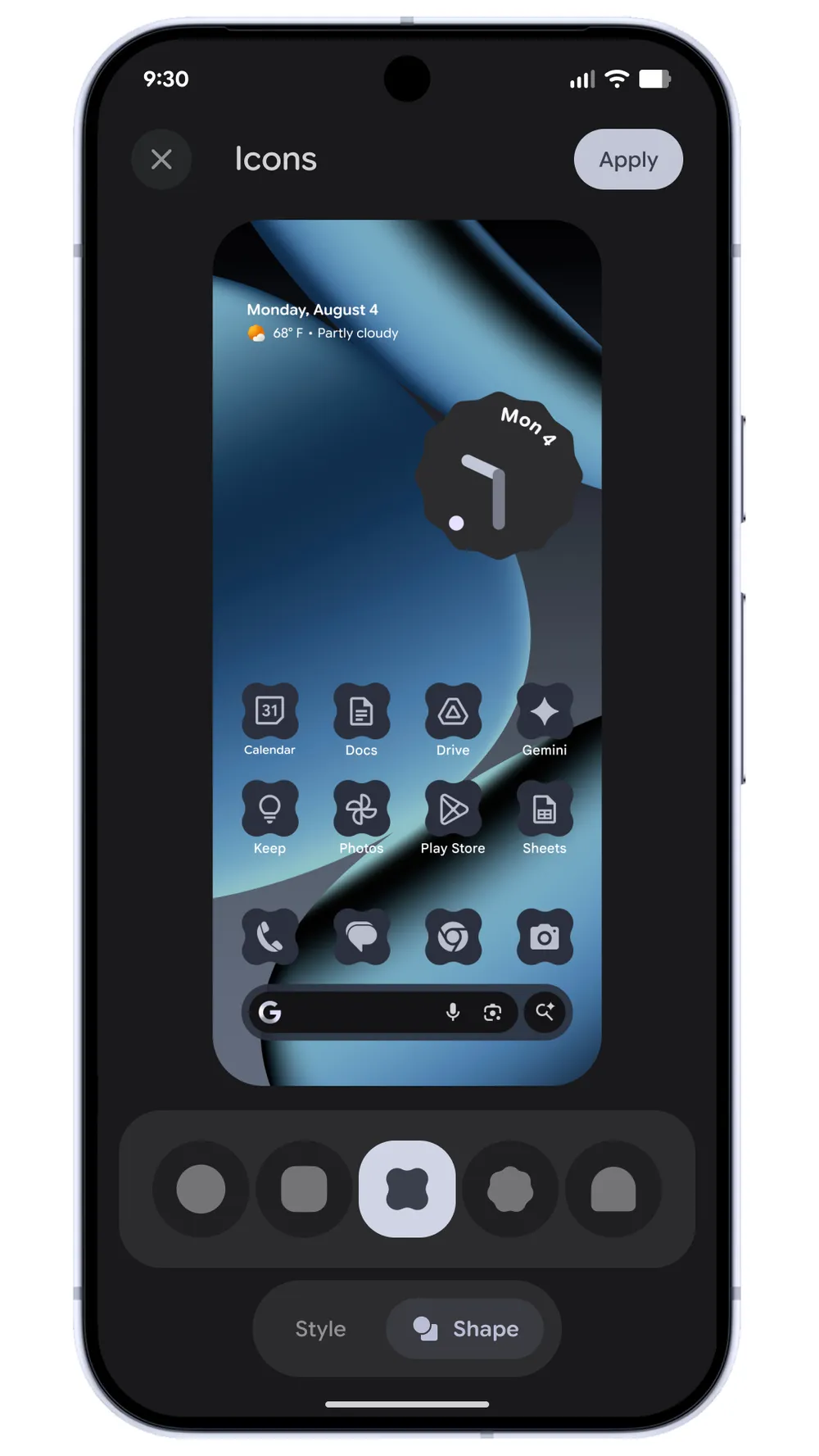
Image Credit: Google
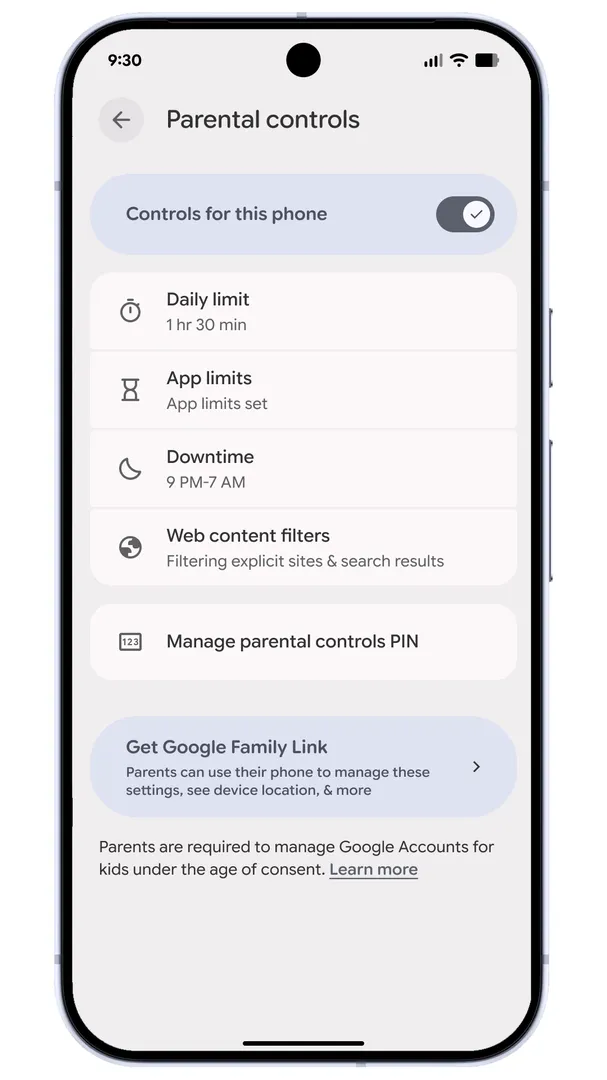
Android 16 QPR2 also adds more control for users who like to personalise their phones. You can change app icon shapes, adjust themes, and even use a darker mode for apps that don't support dark themes. Google is also placing Family Link inside system settings. With the new Parental Controls option, parents can manage screen time and app usage without opening a separate app.
 Louis Eriakha
For people drowning in alerts from social media, news apps, and group chats, this update is a relief. It helps your brain skip the noise and show only what’s relevant.
Also, for anyone using a Pixel or soon-to-be-supported Android device: this is a reminder to update your OS so you can benefit from these new, smarter notification features.
This move shows a broader shift from “more noise” to “smart calm” in mobile tech. As phones become central to how we work, connect, and live, the last thing we need is more noise and distraction.


