



Managing dense textbooks, lecture slides, research papers, and routine office reports can quickly slow down both students and everyday professionals. Modern AI document assistants solve this problem by summarizing lengthy files, answering targeted questions, and organizing scattered reference materials. However, choosing the right tool depends heavily on your workflow—particularly when it comes to data privacy and offline flexibility. Here is an objective look at three standout AI document tools designed for learning and light daily work.
1. iBoomto — Best for Local Privacy, Study, and Desktop Workflows
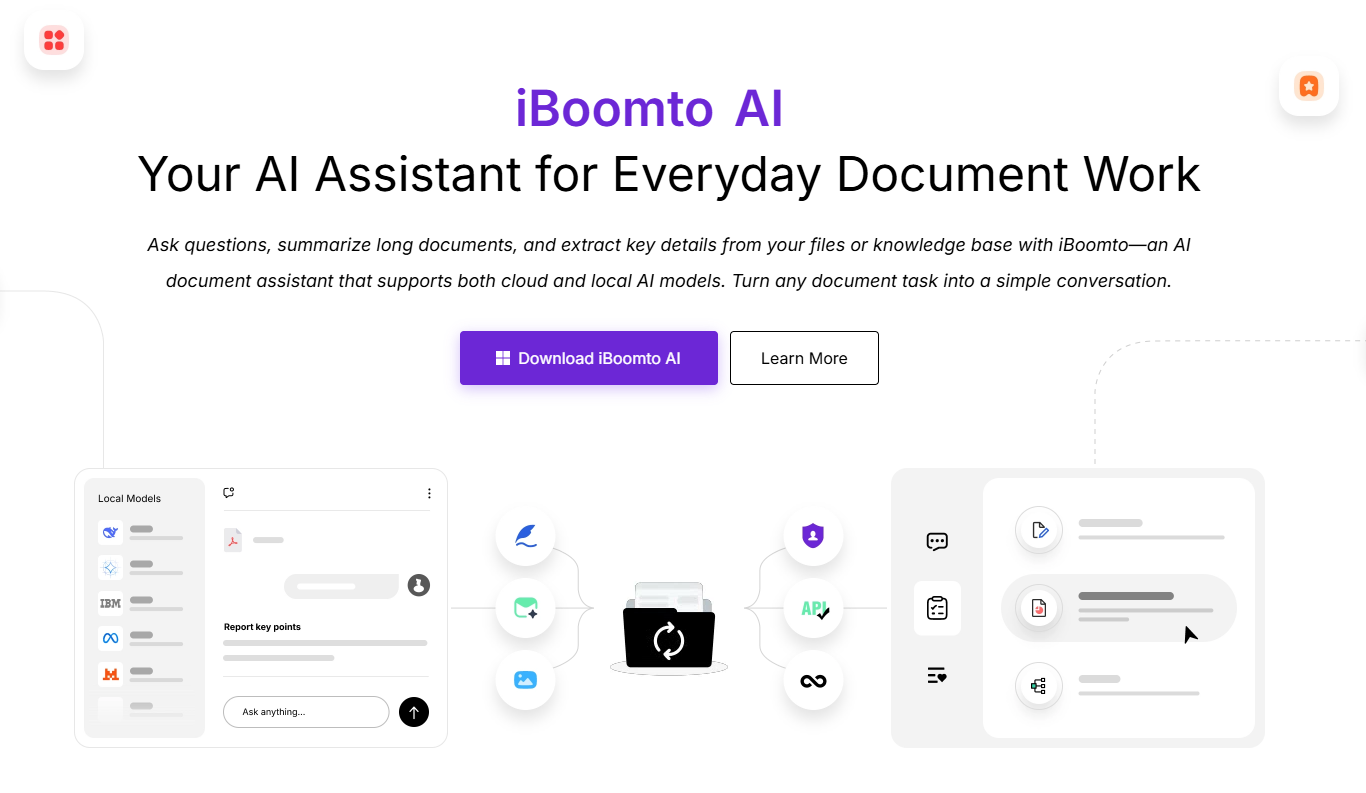
Built specifically for Windows users, iBoomto is a desktop AI document assistant tailored for study, research, and everyday office tasks. It supports document chat, instant summaries, information extraction, and PDF editing across common file formats, and it also supports online and local knowledge base features to help users organize personal materials around specific subjects or projects.
What sets iBoomto apart from most cloud-only AI assistants is its support for local large language models alongside online options. When users pair a local knowledge base workflow with a local model, document processing, indexing, retrieval, and response generation happen directly on the device without uploading knowledge base content to external servers. For students handling unpublished research drafts or professionals reviewing sensitive internal notes, this on-device approach provides stronger privacy control and eliminates token or credit limits for local tasks.
Keep in mind that local model performance depends on your computer’s hardware—such as the processor, memory, and graphics card. Higher-end PCs can smoothly run larger, more capable local models and deliver noticeably faster processing speeds.
2. NotebookLM — Best for Cloud-Based Study Notes and Synthesis
Google’s NotebookLM has become a popular research and study companion for students, educators, and knowledge workers who rely on cloud ecosystems. Users can group multiple PDFs, Google Docs, web links, and lecture notes into dedicated notebooks to generate study guides, flashcards, structured outlines, and even audio summaries grounded directly in their uploaded sources.
Its biggest strength lies in multi-source synthesis and automatic citations that link answers back to original passages. On the flip side, NotebookLM operates entirely in the cloud and requires an active internet connection, making it less suitable for users who prefer local desktop file management or strict on-device privacy for confidential materials.
3. ChatPDF — Best for Quick, Browser-Based PDF Q&A
For users who simply need to extract quick answers from a single document without installing desktop software, ChatPDF offers a fast, lightweight browser experience. Uploading a textbook chapter, academic paper, or user manual immediately opens a side-by-side chat interface that summarizes key points and highlights referenced pages.
ChatPDF excels at speed and simplicity for occasional reading tasks. However, because it is primarily focused on web-based PDF conversations, it lacks comprehensive desktop PDF editing, multi-format local workflows, and on-device AI model support.
Which Tool Should You Choose?
Each platform serves a distinct daily habit: ChatPDF is ideal for fast, one-off PDF lookups in your browser, while NotebookLM shines for cloud-based research organization and collaborative study notes. For Windows users in education or everyday work who want full document tools paired with genuine local AI privacy, iBoomto offers a compelling desktop alternative.