



Is your old laptop or desktop getting slower every day? Many older computers cannot run Windows 11 because of strict hardware rules, like needing a newer processor or a special security chip. Even if you force Windows 11 onto an older machine, it often feels sluggish, freezes during simple tasks, or runs out of memory quickly.
The good news is that you do not need to buy a brand-new computer. Replacing Windows with a lightweight operating system can make your old PC feel fast and responsive again. Most of these systems are completely free, easy to install, and use far less memory and battery power than Windows.
Here are the 5 best operating system alternatives to Windows 11 that will bring new life to your old PC.
1. Linux Mint (XFCE Edition)
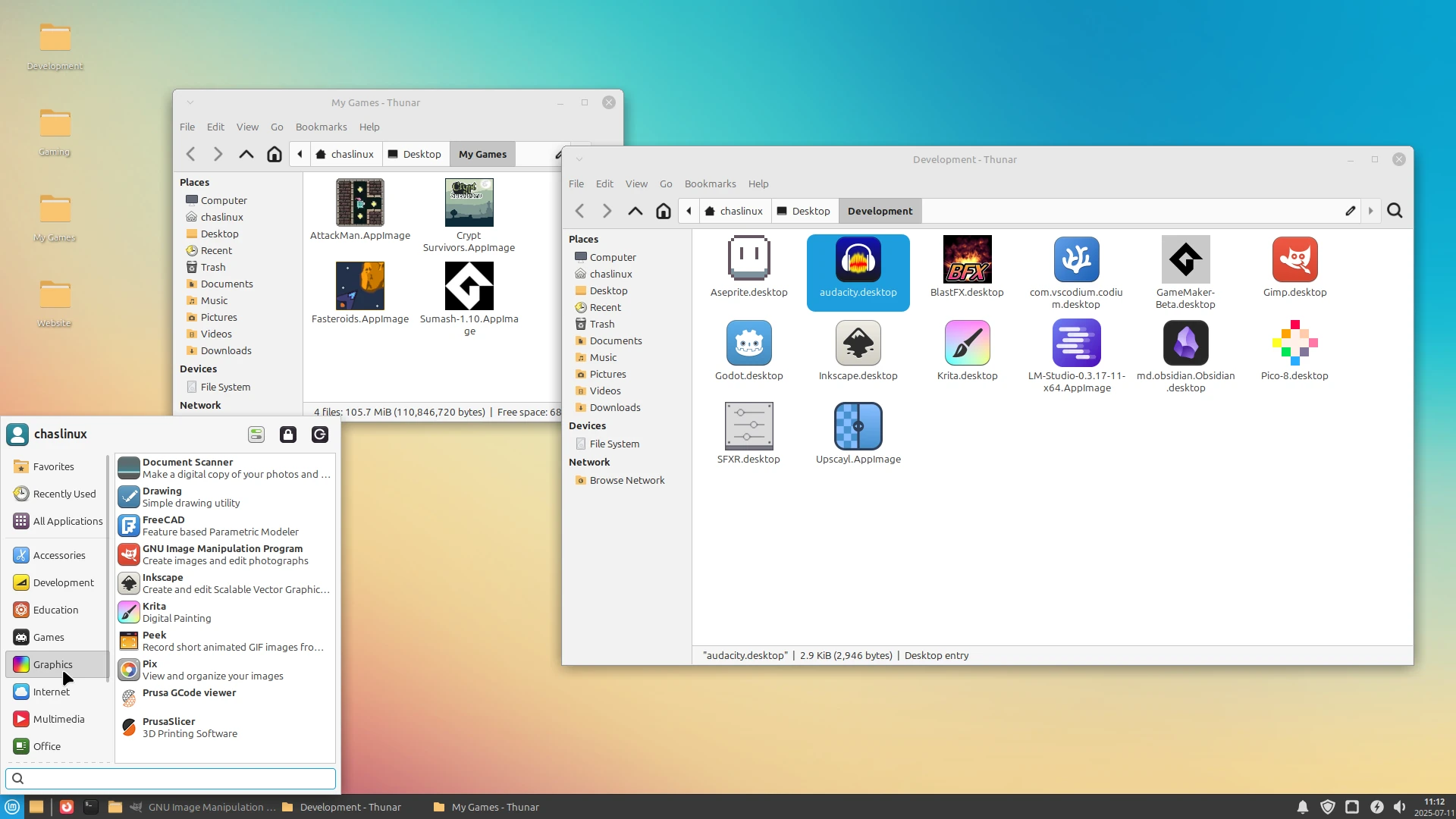
Linux Mint is one of the most popular and reliable operating systems for people leaving Windows. While the standard version looks great, the XFCE Edition is specially built to run smoothly on older computers with low memory and slower processors.
- Why it is great for old PCs: It uses very little RAM and keeps background tasks to a minimum. The layout looks very familiar, with a bottom taskbar and a Start menu in the corner, so you will know how to use it right away.
- Minimum requirements: 2GB of RAM (4GB recommended) and 20GB of storage space.
- Best for: Windows users who want a simple, dependable system for daily work, web browsing, and watching videos without any hassle.
2. ChromeOS Flex
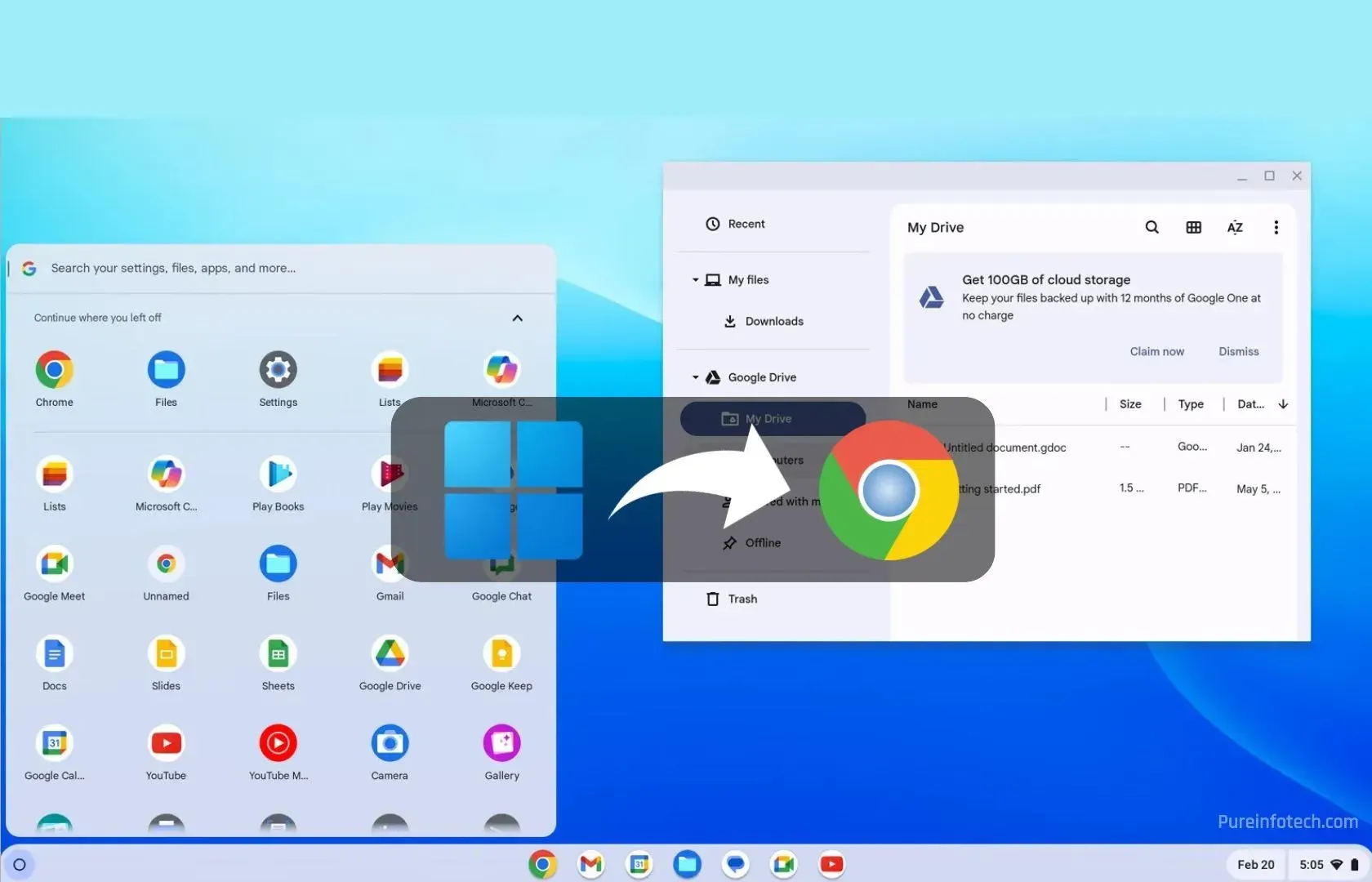
Created by Google, ChromeOS Flex turns your old Windows PC or Mac into a fast Chromebook. If you spend almost all your time inside a web browser checking emails, watching YouTube, or working on Google Docs, this is one of the fastest options available.
- Why it is great for old PCs: Because it relies mostly on cloud apps and the Chrome browser, it boots up in just a few seconds. Updates happen quietly in the background without interrupting your work.
- Minimum requirements: 4GB of RAM and 16GB of internal storage.
- Best for: Students, writers, and anyone who mostly works online and wants maximum speed and longer battery life.
3. Zorin OS Lite
Zorin OS is designed from the ground up to help Windows users switch over easily. Its desktop looks modern, clean, and polished. The Lite edition is made specifically for computers that are up to 15 years old.
- Why it is great for old PCs: Zorin OS Lite strips away heavy visual effects while keeping a sharp, attractive look. It even comes with built-in tools that let you run many basic Windows programs, so you do not have to give up your favorite software right away.
- Minimum requirements: 1GB of RAM and 15GB of storage space.
- Best for: Beginners who want a modern-looking desktop that feels just like Windows 10 or Windows 7.
4. Lubuntu
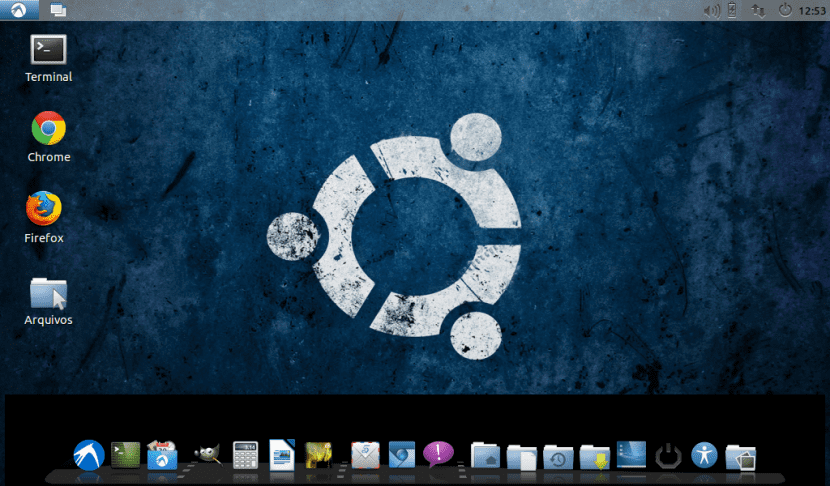
Lubuntu is an official lightweight version of Ubuntu, which is one of the biggest names in the Linux world. It uses a super-fast desktop interface called LXQt that puts speed and low energy use above everything else.
- Why it is great for old PCs: Lubuntu avoids fancy animations and heavy graphics. Instead, it gives you a clean, snappy workspace that opens programs instantly. It also comes pre-loaded with useful everyday tools like a web browser, a PDF reader, a media player, and an office suite.
- Minimum requirements: 1GB of RAM (2GB recommended) and 10GB of storage space.
- Best for: Older laptops with weak processors that need a fast, no-nonsense system for office work and browsing.
5. MX Linux
MX Linux is a lightweight system known for being rock-solid and easy to manage. It hits a sweet spot between fast performance and helpful built-in features, making it a favorite for reviving aging desktops and laptops.
- Why it is great for old PCs: It detects older hardware parts, like Wi-Fi cards and printers, better than almost any other lightweight system. It also includes a set of easy-to-use MX Tools that let you fix common issues, clean up files, and manage apps with a few clicks.
- Minimum requirements: 1GB of RAM (2GB recommended) and 8.5GB of storage space.
- Best for: Users who want a fast system that works well out of the box and offers helpful maintenance tools.
Bonus Option: Try Tiny11 If You Still Need Windows
If switching to Linux or ChromeOS feels too different and you still need to run specific Windows software, Tiny11 is a great middle ground. It is a stripped-down, lightweight version of Windows 11 that removes bloatware, background trackers, and strict hardware checks.
By using a Tiny11 ISO, you can install a clean and fast Windows 11 experience on older PCs with as little as 2GB of RAM and 8GB of storage space, without needing TPM 2.0 or Secure Boot.
Quick Comparison: Which One Should You Pick?
How to Try Before You Install
You do not have to wipe your hard drive right away to test these systems. Almost all of the Linux options listed above let you create a "Live USB".
By downloading the system file and putting it onto a standard USB flash drive using a free tool like Rufus or BalenaEtcher, you can boot your old PC directly from the USB stick. This lets you test your Wi-Fi, sound, and screen speed safely before deciding to replace Windows for good.
Final Thoughts
An old computer does not have to become electronic waste just because Microsoft moved on to heavier software. Whether you choose Linux Mint XFCE for a classic desktop feel, ChromeOS Flex for fast web browsing, Puppy Linux to rescue an ancient laptop, or Tiny11 to keep a lighter version of Windows, switching away from standard Windows 11 is the smartest and cheapest way to speed up your hardware. Back up your important files, grab a spare USB drive, and give your old PC a fresh start today.