



Microsoft has officially ended support for Windows 10, meaning no more security patches or bug fixes. Any PC still running it will gradually become more vulnerable to attacks.
This end-of-support affects all editions, Home, Pro, and Enterprise, so everyone using Windows 10 will need to take action. If your computer doesn’t meet the upgrade requirements for Windows 11, Microsoft’s Extended Security Updates (ESU) program offers one extra year of protection. But that’s only a short-term fix.
A smarter, longer-term option might be to switch to a newer, budget-friendly laptop that already runs Windows 11 S, ChromeOS, or Linux. These devices listed here are all under $300 and can handle everyday tasks like browsing, streaming, and online work smoothly, without the risk of running outdated software.
 David Adubiina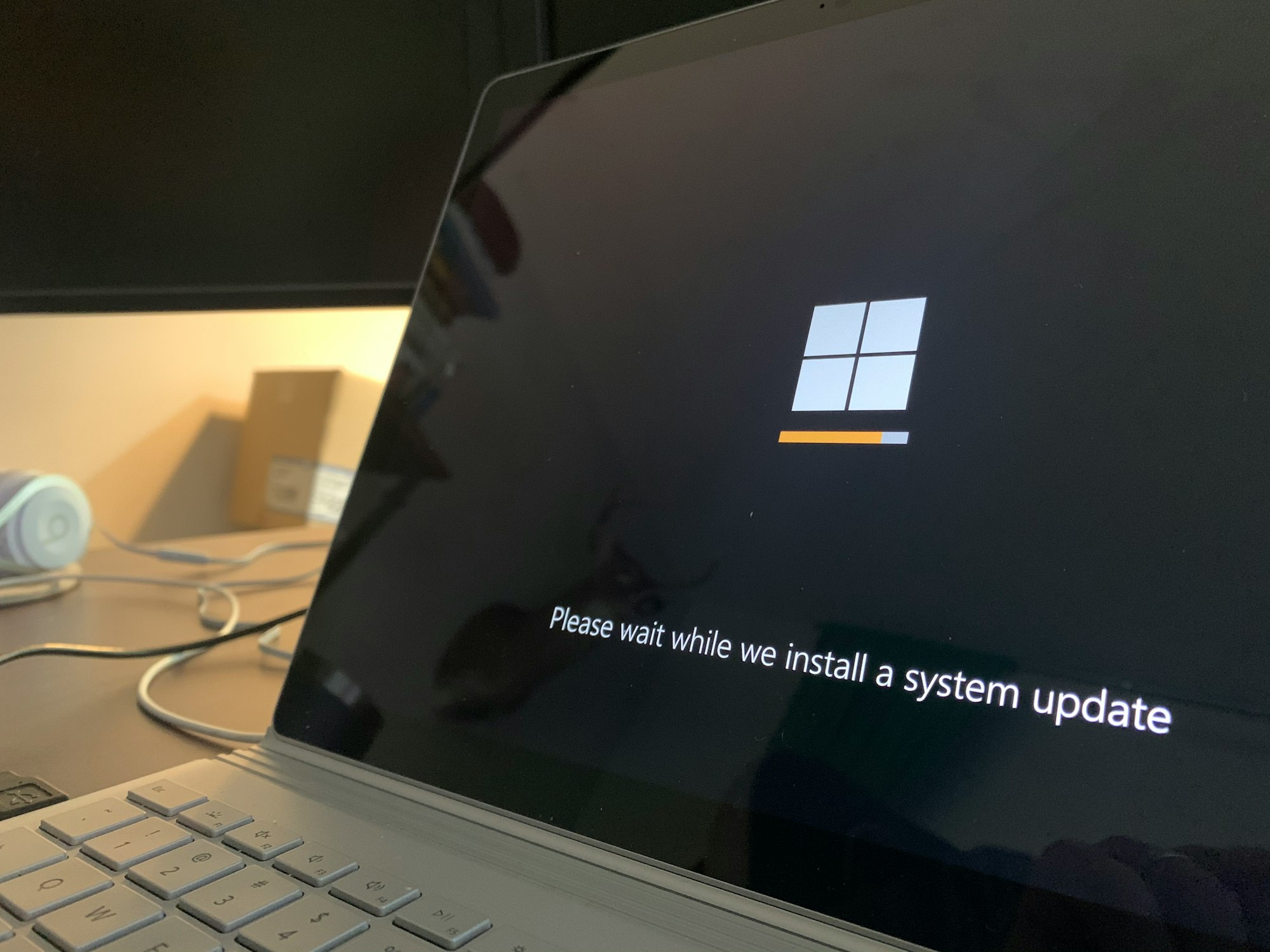
/1. HP Stream 14
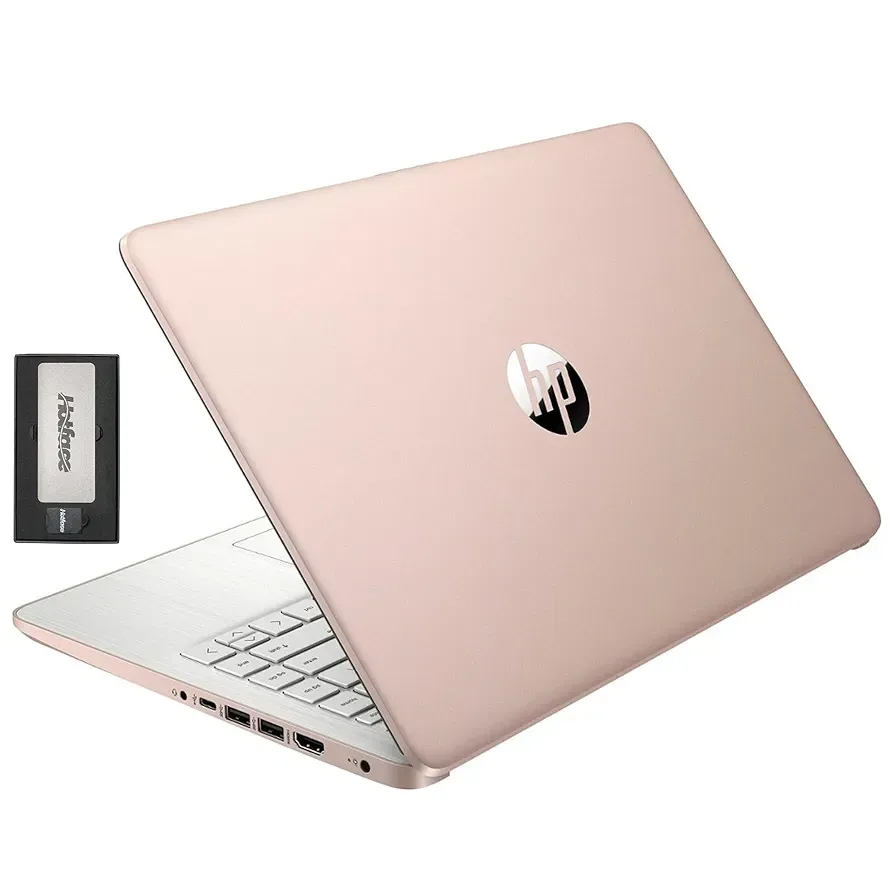
If you prefer sticking with Windows, the HP Stream 14 is one of the best-value options at $299. It runs Windows 11 S, which is a lighter, more secure version designed for basic computing, and comes powered by an Intel Celeron N4120 processor.
The laptop offers 16GB of RAM, rare in this range, and a total of 416GB of storage (128GB onboard plus an extra 288GB through a bundled docking station). Its 14-inch HD BrightView screen, Intel UHD Graphics, and built-in 720p camera make it suitable for work, classes, or video calls. You also get Wi-Fi connectivity and a 1-year Office 365 subscription, making it a smart pick if you just want a fresh, secure Windows laptop without upgrading to Windows 11 Pro.
/2. Samsung Galaxy Chromebook Go
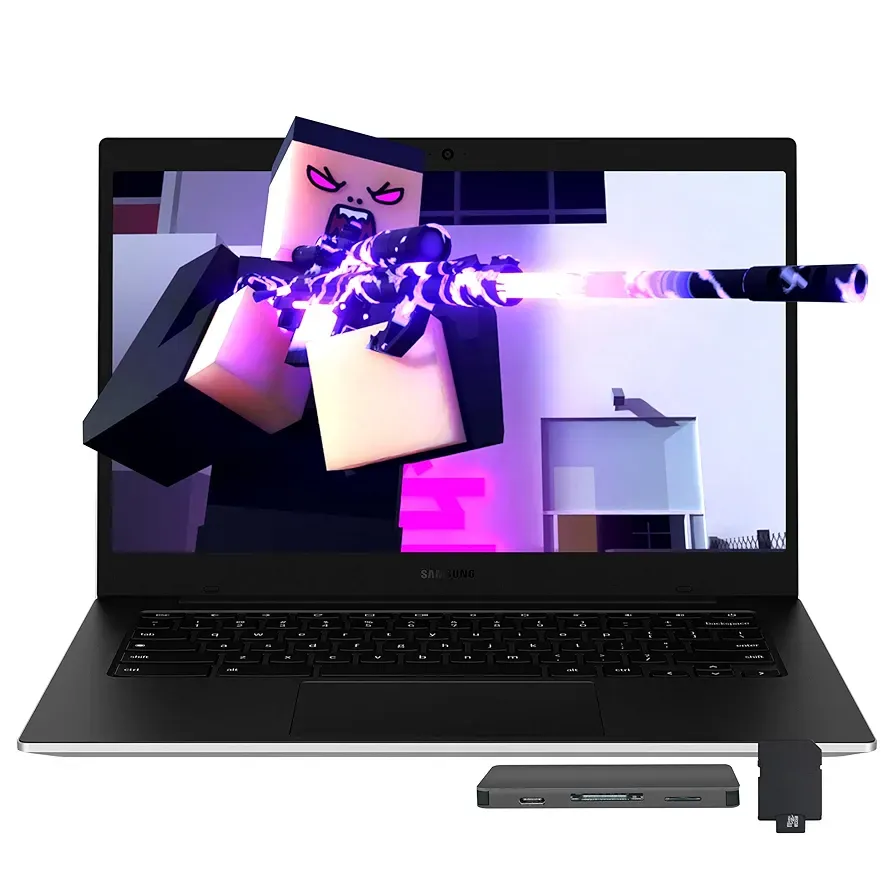
Open to something new? Then, the Samsung Galaxy Chromebook Go is a solid Chrome OS alternative priced around $279. It’s built for web-based work, running on an Intel Celeron N4500 with 4GB of LPDDR4X RAM, and it boots fast thanks to 288GB of total storage (128GB internal plus a 160GB docking setup).
Its 14-inch LED HD display is bright enough for casual use, and with Wi-Fi 6, Intel UHD Graphics, and a 720p webcam, it’s ideal for students or remote workers who live mostly in the browser. Chrome OS also updates automatically, so you won’t have to worry about security patches or manual upgrades once Windows 10 support ends.
/3. Lenovo IdeaPad Slim 3 Chromebook
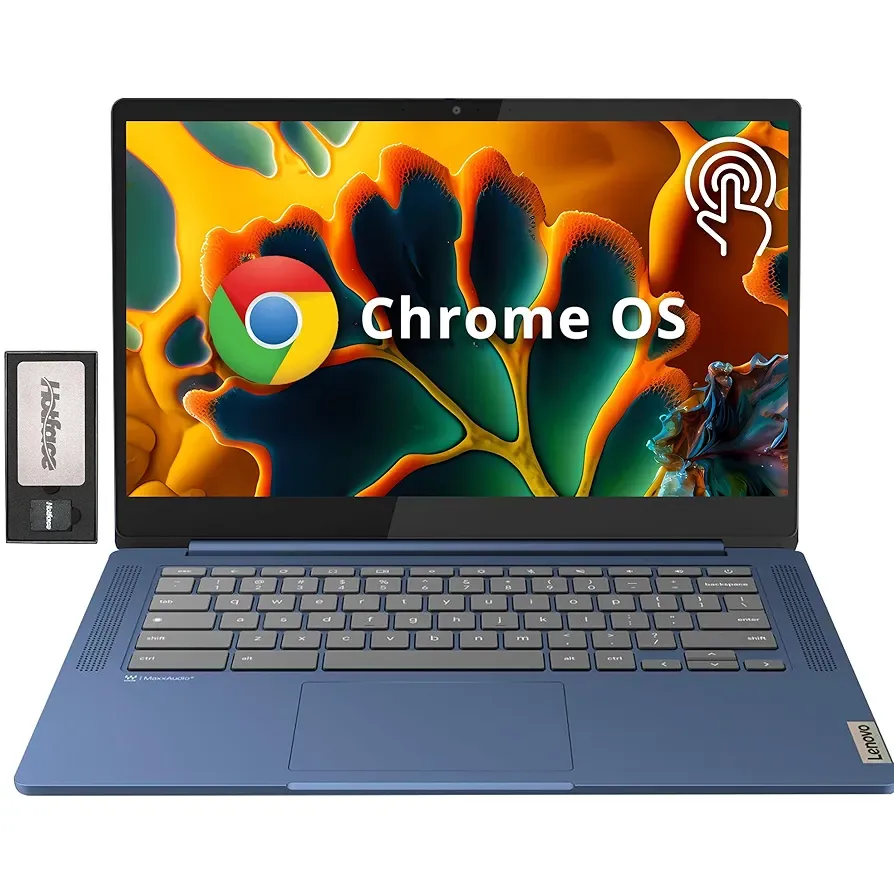
For those who like a touchscreen and a bit more style, Lenovo’s IdeaPad Slim 3 Chromebook offers a polished experience for about $251. It’s powered by a MediaTek Kompanio 520 chip with 4GB RAM and 224GB of storage (64GB internal plus 160GB external).
The 14-inch Full HD IPS touchscreen has an anti-glare finish, which makes it comfortable for long hours of use. You also get Wi-Fi 6 and a built-in webcam for calls or meetings. It’s one of the best choices if you’re switching to Chrome OS for the first time without any extra setup.
/4. ASUS Chromebook CX15
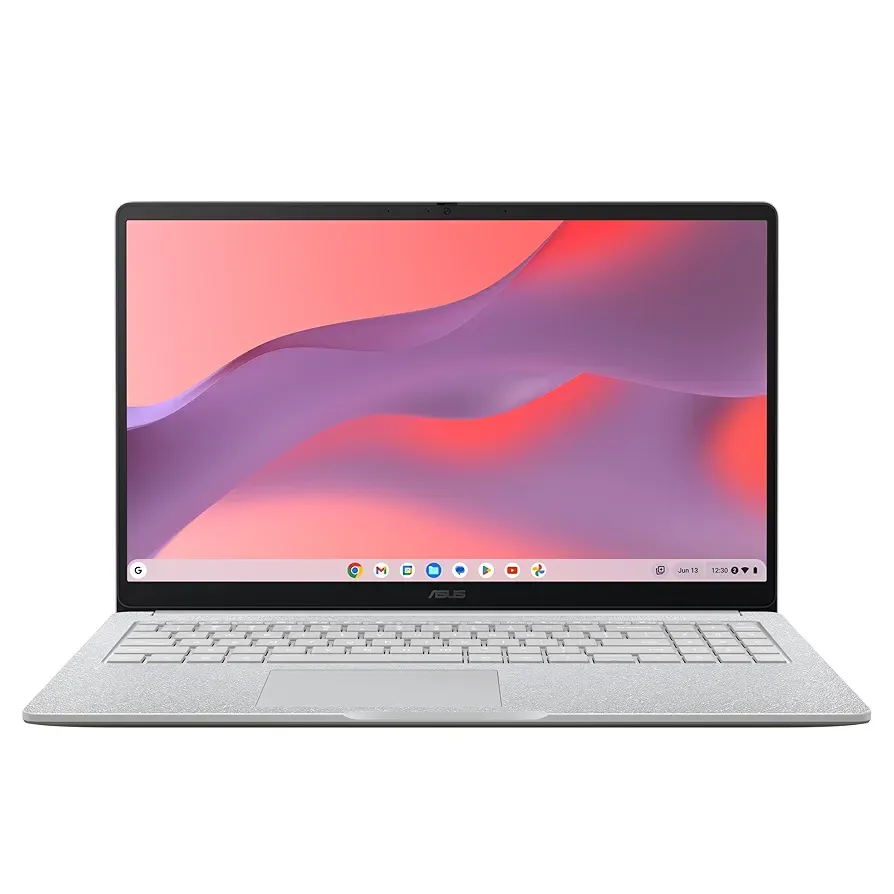
If you prefer a larger display, the ASUS Chromebook CX15 gives you a 15.6-inch Full HD anti-glare panel for just under $270. It runs on the Intel Celeron N4500, paired with 8GB RAM and 128GB storage, which is plenty for web browsing, streaming, and productivity apps.
ChromeOS keeps things smooth and secure, and the bigger screen is great for multitasking or watching content comfortably. It’s an ideal fit for anyone who wants a traditional laptop feel but the reliability and simplicity of Chrome OS.
/5. Omnica 15.6-Inch Laptop
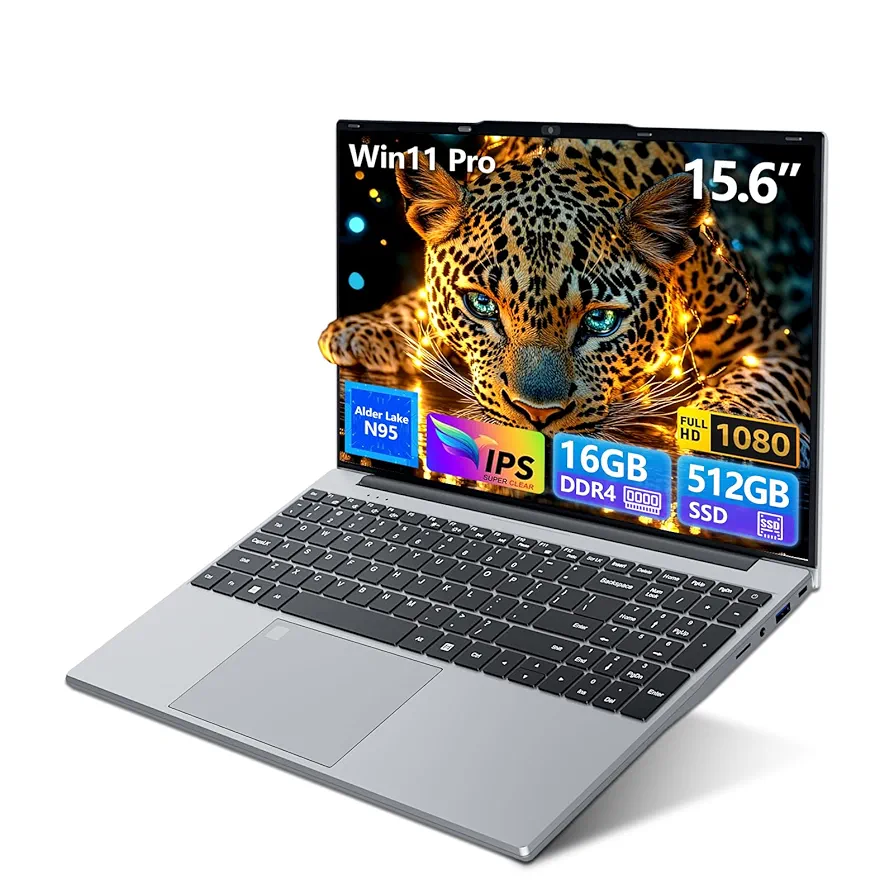
While it’s not a household name like HP or Lenovo, the Omnica 15.6-inch laptop packs impressive performance for its price point of around $259. It ships with Windows 11 Pro, running on an Intel N95 quad-core processor, 16GB of DDR4 RAM, and a 512GB SSD—hardware you rarely find under $300.
Beyond the specs, it offers a crisp Full HD display, a backlit keyboard, fingerprint unlock, and Wi-Fi 5 support. Although it’s marketed as a gaming laptop, it’s really more suited for business tasks, multitasking, and light creative work. Overall, it’s easily one of the best-performing Windows laptops under $300 available right now.
/6. Auusda 14.1-Inch Laptop
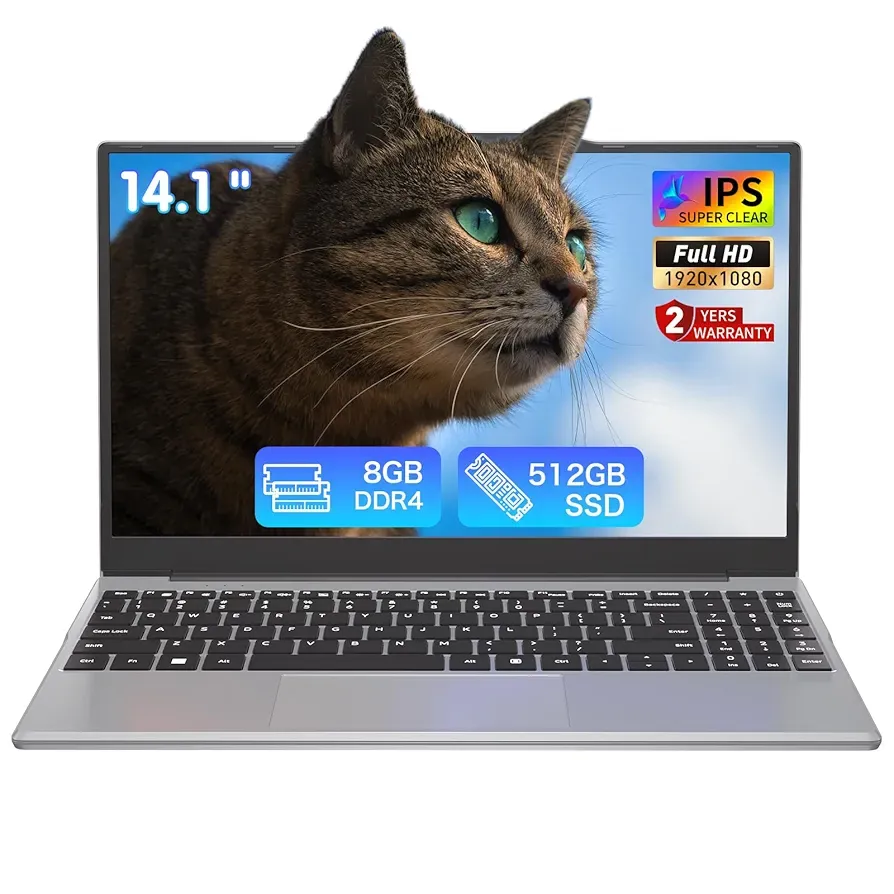
Like the Omnica, the Auusda 14.1-inch laptop is a well-balanced pick for users who need something fast, portable, and reliable. Sitting around the $260 range, it runs Windows 11 Pro and comes powered by an Intel N5095 quad-core CPU with 8GB of RAM and a 512GB SSD.
You get a Full HD screen, a numeric keypad, and a design that’s light enough to carry around campus or between meetings. For students, remote workers, or anyone who needs solid everyday performance on a tight budget, this one checks all the boxes—and the 2-year warranty is a nice touch in this price class.
/7. SGIN 17.3-Inch Laptop
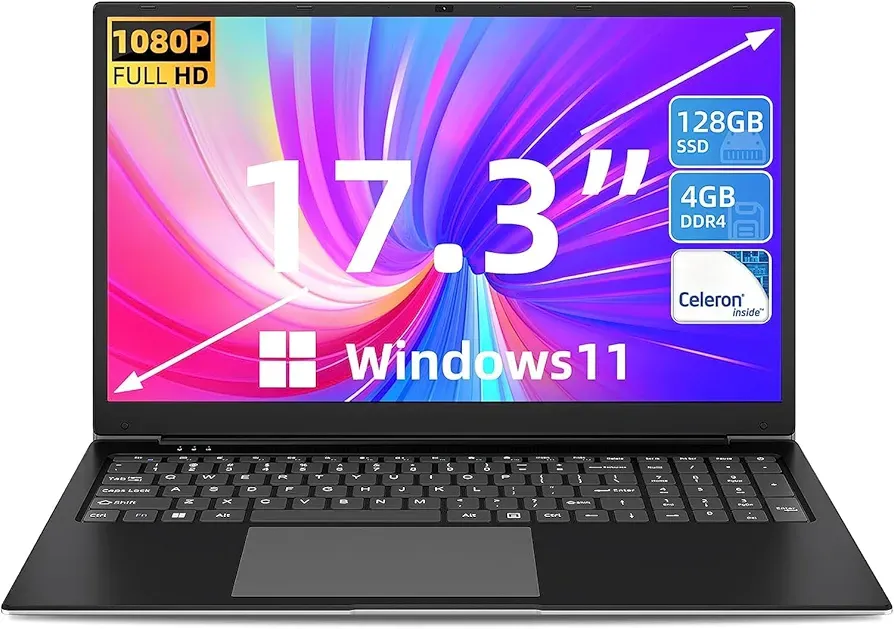
If you prefer a larger display for streaming or multitasking, the SGIN 17.3-inch laptop offers a lot of screen real estate for just $239.99. It runs Windows 11, powered by an Intel Celeron i3 processor, with 4GB RAM and a 128GB SSD.
Despite its low price, it includes a Full HD IPS panel, HDMI, USB Type-C, and a numeric keypad, making it a comfortable choice for casual work or entertainment. It’s not built for demanding tasks, but for under $250, you get a large-screen Windows laptop that covers the basics.
 Loy Okezie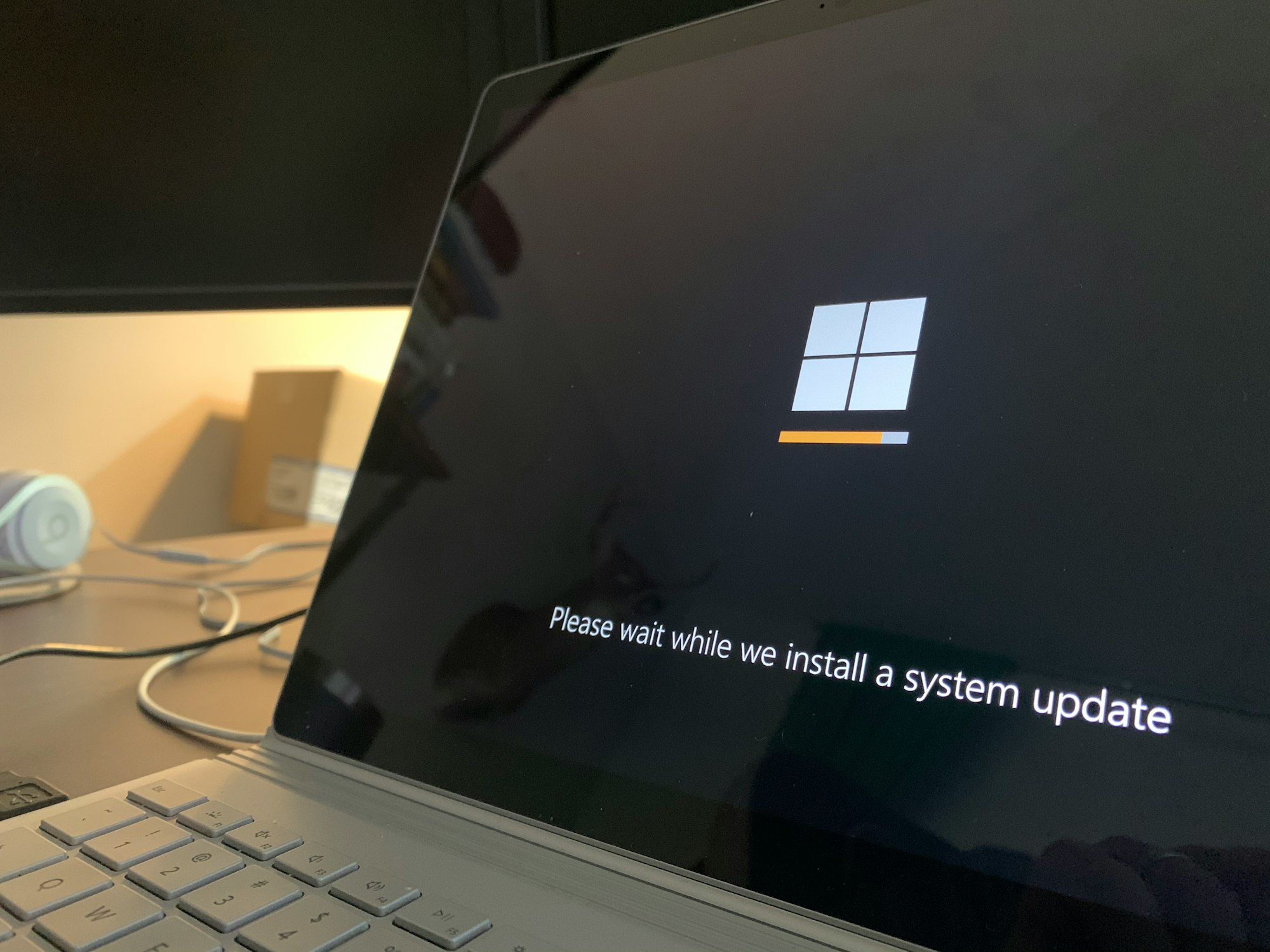
Conclusion
Sticking with an outdated system will only get riskier over time. Sure, Microsoft’s Extended Security Updates might buy you a few extra months, but it’s not a long-term fix.
If your PC can’t handle Windows 11, it might be time to look at affordable alternatives that won’t break the bank. Whether that means switching to a lightweight Chromebook or grabbing a budget-friendly Windows laptop under $300, the goal is to stay secure and productive.
What do you think: is it smarter to stretch your old PC with ESU or go for a low-budget replacement? Let us know in the comments.


