



In a blog post, Apple claimed that its Safari browser offers more data protection than Google’s Chrome, warning iPhone users to stay away from the Chrome browser and other Google apps.
iPhone typically comes with Safari as its default browser, but some users download Chrome and make it their default.
 Kelechi Edeh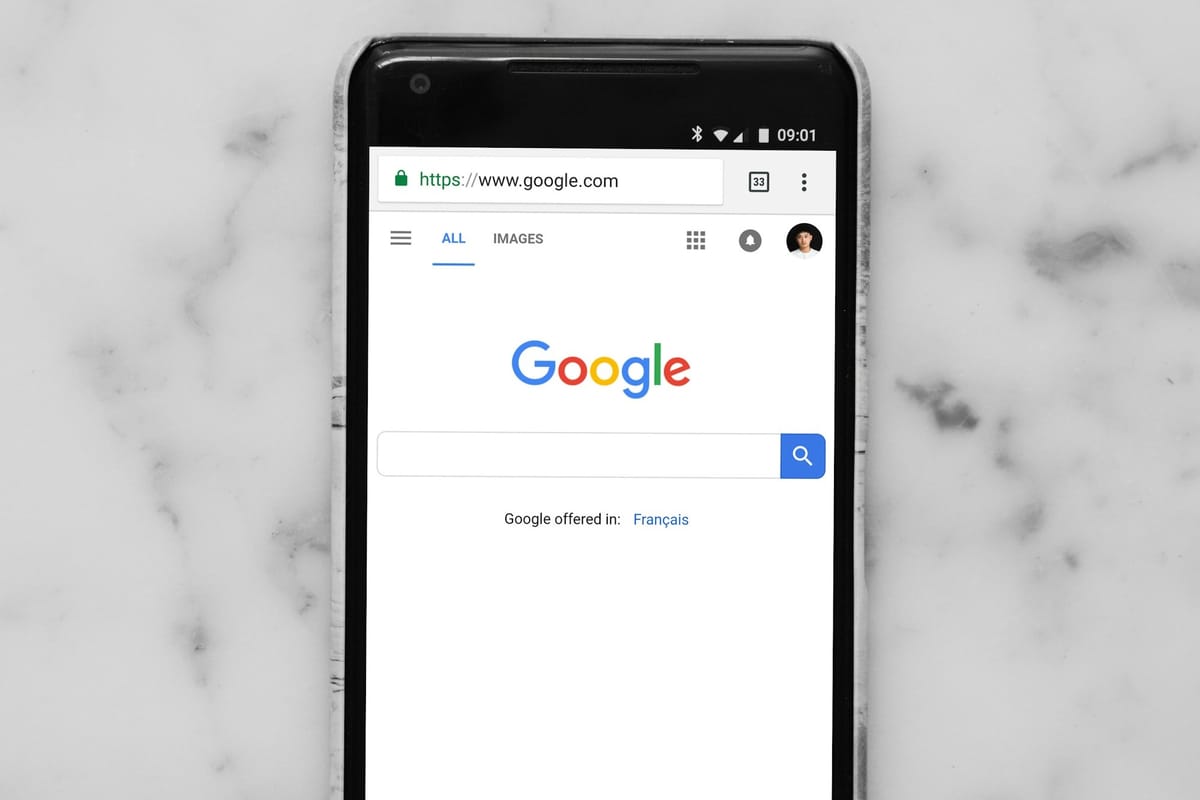
Citing data-sharing policies, Apple says that its “Safari includes state-of-the-art features that defend you against cross-site tracking, hide your IP address from known trackers, and more. Unlike Chrome, Safari truly helps protect your privacy.”
In response, Google said, "The primary new threat facing all agentic browsers is indirect prompt injection. It can appear in malicious sites, third-party content in iframes, or from user-generated content like user reviews, and can cause the agent to take unwanted actions such as initiating financial transactions or exfiltrating sensitive data.”
It added that "designing safe agentic browsing for Chrome has involved deep collaboration of security experts across Google. We built on Gemini's existing protections and agent security principles and have implemented several new layers for Chrome."
But which is more secure and safer?
Intelligent Tracking Prevention
Safari blocks cross-site tracking aggressively by default through its Intelligent Tracking Prevention system, limiting third-party cookies and reducing advertiser tracking without requiring user action. Chrome, by contrast, is more permissive out of the box and often relies on users adjusting settings or installing extensions. Google’s ad-driven business model complicates how far Chrome can go in restricting tracking by default.
Private Browsing
Safari’s Private Browsing mode does not save search history, browsing history, or autofill data, and it applies additional tracker restrictions while active. Chrome’s Incognito Mode similarly avoids saving local history, but activity may still be visible to websites, employers, internet service providers, and Google services. The difference lies less in branding and more in how aggressively tracking is limited during private sessions.
Privacy Report
Safari includes a built-in Privacy Report that gives users a clear snapshot of cross-site trackers that have been blocked, offering visibility into who is trying to track them and how often. Chrome does not provide a comparable native feature, instead leaving users to rely on third-party extensions or external tools for similar insight.
Fingerprinting Defence
Safari actively works to prevent device fingerprinting by masking or simplifying system information so that devices appear more alike to trackers, making it harder to single out individual users. This has become increasingly relevant as fingerprinting, a tracking method that cannot be opted out of, has resurfaced across the web. Chrome allows more identifying signals by default, and Google has recently reversed its earlier stance against fingerprinting, raising fresh concerns about user exposure.
Passkeys (Password Replacement)
Safari supports passkeys through deep integration with iCloud Keychain, offering a simple and secure passwordless login experience across Apple devices. Chrome also supports passkeys via Google Password Manager and works well across platforms. In this area, neither browser has a clear privacy advantage. The experience largely depends on which ecosystem a user is already invested in.
Conclusion
At the end of the day, both Safari and Chrome have their strengths, but the differences come down to privacy options. Safari is built to limit tracking, obscure identifying details, and give users transparency with features like Intelligent Tracking Prevention and Privacy Reports. Chrome, while highly convenient and feature-rich, is tied to Google’s ad ecosystem, meaning tracking protections are often less aggressive and require extra steps.
Your choice of browser is now more than a simple preference; it’s a decision about how visible you want to be online and how much control you retain over your data. For iPhone users prioritising privacy, Safari clearly has the edge, but understanding the trade-offs is key before making the switch.
 Ogbonda Chivumnovu


