



KaneAI is a strong example of where test automation is heading: faster test creation, natural language workflows, and AI-assisted maintenance. For teams trying to reduce manual effort and move beyond script-heavy testing, that promise is compelling.
But AI test generation is only one part of the automation problem.
Once testing moves into real product environments, teams need more than speed. They need control over how tests are designed, where they run, how failures are analyzed, how edge cases are handled, and how automation fits into the rest of the development pipeline.
That is where the choice becomes more specific.
In this guide, we compare the best KaneAI alternatives for 2026 across enterprise-grade platforms and developer-focused open-source tools, so you can evaluate which option is better suited to your automation strategy.
Why Should You Consider KaneAI Alternatives?
No doubt, KaneAI comes with some very strong AI testing capabilities which help teams build tests faster in natural language, unify test case management, minimize maintenance efforts, and enhance test automation.
However, whether KaneAI is the best fit for your team depends on your testing requirements, product landscape, existing toolchain, automation maturity, and budget.
These could be some of the reasons to look for KaneAI alternatives.
- Since KaneAI focuses more on AI-driven QA workflows, it may feel restrictive for teams who need full control over framework architecture, execution logic, reporting mechanisms, and automation design patterns
- KaneAI has an enterprise pricing model. So, if you’re a startup or have limited project budgets, you may find the subscriptions expensive
- If you work with automation testing frameworks like Selenium, Appium, or Playwright and need tools with open-source support, then KaneAI may not be your best choice
- For teams that need to cover specific edge cases and test complex scenarios which require precise data setup and teardown, KaneAI’s natural language descriptions may not always capture every nuance
- As KaneAI is a relatively new tool, it has a smaller community support and limited resources for troubleshooting
Top KaneAI Alternatives in 2026
These platforms are designed for teams who’re managing complex testing environments and large-scale automation.
They generally offer strong governance, enterprise integrations, advanced reporting, scalability, and support for diverse testing needs which makes them suitable for enterprise QA. Let’s check out their capabilities up close:
1. CoTester
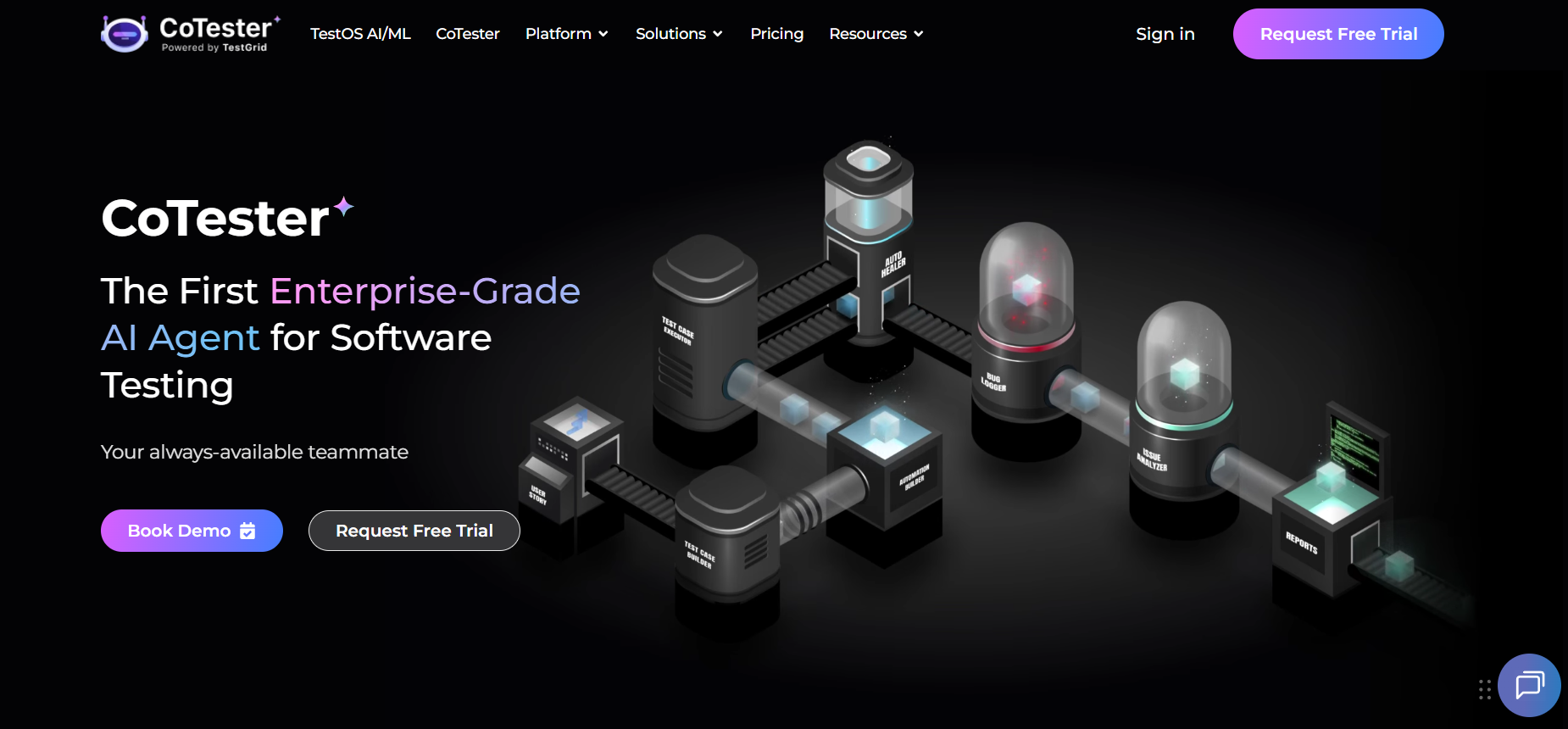
CoTester is an enterprise-grade AI-powered testing agent which understands your product’s context based on user stories, requirement docs, web pages, and URLs, and then intelligently generates structured tests for you.
It then runs your tests across real device and browser environments with your approval, and gives you detailed live execution logs along with screenshots.
This makes CoTester especially useful if you want to move beyond AI-assisted test creation and build a more reliable testing workflow around execution, maintenance, and release confidence.
You can create tests in scriptless, record-and-play, or code-based modes, depending on your team’s automation maturity.
CoTester also helps you reduce long-term maintenance effort with AgentRx, its auto-heal engine. It can detect UI changes, locator updates, and redesigns, and update your tests dynamically so your automation stays stable as your application changes.
If you work with enterprise applications like Salesforce, ServiceNow, Workday, SAP, NetSuite, Dynamics 365, or Zoho, CoTester gives you a practical way to test complex business workflows with more control and predictability.
Best features
- Switch between scriptless, record and play, or code mode to generate robust tests
- Edit your test steps easily using the chat interface or editor
- Create automated test cases easily in no-code, low-code, or pro-code modes
- Detect UI changes, locator updates, or full redesigns, and update your tests dynamically with the auto-heal engine AgentRx
- Connect with CI/CD tools like Azure DevOps, Jenkins, and GitHub Actions to automatically execute tests throughout the development cycle
- Store all uploaded files and generated assets in a searchable repository
Pricing
- CoTester Starter Package: Starts at $199 per seat/month (minimum 4 seats; includes 4 devices/browsers and 5,000 tokens)
- CoTester Growth Package: Custom pricing (includes all Starter features + marketplace integrations)
- Enterprise Test Infra (On-Prem / Hosted): Custom pricing (dedicated test lab for segregated enterprise teams)
2. Qodex.ai
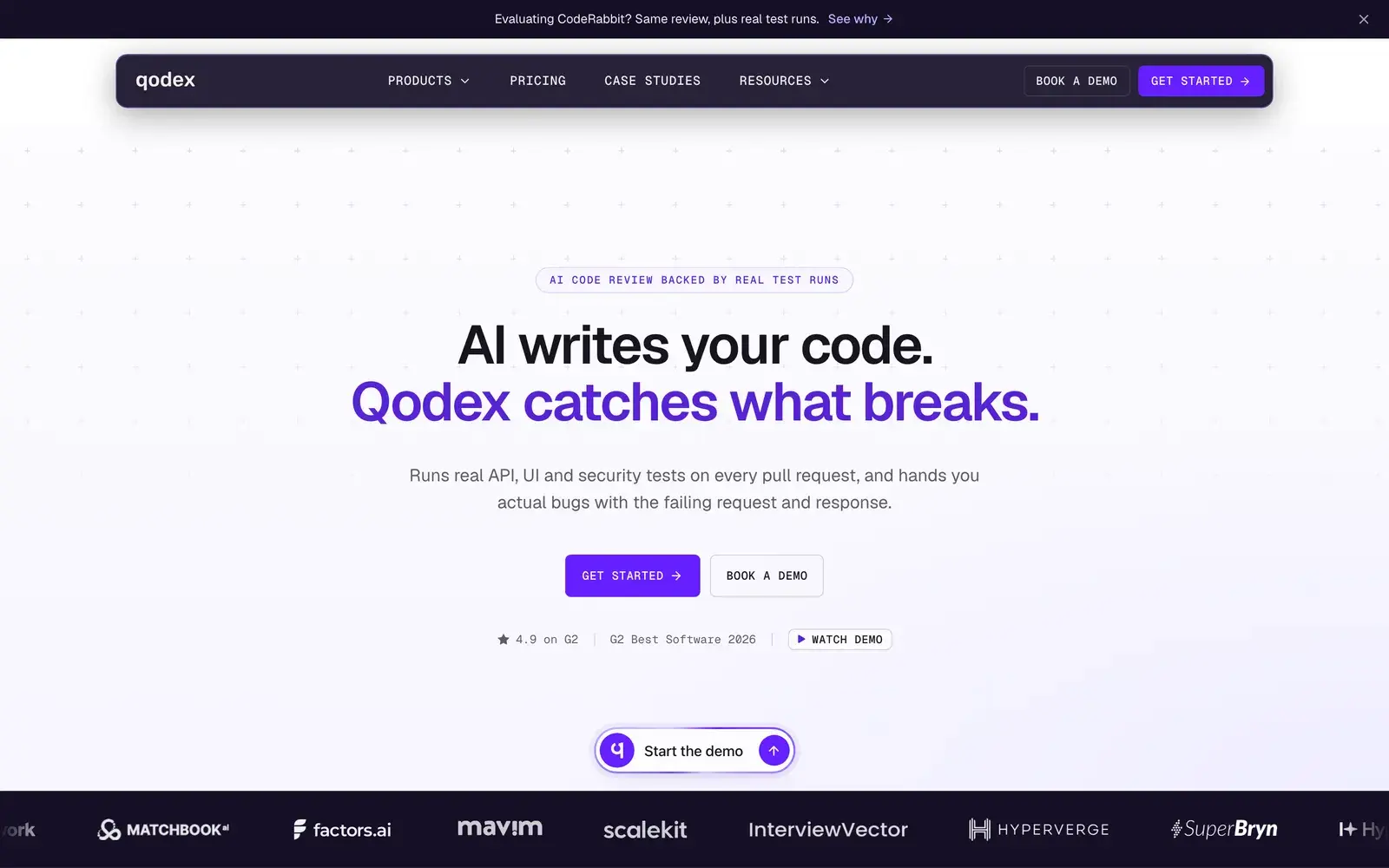
Qodex.ai is an AI-native testing platform which allows your team to keep up with the development speed by running tests after every pull request automatically.
You can record how your app should behave in plain language, execute the tests, and close coverage gaps, all from one unified space. The platform also helps you capture every workflow as a reusable test scenario, classify every failure, and rebuild test suites as your app updates.
Best features
- Import your test scenarios by connecting spreadsheets, OpenAPI specs, Postman collections, existing tests, and product docs to easily
- Ask in the chat interface for scenarios you’re missing or to expand coverage for new features; keep your tests current as your product or app changes
- Run your tests in GitHub PRs, the CLI, platform chat, schedules, and deploy checks
- Capture findings and test run results in a shared scenario layer for continuous reuse and improvement
- Run your code against the preview build and post the result inline, with the failing request, the response, and a screenshot
Pricing
- Basic: Free
- Premium: Custom
- Enterprise: Custom
3. Tricentis Tosca
Tricentis Tosca is a software testing platform that offers you a generative AI-powered assistant, Tosca Copilot, which helps you find, understand, and optimize test assets in your portfolio via a chat interface.
Tosca covers every type of testing that you need including accessibility, functional, and regression, API, UI, and system integration testing. Plus, you can easily create and provision synthetic, masked, or imported datasets for complex scenarios.
Best features
- Leverage custom agents to create critical tests faster across enterprise apps like SAP and Salesforce as well as web apps
- Analyze existing tests and intelligently merge new tests with existing modules with the help of AI agents
- Optimize your test suite by identifying unused test cases, unlinked assets, and duplicates using Tosca Query Language
- Get actionable execution insights to quickly interpret test results and troubleshoot faster
- Enable test automation for previously hard-to-automate apps like those on remote desktops with Vision AI
Pricing
- Customized pricing available on request
4. Testsigma Copilot
Testsigma Copilot is a genAI assistant that accelerates your testing efforts by helping you automatically generate test cases based on various inputs.
It also suggests additional test scenarios and edge cases for better coverage. With the help of this agent, you can detect and fix bugs early in the planning phase, reduce costs of rework, and improve the quality of your releases.
Best features
- Create test cases from user stories, Figma designs, screenshots, and existing test management systems
- Convert your test requirements into actionable tests within minutes and without any scripting required
- Build comprehensive API test cases instantly by just providing your JSON inputs to the Copilot
- Flag recurring issues and false positives, group similar failures, and highlight root causes with visual diffs and auto-suggested fixes with the help of the Analyzer
- Use AI-generated test data suggestions or create custom Test Data Profiles with prompts
Pricing
- Customized pricing on request
Developer-focused open-source KaneAI alternatives
These alternatives are ideal for teams which prefer flexibility, customization, and full control over their automation pipelines. You may require more technical expertise to use them, but they also offer broad extensibility and strong community support.
5. Selenium
Selenium is an automation testing tool for web browsers which allows you to write your test scripts in different programming languages, including Java, PHP, Python, Ruby, and Perl.
The platform helps you automate testing for different areas of your app and ensures it functions as expected. You can check your browser actions and system behavior on Chrome, Firefox, Internet Explorer, and Safari.
Best features
- Record and playback your test cases in a CI environment without any programming knowledge
- Automate complex user interactions on web pages like switching between pages, clicking buttons, and filling forms with Selenium WebDriver
- Manage and distribute tests across large numbers of virtual and physical machines with Selenium Grid
- Pause and inspect your test execution at any point to troubleshoot issues via Selenium IDE
- Create quick reproduction scripts to support exploratory testing
Pricing
- Free, as it’s an open-source tool
Read more:Oracle Cloud Testing: The Beginner’s Guide for 2026
Choosing the Right AI Testing Strategy for the Future
As AI becomes a standard part of software testing, the real differentiator is how effectively those tests can be executed, maintained, scaled, and trusted in production environments.
Over the next few years, testing teams will increasingly evaluate platforms based on their ability to combine AI-driven automation with reliable execution, deep application understanding, seamless CI/CD integration, and long-term maintainability.
The tools that succeed will be the ones that reduce operational overhead while improving release confidence.
For organizations investing in enterprise-grade automation, platforms such as CoTester, Tricentis Tosca, and Testsigma Copilot represent different approaches to bringing AI into the testing lifecycle.
For engineering-led teams that prioritize flexibility and customization, open-source frameworks like Selenium, Appium, Robot Framework, and Healenium will continue to play an important role.
As you evaluate your options, focus less on AI-generated test creation alone and more on how a platform supports your broader quality strategy.
The right choice should help your team scale coverage, adapt to product changes, accelerate releases, and maintain confidence as applications become more complex.


