



There’s a particular kind of frustration that comes with trying to study. During my undergraduate years, I would have my notebook open with a textbook to the side and a thick diary I called the Departmental Bible cause that was where I took all my notes.
Sometimes I'd pull up a YouTube video or a recording of one of my classes to go alongside whatever I was studying; the point is, information was usually fragmented all across my desk whenever it was time to study.
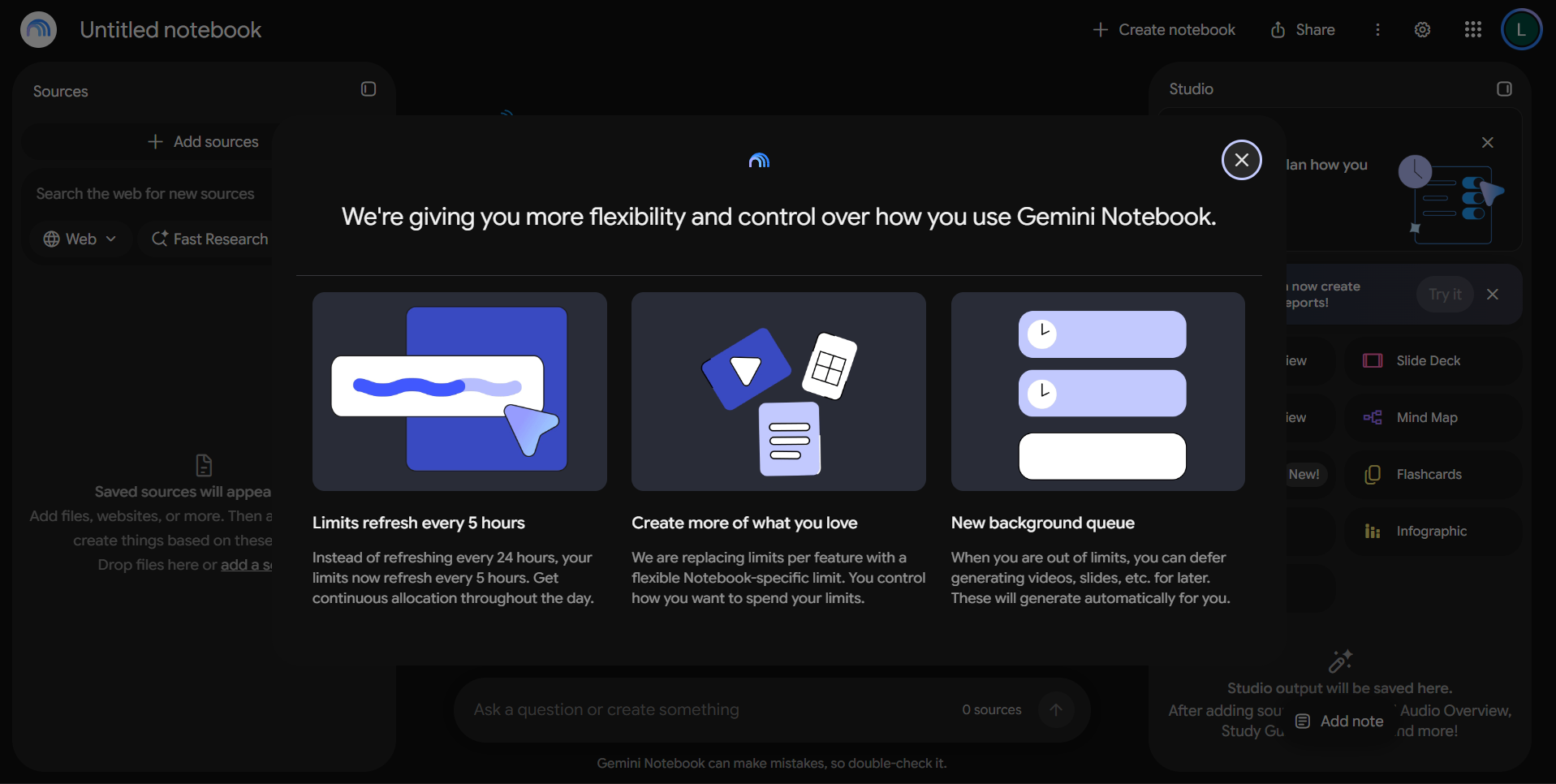
That’s the problem Google set out to resolve with Gemini Notebook, formerly known as NotebookLM. Rather than simply giving you another AI chatbot to ask questions, Google’s tool lets you bring your own research materials into one place and use AI to make sense of them.
It has been around for a while, but Google has been adding more ways to interact with that information. Its latest updates introduce interactive learning tools, real-time voice conversations, and more ways to turn research materials into visual content.
While these all sound great, there's a very thin line between being gimmicky and distracting, and actually being genuinely helpful to the people who need it. And that's what I wanted to find out.
 Damilare Odedina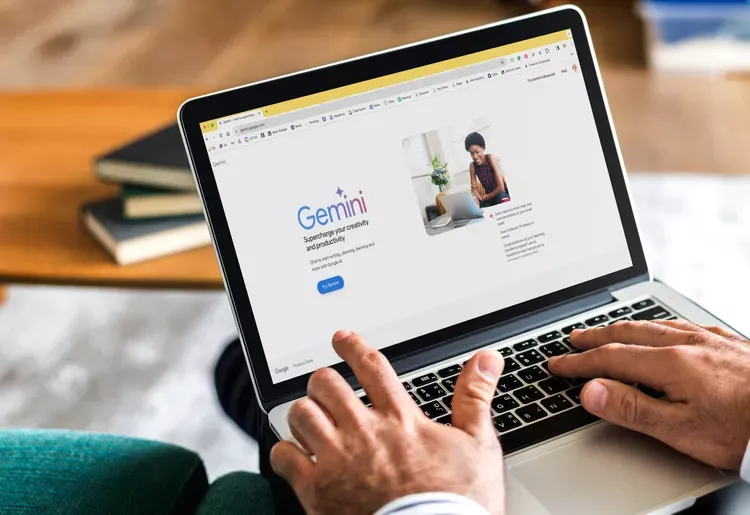
What exactly is Gemini Notebook?
At its core, Gemini Notebook is a research and learning assistant that works with the information you give it. Think of it as a workspace where you can gather documents, articles, website links, YouTube videos, and other reference materials, then ask questions about them without having to go through everything manually.
Say you’re researching artificial intelligence and its impact on the workplace. You could add a few reports, academic papers, and articles to a notebook, then ask the tool to summarise the main arguments, identify recurring themes, or compare what different sources say about job displacement.
Instead of opening each document separately and trying to connect the dots yourself, you have one place to work through the information.
The main appeal of this setup is that Gemini Notebook grounds its responses in your supplied sources and provides citations that help you trace claims back to the original material. That makes it different from simply asking Gemini or ChatGPT a question and hoping the answer is accurate.
Of course, citations don't automatically make an answer correct. You still need to check the underlying material, particularly when dealing with statistics, academic research, or anything where getting the details wrong matters.
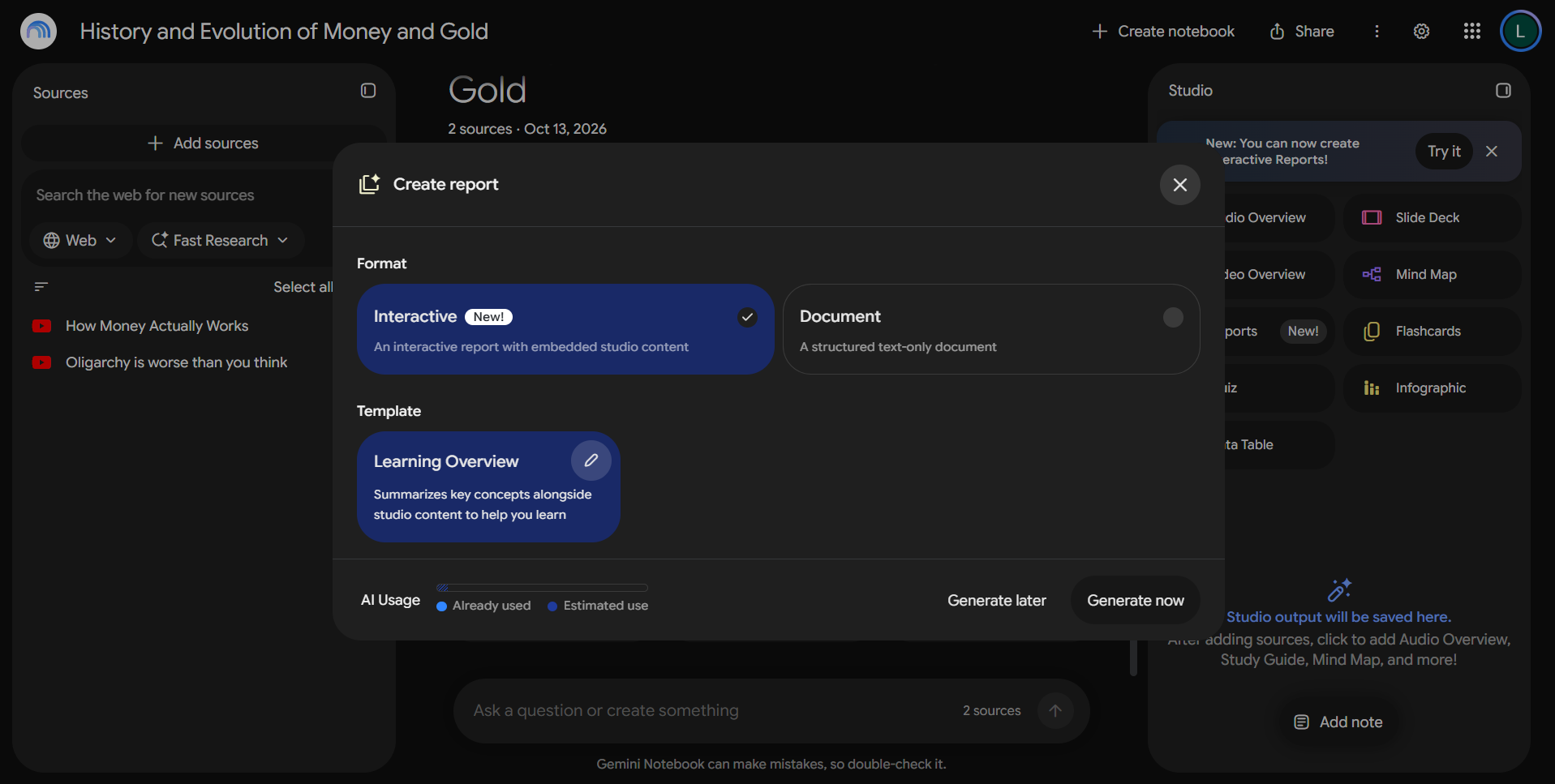
The tool also has a Studio section for turning your sources into different formats, including audio overviews, video overviews, mind maps, flashcards, quizzes, and reports. You can use these to approach the same material in different ways, depending on whether you want a quick summary, a visual explanation, or something to help you revise.
From two YouTube videos to an interactive study guide
To get a feel for how useful Gemini Notebook could be as a learning tool, I started with something I was already familiar with: two YouTube videos breaking down how money flows through the economy and the role the government plays in it.
Both videos went beyond the basics, touching on other forms of government and how they work, but that wasn't what I was primarily interested in. I wanted to see how well Gemini Notebook could pull together the main ideas without losing me in the details.
Subscribe for free to continue reading this article
Subscribe SubscribeAlready have an account? Log in


