Let’s face it: most of us don’t read half the emails we get. But instead of digging through years of subscriptions one by one, Gmail now wants to help you hit "unsubscribe" faster than ever.
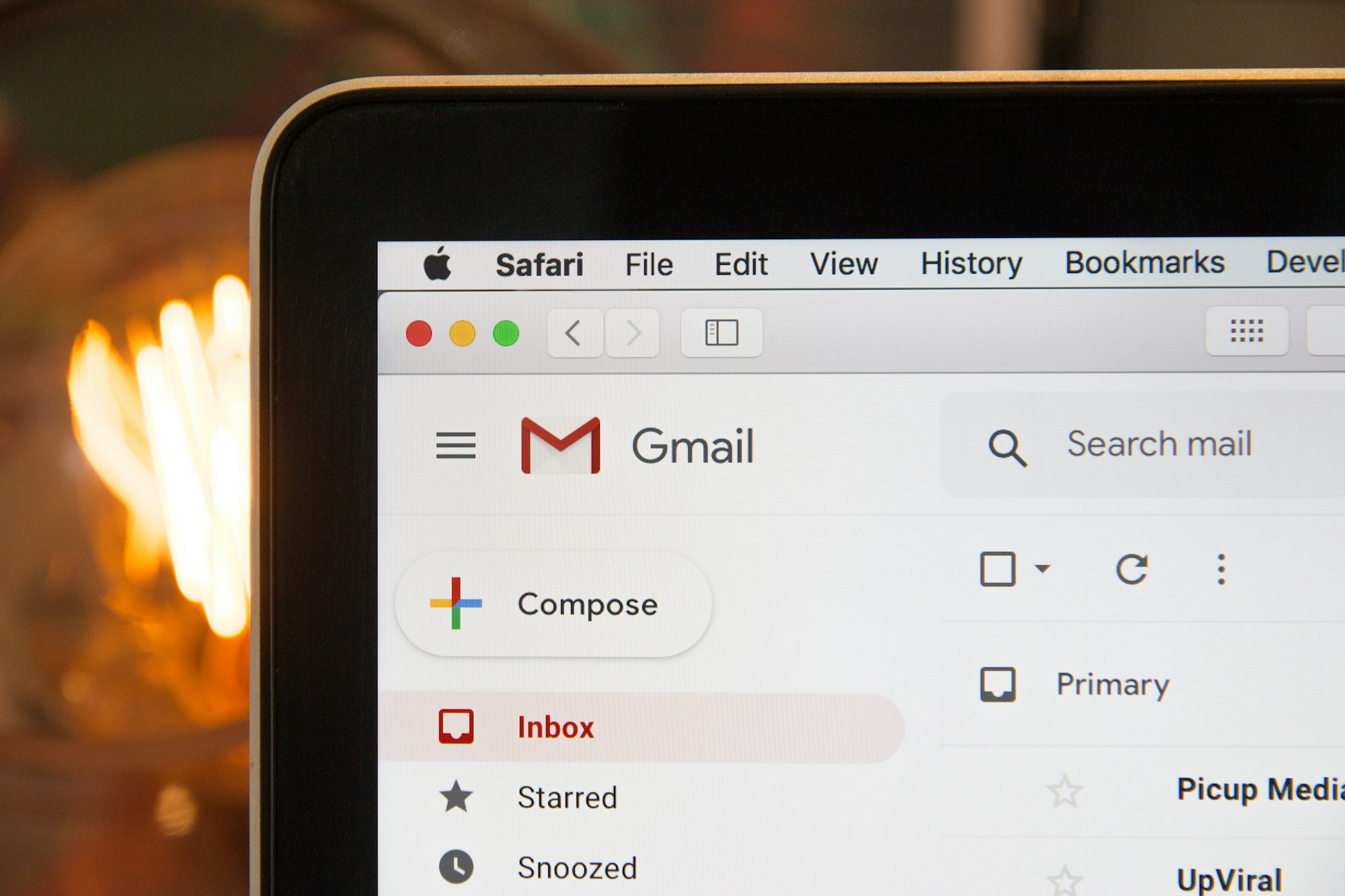
Gmail is rolling out a new feature called Manage subscriptions, designed to help users take control of the avalanche of newsletters, promos, and notification emails cluttering their inboxes. Think of it as a one-stop dashboard that lists your active subscriptions, sorted by how often they email you, with a one-click unsubscribe button next to each.
The feature lives in Gmail’s navigation bar under “More,” where you’ll find “Manage subscriptions.” Once inside, you’ll see a breakdown of frequent senders and how many messages they’ve fired off in the past few weeks. Clicking on a sender shows their full email history and, crucially, gives you the option to opt out directly. No need to scroll to the bottom of an email or get bounced to external unsubscribe forms, it all happens from one screen.
Video credit: Google
It’s a surprisingly practical fix for a problem that’s gotten out of hand. Gmail’s director, Chris Doan, described it well: promotional emails from brands you forgot, alerts you didn’t sign up for, and weekly digests from blogs you no longer follow, they all pile up quickly. This tool offers a way to clean house without the usual hassle.
The feature is rolling out in stages: available now on the web, it will be released for Android from July 14th, and iOS from July 21st. It’s coming to all personal Gmail accounts and most Google Workspace users, though availability may vary by country.
Compared to rival services like Outlook, which offers bulk unsubscribe suggestions, Gmail’s approach feels more hands-on. Instead of relying on AI to filter what it thinks you don’t want, it lets you decide based on frequency and sender history. It’s about visibility and control, not automation for automation’s sake.
If you’ve been meaning to clean up your inbox but never quite got around to it, Gmail’s new dashboard might be the nudge you needed. It's not flashy, but it’s one of those quietly useful updates that could make your email habits a lot less overwhelming.
 Emmanuel Oyedeji