



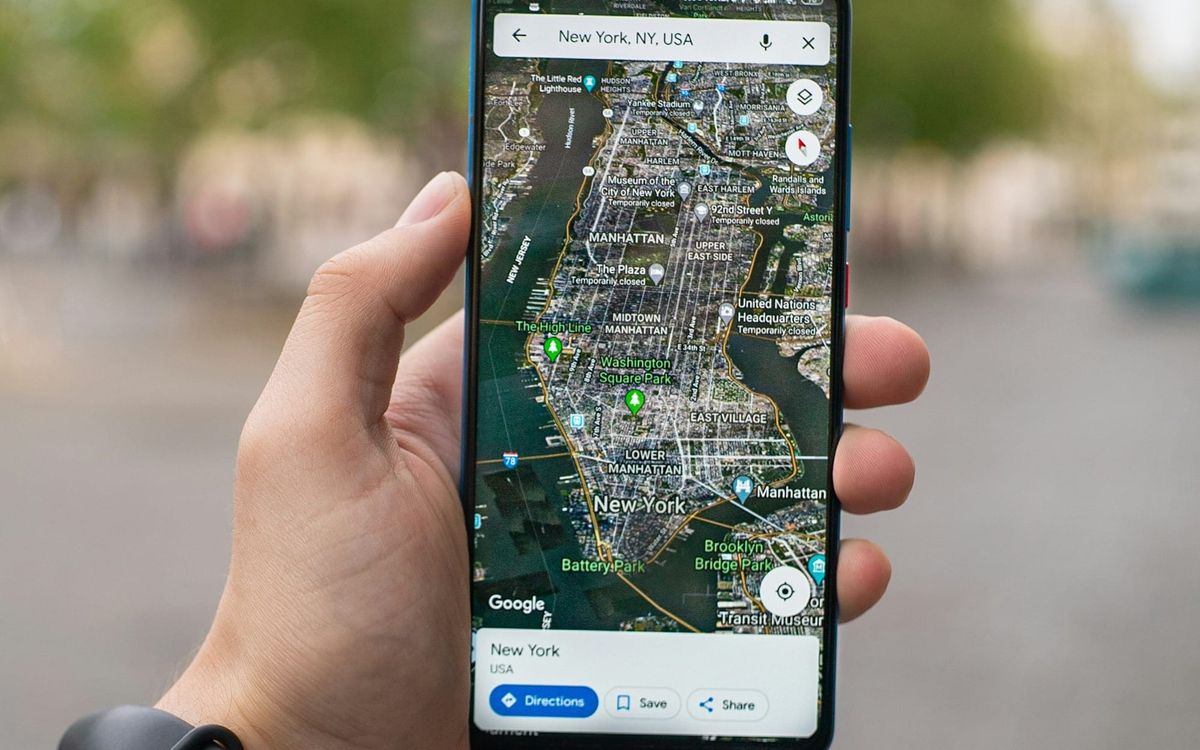
If you have ever tried planning a holiday, you probably know how much time it can take to find places to visit, decide where to eat, and organise everything into a workable schedule. Google Maps is now bringing these tasks together with its new Ask Maps itinerary feature, allowing users to describe an entire trip and get back a day-by-day plan with numbered pins for each stop.
According to Google, these updates started rolling out on November 16 on Android and iOS, just in time for the holidays. Ask Maps will also expand to 30 countries across Europe, including Spain, Germany, and the UK, bringing the feature to more than 200 countries and territories globally.
Perhaps you are planning a new trip and wondering whether Google Maps can help you put together an itinerary without having to search for every attraction, restaurant, or place to visit separately. Here's how to use the new Ask Maps itinerary feature and what you can do with it.
 Ogbonda Chivumnovu
Steps to plan a trip with Ask Maps Itineraries
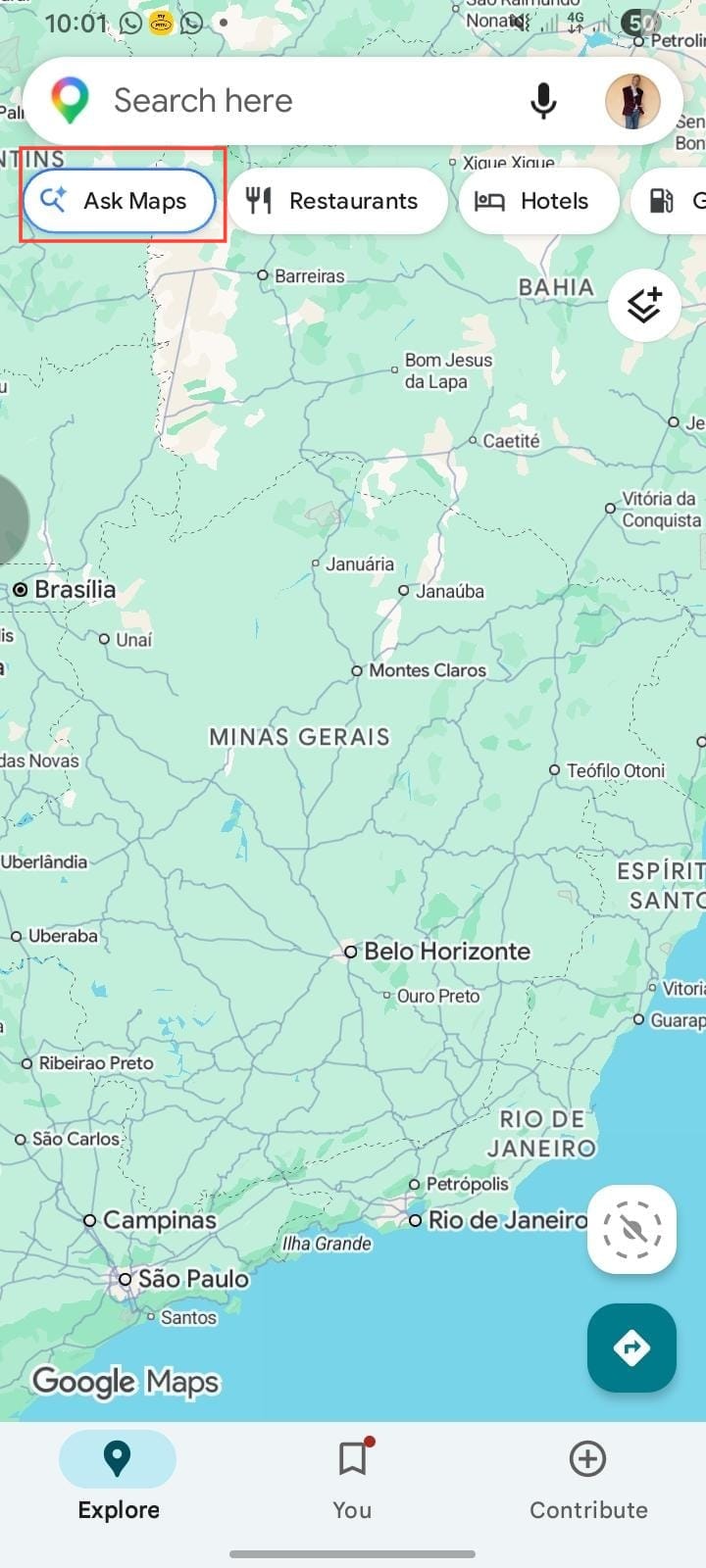
First off, you want to ensure your Google Maps is updated to the latest version. After that, open Google Maps on your phone. You will see the Ask Maps feature under the search bar; click on it.
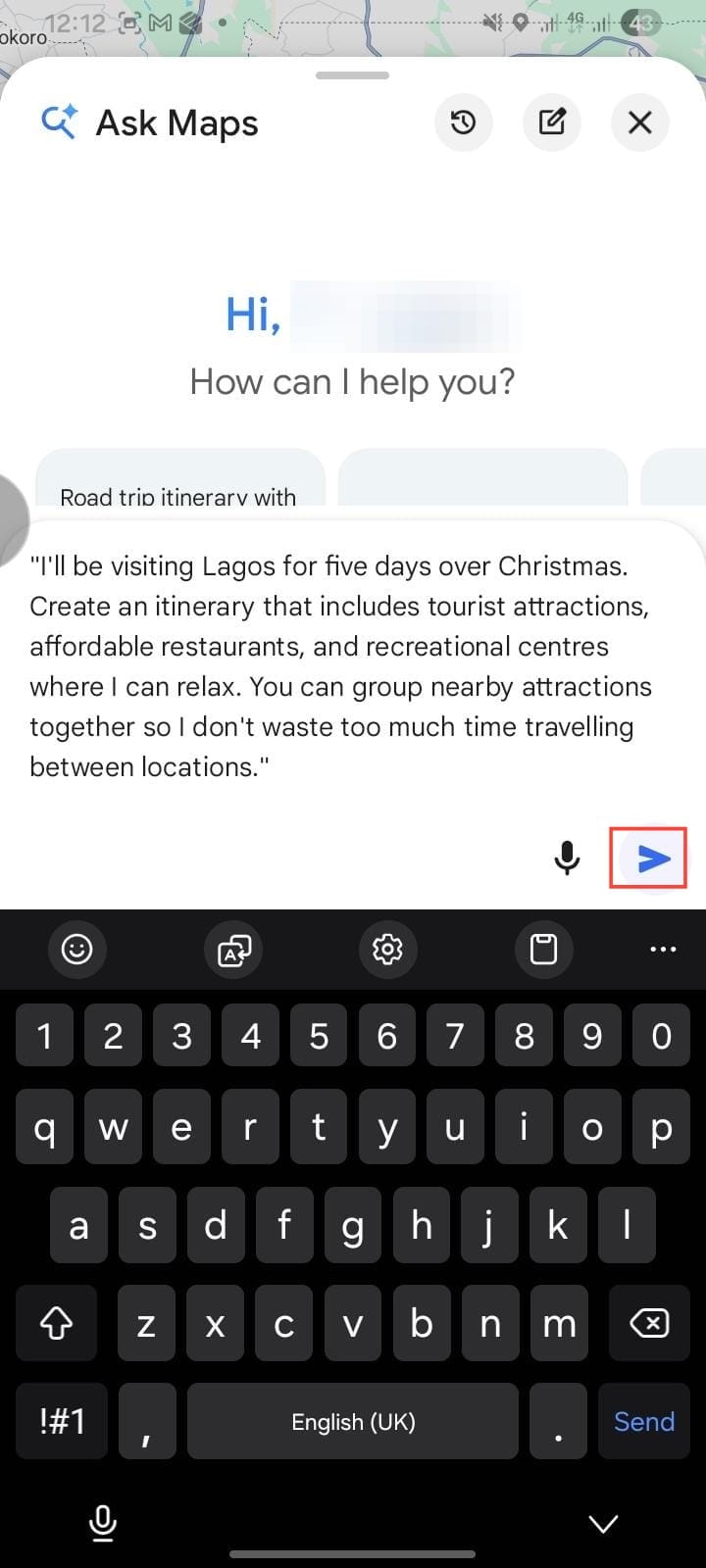
Next, type a prompt describing what you want Ask Maps to help you plan and tap Send.
For my test, I wrote a detailed prompt from my Samsung A06 while in Akure, asking the feature to create a five-day travel itinerary for when I will be visiting Lagos for holidays, such as: "I'll be visiting Lagos for five days over Christmas. Create an itinerary that includes tourist attractions, affordable restaurants, and recreational centres where I can relax. You can group nearby attractions so I don't waste too much time travelling between locations."
The result
Surprisingly, Ask Maps put the list together in a few seconds, but it was shorter than I expected, even when I turned on Location. It could only mark the places it pulled up for me but couldn't really show the direction and the hours each journey would take, unlike what Google showed in its presentation.
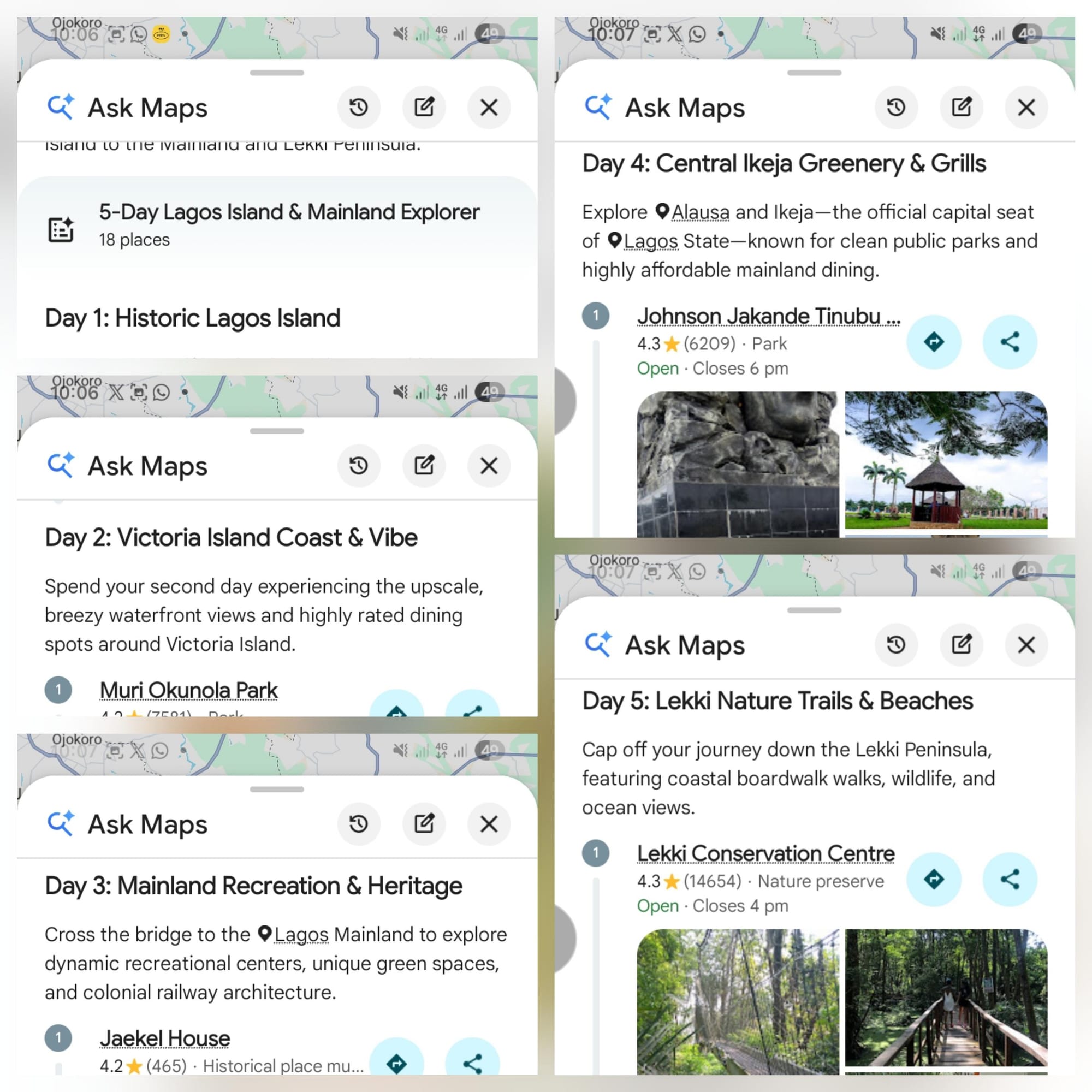
Everything else, like generating a day-by-day plan with numbered pins for places I could visit on days 1 to 5, was displayed.
But honestly, Google still has a lot to do to make it feel like what it described.
Which Ask Maps features are launching in the US first?
Subscribe for free to continue reading this article
Subscribe SubscribeAlready have an account? Log in