



For years, Android has promised multitasking, but in practice it often felt clumsy. Using the Assistant meant pausing what you were doing, and split screen rarely blended naturally into everyday use. Now, Google appears ready to rethink that experience, starting with how its AI assistant fits into the flow of using a phone.
When Gemini replaced Google Assistant earlier this year, the shift exposed an obvious flaw. Opening Gemini took over the screen, and closing it ended the session entirely. Switching apps mid-task meant starting from scratch. Instead of feeling helpful, Gemini often felt like an interruption.
Google is now addressing that friction. In recent Android test builds, dismissing Gemini no longer shuts it down. Instead, the assistant collapses into a small floating button that stays on screen while it continues working in the background. You can move between apps, keep using your phone, and return to the same Gemini session when you’re ready. Android can even notify you once Gemini has finished processing a request.
 Oluwajeminipe Fasheun-Motesho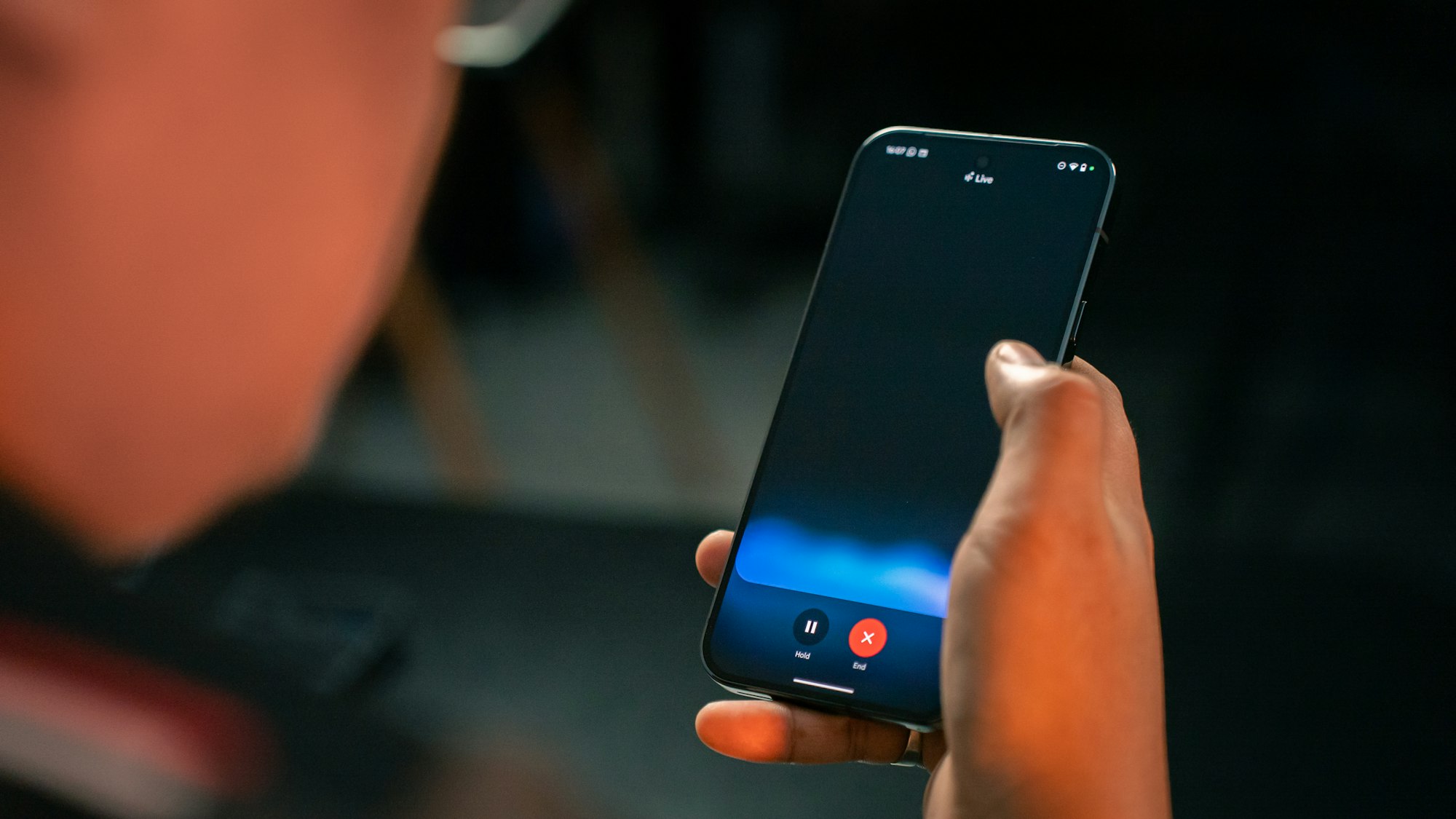
This change matters because AI only becomes genuinely useful when it works alongside other apps, not in place of them. Google is clearly designing Gemini for parallel use, where asking questions, summarising content, or checking information does not disrupt what is already on screen.
The update also fits into a broader shift happening across Android. With Android 16, Google is expanding desktop-style windowing on tablets and foldables, while making split-screen layouts more flexible on phones. One app can dominate the display while another remains visible for quick reference, a setup that better reflects how people multitask.
Together, these changes point to a gradual evolution in Android’s design philosophy. Google is preparing the platform for longer, more complex workflows, especially on larger screens, as phones continue to replace laptops for research, planning, and work.
 Ejiro Onose
Most of these improvements are still confined to beta releases, suggesting Google is carefully testing how far it can push multitasking without overwhelming users. If they roll out as expected, they could quietly narrow the gap between mobile and desktop productivity.
Rather than reinventing Android overnight, Google is removing friction where it matters most. If this approach holds, multitasking on Android may finally stop feeling like a feature you have to manage and start feeling like the way the phone should have worked all along.


