Loading the Elevenlabs Text to Speech AudioNative Player...
YouTube recently announced that it is rolling out a collection of games called Playables that would allow YouTube subscribers to stay longer on the platform and engage in other activities besides streaming videos and movies.
Interestingly, these games are lightweight and are easy to play just like the Wordle-based puzzle games on LinkedIn.
If you are curious to know what these games are about and how to access them, you do not need to worry. This article will teach you how to access and play these games right on your PC or mobile device.
How to Play LinkedIn Games on Your PC
In this guide, you will learn how to play LinkedIn games on your PC.
 Henry Chikwem
5 Simple Steps on How to Access Playables on YouTube
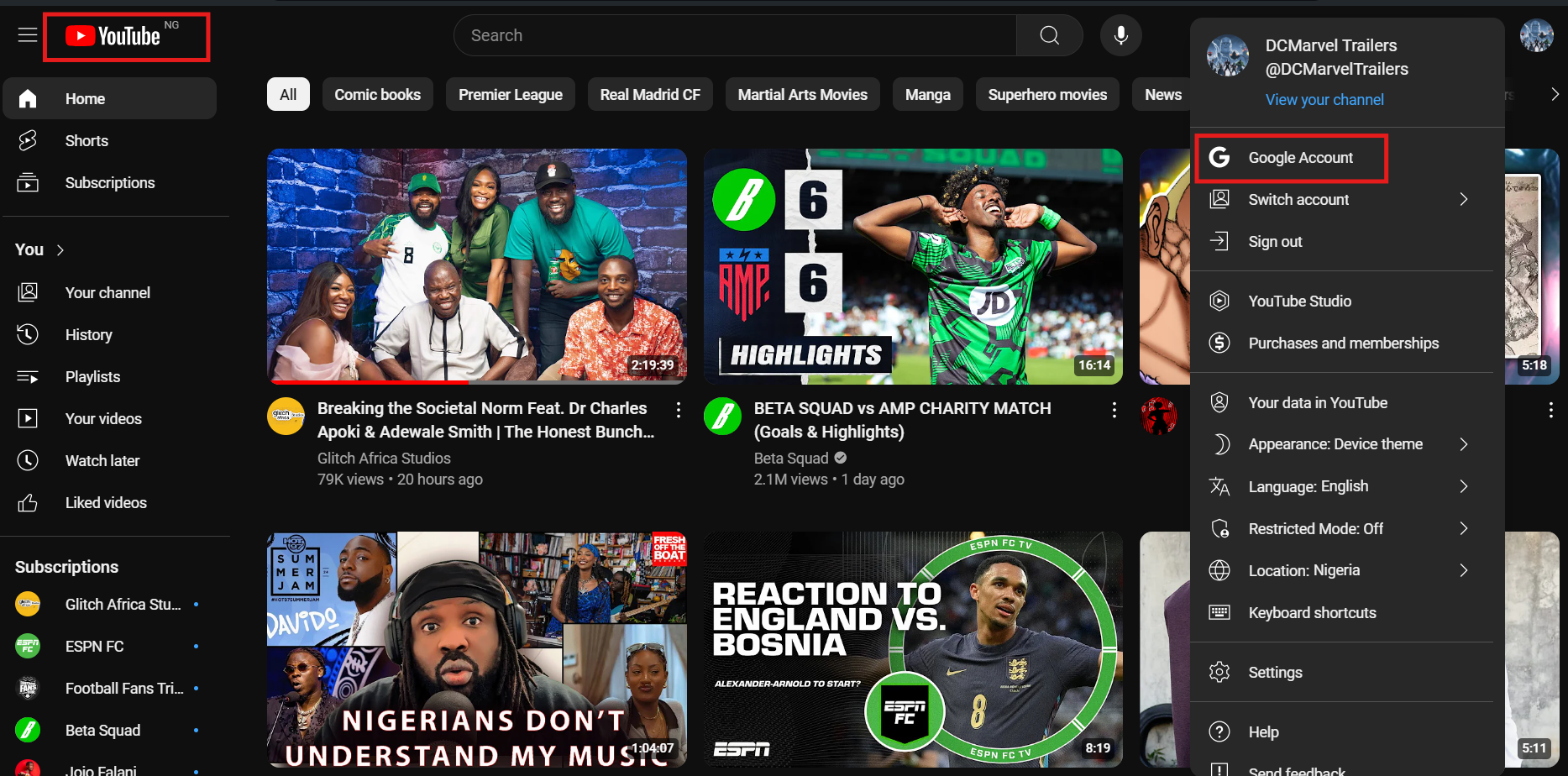
Step 1: Go to your YouTube homepage. You can also sign in with your Google account if you don't have one.
Subscribe for free to continue reading this article
Subscribe SubscribeAlready have an account? Log in