You want to keep some photos and videos just for yourself, away from prying eyes, even if someone else gets hold of your phone. Maybe it’s personal documents, private memories, or sensitive files you don’t want showing up in your main gallery.
That’s where Android’s ‘Locked Folder’ comes in, a password-protected space in Google Photos where you can store private images and videos so they don’t appear in your main gallery or backups. Giving you a secure space protected by your device’s screen lock so only you can access what’s inside.
How to Create Android 'Locked Folder' for Private Photos and Videos
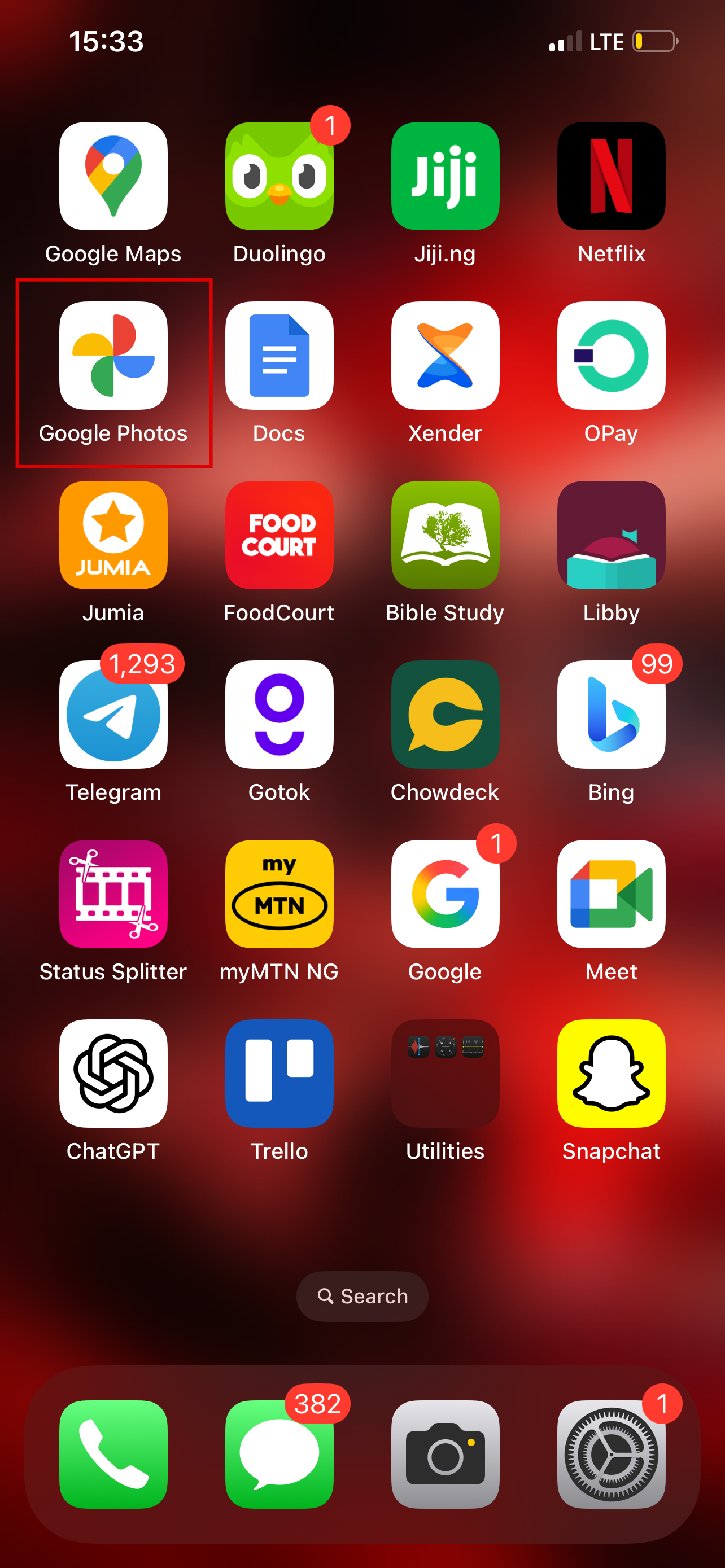
Step 1: Open the Google Photos app. At the bottom of your screen, tap Collections
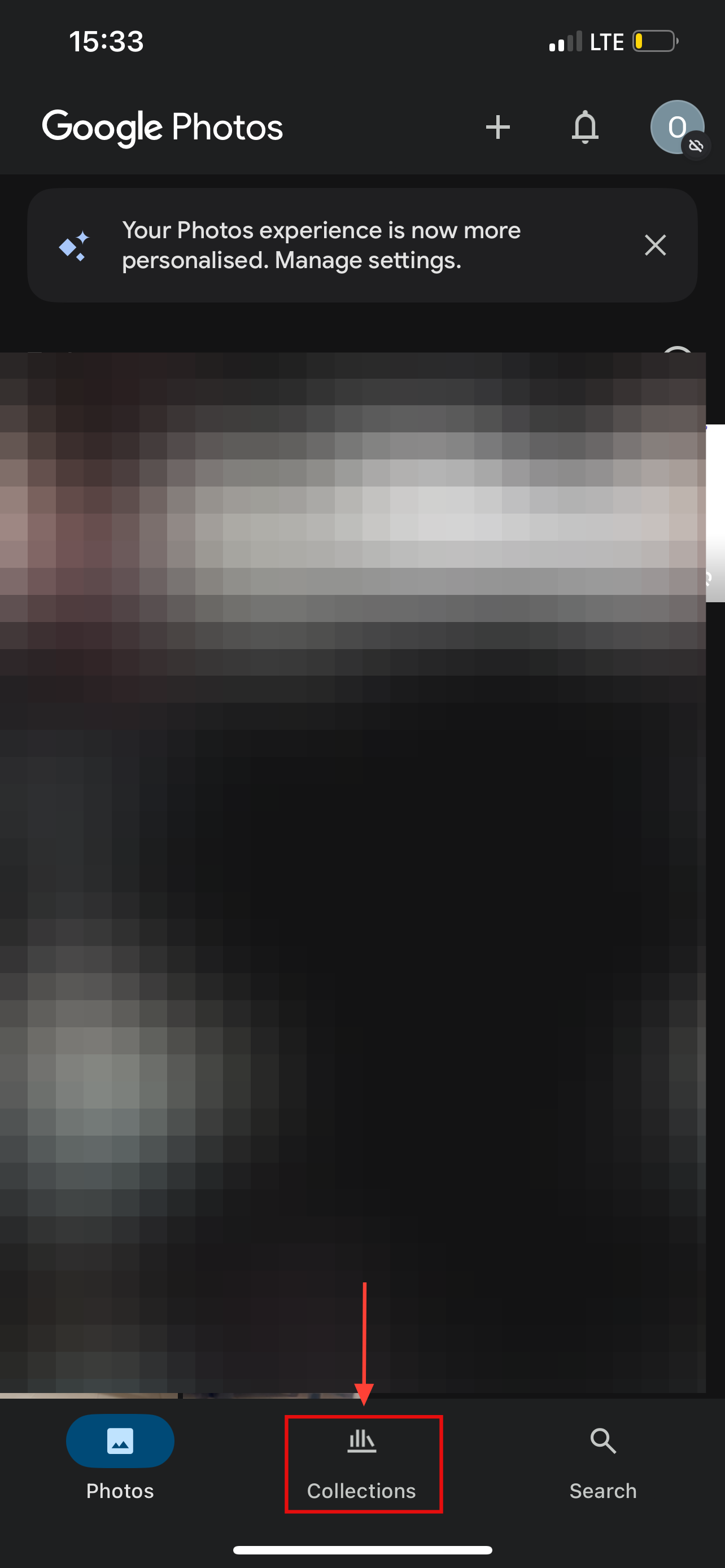
Step 2: Then scroll down and tap Locked
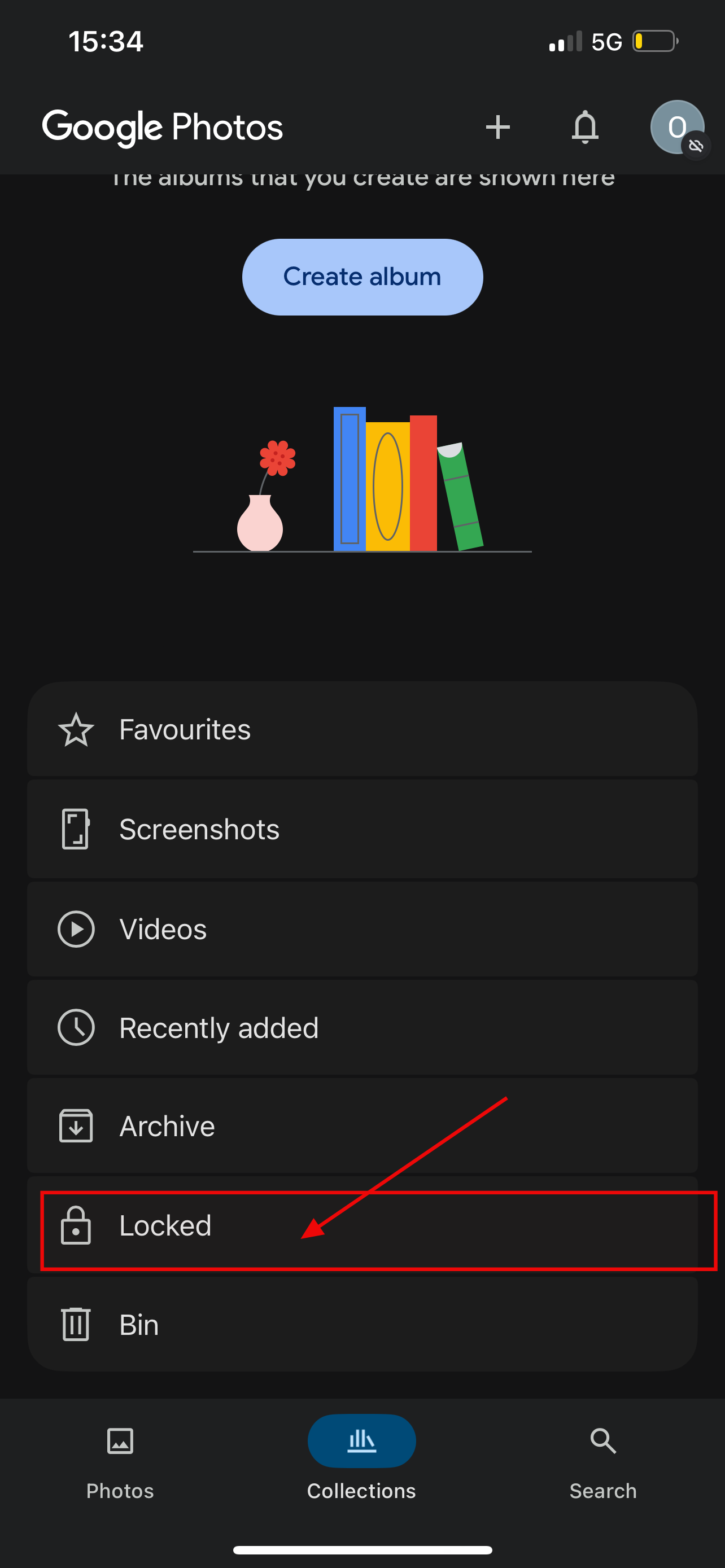
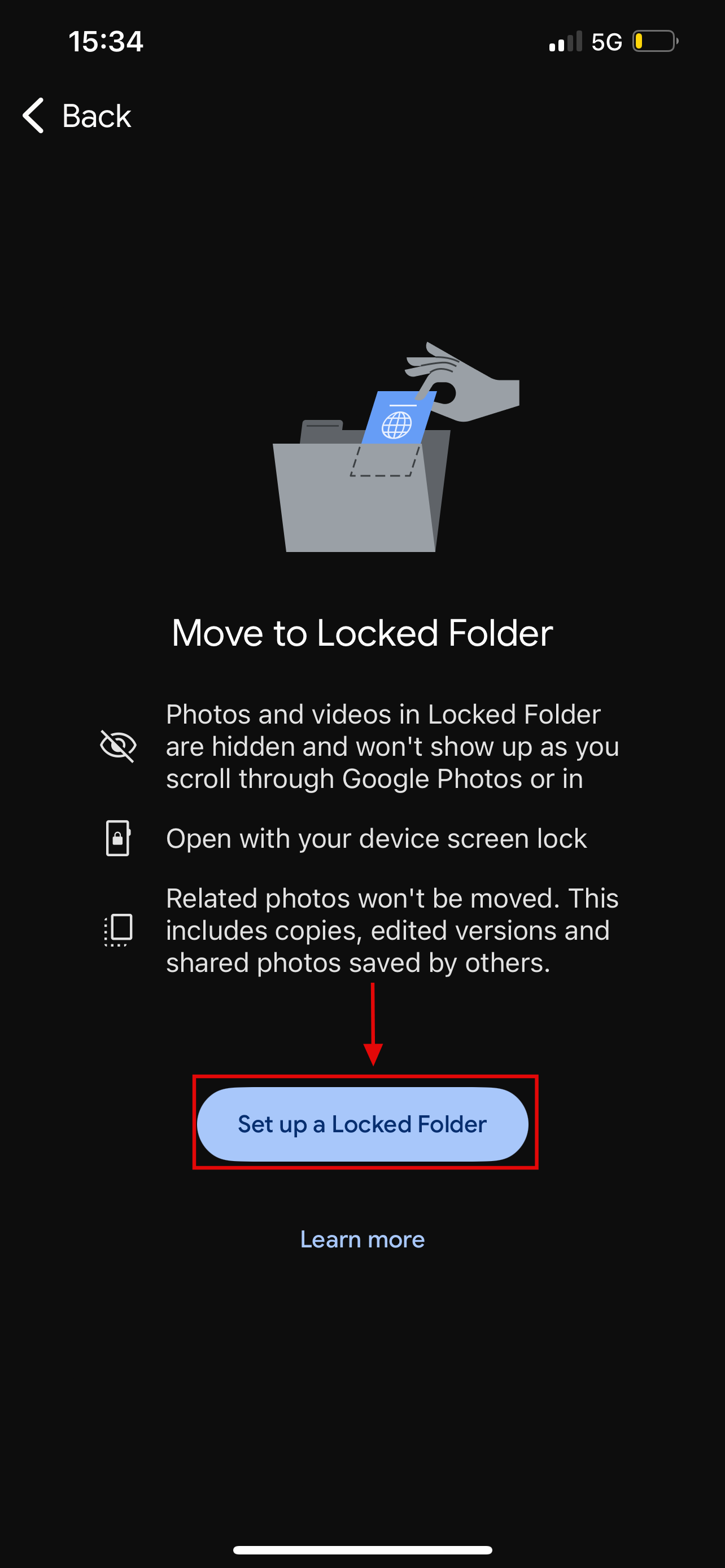
Step 3: Select Set up Locked Folder. Then, follow the on-screen instructions to finish the creation of the folder
Conclusion
In the end, setting up a Locked Folder is a simple step that goes a long way in protecting your privacy. Whether it’s sensitive documents, personal photos, or videos you’d rather not leave in plain sight, keeping them tucked away in this secure space gives you peace of mind. It’s not about hiding, it’s about making sure your private moments stay private.
 David Adubiina