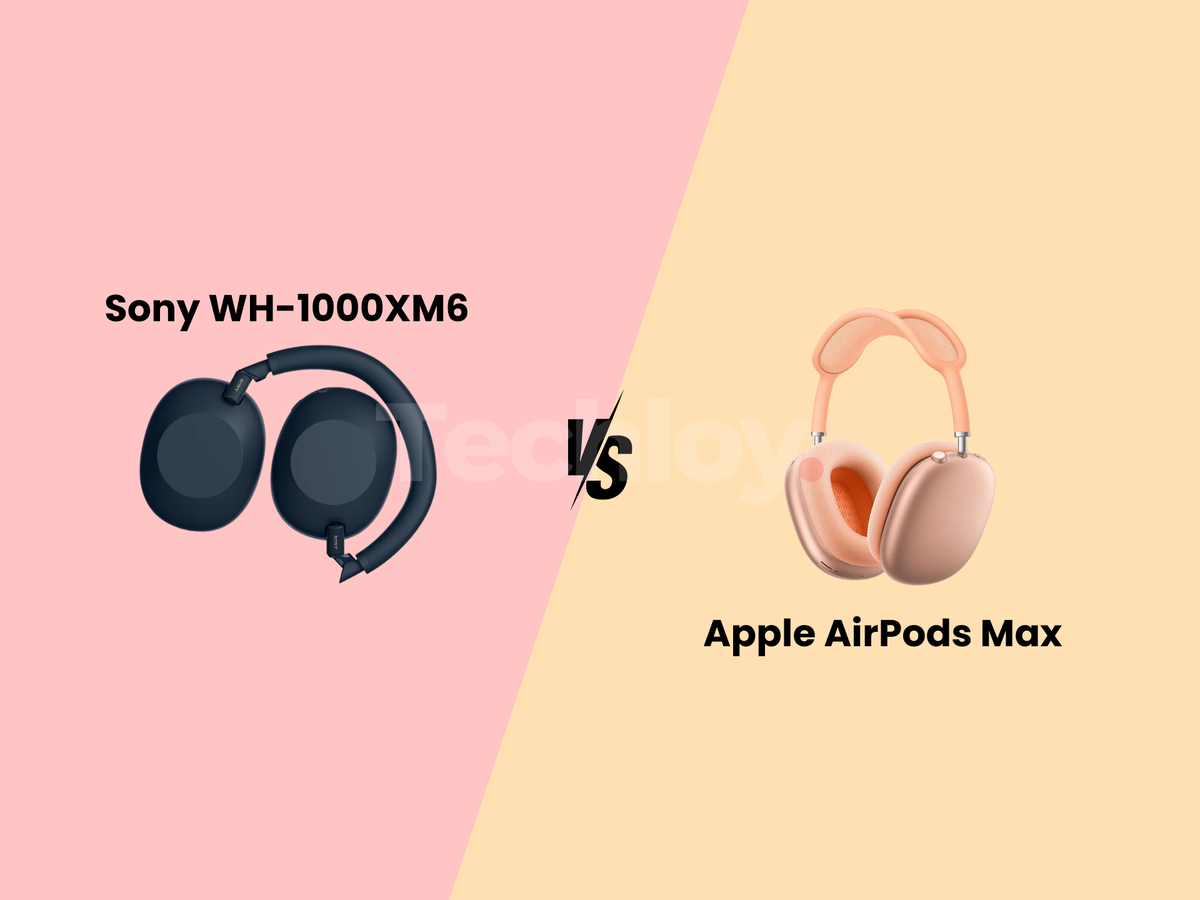
Apple has released a new firmware update (Version 8B34) for the AirPods Pro 3. This update replaces the previous build (8B30) and addresses stability issues that have plagued the AirPods Pro.
Unlike iOS updates for the iPhone or iPad, there is no "Update Now" button for AirPods. However, you can manually initiate the update by creating the specific conditions that would prompt the download.
What’s in the Update?
The new update includes:
- Improvement to the annoying unexpected disconnections from iPhone, iPad, or Mac.
- Smoother sound transitions in spatial audio and adaptive EQ.
- Minor issues that caused call drops or syncing problems with Apple Music.
- Make sure your AirPods work well with the latest Apple software (iOS 26.3).
 Kelechi Edeh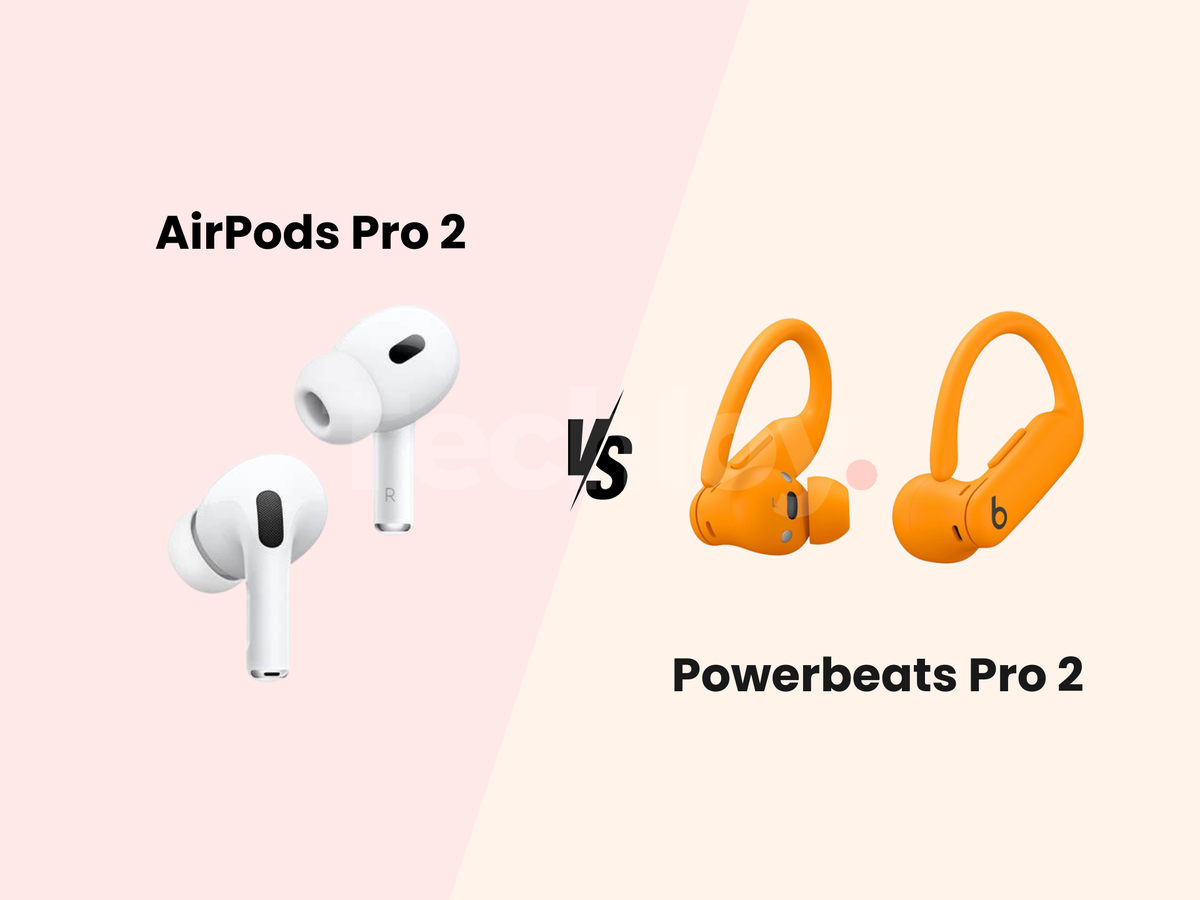
How to Initiate the Update
Since the process is designed to happen in the background, follow this workflow:
- Dock the AirPods: Place both AirPods Pro 3 earbuds into their charging case and close the lid securely.
- Connect to Power: Plug the case into a USB-C charger or place it on a MagSafe wireless charger.
Note: Updates often fail to start if the case is running solely on battery power
- Pair & Idle: Bring your iPhone or iPad close to the case. Open the lid for a moment to ensure they connect, then close it again. Leave the case near the phone (within 2-3 feet) and do not use it for at least 30 minutes.
Pro Tip: Play music for 10 seconds before putting them back in the case. This "wakes" the active connection, often prompting the system to check for firmware sooner.
 Oyinebiladou Omemu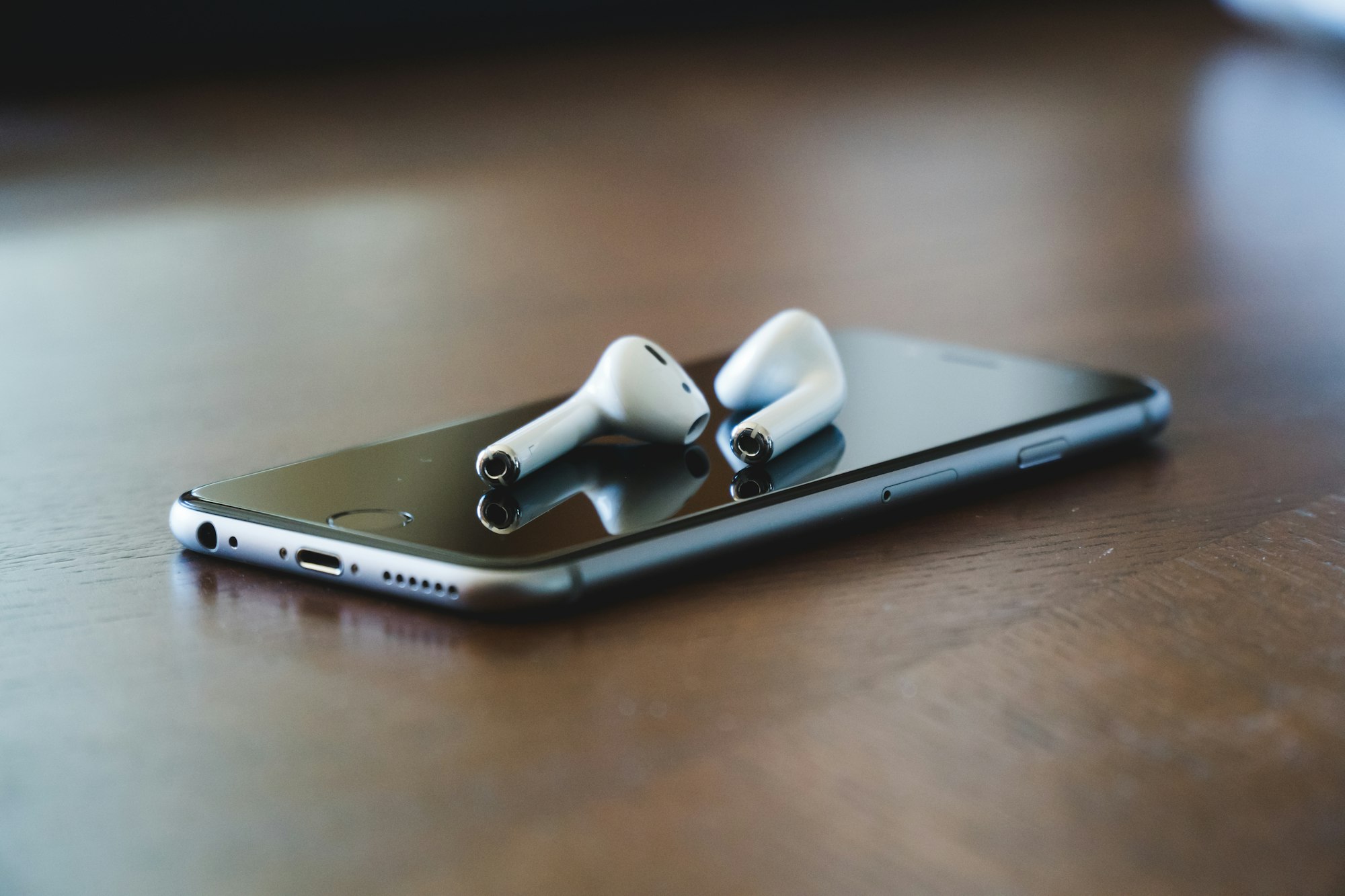
How to Verify the Update
Once the 30 minutes are up, you check if the installation was successful on an iPhone, iPad or Mac:
On iPhone/iPad:
- Go to Settings → Bluetooth.
- Tap the blue info icon (ℹ) next to your AirPods Pro 3.
- Check Firmware Version, it should say 8B34.
- If it still says 8B30, repeat the charging steps and leave them overnight.
On Mac:
- Open System Settings → Bluetooth.
- Click the blue info icon (ℹ) next to your AirPods Pro 3.
- Check the firmware version.
If you are stuck on the old version after multiple attempts:
Re-Pair: Go to Bluetooth settings, tap "Forget This Device," and re-pair your AirPods.
The "Overnight" Fix: The most reliable method is simply to leave the AirPods plugged in and near your phone while you sleep. Apple's "maintenance window" often installs updates during inactive hours.
 Louis Eriakha