



Every couple of months, Google rolls out a Pixel Drop to give its smartphones a fresh set of features and improvements. It's one of the things I appreciate about owning a Pixel, especially when you consider Google's promise of seven years of software updates. After all, what's the point of supporting a phone for that long if the experience doesn't feel fresh every once in a while?
Google's November Pixel Drop, announced on November 10, brings new customisation options, an expanded Pixel Search, a dedicated Family Hub and several other additions. The biggest AI features, though, are reserved for the Pixel 10 and Pixel 11. Google also says updates will keep rolling out over the next several weeks, so not every feature will have reached every phone yet.
I've been using the update on my Pixel 8 since November 16, on Android 17 and build number CP4A.261105.040.A1. Not everything has been exciting, but a couple of changes have made the phone more convenient to use.
 Ogbonda Chivumnovu
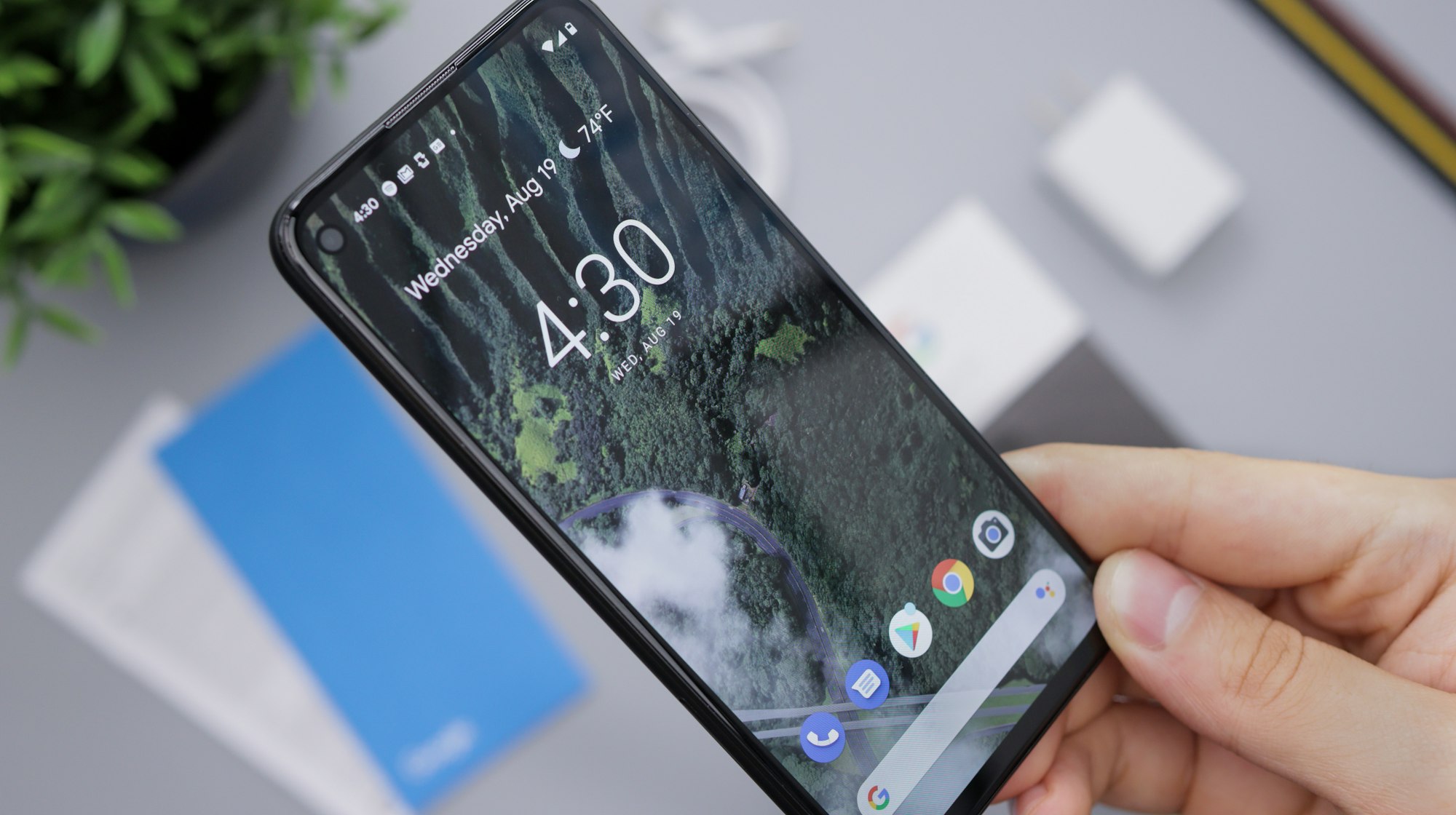
What a Pixel 8 gets, and what it doesn't
On the Pixel 8 (and any Pixel 6a or newer):
- Family Hub in Settings, available in all Pixel markets
- Ten new custom icon styles, available in all regions and languages
- Pixel Search across your phone, available in all regions and languages (Google notes results may vary)
- Keyboard haptics slider, available in all regions and languages
- Lock-screen hearing device controls, available in all regions and languages
- Join Auracast audio streams with one tap, available in all regions and languages (although this is restricted to the Pixel 8 or newer)
Pixel 10 and Pixel 11 only:
- Gemini Intelligence on the Pixel 10, including Rambler for voice typing and multi-step tasks (multi-step tasks are limited to Japan, the UK and India)
- Create My Widget, which builds custom widgets from a description (Pixel 10 and 11)
- A more conversational Call Screen on the Pixel 11 series, in the US
- HiLight support for Google Messages on the Pixel 11 Pro models
To update: Settings > Device health & support > Software update. The update is a little over 1GB, and the time to update depends on your network.
Family Hub is easily my favourite addition
It might not sound like the most exciting feature in a software update, but it's one of those changes that makes you wonder why it took Google this long.
I'm responsible for managing the Google family account in a household of four. Previously, that meant jumping between several places. Sometimes I'd open a Chrome tab or Google One to manage our shared storage or head into Google Calendar to check for important family events.
Now Google has brought many of these controls into a dedicated Family section in Settings. From there, you can manage family members, check shared subscriptions and storage, see family calendar events, share passwords and manage location sharing. You can also see where other family members are, provided they've enabled location sharing.
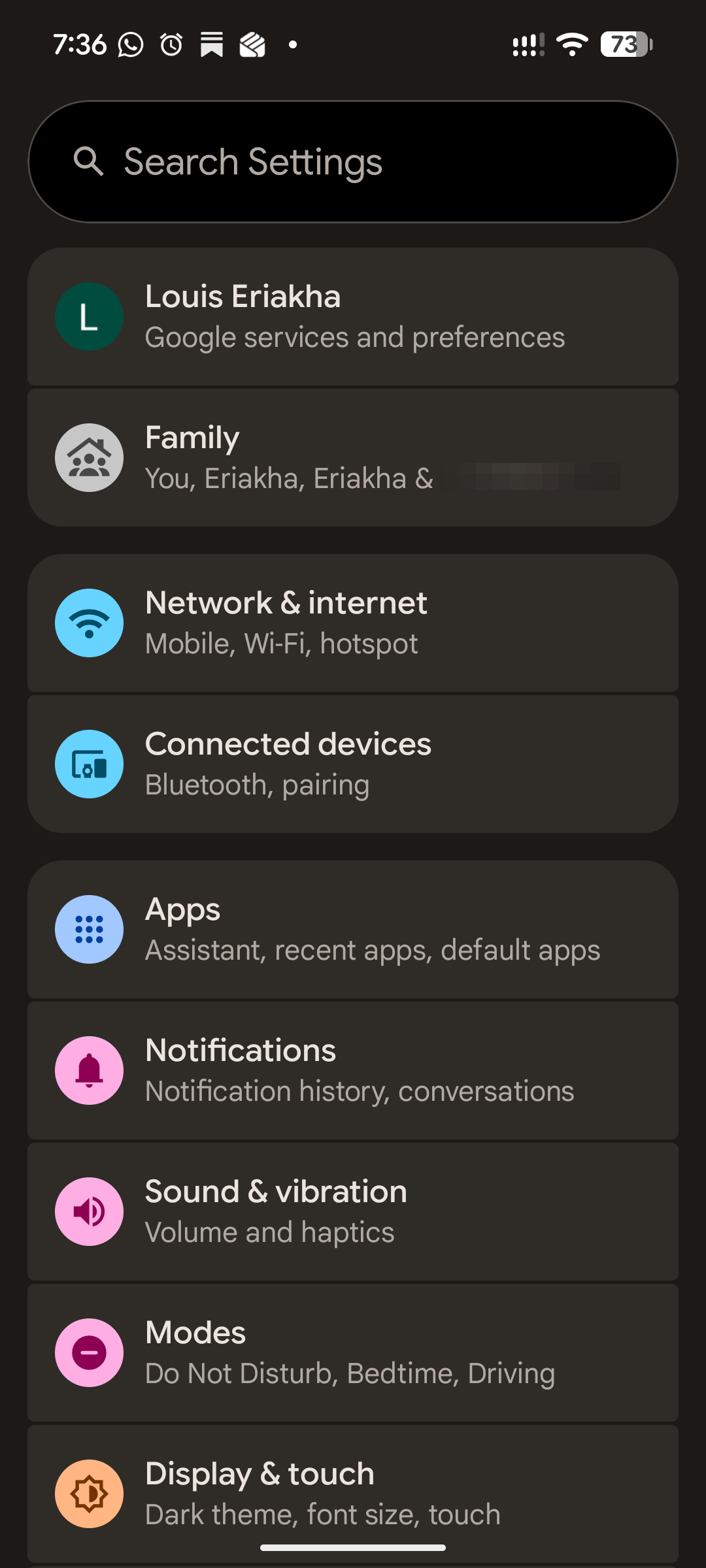
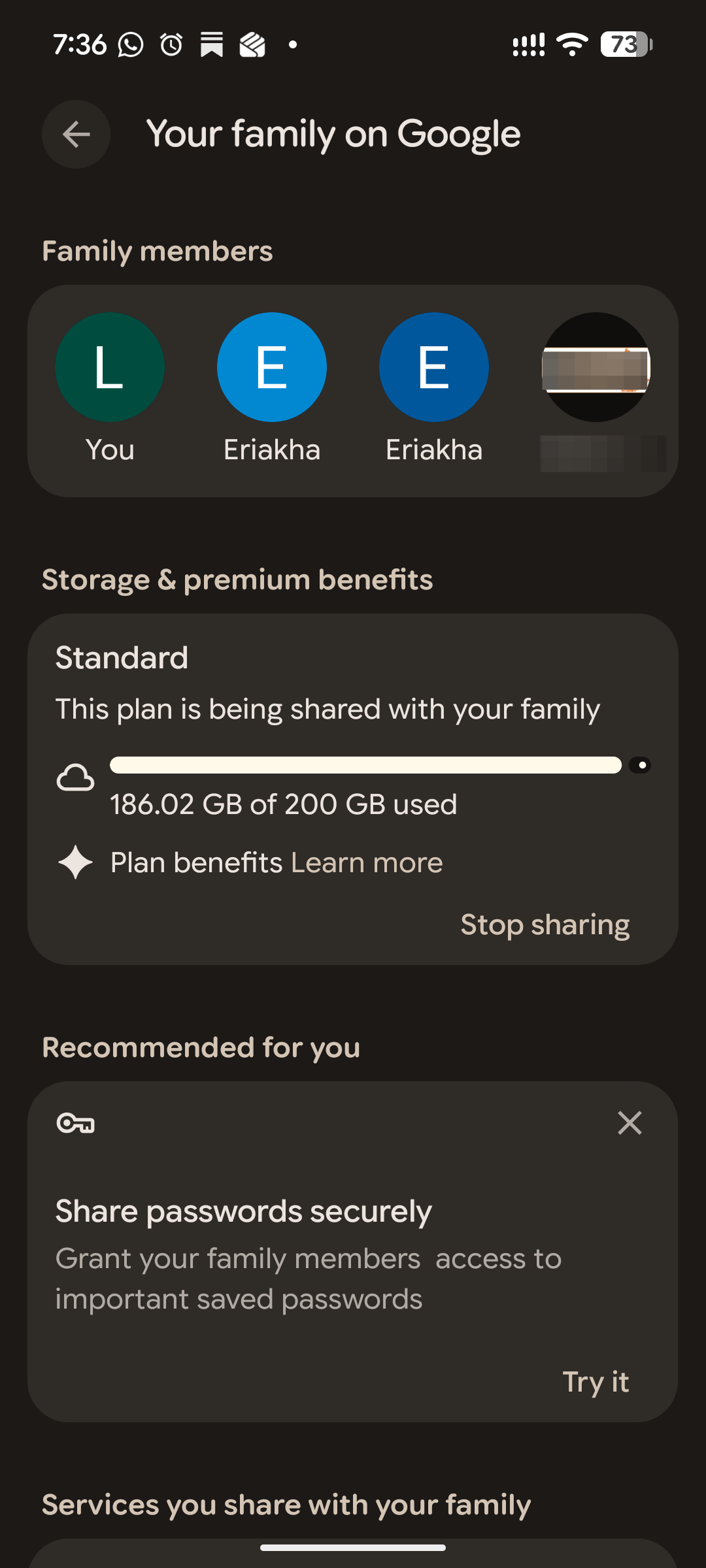
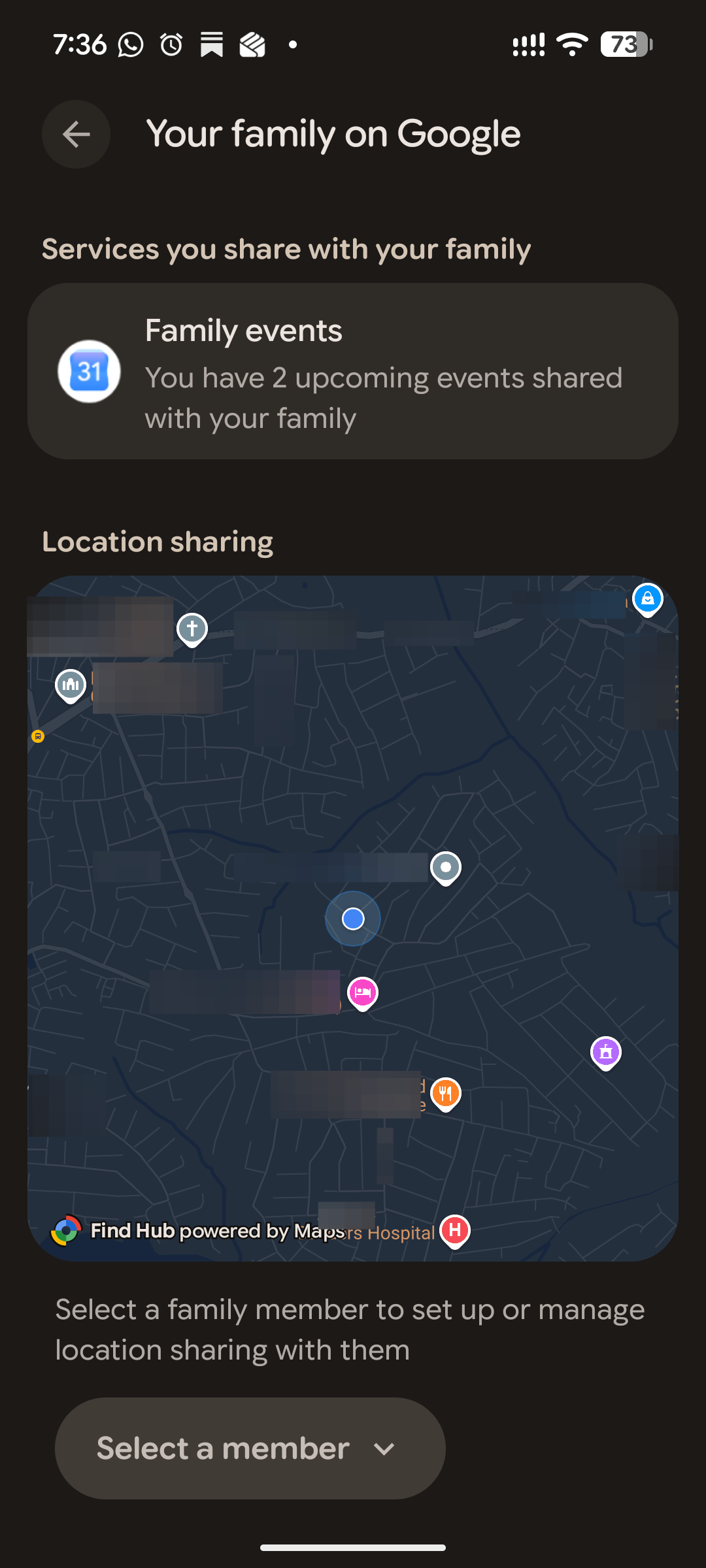
Screenshot: Louis Eriakha / Techloy.com
It's a much more convenient way to manage a family account, especially when you're the person everyone else turns to whenever something needs changing. If Google wants to take this further, I'd love proper remote troubleshooting, so I could help fix whatever mobile issue my mum is having without walking her through 15 different settings over a phone call.
New icon styles: more choice, but none for me
Subscribe for free to continue reading this article
Subscribe SubscribeAlready have an account? Log in