After OpenAI announced that it had entered into a partnership with the American Department of War, a deal that rival AI startup Anthropic had rejected, it faced a wave of backlash, with many uninstalling its chatbot ChatGPT, over data privacy concerns.
While many have jumped on the Anthropic Claude as an alternative, the cost, starting at $17 a month, has spooked some.
If you prefer a broader option of chatbots to pick from, then this list is for you.
. Each one is listed with current verified pricing, what it does well, and where it falls short.
Here are 10 of the best ChatGPT alternatives you should try now. PS: We included Claude because this list would be technically incomplete without it.
1. Claude — Best for Writing, Long Documents, and Deep Reasoning
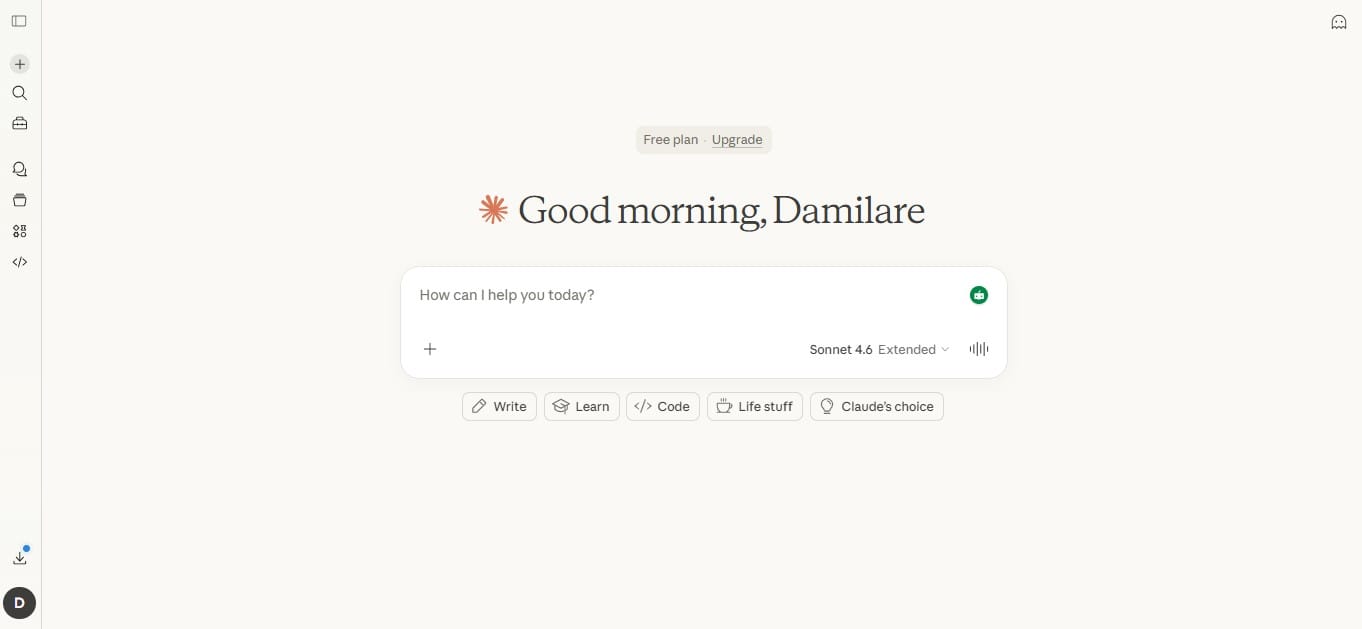
Claude is built by Anthropic and runs on Sonnet 4.6 as its current default model. The standard context window is 200,000 tokens, roughly 500 pages of text, with a 1 million token window in beta for the newest models. That means a full legal contract, a dense research report, or an entire codebase can sit inside a single session and be worked across without starting over. The free plan includes Sonnet 4.6. Claude Pro is $20 a month.
Anthropic also created the Model Context Protocol (MCP), which became the industry standard for connecting AI tools to external software. Google, Microsoft, and dozens of third-party platforms have since adopted it. Claude was also the first AI tool to ship Artifacts, which let users build small, runnable apps directly inside the chat window.
Pros
- 200K standard context window, 1M in beta — holds full books, contracts, and codebases in one session
- Free plan includes the full Sonnet 4.6 model, not a limited preview version
- Created MCP, now the standard integration protocol across the AI industry
- First to ship Artifacts — runnable mini-apps built directly inside the chat
Cons
- No native image generation — ChatGPT, Gemini, and Grok all have this
- Response speed on short, simple tasks is slower than some competitors
2. Google Gemini — Best for Anyone Already Using Google Workspace
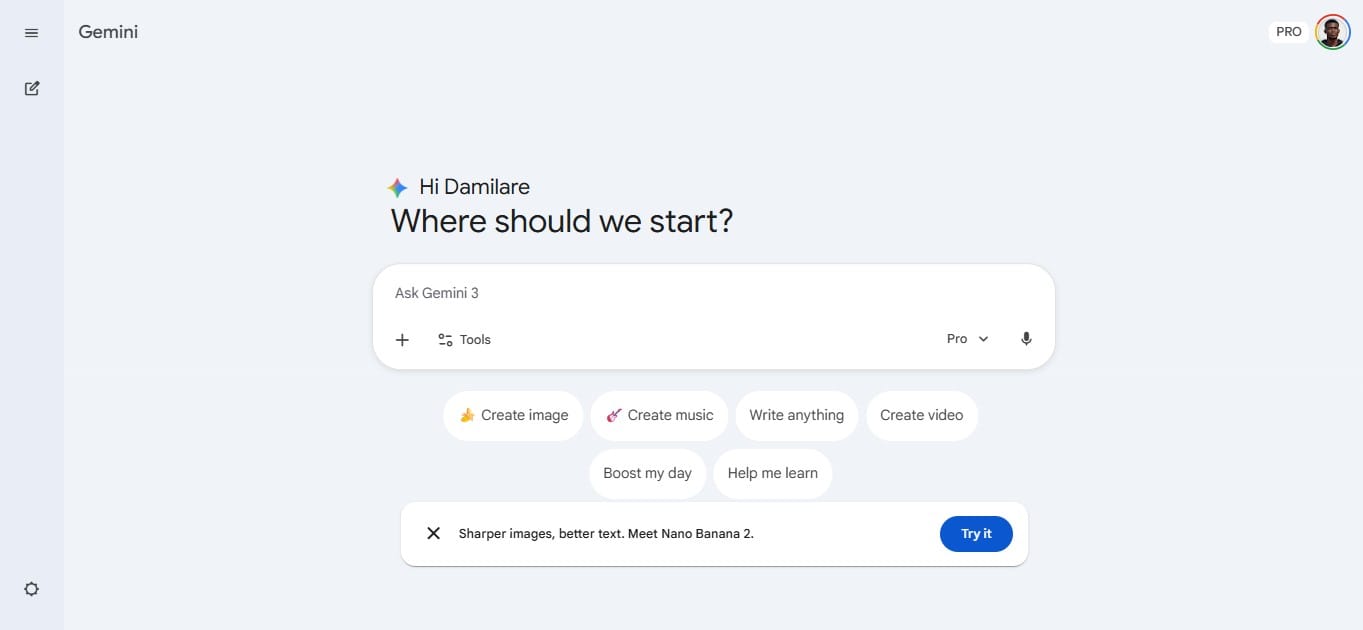
Gemini runs natively inside Gmail, Google Docs, Sheets, Slides, Drive, and Meet. It connects to Google's own search infrastructure, so responses pull from live web data by default, not through a third-party plugin. Google AI Pro costs $19.99 a month and includes Gemini 3.1 Pro, full Workspace integration, and 2TB of Google One storage. Gemini 3.1 Pro scored 77.1% on ARC-AGI-2 benchmarks at its February 2026 launch, per DevTk.AI.
The Deep Research feature, available on the paid plan, searches hundreds of sources in real time and returns a fully cited report. The free plan runs on Gemini 2.5 Flash. 9to5Google reported it holds up against ChatGPT Plus features at no cost.
Pros
- Works inside Gmail, Docs, Sheets, Slides, Drive, and Meet without extra setup
- Real-time Google Search is built into every response by default
- Deep Research scans hundreds of live sources and returns a fully cited report
- $19.99 a month includes 2TB of Google One storage alongside Gemini access
Cons
- Writing quality trails Claude across most head-to-head comparisons
- Personal Intelligence, which connects to Gmail, Photos, and Calendar, requires opt-in data sharing
- The most capable features sit behind the paid plan
3. Microsoft Copilot — Best Free AI With No Account Required
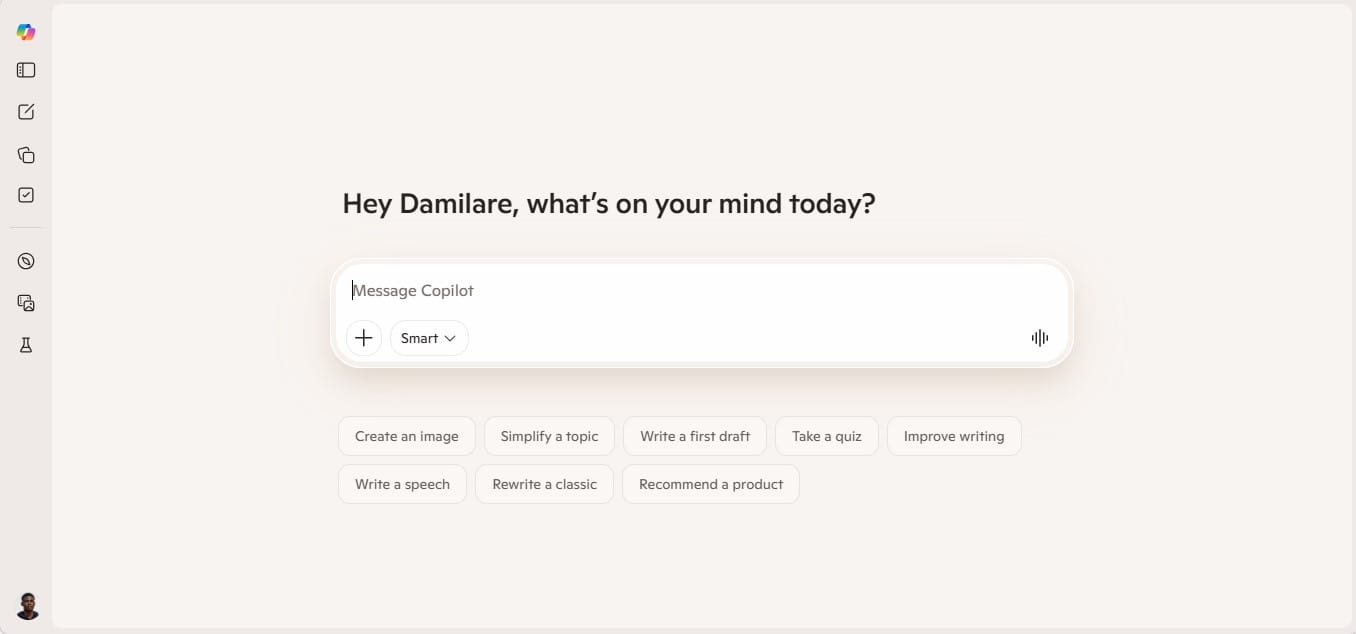
Copilot runs on OpenAI's models with Bing Search integrated by default. The free version requires no account or credit card. Go to copilot.microsoft.com and start typing. Source citations are included on the free plan. ChatGPT's free tier limits access to GPT-4o mini and does not include live search in the same way.
A 2025 usage report from Views4You put Copilot at 14% of the US AI chatbot market, second only to ChatGPT. Most of that usage comes through Microsoft 365. Businesses already paying for Word, Excel, Outlook, Teams, and PowerPoint get Copilot built in. On those platforms, it pulls data from documents and emails to draft content, summarise threads, build formulas, and generate slides without leaving the apps.
Pros
- Free, no account required, real-time web search with citations included
- Works inside Word, Excel, Outlook, Teams, and PowerPoint for Microsoft 365 subscribers
- 14% US market share, second only to ChatGPT, per Views4You 2025 data
- Often already included in existing Microsoft 365 subscriptions
Cons
- Creative writing and complex reasoning responses are weaker than those of Claude or ChatGPT
- Conversational depth is limited compared to dedicated AI tools
- Business plan pricing increases quickly at team scale
4. Perplexity AI — Best for Research That Cites Every Source
Perplexity searches the web in real time, reads multiple live sources, and returns a synthesised answer where every claim links back to the source it came from. You can click through and verify anything in seconds. The free plan includes basic source search. Perplexity Pro at $20 a month unlocks more than 300 deep research queries per day, unlimited file uploads, and access to Claude, GPT, Gemini, and DeepSeek from one interface.
A 2025 usage study from Views4You put Perplexity at 6.2% of the US AI chatbot market. A 2025 Menlo Ventures report found that over 60% of AI users combine ChatGPT with at least one specialised tool, with research being the most common secondary use case.
Pros
- Every claim links to its source — full traceability on every response
- Pro plan runs queries through Claude, GPT, Gemini, and DeepSeek from one place
- 300+ deep research queries per day on the $20 a month plan
- 6.2% US market share, per Views4You 2025 data
Cons
- Not suited for creative writing, long-form content, or coding tasks
- Source selection skews toward high-ranking web results, not always the most authoritative
- Free tier caps the number of deep research queries per day
5. Grok — Best for Live X Data and Direct, Unfiltered Responses
Grok, built by xAI, has live read access to X, formerly Twitter. Every public post, trending topic, and conversation is in real time. No other AI tool on this list has that. Grok 4 is free through the Grok app and also available through an X Premium subscription.
The context window goes up to 2 million tokens, the largest of any tool on this list. A February 2026 API pricing comparison by IntuitionLabs put Grok at $0.20 per million input tokens, the lowest price among major AI APIs at that time. Grok's responses are less filtered than most AI tools and engage with topics that other tools frequently decline.
Pros
- Live access to all public X posts and trending topics in real time
- 2 million token context window, the largest on this list
- $0.20 per million input tokens, per IntuitionLabs February 2026 data
- Grok 4 is free through the Grok app
Cons
- Long-document analysis and multi-step reasoning are weaker than Claude or Gemini
- Knowledge base outside of X is narrower than most alternatives
- Unfiltered tone is not appropriate for all professional or formal use cases
6. Meta AI — Best Free AI Already Inside Apps You Use Daily
Meta AI is built into WhatsApp, Instagram, Facebook, and Messenger. It runs on Meta's Llama model family, which the open-source AI community ranks as the strongest publicly available models. Ask it questions, generate images, and get writing help without leaving a conversation already open on your phone. There is no subscription, no download, and no account beyond the ones you already have.
Pros
- Free, inside WhatsApp, Instagram, Facebook, and Messenger with no extra setup
- Generates images directly inside existing conversations
- Runs on Llama, the strongest open-source model family publicly available
- No new account or subscription required beyond existing Meta apps
Cons
- Not suited for complex professional or technical work
- Limited memory and context compared to dedicated AI platforms
- Coding, deep research, and long-form document tasks are outside its scope
7. DeepSeek — Best for Technical Tasks at the Lowest Cost
DeepSeek R1 launched in January 2025 with benchmark scores matching GPT-4 on math, logic, and coding tasks. The reported training cost was under $6 million, compared to an estimated $100 million for GPT-4, figures widely cited across the AI research community at the time of launch. chat.deepseek.com is free to use. API pricing starts at $0.028 per million tokens for cache hits, per Tactiq's 2026 pricing guide. By April 2025, DeepSeek had 96.88 million monthly active users, per Views4You data.
The reasoning model outputs its full chain of thought step by step, which makes it easier to check where a response went wrong. DeepSeek is a Chinese company. Several large enterprises have restricted or banned its use over data privacy concerns. This is documented across multiple enterprise security announcements, not a theoretical concern, for organisations handling regulated or sensitive data.
Pros
- GPT-4 tier performance in maths, coding, and logic, free via chat.deepseek.com
- Shows a full reasoning chain step by step on every response
- API at $0.028 per million tokens for cache hits, among the lowest rates available
- 96.88 million monthly active users by April 2025, per Views4You
Cons
- Multiple enterprises have restricted use of documented data privacy concerns
- Some topics return filtered or restricted responses
- Creative writing quality is weaker than that of Claude or GPT-tier tools
8. GitHub Copilot — Best for Software Developers Writing Code Every Day
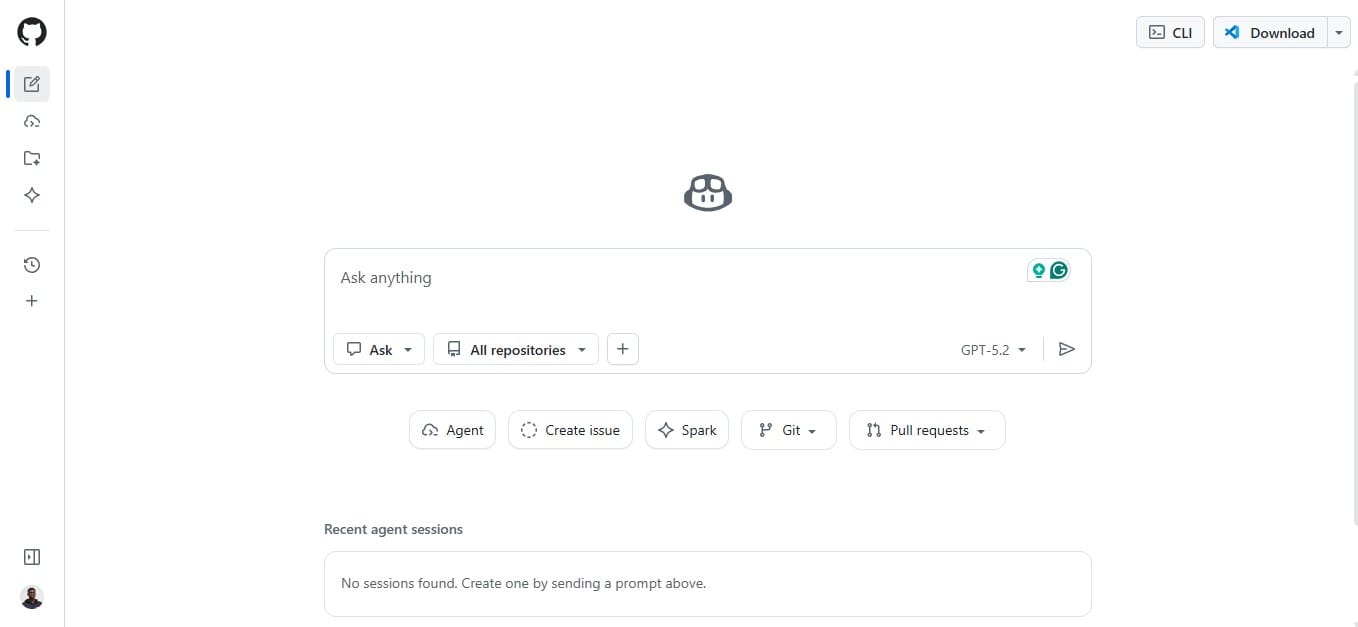
GitHub Copilot runs inside code editors, including VS Code, JetBrains, and Neovim. It reads the full context of the project currently open, not just the active file, and makes suggestions as you type without requiring prompts. Suggestions range from single-line completions to full function implementations.
It’s agent mode accepts a plain English instruction and executes changes across multiple files in the project. A 2023 GitHub-commissioned survey found 92% of US developers already used AI coding tools. Individual plans cost $10 a month. Students with verified accounts and open-source contributors with qualifying projects get free access.
Pros
- Runs inside the code editor with no switching between tools while working
- Reads full project context, not just the file currently open
- Agent mode applies multi-file changes from a single plain-language instruction
- $10 a month, free for verified students and qualifying open-source contributors
Cons
- No practical use outside a coding environment
- Suggestions require human review since errors can appear with high confidence
- Works best with widely used languages; niche language support is limited
9. Jasper AI — Best for Marketing Teams Producing Content at Scale
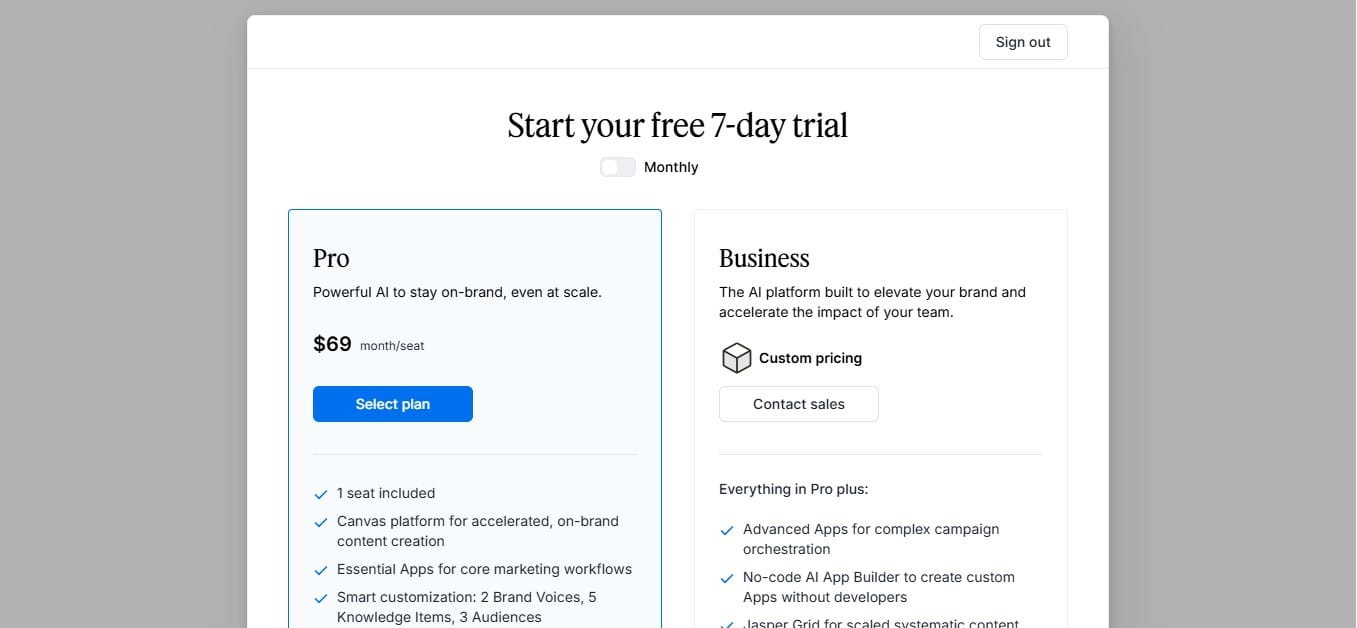
Jasper's Brand Voice feature trains on your existing content, website copy, blog posts, past campaigns and uses those patterns to match your writing style in everything it produces. The template library covers product descriptions, email sequences, long-form blog posts, ad copy, and social media content. Jasper integrates with Surfer SEO for content built to rank in search. Plans start at $69 a month.
Pros
- Brand Voice trains on your existing content and applies that style to all future output
- Templates cover the formats marketing teams use most
- Surfer SEO integration builds search optimisation directly into content workflows
- Built for teams coordinating multiple writers under one brand standard
Cons
- $69 a month starting price is not cost-effective for individual or low-volume use
- The underlying AI model is not proprietary to Jasper
- Feature depth is unnecessary for anyone not producing content at a consistent volume
10. Mistral Le Chat — Best for Privacy-Required Work and EU Businesses
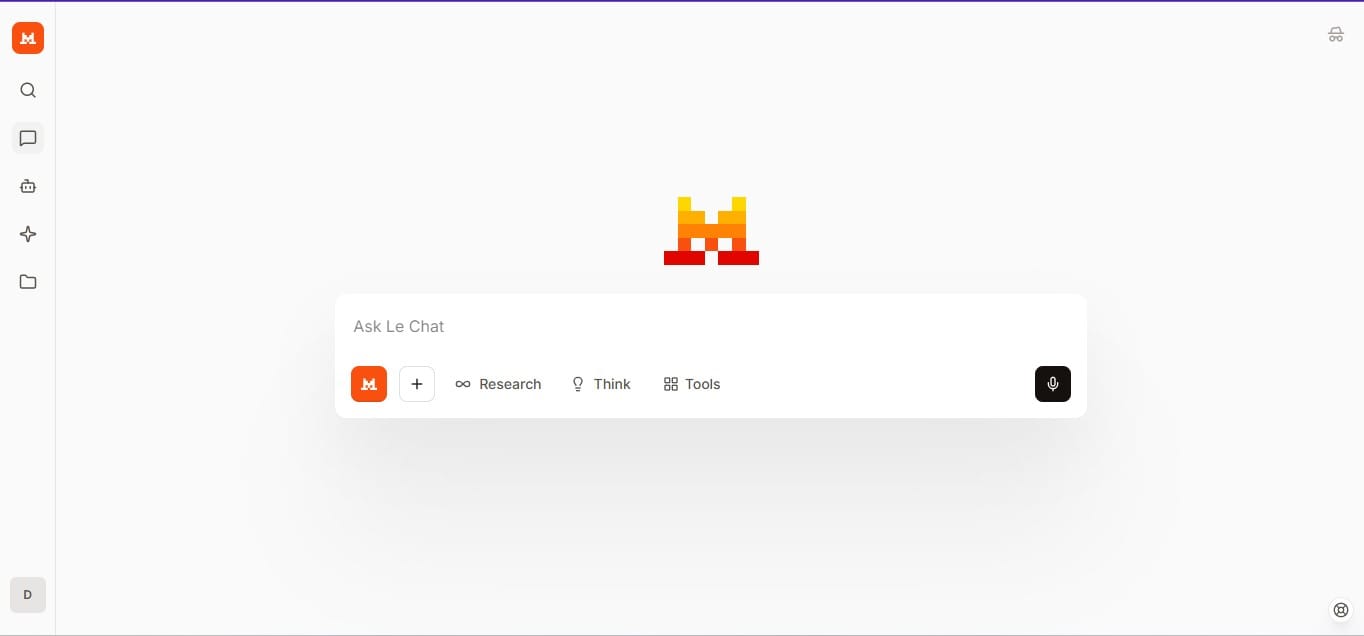
Mistral Large 3 is a 675 billion-parameter mixture-of-experts model. Its weights are publicly available, which means the model can run entirely on your own hardware, with no internet connection, no data sent externally, and no third party involved. That is not something closed models like ChatGPT or Claude can offer. For organisations handling protected health information, legal documents, or financial data, local deployment is often a compliance requirement.
Le Chat's free plan is comparable to Copilot and Gemini's free tiers. The Pro plan is $14.99 a month, less than Claude Pro at $20 and ChatGPT Plus at $20. Mistral is a French company. Data is processed and stored in European infrastructure under GDPR with European regulatory oversight.
Pros
- Open-weight model runs fully on local hardware, no data leaves your machine
- GDPR-compliant with European data residency and EU regulatory oversight
- Pro plan at $14.99 a month is cheaper than Claude Pro and ChatGPT Plus
- Mistral Large 3 leads the open-weight model category on public benchmarks
Cons
- Le Chat's interface and feature set are less developed than ChatGPT or Claude
- Fewer third-party integrations than US-based alternatives
- Smaller name recognition slows adoption in organisations that vet tools by reputation
 Damilare Odedina