If you spent 2025 testing hundreds of flashy AI tools only to cancel the subscriptions a month later, you aren’t alone. The goal for this year isn’t to use more AI—it’s to use better AI. We’re done with the novelty tricks. We want tools that quietly and reliably handle the boring parts of our jobs so we can get back to work.
We ranked these twelve tools on one simple metric: Return on Time. If you install them today, will they give you hours back next week? According to recent research, workers using the right generative AI tools report a genuine 40% productivity boost.
Here are the best 12 AI productivity tools that actually matters for right now, ranked.
As AI tools evolve from simple assistants into systems that take action, many teams outgrow off-the-shelf solutions. That’s where AI agent development services add value—by connecting existing tools into role-specific agents that can analyze data, trigger workflows, and adapt to real business processes. Instead of juggling multiple apps for research, execution, and reporting, companies can deploy coordinated AI agents that handle tasks end-to-end while teams focus on strategic decisions.
12. Zapier Central
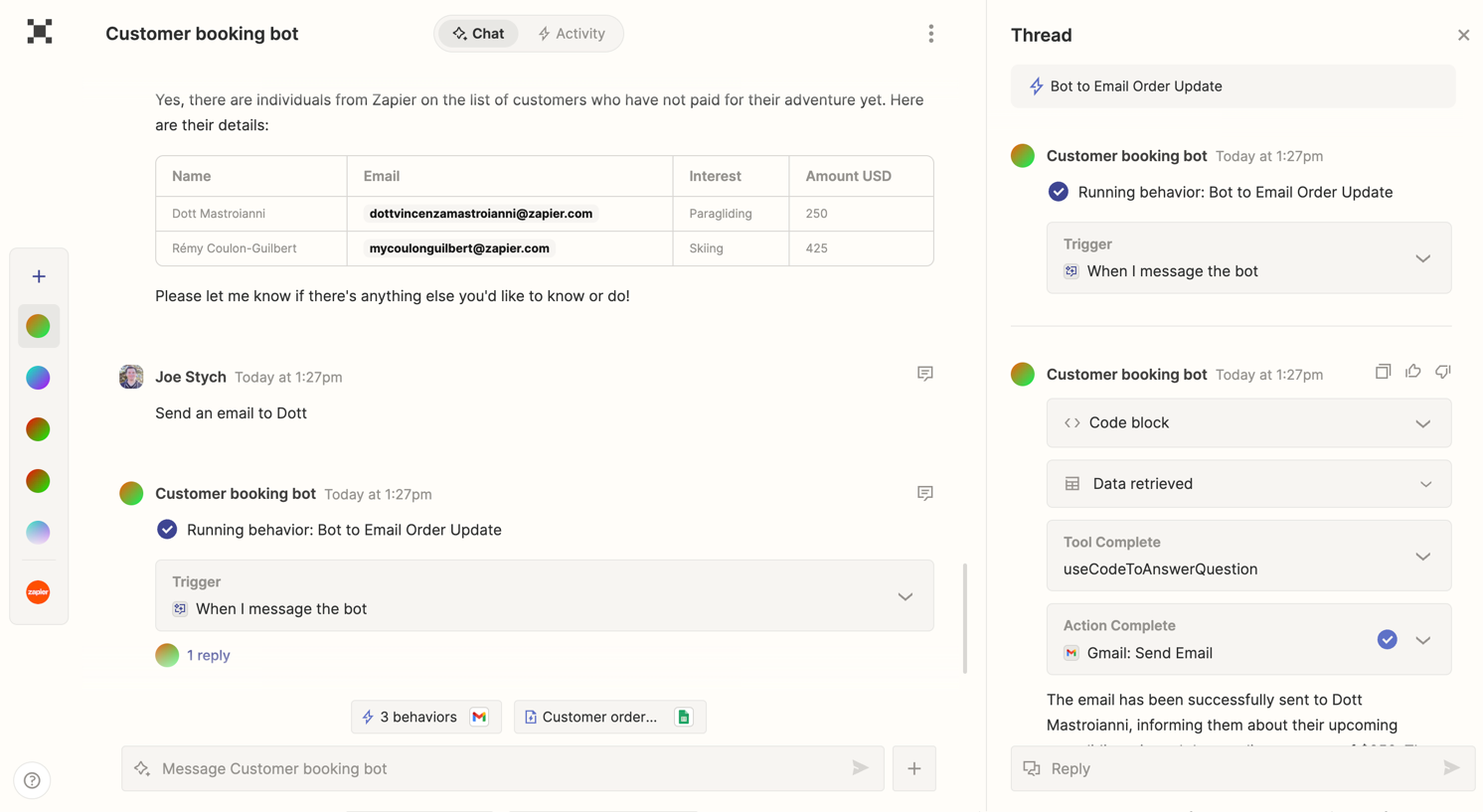
What it does for you: Zapier Central is a command center that moves beyond simple “if this, then that” logic. Instead of building rigid workflows, you can give it natural language instructions like “Research this lead on LinkedIn, draft a personal email, and add them to HubSpot.” It figures out the necessary steps and executes them like a digital intern, bridging the gap for the 78% of businesses struggling to connect their new AI tools with their old, messy systems.
The Reality Check: It is surprisingly easy to create “infinite loops” if you aren’t careful. Because the setup is so frictionless, a single logic error can accidentally spam your clients or duplicate thousands of rows in a database before you catch it. You need to measure twice and cut once. The free plan covers basics, but the useful AI capabilities generally require the $20/month tier.
11. Gamma
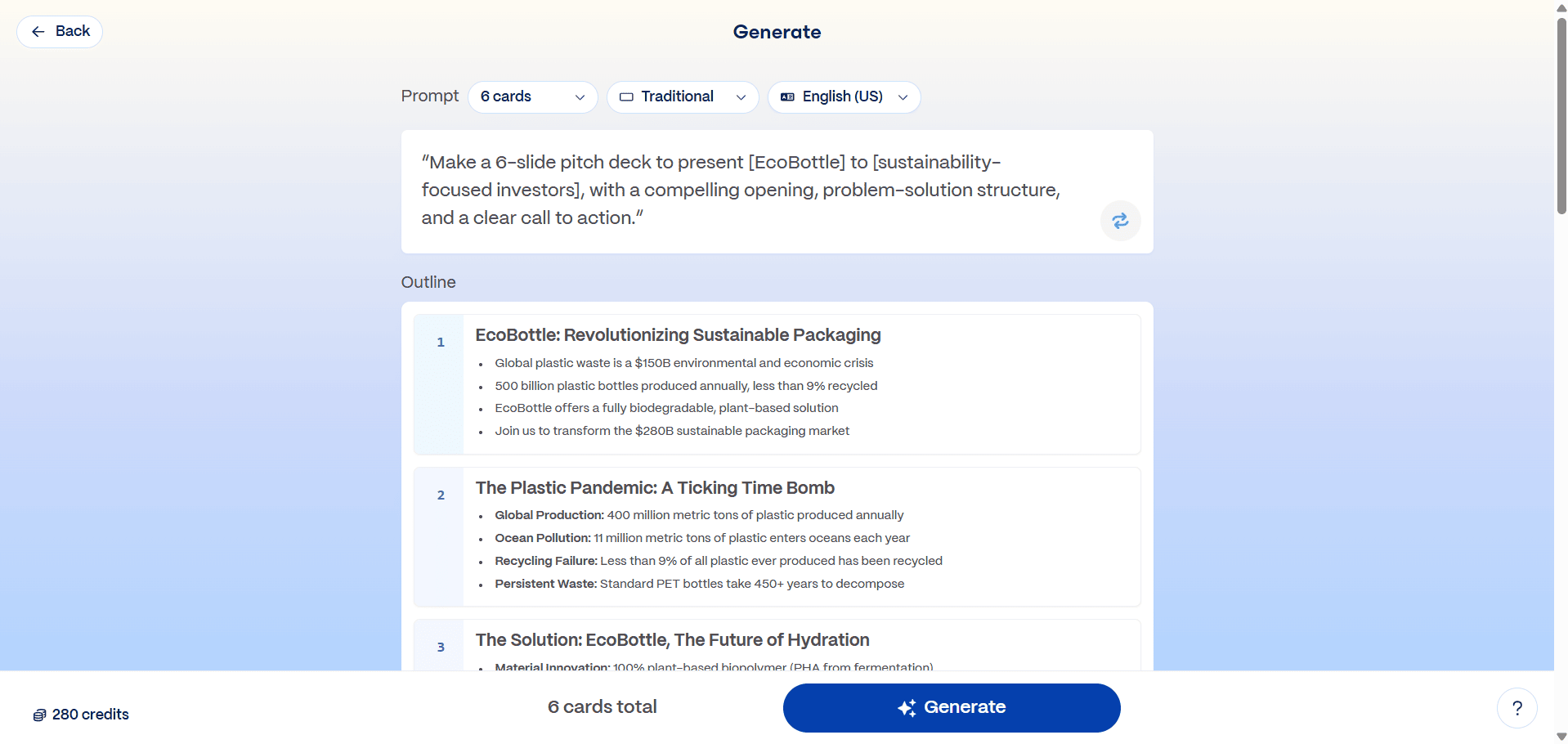
What it does for you: Gamma proves that manually aligning text boxes in PowerPoint is a waste of time. With over 250 million presentations generated to date, it allows you to type a topic, paste rough notes, or upload a doc, and then builds a fully formatted deck in seconds. The polish features have matured significantly, meaning your decks finally stop looking like generic AI templates and start looking like professional deliverables.
The Reality Check: It is not a magic wand for strict corporate compliance. If your boss demands a specific custom chart with pixel-perfect branding alignment, you will still need to export to PowerPoint to finish the last 10% of the job manually. Think of it as the tool that gets you to the first draft instantly. Pricing starts free, with premium templates and unlimited AI generation available for $8–$20/month.
10. Lex
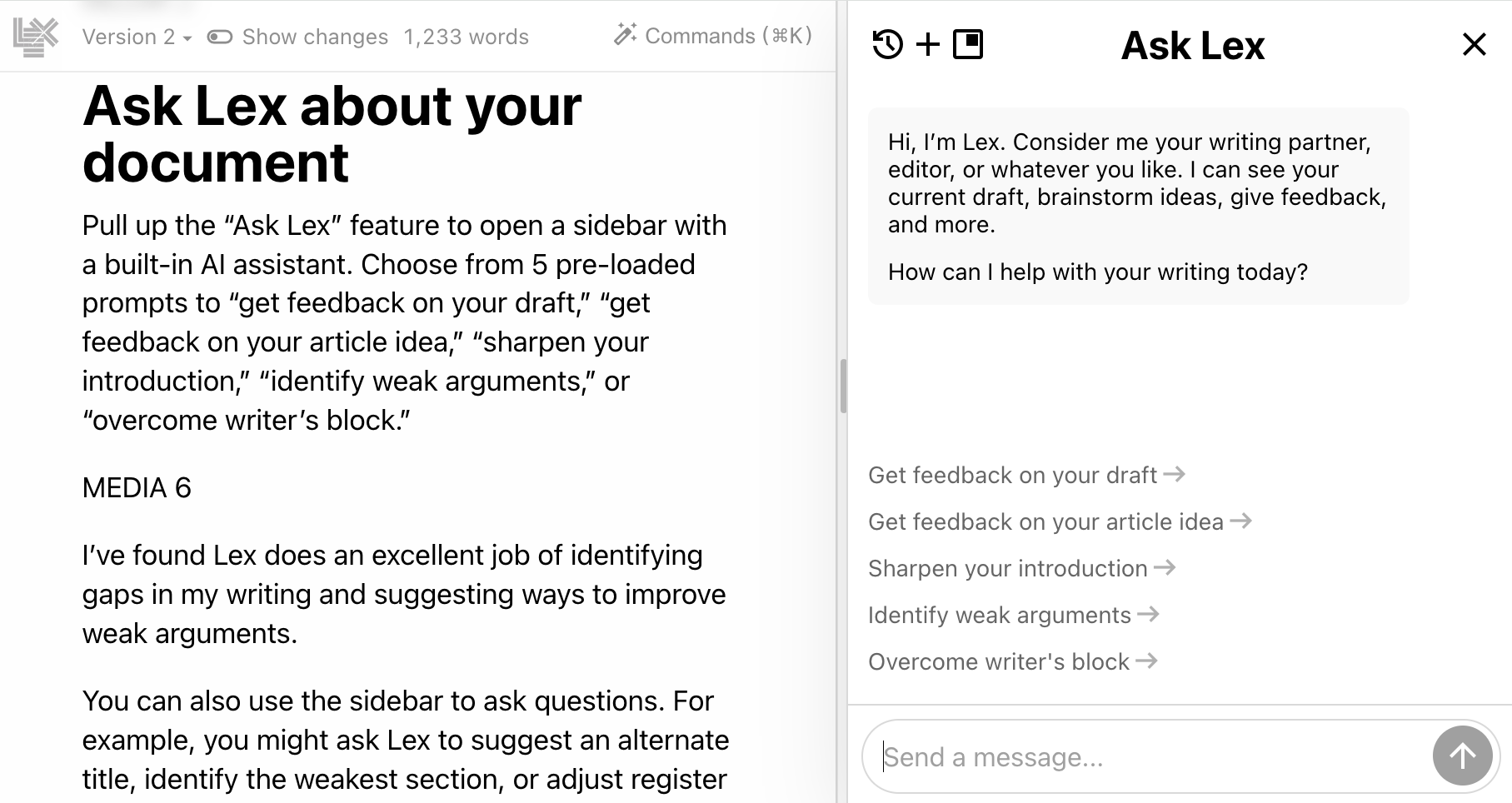
What it does for you: Lex is the word processor for people who actually care about the craft of writing. Unlike copycat tools that try to write for you, Lex acts like a smart editor sitting on your shoulder—helping when you’re stuck on a phrase, suggesting headlines, or pointing out where your argument is weak. It is clean, distraction-free, and the AI feels like a gentle nudge rather than a bulldozer taking over your voice.
The Reality Check: The tradeoff is that it is strictly for text. If your document requires heavy formatting, complex tables, or deep media integration, Lex is too minimal compared to Word or Google Docs. It is essential for writers but less critical for general office work. The free version is generous, while the $12–$18/month paid plans unlock premium models like GPT-4o and Claude 3.5.
9. Arc Max

What it does for you: The Arc browser changes the internet from a bombardment of tabs into a streamlined utility. The “Max” AI features act as a layer between you and the chaos—renaming downloaded files to something readable, summarizing pages before you click them, and allowing you to “ask” a webpage questions to find data instantly. It strips away the ad clutter and pop-ups that have made modern browsing feel exhausting.
The Reality Check: It eats RAM like nobody’s business. If you are running it on an older laptop, you will hear your fans spinning up during heavy sessions. It also requires you to unlearn twenty years of muscle memory, as the sidebar navigation takes about a week to master. However, since the browser is completely free, these downsides are easier to accept.
8. Descript
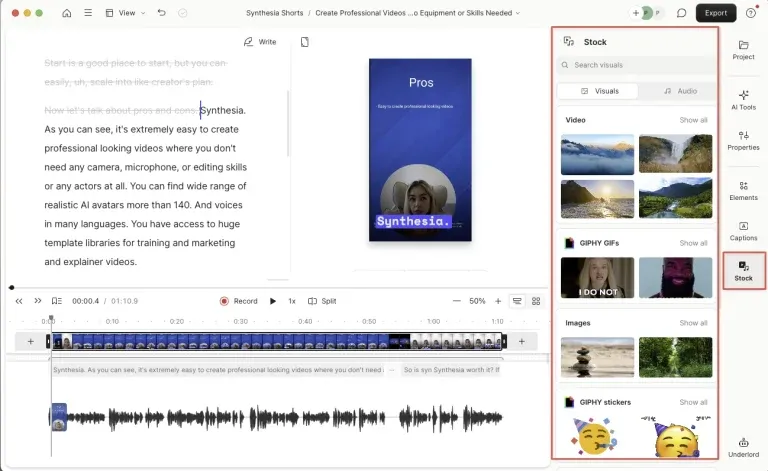
What it does for you: Video is only getting bigger, and Descript remains the easiest way to edit it by treating video files like text documents. If you delete a word from the transcript, the video cuts itself. Features like “Studio Sound” can make a recording from a noisy street sound like a professional studio, and the “Eye Contact” AI corrects your gaze so you always appear to be looking at the camera.
The Reality Check: The voice cloning feature (“Overdub”) is great for fixing typos but still sounds robotic if you use it for more than a few words. Additionally, the software can be resource-heavy, causing lag on non-pro machines. The free version includes basic editing, while the $12–$24/month paid plans unlock full AI features and remove watermarks.
7. Canva with Magic Studio
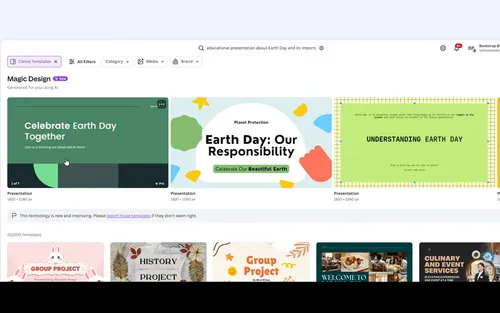
What it does for you: Canva has become the default operating system for marketing teams, with the “Magic Switch” feature being the real productivity killer app. It turns a blog post into an Instagram carousel, produces a LinkedIn PDF, and a TikTok script with one click. The image editing is so precise can handle requests like “change jacket to red leather” without destroying the image quality, rendering basic Photoshop skills obsolete for social media work.
The Reality Check: The catch is what people call the “Canva Look.” Because these tools are so accessible, a lot of marketing content is starting to look identical. Standing out in 2026 means you have to manually tweak the AI’s output so you don’t blend in with competitors using the same templates. The Pro plan costs $13/month and is necessary to remove limits on the advanced AI tools.
6. Notion with AI
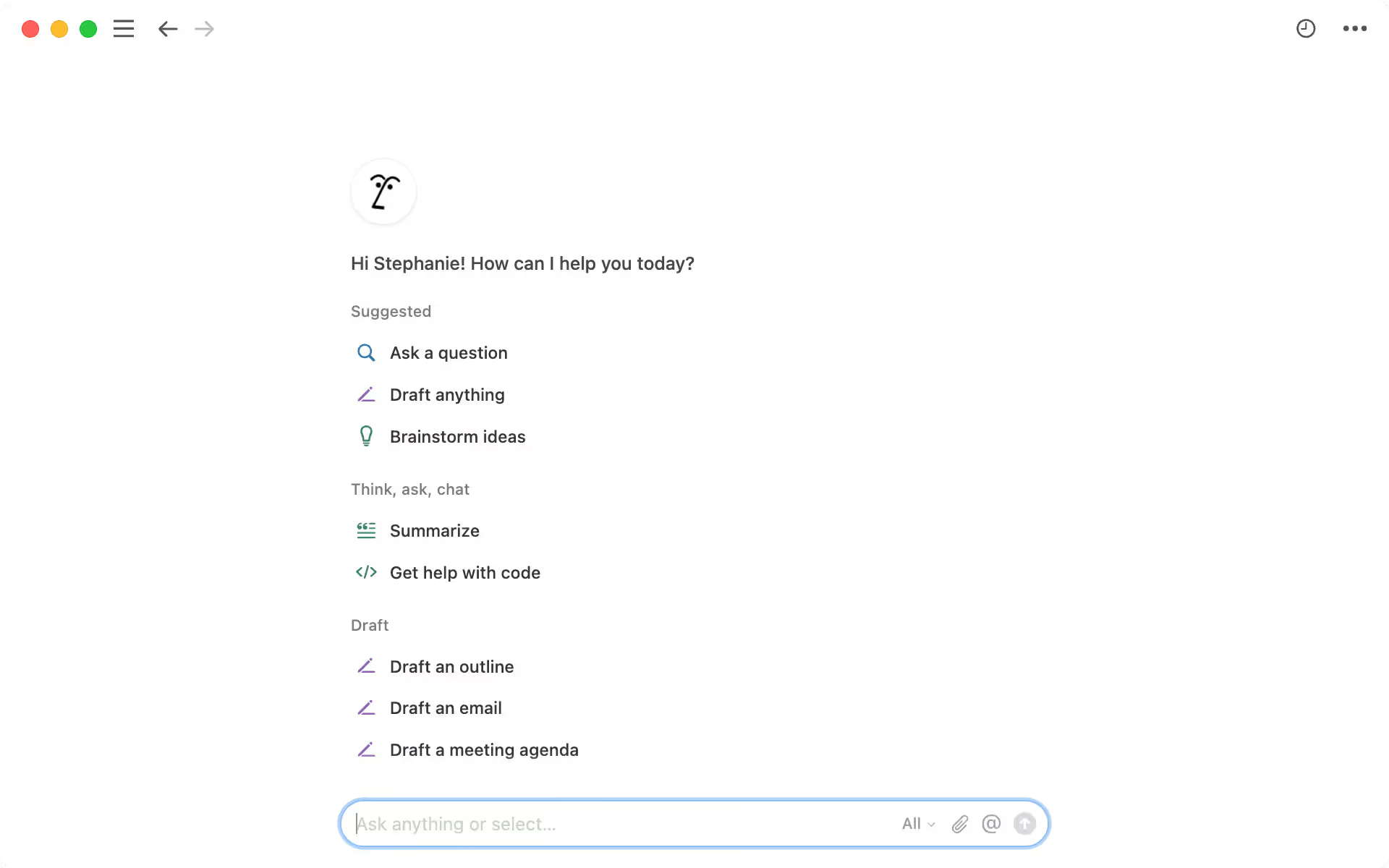
What it does for you: Notion Q&A solves the universal problem of “I know we wrote this down somewhere.” Instead of clicking through endless folders, you just ask, “What was the decision we made about the Q3 marketing budget?” and it scans thousands of your docs to find the answer. With over 30 million users, the AI component has become a primary reason teams stick with the platform—it turns a wiki into a conversation.
The Reality Check: It is only as good as your data hygiene. If your team is messy about putting things into Notion—or if your critical data is scattered across Slack and Email—Notion Q&A becomes useless. It also gets things wrong occasionally, so you still need to verify the source links it provides. The AI features are an add-on, costing roughly $10/month per user on top of your plan.
5. Reclaim.ai
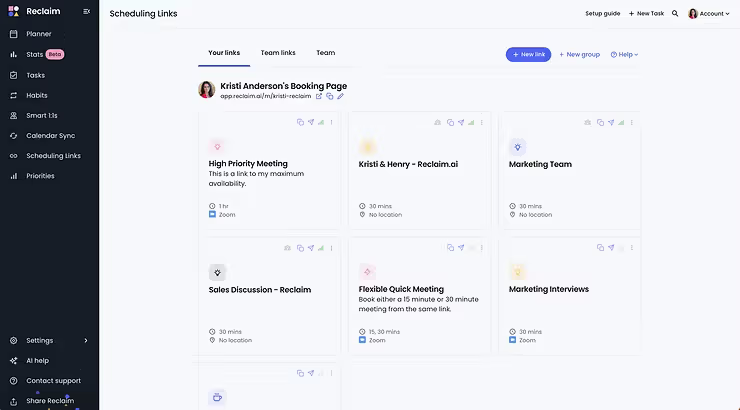
What it does for you: Entering the top 5 is the tool that treats your calendar like a battlefield and fights for your focus time. Reclaim automatically blocks out “Deep Work” sessions that can’t be interrupted, defending your most valuable asset. If a meeting gets cancelled, Reclaim instantly pulls a task from your to-do list to fill the gap, and it even defends your lunch break as a non-negotiable event.
The Reality Check: It can be aggressive, sometimes shuffling meetings around so frequently that it confuses your coworkers. You also have to be honest about your priorities; if you lie to Reclaim about how long a task takes, it will clutter your schedule with blocks you will end up ignoring. The free version works well for individuals, while the $8–$12/month plans add team features.
4. OtterPilot

What it does for you: If you’ve ever frantically taken notes during a meeting while trying to participate, Otter.ai feels like magic. OtterPilot sits in your Zoom or Teams calls, identifies action items, assigns them to people, and pushes those tasks directly into your project management apps. You can even ask it questions during the meeting like, “What did Sarah say about the budget?” and it answers instantly, fixing the mess of missing meeting notes.
The Reality Check: Privacy is the elephant in the room. Having a bot recording every word can make people uncomfortable, and there are valid concerns about feeding confidential strategy discussions into a third-party AI. You need to ensure your company policy allows it. The free version gives 300 monthly minutes, while the $10/month Pro plan increases this to 1,200 minutes.
3. Superhuman
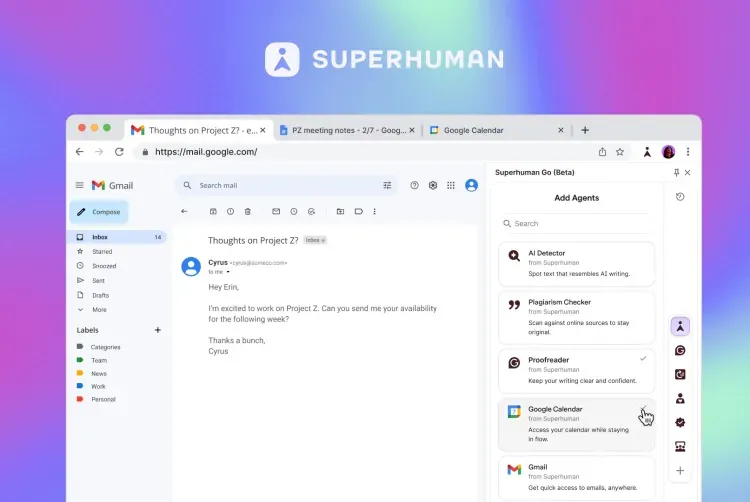
What it does for you: Email has been broken for a decade; Superhuman’s AI finally fixes it by sorting your inbox based on urgency and drafting responses that sound exactly like you. The “Instant Summaries” feature for long threads means you never have to read a 40-message “Reply All” chain again just to understand the final decision. Research shows teams using it save roughly 4 hours per person weekly.
The Reality Check: At $30/month, it is expensive—there is no getting around that price tag. The interface is also built entirely for keyboard shortcuts, meaning there is a steep learning curve before you feel the speed benefits. But for anyone receiving 50+ emails daily, the time savings usually justify the cost.
2. Cursor
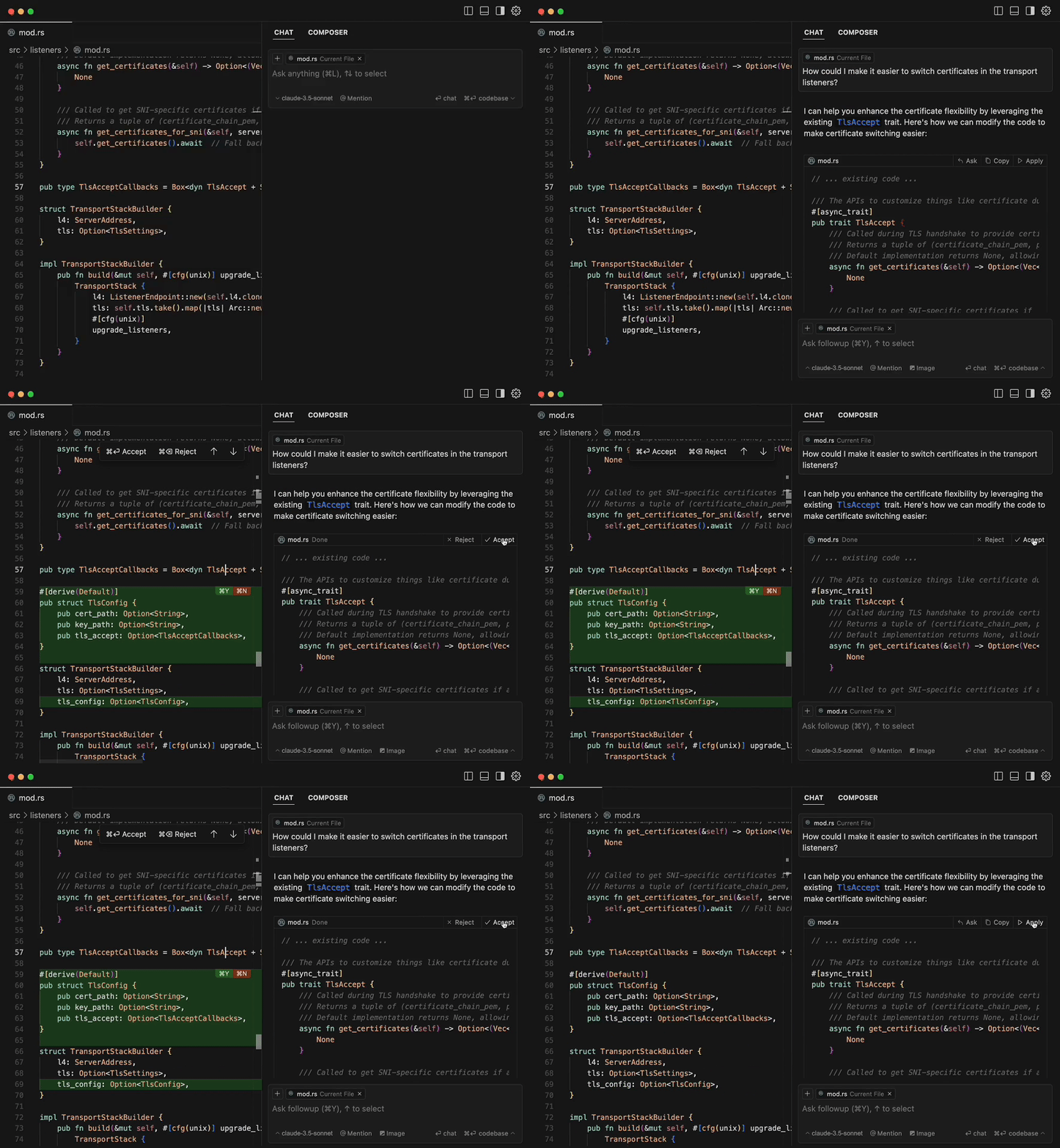
What it does for you: If you write code, Cursor isn’t just a tool—it’s a superpower. This AI-native code editor reached 1 million users in record time because it increases developer output by 20–30%. By indexing your entire local codebase, it predicts your next ten lines of code, refactors messy functions in seconds, and explains why legacy code is breaking without you ever leaving the editor.
The Reality Check: It is strictly for coders; if you don’t write code, this tool is useless to you. It also creates a dependency issue where junior developers are finding it harder to learn basics because Cursor solves the logic puzzles for them. For experienced devs, however, the $20/month Pro plan is like having a senior engineer pair-programming with you 24/7.
1. Perplexity Enterprise
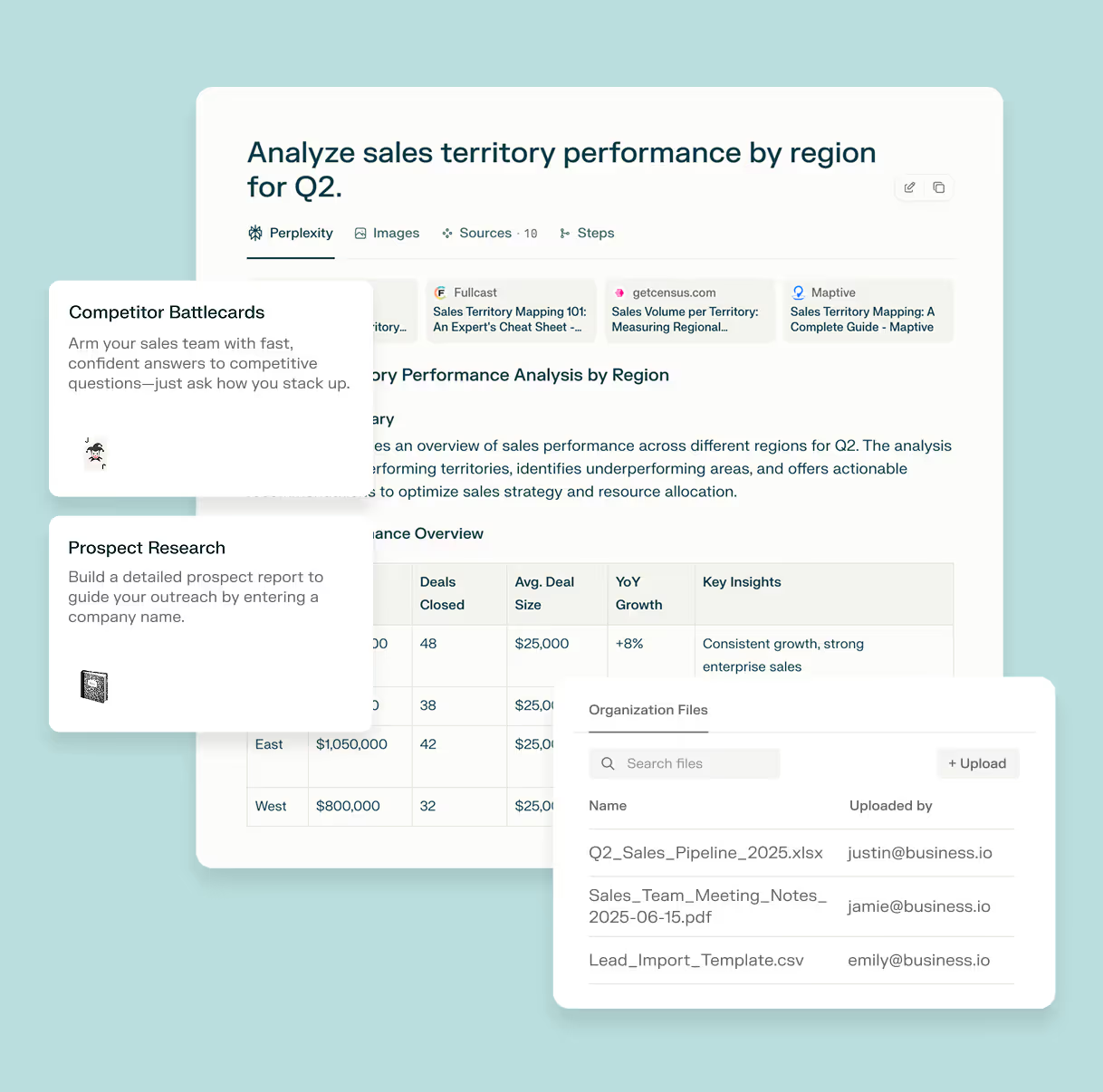
What it does for you: Taking the top spot for 2026 is the tool that is effectively replacing Google for work. Perplexity doesn’t give you links—it gives you answers. Its “Internal Knowledge” feature searches your company’s proprietary files alongside the web, synthesizing data to answer complex questions like “How do our Q3 results compare to the latest industry trends?” It solves the problem of files being scattered everywhere for HR, Legal, Marketing, and Engineering alike.
The Reality Check: While it creates massive efficiency, it requires a shift in how you work—you have to trust the synthesis rather than clicking ten links yourself, which can be hard for research purists. Cost is also a factor for the Enterprise grade security needed to search internal files safely, with price ranging from $20 to $40+/month depending on the scale.
 Damilare Odedina