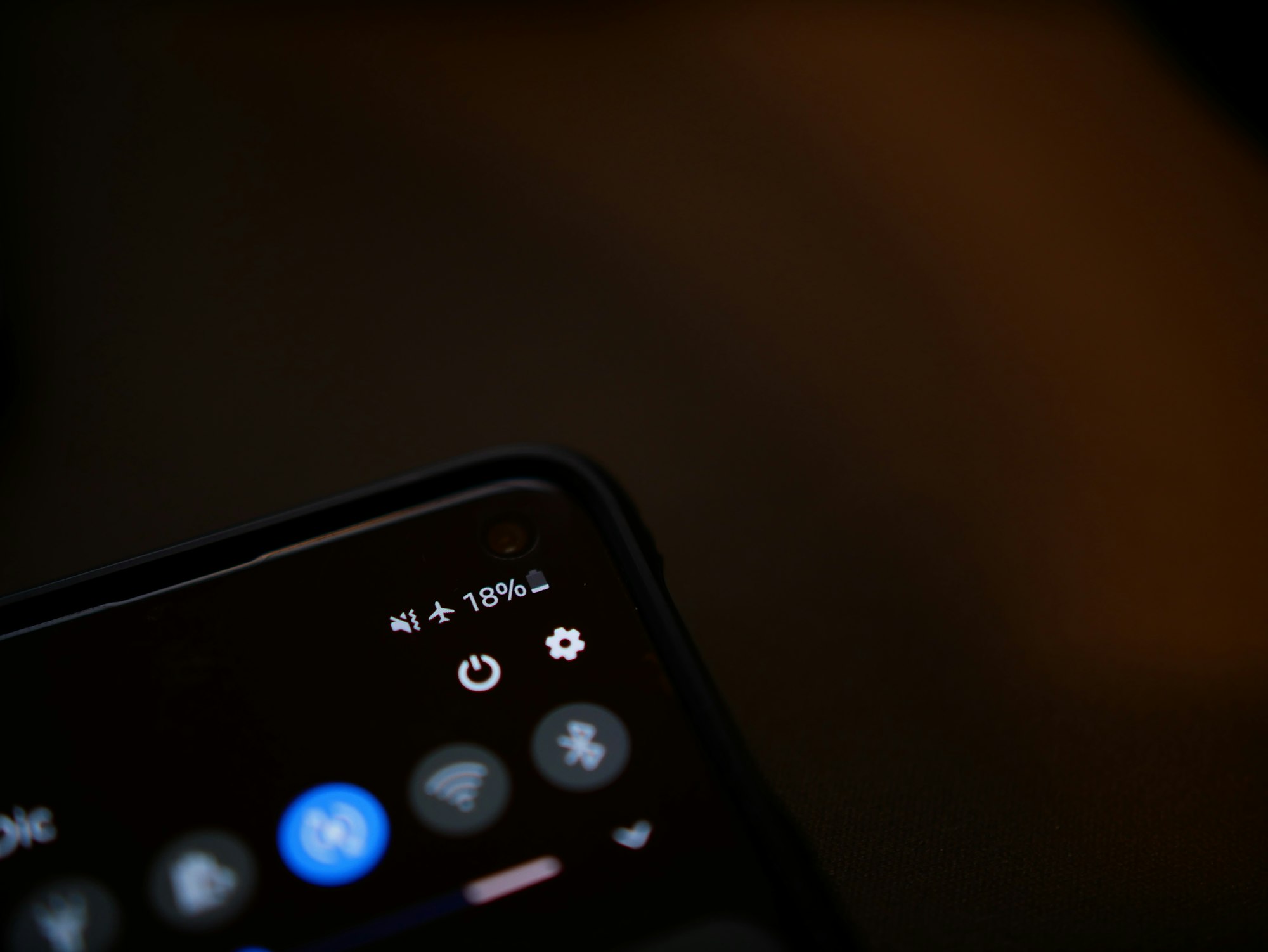
For people like me, who wait until my phone is at 5% or almost dead before charging it, managing our battery is how we live life on the edge.
According to new data from the telecom company Elevate, the usual suspects, screen brightness or GPS, are not entirely responsible. Sometimes, it's the apps we know, use, and love that are draining our battery life.
The data reveals that the real power drain isn't coming from your hardware, but from the background processes running silently in your pocket. These top 10 offenders are likely installed on your phone right now, sipping away charge even when you aren't looking.
Here are the top 10 apps likely killing your battery right now:
- Netflix: Streaming high-resolution video places a sustained load on the display, CPU, and network. The app also runs downloads and sync checks in the background.
- YouTube: Continuous streaming and recommendation caching make it one of the most power-intensive apps during long sessions.
- CapCut: Video editing and exporting push the processor hard, leading to rapid battery loss per hour of use.
- TikTok: Preloads videos to reduce loading time, which keeps the processor and network active in the background.
- Instagram: Regular feed updates, story preloading, and message checks add up over time.
- Facebook: Frequent notification polling and background syncing can prevent efficient power-saving states.
- Threads: Refreshes often to keep conversations current, despite its relatively simple interface.
- Snapchat: Uses the camera, location data, and network services, with some activity continuing after the app is closed.
- Spotify: Background playback, offline downloads, and library syncing contribute to a steady drain.
- ChatGPT: Like most text-based apps, its impact depends mainly on screen-on time and network usage rather than on-device processing, but long active sessions can still add noticeable drain.
 Ogbonda Chivumnovu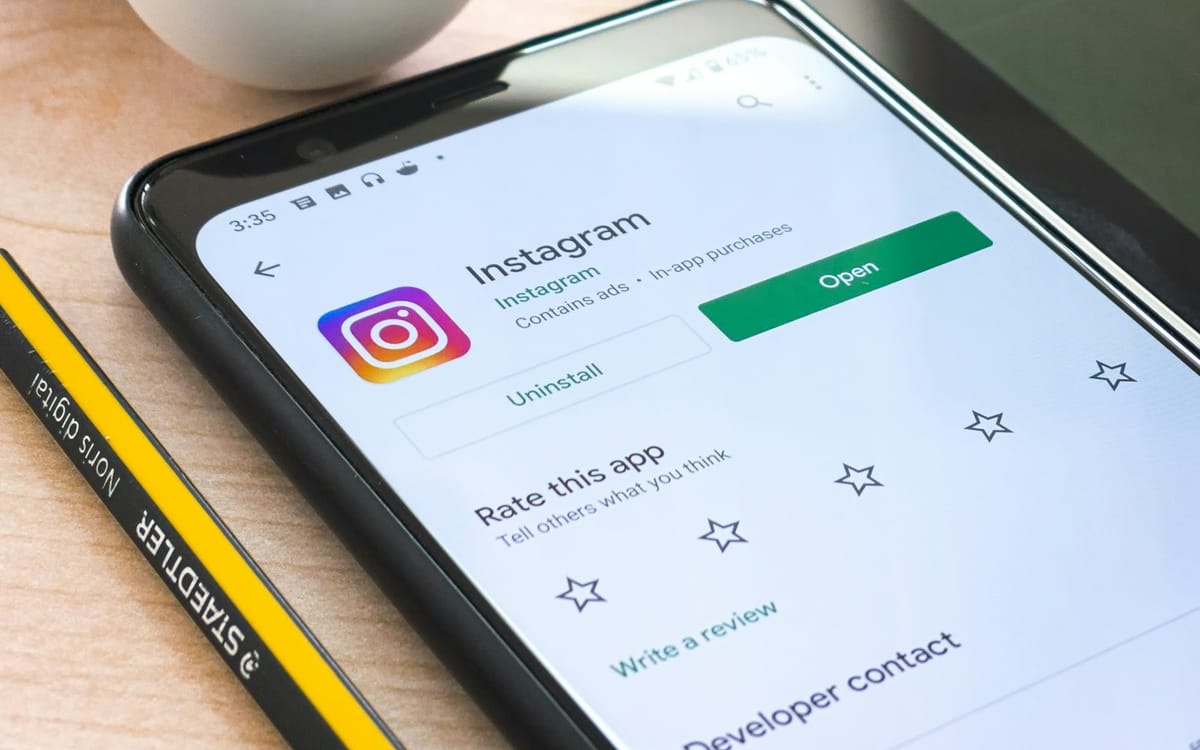
Why It Happens
The issue lies in "background activity." Many of these apps continue working long after you've swiped them away. They constantly ping servers for new messages, update feeds, and refresh content so that it’s ready the instant you open them again. While this makes for a snappy user experience, it keeps your processor awake and your battery under constant load.
How to Stop the Drain
You don’t necessarily need to delete your favourite apps to make it through the day. Here is how to take control:
- Disable Background App Refresh: Go into your settings and turn this off for apps that don't need up-to-the-second updates.
- Manage Screen Time: Be mindful of how long you spend on high-drain apps like TikTok and Netflix.
- Use Battery Saver Mode: This automatically restricts background activity and visual effects.
- Lower Brightness: It sounds simple, but managing your display brightness remains one of the most effective ways to conserve power.
 Oyinebiladou Omemu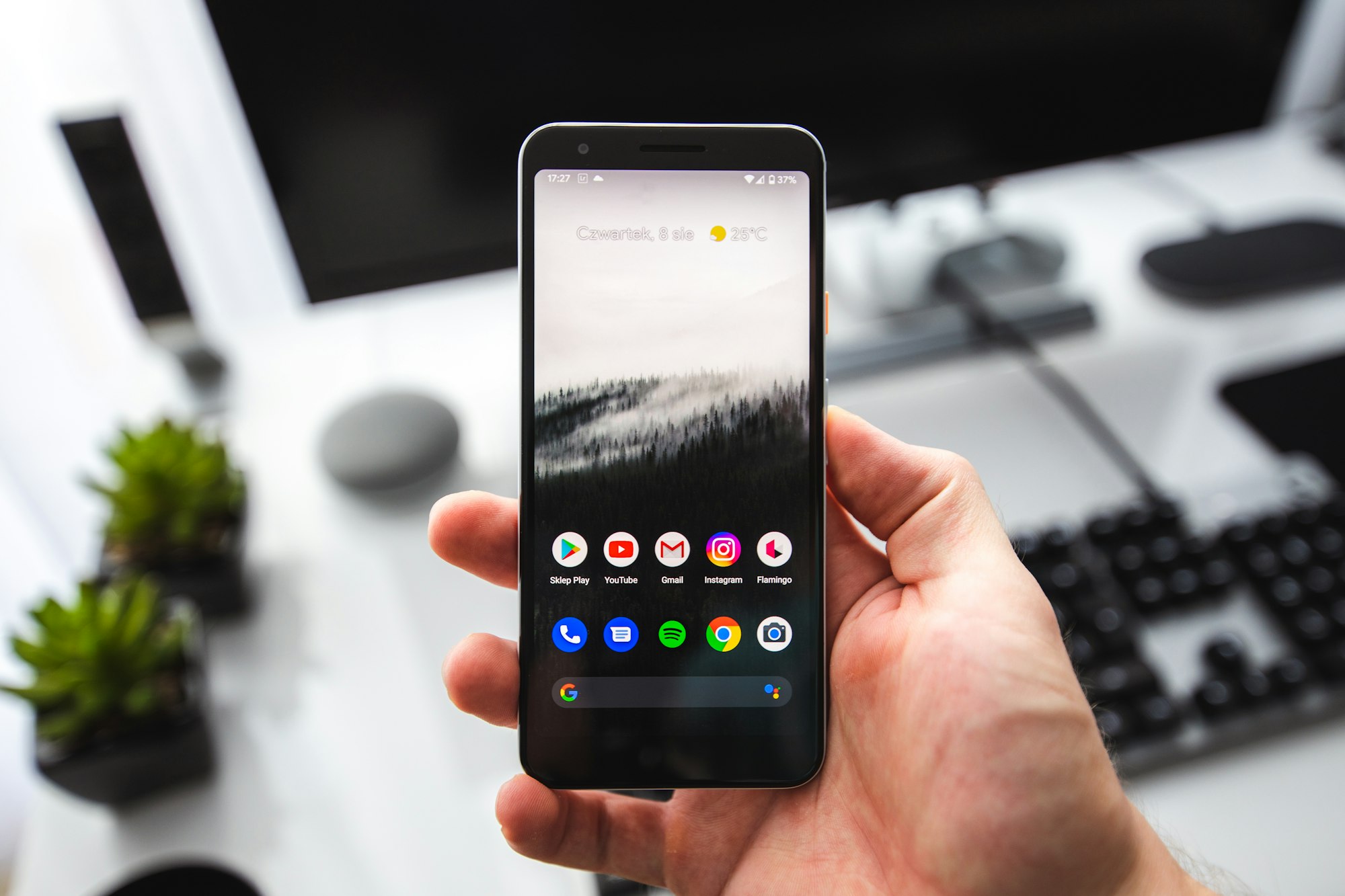
Smartphones are getting more powerful, but apps are becoming more demanding. If you find yourself constantly reaching for a charger every 6 hours, audit your app list. A few tweaks to your settings, or uninstalling that one app you rarely use, could buy you the extra hours you need.
 Oyinebiladou Omemu