



You’re on your computer, everything seems fine, and then a small yellow triangle shows up on your hard drive.
Oftentimes your first thought might be that your hard drive is failing or crashing, but in most cases, that’s not what’s happening. I ran into the same thing on my old system and ignored it back then, only to see it pop up again later.
That yellow warning typically appears when BitLocker encryption is disabled. If you haven’t heard of it before, it is a Windows feature that locks down your drive with encryption so your data stays protected. When it’s not enabled, Windows drops that small yellow triangle on the drive as a reminder.
The good news is you don’t need extra software or complicated steps—just one quick command in Command Prompt can help fix it.
 David Adubiina
Steps to Fix HDD Alert Warning on Windows PC
Video Editing: Kelechi Edeh | Scripting: David Adubiina / Techloy.com
- Step 1. On your computer, search for CMD.
- Step 2. Once it appears, choose from the list of options, select "Run as administrator."
- Step 3. In the window that opens, type this command and press Enter: manage-bde C: -off
- Step 4. Once it runs, the yellow warning sign should disappear.
 Oyinebiladou Omemu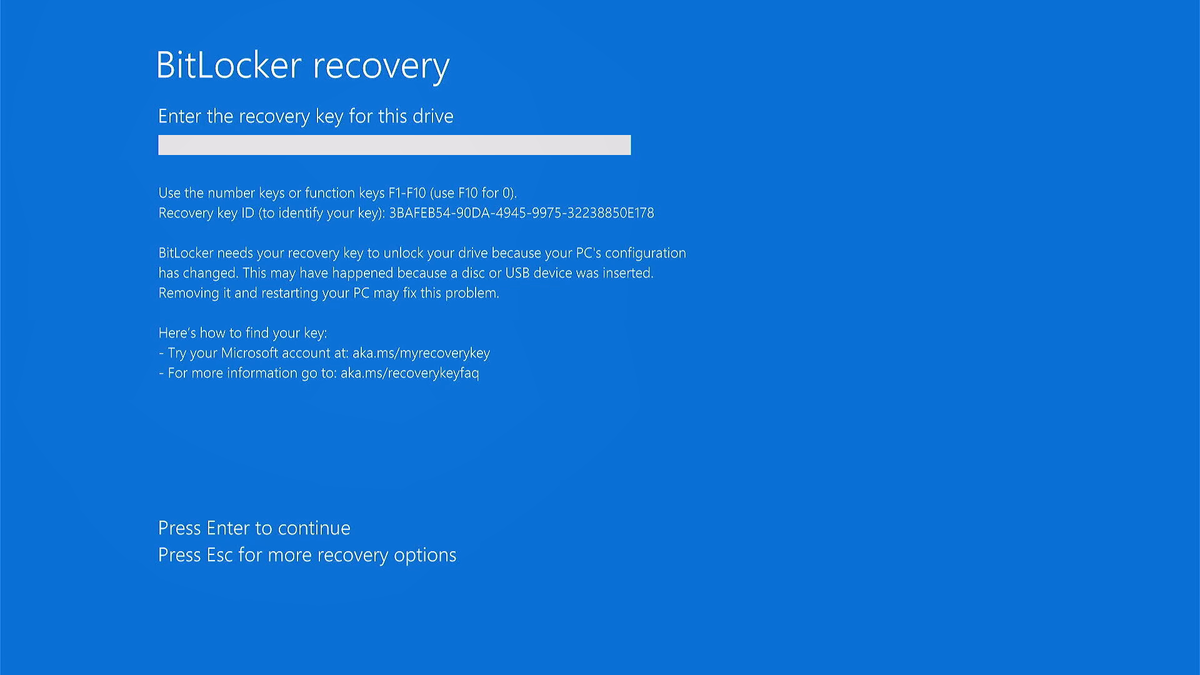
Conclusion
In a nutshell, that yellow triangle on your C drive isn’t as serious as it looks. It’s usually Windows reminding you that BitLocker encryption is turned off, not a warning that your hard drive is about to fail.
If it bothers you, a quick command in Command Prompt will clear it up in seconds. And if you leave it alone, your computer will still run just fine—the only difference is that your data won’t have the extra security BitLocker provides. At least now, when that alert shows up, you’ll know exactly what it means and how to deal with it.


