



I spend way too much time on my phone. We're talking 16 to 18 hours of screen time on a typical day, which is the kind of number that makes you question what exactly you're doing with your life.
So, when Google introduced Pause Point, a Pixel feature designed to interrupt you before you open distracting apps, I was probably the exact kind of person it was made for.
I turned it on across most of the social media apps I use, including YouTube, X, Snapchat and WhatsApp, and used it for a couple of days. My screen time dropped to around 9 to 10 hours a day. So, yes, it worked. But there's a pretty big “however” attached to that.
 Louis Eriakha
What is Pause Point?
Pause Point is Google's attempt to add a little friction between you and the apps you tend to open without thinking. You choose which apps you want it to apply to, and instead of immediately launching one of them, your Pixel interrupts you with a short activity before letting you continue.
There are five different types of Pause Points: Breathe, Remind, Divert, Plan and Reflect. You can enable the ones you want, and one of them is presented when you try to open a selected app. Each takes a slightly different approach to breaking the automatic habit of opening an app without really thinking about why you're doing it.
Some Pause Points work better than others
I encountered all five types during my testing, and they each have their own way of getting around that automatic impulse. Some are easier to bypass because they mostly involve waiting for a few seconds before you can continue.
Others require you to actually do something before the app becomes available, and those were much more effective for me.
The one that involved looking through a series of images was the one that really stopped me in my tracks. Instead of simply sitting there watching a countdown, I had to actively engage with the images and swipe through them for a couple of seconds before I could get to the app.
At that point, I had to enough time to reconsider how badly I wanted to open the app.
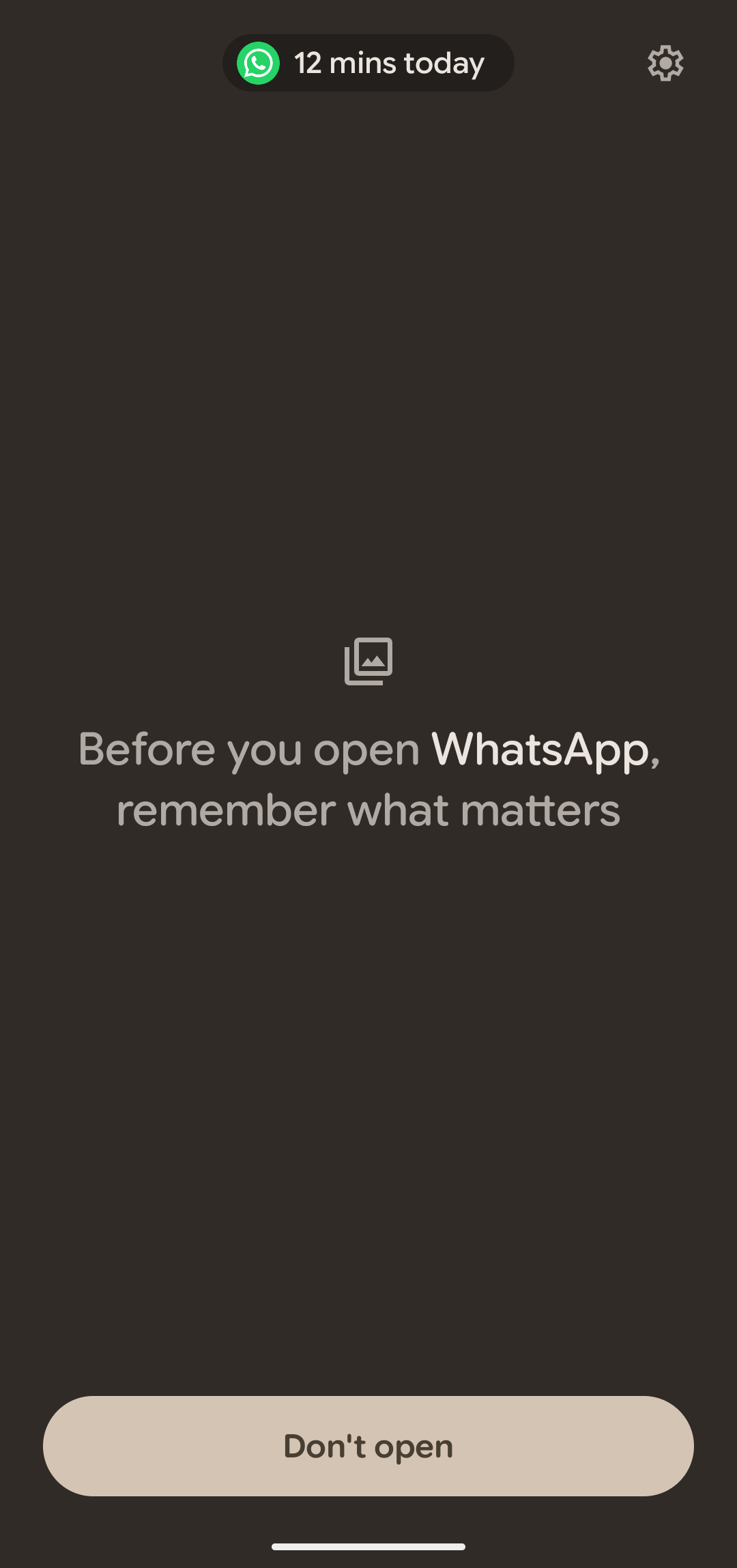
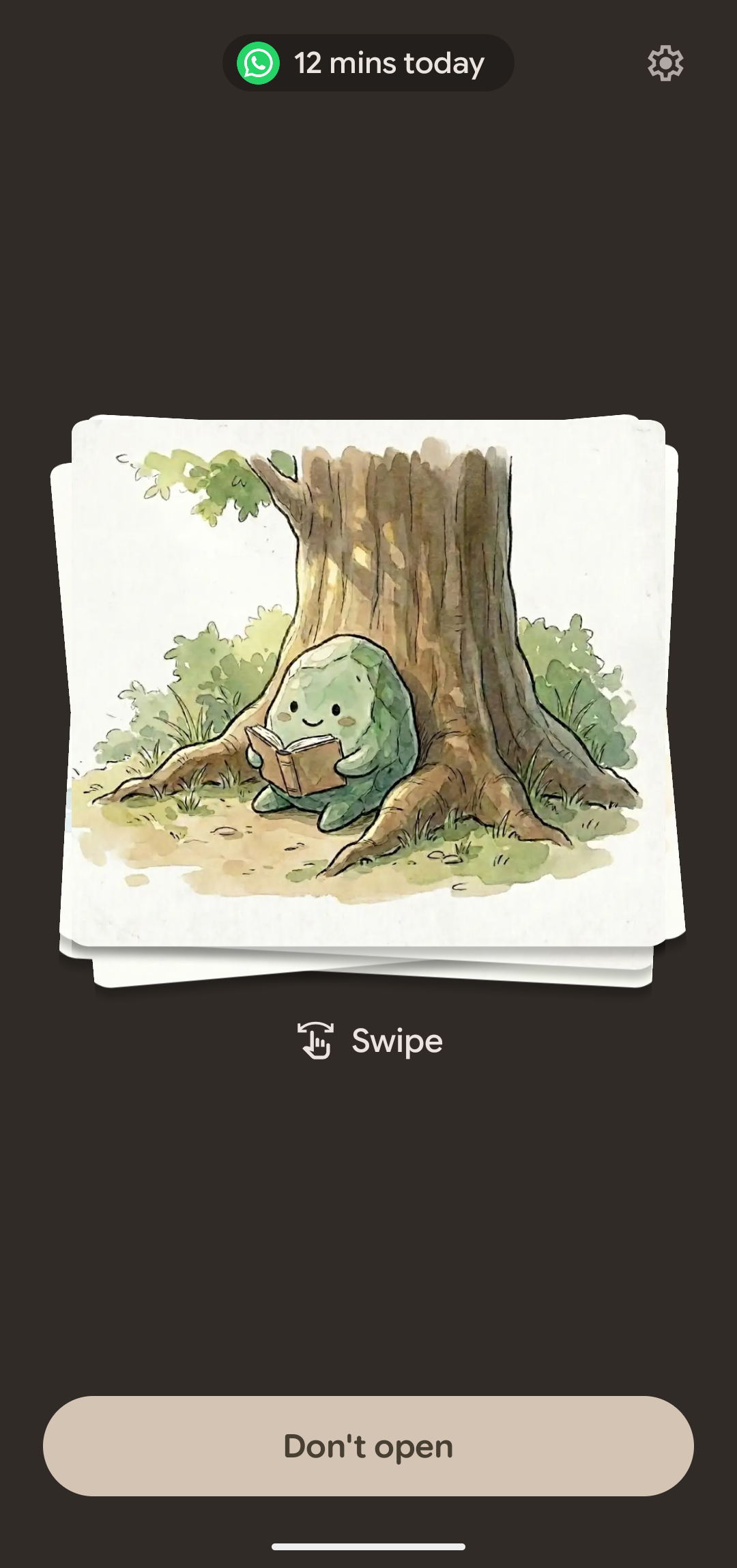
Pause Point (screenshot: Louis Eriakha / Techloy.com)
There were several times when I opened an app almost entirely out of muscle memory, only for Pause Point to interrupt me and make me think, wait, why did I even open this?
Sometimes I continued anyway, but other times I just gave up and closed the app. Sometimes, it would even come back to remind me again that I've been on the app a while and ask if I want to get off it. It keeps trying to intervene and disrupt the experience.
The problem is that Pause Point doesn't know why you're opening an app
Pause Point treats every attempt to open a selected app as though it might be an impulsive one, but it doesn't really know whether you're opening WhatsApp because you want to mindlessly scroll through Status updates or because someone is actually trying to reach you.
If someone called me on WhatsApp, for example, I couldn't simply answer the call without going through the Pause Point interruption first. The same thing happened when I wanted to respond to a message directly from a notification.
Subscribe for free to continue reading this article
Subscribe SubscribeAlready have an account? Log in


