



Airports are about to feel a little different for iPhone users. Imagine walking up to a TSA checkpoint and, instead of fumbling for your passport, you simply tap your phone, and that’s it. No paper, no plastic, just a digital version of you stored securely inside Apple Wallet.
That’s the future Apple is inching toward with its new passport-linked Digital ID feature, expected to roll out to U.S. users soon. The update, first teased with iOS 26, lets travellers scan their physical passports to create verified digital IDs that can be used at select airports for domestic flights. It’s part of Apple’s ambitious strategy to turn its Wallet feature into more than a payment hub, a place where your entire digital identity can live.
 Emmanuel Oyedeji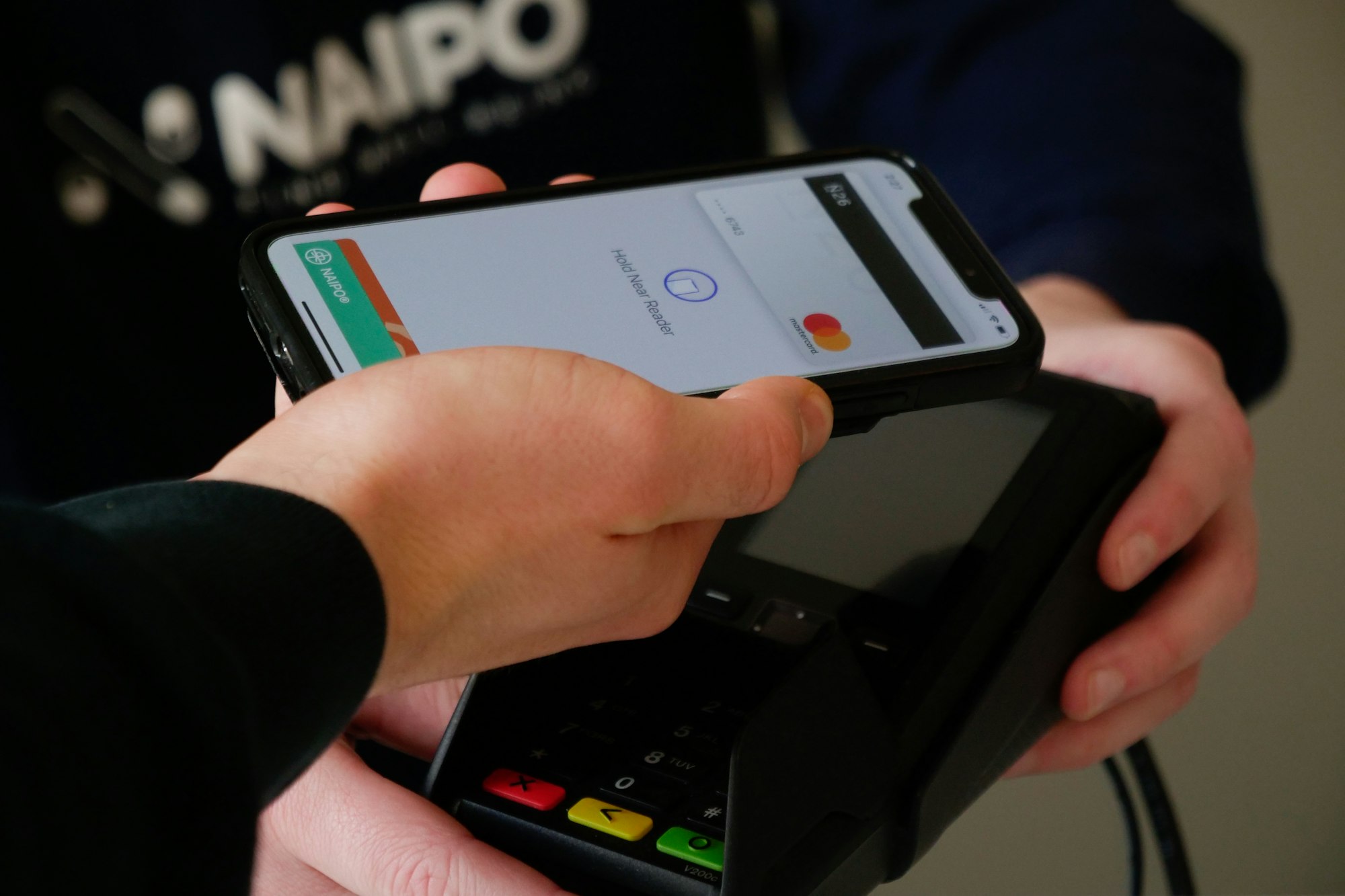
The timing feels deliberate. Since the Real ID law took effect in May, millions of Americans have discovered their state-issued driver’s licences no longer cut it for TSA checkpoints. Apple’s solution offers a workaround: keep your passport at home and use your phone instead. But for now, that convenience stops at the border, you’ll still need the physical document to travel internationally.
Jennifer Bailey, Apple’s VP of Wallet and Apple Pay, announced the update at the Money 20/20 USA conference, sharing that Apple Pay now operates in 89 markets with over 11,000 supporting banks. But it’s the non-payment features that define the company’s strategy. Apple says it wants people to use its wallet for digital hotel keys, transit passes, even car keys for hundreds of models.
Of course, turning your phone into your passport comes with risks. The Identity Management Institute cautions that digital ID wallets can expose users to data breaches or identity theft if devices are lost or compromised. It’s a reminder that convenience and vulnerability often travel together, and that protecting your digital self requires the same care you’d give your physical documents.
Across the Atlantic, the U.K. is taking its own route to a digital identity system that could replace physical documents altogether, not through a tech giant, but through government infrastructure. Its planned Digital Identity framework aims to let citizens verify who they are through a secure app when applying for jobs, opening bank accounts, or accessing public services. While Apple’s approach is device-driven, the U.K.’s is institution-led, two very different models for a future where plastic IDs fade into history.
 Ogbonda Chivumnovu
The idea of a passport stored in your pocket once sounded futuristic. Now, it’s becoming part of daily travel. Apple’s digital ID may only cover domestic flights for now, but it hints at something bigger, a world where borders, bureaucracy, and identity checks all start with a single tap.


