For almost as long as Google has been making genuinely good smartphones, there has been one thing the Pixel has been particularly good at: taking photos.
Google more or less made computational photography one of the defining features of the Pixel. HDR+ became synonymous with the Pixel look, followed by Night Sight and, more recently, Ultra HDR.
Even when the hardware wasn't necessarily the best in the business, Google's image processing could often make up the difference. But video has always felt like a different story.
That doesn't mean Pixel phones take bad videos. They don't. But compared with what Apple and Samsung have been doing with smartphone video, Google has often felt like it was paying a little less attention to the moving picture.
So when Google introduced Video Boost with the Pixel 8 Pro, I was curious.
The idea is that instead of asking the phone to do all the work itself, Video Boost sends a version of the footage to Google's servers, where its computational photography models can process it using cloud computing.
So, does Video Boost make Pixel video noticeably better, or does it just make an already good video a little cleaner after you've waited for Google's computers to have a go at it?
 Louis Eriakha
I put Video Boost to the test
There was really only one way to find out.
Rather than relying on Google's claims, I tested Video Boost in two very different lighting conditions. One was deliberately difficult, with very little light. The other had plenty of it.
The first test was the one I expected to tell me the most.
Test 1: Video Boost in the dark
For the first test, I went somewhere that was genuinely dark and shot three pieces of footage: a normal photo, a regular video, and then the same scene again with Video Boost enabled.
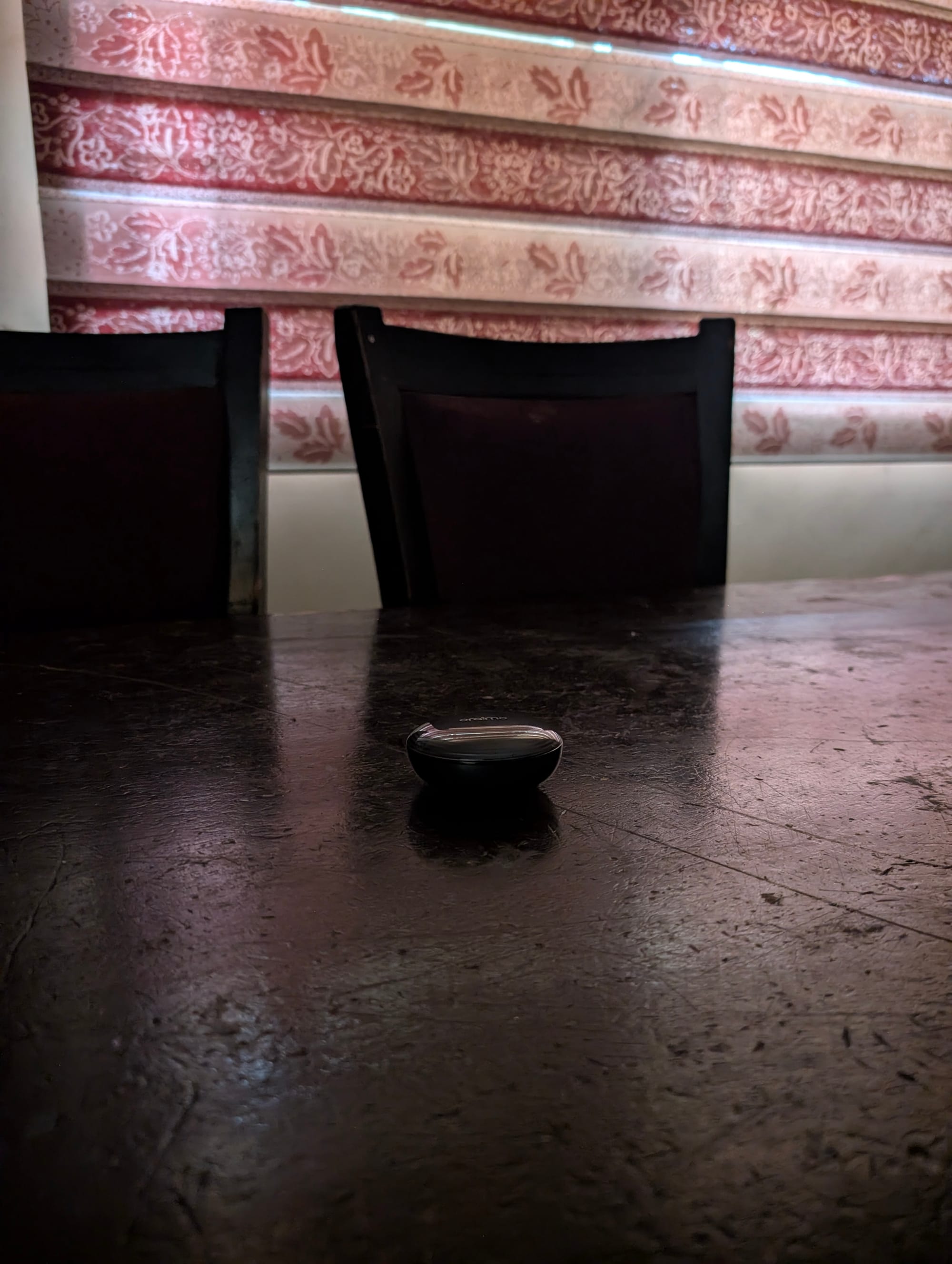
The photo, as seen below, gave me a useful point of comparison. If Google's processing could pull an impressive amount of information out of a still image in the same environment, I wanted to see how much of that advantage carried over to video.
The room was extremely dark, but the Pixel's photo processing was able to pull considerably more information out of the scene than my eyes could see.
Video, though, was a different story.
The regular recording was already struggling with the lack of light, with visible grain and noise across the footage. But when I switched on Video Boost, I expected something closer to the transformation Google has made us accustomed to with Night Sight photography.
That wasn't what I got.
RAW Unboosted Clip (credit: Louis Eriakha / Techloy.com)
After Video Boost has been used (credit: Louis Eriakha / Techloy.com)
The boosted version was brighter, and there was noticeably less grain in some areas. The footage also looked a little smoother and cleaner.
But that was about it. The more I looked at the two videos side by side, the more Video Boost felt like it was cleaning up a problem rather than fundamentally solving it.
There's an important caveat here, too. The initial video recorded with Video Boost enabled already looked fairly noisy. So, when the boosted version came back with some of that noise cleaned up, it was difficult to look at the result and think, "This is what Google's cloud processing was needed for?"
It wasn't bad. It just wasn't the night-and-day difference I was expecting.
If Google had shown me the two videos without telling me which one had been processed, I would have noticed that one was slightly cleaner and brighter. I'm not sure I would have assumed that the difference was the result of hours of cloud processing.
But maybe this was simply the wrong situation to expect a huge difference. So, I decided to try the opposite.
Test 2: Video Boost in good lighting
The second test was almost the complete opposite of the first. I was indoors again, but this time I was right beside a massive window with plenty of daylight pouring into the room.
Subscribe for free to continue reading this article
Subscribe SubscribeAlready have an account? Log in